
Last updated: 2026-09-09
Best Background Removal Tools for Designers
Related pack: View Pack
Most “best background remover” pages are the same five upload widgets in a different order. Designers don’t need that. You need a transparent PNG you can place, a listing scene that survives a storefront, or an API that won’t explode when the catalog grows.
This shortlist is for graphic, brand, and UI designers (and freelancers who own product/marketing stills) who cut subjects out before Figma, decks, ads, or shop templates. Six tools. Not every app with a magic-eraser brush.
Honest boundary up front: AI cutout is a prep step. Hair, glass, jewelry sparkle, and print-critical edges still get a human pass when the file is the hero. Object erase (wipe a person or a sign) is a different job—see Cleanup.pictures on the free-tools list. Upscale is a separate guide.
Living list: Graphic Designer Pack. Selection bar: How we evaluate AI design tools.
How we pick
Same site-wide bar, weighted for cutout delivery:
- Fit — Background removal for stills (people, products, marks)—not generative art, not inpaint-only cleanup.
- Delivery — Path to a usable PNG / white plate / staged listing—not a locked preview forever.
- Workflow — Browser, batch, plugin, or API you can keep using next to Figma or Photoshop.
- Cost — Free/preview vs credits vs PAYGO is explicit; we don’t invent dollar amounts.
- Trust — Still maintained; commercial terms (and product-road changes) checkable before a client name goes in.
We do not rank a #1 overall winner. Pick by PNG vs scene vs API vs free/local.
Where to reach first
| If you need to… | Start with | Also consider |
|---|---|---|
| Default one-click cutout + mature designer/API path | remove.bg | Pixian if you are migrating cost/API |
| Cutout + listing scenes (not PNG-only) | Photoroom | Cutout.pro for a wider photo suite |
| True free local browser cutout (no upload for process) | BgSub | Free-tier honesty: Free AI Design Tools Worth Trying |
| Megapixel PAYGO API / cheap batch | Pixian | remove.bg while the standalone product still runs |
| Cutout plus enhance/shadows, plugins, desktop batch | Slazzer | Cutout.pro |
| One vendor for remover + retouch + upscale (+ video) | Cutout.pro | Slazzer for a narrower credit wallet |
Most jobs need one dedicated cutter plus, sometimes, Photoroom when the next step is a scene—not all six.
The shortlist
 remove.bg — Dedicated cutout, designer default
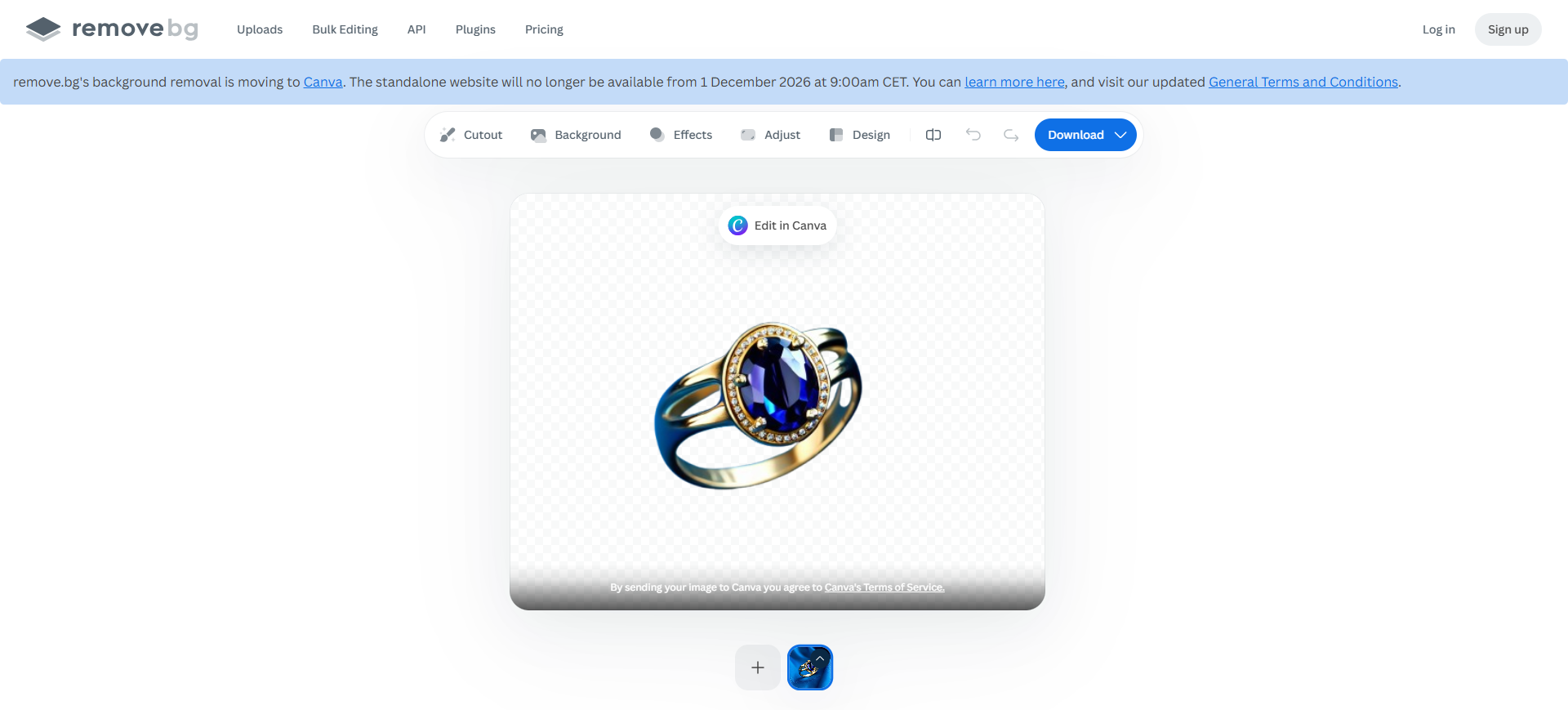
remove.bg is the narrow dedicated seat: upload → isolate people or products → download PNG or a plate. Reach for it when the job is background removal, not a listing studio.
- Best for: Layout, presentation, and shop-asset prep when you want a dedicated cutter with API and plugin paths.
- Strongest use: Upload → judge edges on the checkerboard → Download for delivery files → drop into Figma or ads. Paid plans add AI background, erase/restore, bulk, and higher-quality exports.
- Don’t use if / Watch outs: You need scenes, models, and listing generation—Photoroom. Hair/glass still wrong → plan a Photoshop pass. Official product path: background removal is moving into Canva, and the standalone remove.bg site is scheduled to stop from 1 December 2026 (product banner / FAQ). API path is separate: from the same date, background removal moves to Leonardo.Ai (also Canva)—see remove.bg API · Leonardo migration. Don’t assume a Canva seat covers an existing remove.bg API integration; migrate or pick Pixian / peers before you standardize.
- Pricing snapshot: Freemium — free previews to judge quality; credits via pay-as-you-go or Lite / Pro / Volume+ for HD, bulk, and API. Check current plans on remove.bg (and Leonardo after the cutover).
 Photoroom — Cutouts that continue into listing visuals
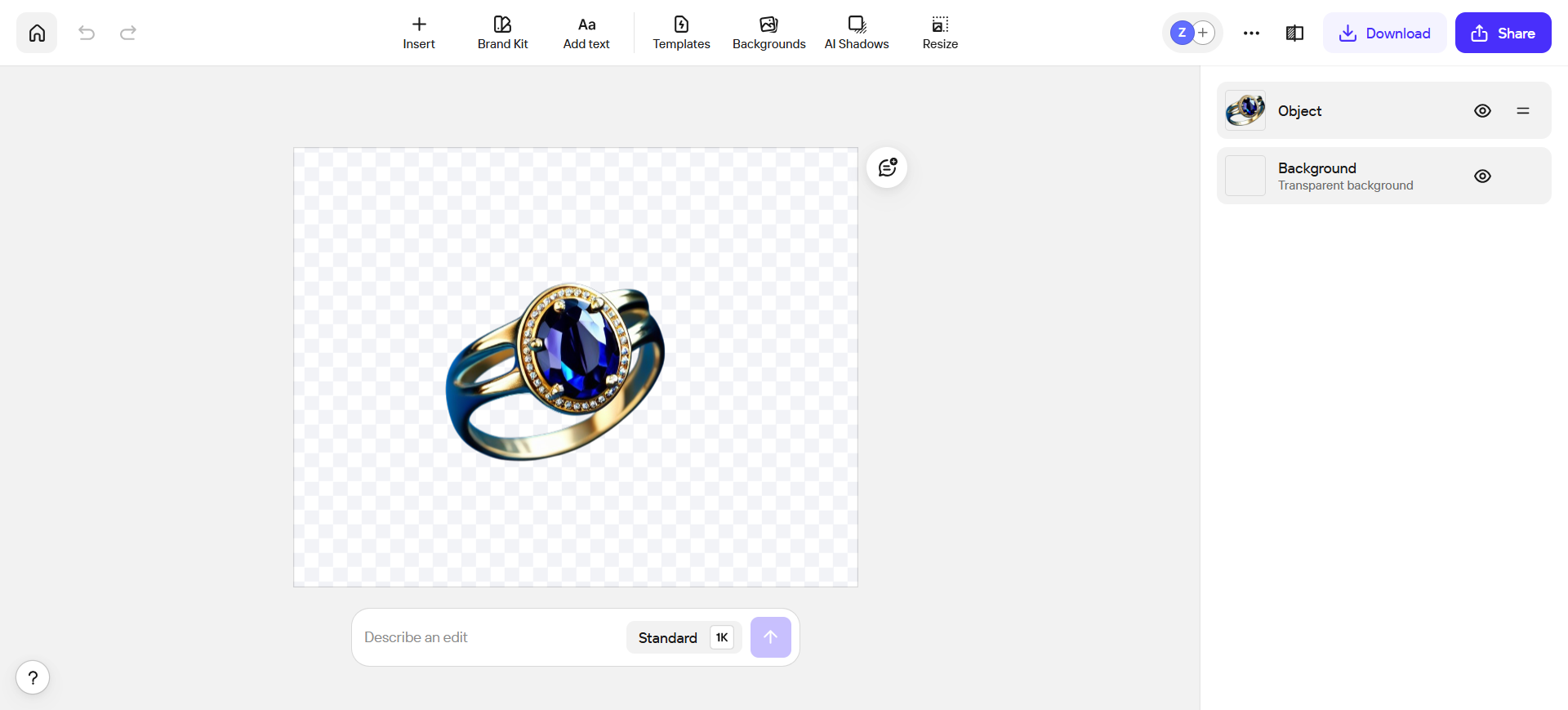
Photoroom is on this list as the listing seat, not a sixth identical PNG widget. Background removal is the start; retouch, shadows, AI backgrounds, and catalog export are why you stay.
- Best for: Ecommerce and brand designers who need cutouts and store/social stills without opening Photoshop for every SKU.
- Strongest use: Import product shot → Remove background → Edit cutout if needed → add scene, shadow, or AI background → export to shop, Figma, or social. Core remover/retouch tools sit on paid plans; generative extras are credit-metered.
- Don’t use if / Watch outs: You only need a single transparent PNG API—remove.bg or Pixian. Free-tier / commercial limits can block real listings—upgrade before you ship store assets. Hero art-direction still belongs in Photoshop or Adobe Firefly.
- Pricing snapshot: Freemium — plan ladder Pro / Max / Ultra (AI credits, hi-res exports, batch exports on paid). Confirm current Free vs paid export and commercial rules on Photoroom.
 BgSub — Free local browser cutouts
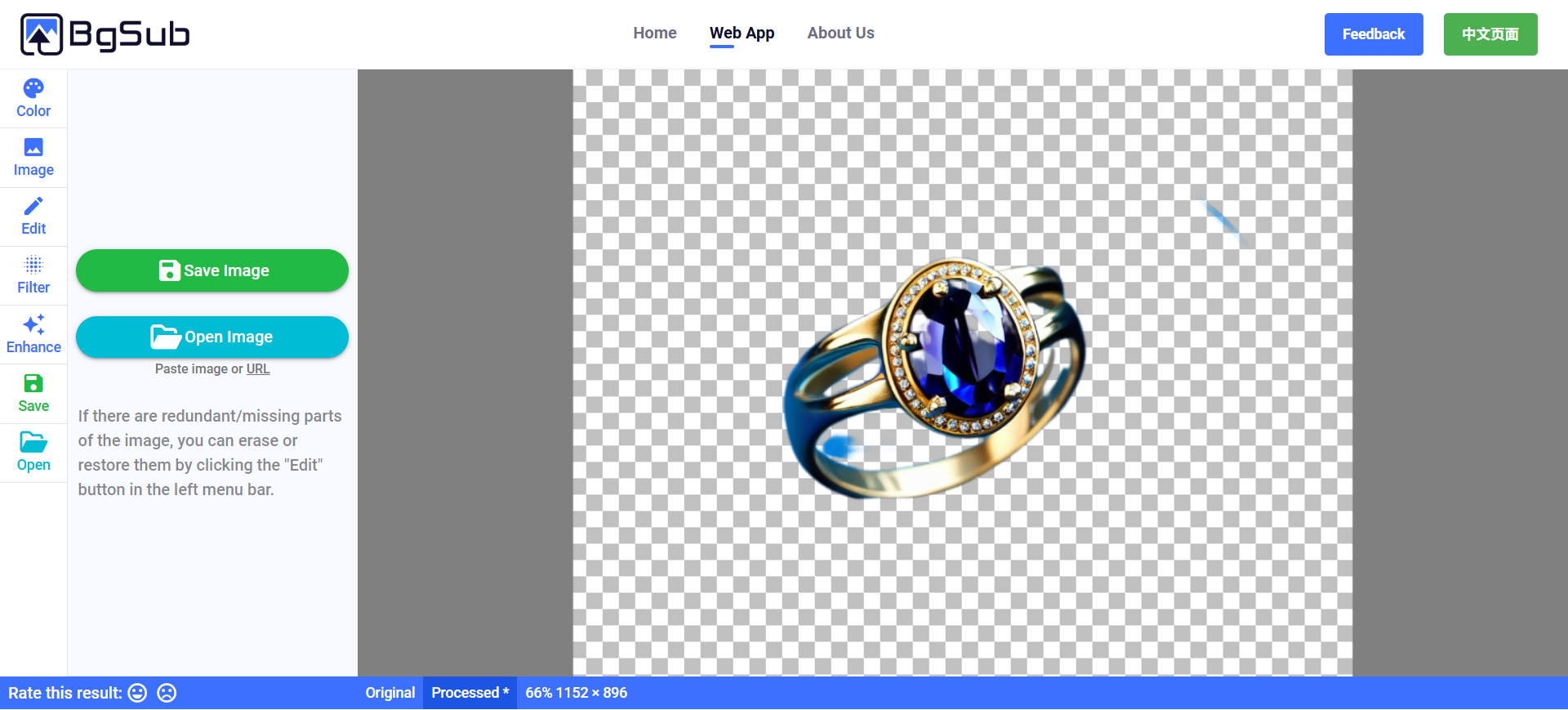
BgSub is the free/privacy seat: FAQ states it does not upload images during processing, it’s free, and you own rights to processed images. Prefer it when credits and cloud APIs are the wrong shape of job.
- Best for: One-off product or people cutouts when you don’t want another signup-and-credit remover.
- Strongest use: Open image → process on-device → tweak color/framing → save → place in Figma or mockups. Use Edit when edges need erase/restore.
- Don’t use if / Watch outs: You need production API or batch today—FAQ: coming soon; high volume → email for commercial development. Fine hair may lag large cloud models. For the free-tier story across jobs, see Free AI Design Tools Worth Trying.
- Pricing snapshot: Free—FAQ: rights to processed images; max 4096×4096.
 Pixian — Megapixel PAYGO cutouts and API
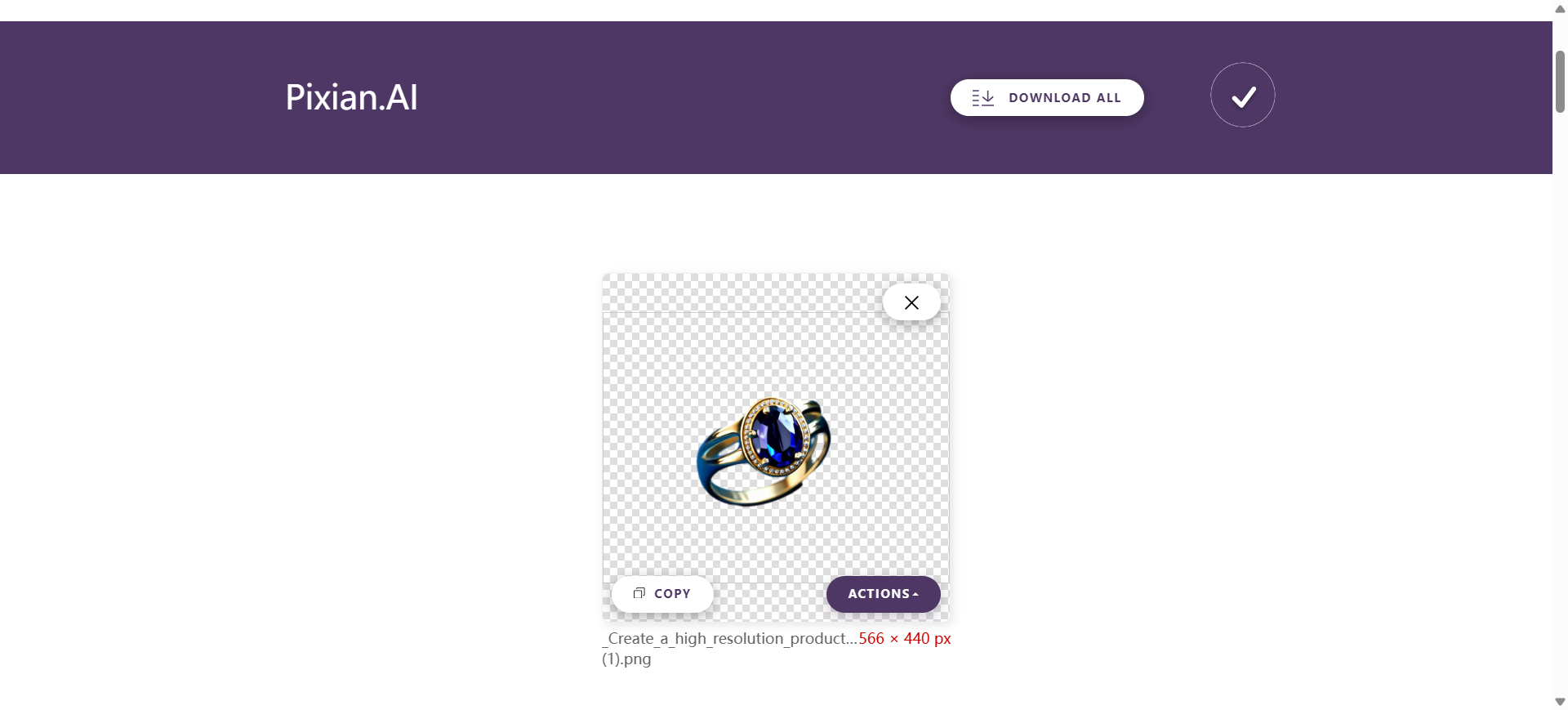
Pixian is the cost-and-pipeline seat: drag-and-drop on the web with no account on the free tryout, then PAYGO megapixel credits (no monthly fee) and an API—including a remove.bg-compatible migration path.
- Best for: Designers and small engineering teams who want cheap, meter-by-megapixel cutouts or to move off a remove.bg-style API.
- Strongest use: Drop files on the web app → preview → download PNG/JPEG with background and size controls → buy a credit pack for production / API. Test mode on the API is watermarked until you purchase.
- Don’t use if / Watch outs: Free web is small (about 0.25 megapixels, low priority)—not ecommerce masters. No upscale/retouch suite—cutout only. Credits are PAYGO packs; confirm current size caps on Pixian.
- Pricing snapshot: Freemium — free low-res tryout; PAYGO credit packs for web + API (megapixel-based). Check Pixian for current pack sizes.
 Slazzer — HD cutouts plus a shared credit toolkit
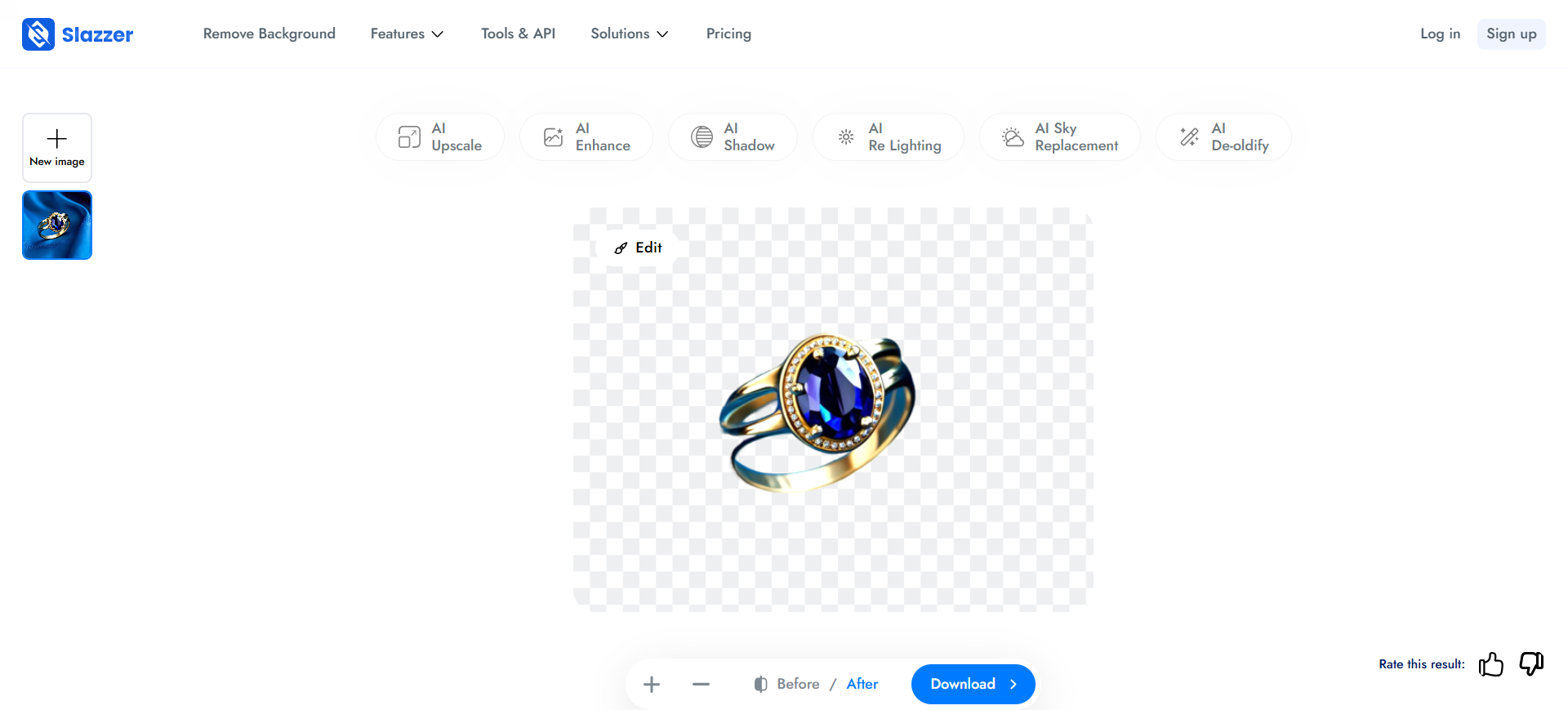
Slazzer is the credit-wallet seat: HD background removal for people, products, and furry edges, with upscale, enhance, shadow, and relight on the same platform—plus desktop batch and Photoshop/Figma plugins.
- Best for: Teams that already bounce between cutout and nearby photo fixes and want one credit pool.
- Strongest use: Unlimited low-res site previews → spend HD credits to download → batch on desktop or hit the API → keep commercial catalogs on an eligible paid plan.
- Don’t use if / Watch outs: Free is evaluation-shaped (a couple of HD credits plus ~0.25 MP previews). You want rock-bottom megapixel PAYGO—Pixian. You want a full listing studio—Photoroom. Commercial use needs a qualifying paid path per Slazzer FAQ.
- Pricing snapshot: Freemium — preview free; subscriptions and top-up packs for HD credits (unused sub credits can roll, top-ups last a long window). Check Slazzer pricing for current credit matrices.
 Cutout.pro — Remover inside a wider photo suite
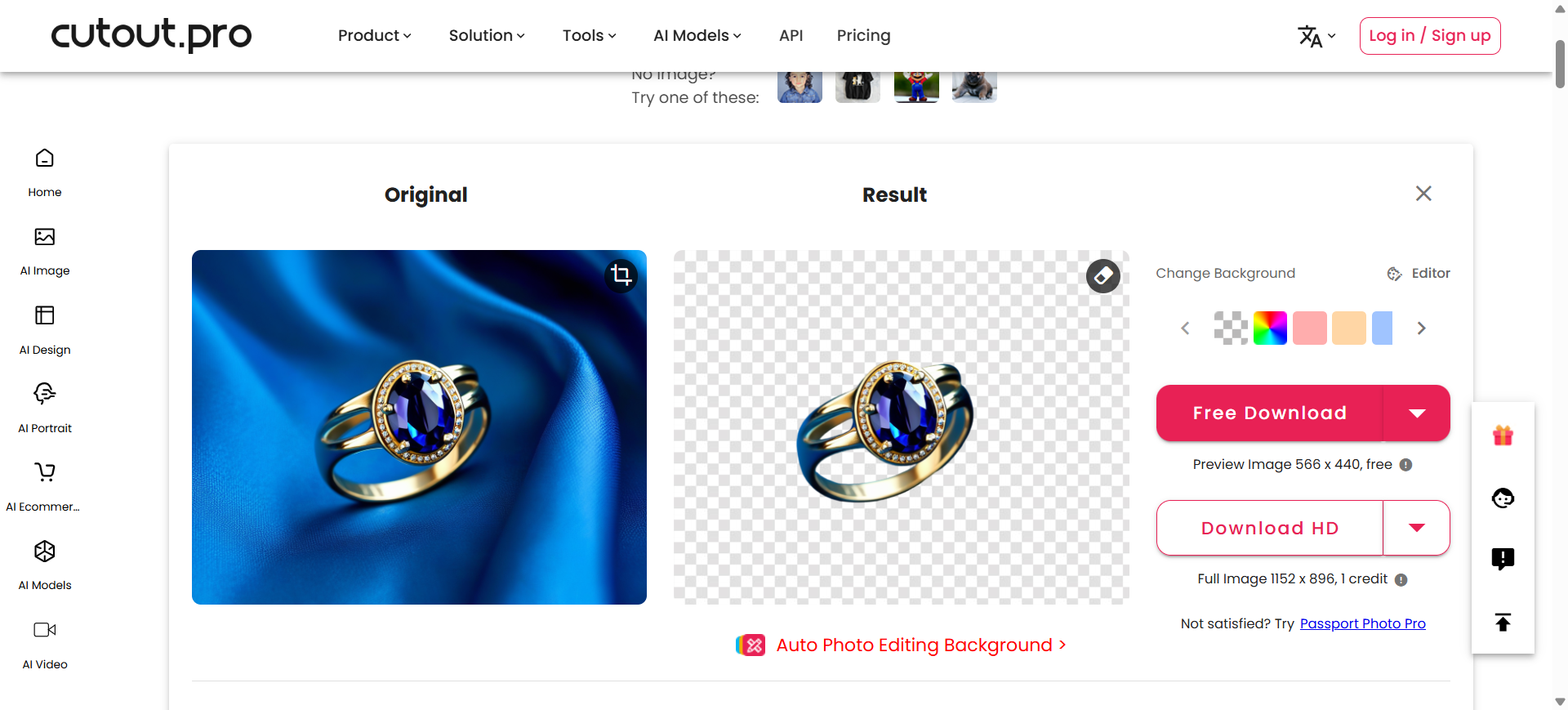
Cutout.pro is the suite seat: Image Background Remover next to face cutout, object retouch, enhancer/upscaler, ecommerce helpers, and video cutout—one web vendor (plus API / Shopify / apps) instead of stitching five point tools.
- Best for: Catalog pipelines that mix remove background with retouch and resolution in the same week.
- Strongest use: Upload → Original vs Result → Free preview download or HD credit download → optional color plate or Editor → API/Shopify when the store is the destination.
- Don’t use if / Watch outs: You only want the cheapest dedicated API—Pixian. Deep portrait beauty only—look at a retoucher, not this suite. Mixing enhancer + cutout burns more credits (some tools cost more than one credit). Free is preview + a small credit taste.
- Pricing snapshot: Freemium — forever previews; HD typically 1 credit (preview vs full-res on the current download panel). Subscriptions and pay-as-you-go packs for production. Confirm current credit table on Cutout.pro.
Don’t use this list if…
- You need to erase objects inside a photo (people, text, clutter) and keep the background. That’s Cleanup.pictures—not background removal.
- You only need resolution / sharpen. Start from Best AI Image Upscalers for Designers.
- You want a ranked dump of every HD-credit clone. Neighbors like Erase.bg and Removal.AI sit next to Slazzer; they don’t earn extra seats here.
- You’re shopping for video people-cut as the main job. Wrong aisle for this stills shortlist.
- You expect cutout AI to replace hero retouch and trademark-clean edges. It won’t.
Start from the Pack
For generate → refine & cleanup → export on the graphic path:
Refine & cleanup / Export & production is where remove.bg lives next to upscalers. Brand / listing visuals: Brand Designer Pack (Photoroom on applications).
This article is the background-removal task narrative. The Pack is the shorter living list by workflow stage.
What’s next
- Free AI Design Tools Worth Trying — BgSub in the free-tier story.
- Best AI Image Upscalers for Designers — after the cutout, if the file is still small.
- How we evaluate AI design tools — same selection bar.
- Later: mockup generators when that URL earns its own piece.
Missing a background remover that belongs in real design delivery? Submit it.