

Skip to content

For creators, photographers, and ecommerce teams who need quick cutouts without uploading photos to a server. BgSub runs background removal and replacement in the browser, with color, gradient, or image backgrounds plus one-click AI coloring and position tweaks. FAQ: free, you own results, max about 4096x4096; API/batch coming soon via email for heavy volume. Skip cloud megapixel APIs or deep portrait retouch suites.
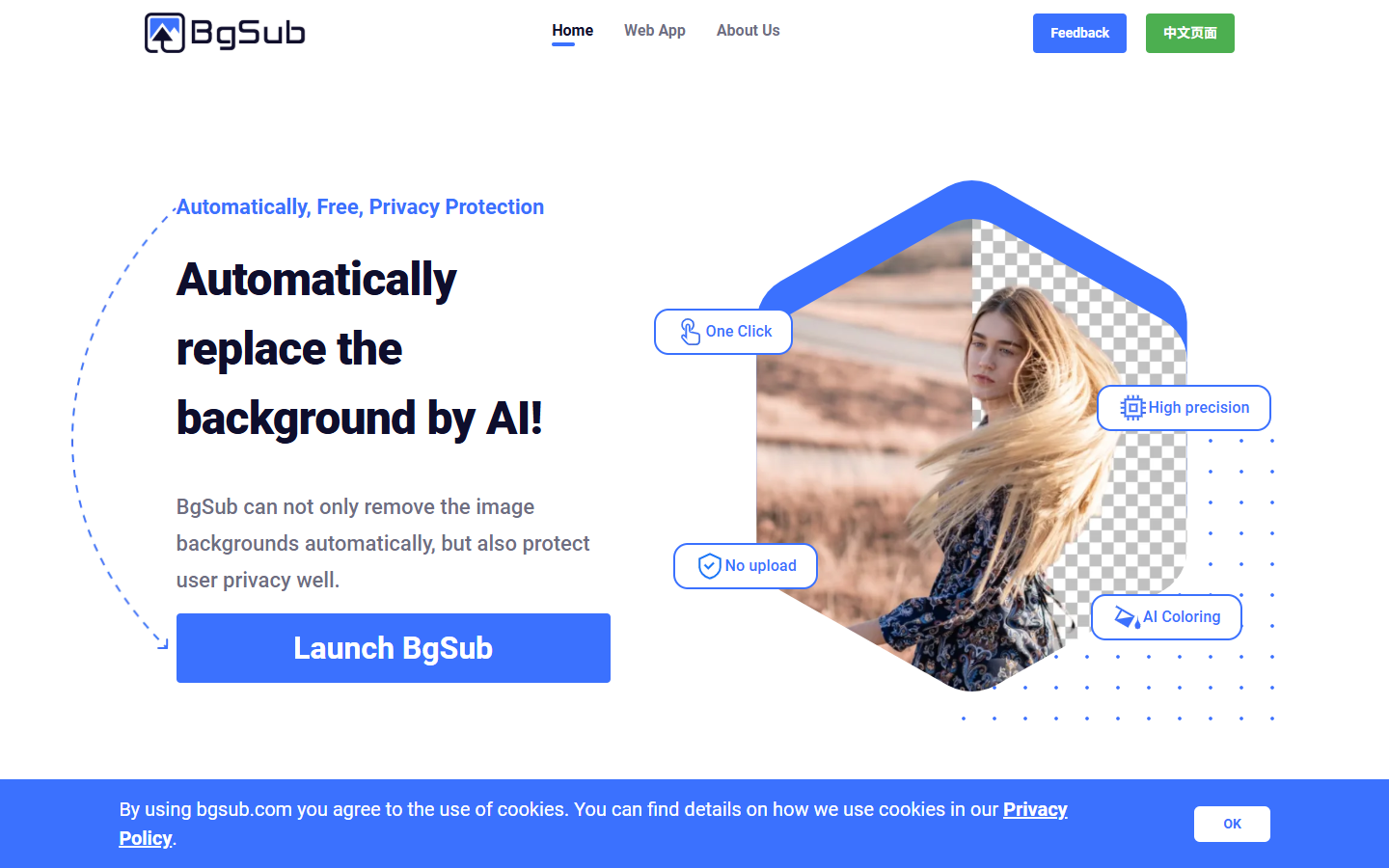
Photo Editing & Retouching
$Free
BgSub homepage

Use it when

You want free, no-signup-feeling cutouts and background swaps while keeping images on-device—especially for personal, sensitive, or one-off product shots.

What it does well

  • Client-side processing: FAQ states images are not uploaded during processing
  • One-click background removal plus replace with color, gradient, or an image
  • AI coloring plus free adjust of size, position, and mirroring
  • Supports people, products, animals, clothes, and plant-style subjects in samples
  • Official FAQ: free to use, you own processed image rights, up to about 4096x4096

Skip it when

  • You need a production cloud API or batch pipeline today—API/batch is listed as coming soon; high volume means email for commercial development
  • Quality and speed depend on your local hardware; fine hair edges may lag behind large cloud models
  • You need subscriptions with HD credit packs, Photoshop plugins, or guaranteed SLA hosting
  • Deep portrait beauty or multi-tool enhance/upscale suites are out of scope—use Evoto, Slazzer, or Cutout.pro instead

Fits your workflow

Open BgSub → process the image in-browser without upload → remove or replace the background → tweak color and framing → export. For large catalogs, contact them about future API/batch or commercial development rather than expecting self-serve credits.
Similar tools

See more