


Photoroom
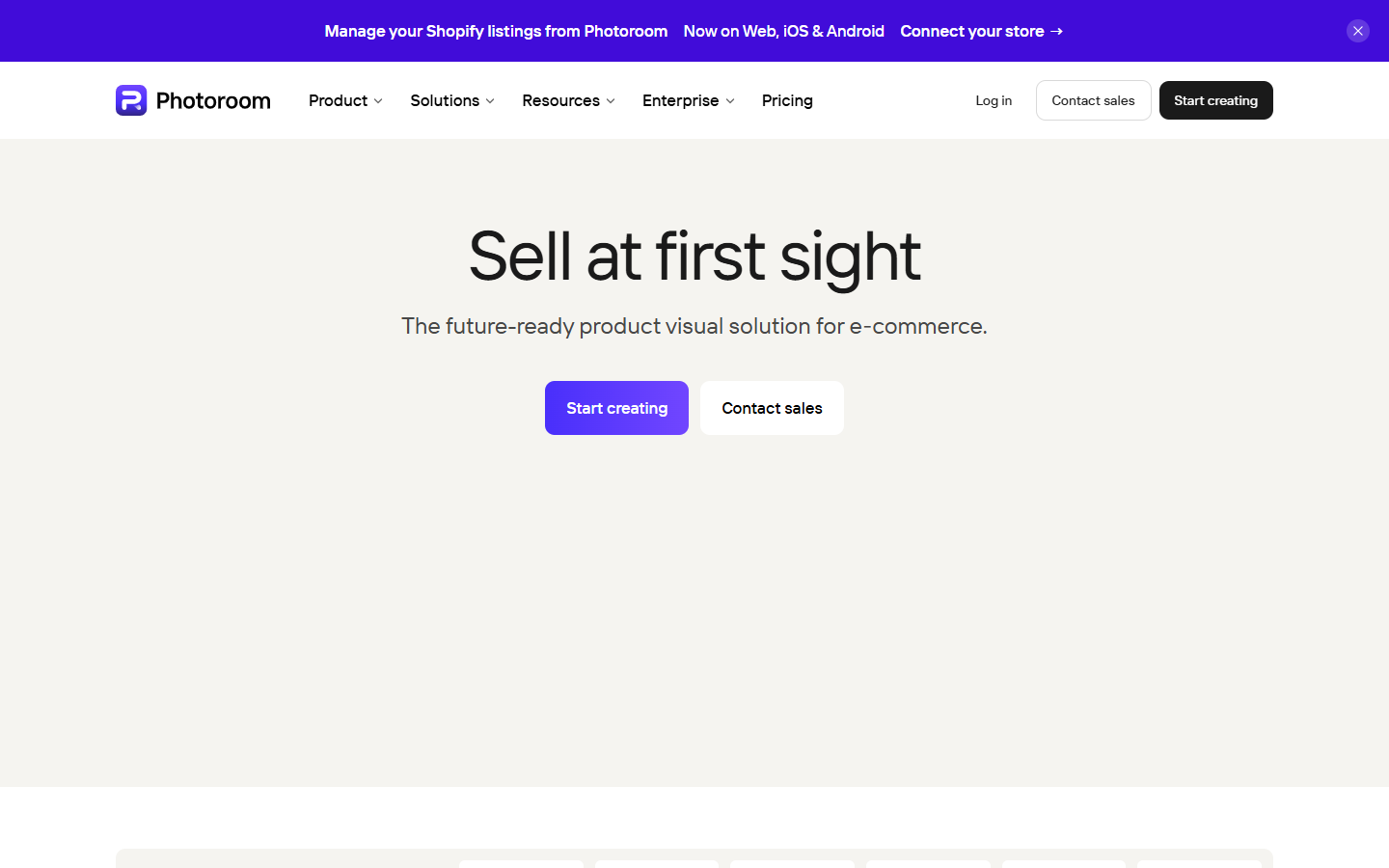
For brand, ecommerce, and marketing designers who need listing-ready product cutouts, studio backgrounds, and catalog visuals—not full composite art direction. Photoroom combines background removal and retouch with AI backgrounds, fashion models, and (on higher plans) video tools aimed at shop and social listings. Prefer remove.bg for a single cutout-only job, or Photoshop when art-directed composites are the brief.
Use it when
You need fast product cutouts, clean backgrounds, and listing or social visuals for ecommerce catalogs—without opening a full Photoshop session for every SKU.
What it does well
- Core tools on paid plans: background remover, retouch, product fixer, shadow presets, fill, expand/resize, and image enhancer (fair-use unlimited, no AI-credit cost)
- Credit-based generative extras: AI backgrounds, fashion models, edit-with-AI, and listing AI tools
- Plan ladder by monthly AI credits and exports—Pro for solopreneurs, Max for small businesses, Ultra for large catalogs
- Max and above: video generator and Shopify integration for store-connected workflows
- Spaces, brand kit, and multi-seat access for shared product-visual pipelines
Skip it when
- You only need a single transparent PNG cutout API—compare remove.bg for a narrower background-removal job
- Free-tier limits or commercial restrictions block real listings—upgrade before shipping store assets
- You hit monthly export or credit caps and don't want to upgrade—batch-heavy catalogs need Max or Ultra
- The brief is art-directed composites or brand photography finishing—use Photoshop/Firefly instead
Fits your workflow
Shoot or import product photos → remove backgrounds and fix details with core tools → add AI backgrounds or models when the listing needs a scene → export to your shop, Figma, or social templates. Start on Pro for everyday cutouts; choose Max when you need video, Shopify sync, or higher export volume. Keep Photoshop for hero campaigns that need deeper retouching.
Similar tools
See more