

Cleanup.pictures
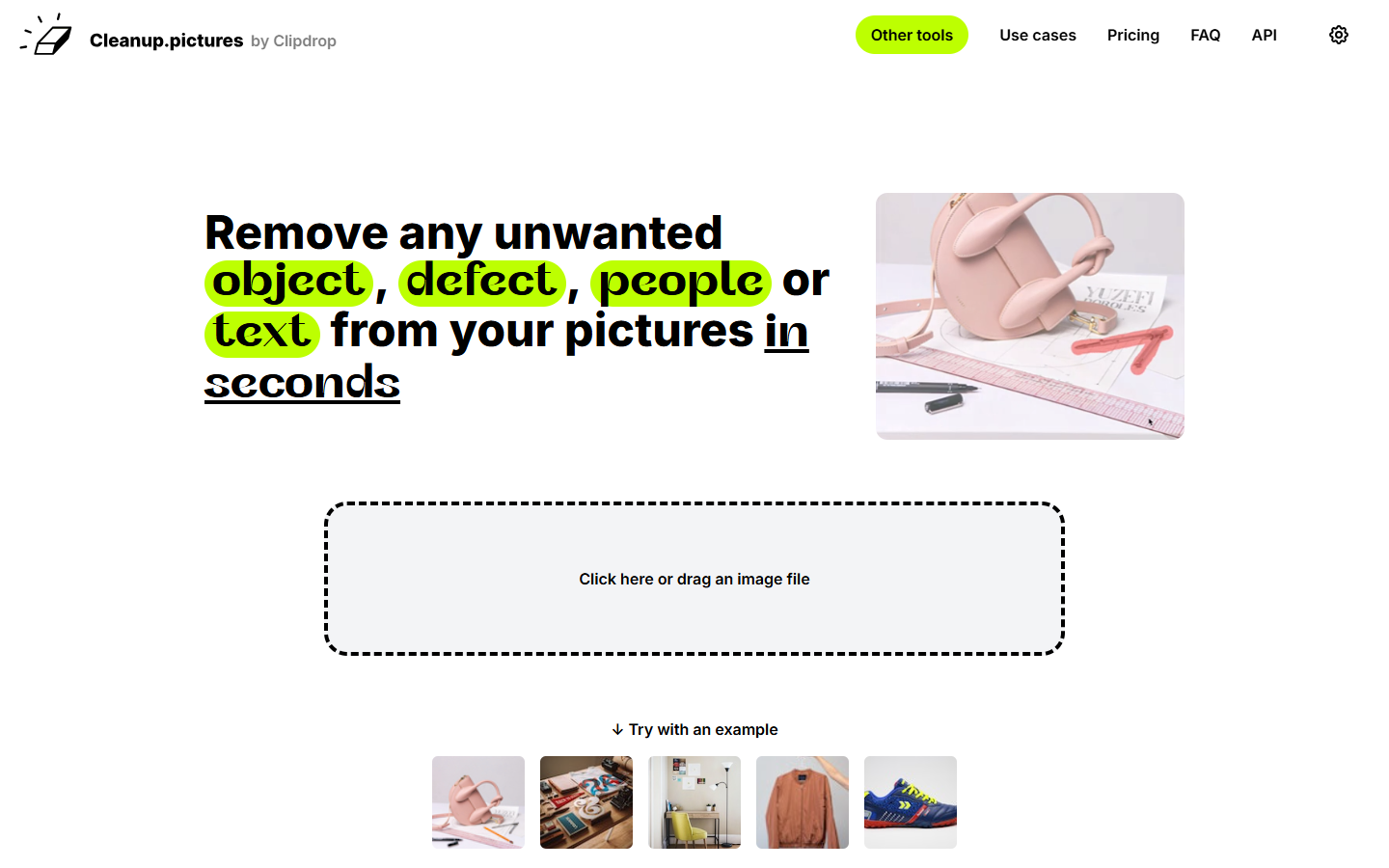
For designers and marketers who need a quick object-removal pass on product shots, comps, or social stills—not a full photo suite and not a background-cutout tool. Cleanup.pictures (by Clipdrop) is a brush-to-remove inpainting workflow: paint over distractions and the model reconstructs what was behind them. Prefer remove.bg when the job is cutout, or Photoshop when you need layered, controllable retouching.
Use it when
You need to erase people, text, props, or defects from a still and fill the hole cleanly—fast, in the browser—before dropping the image into a layout or listing.
What it does well
- Focused brush-based object removal with AI inpainting (not a general editor)
- Simple upload → paint → download flow on desktop and mobile browsers
- Free: unlimited images with 720p export—enough for drafts and many web uses
- Pro: unlimited resolution plus a high-quality refiner for sharper cleanup
- Optional ClipDrop Pro suite and usage-based API if Cleanup alone is not enough
Skip it when
- You need print or HD masters—Free stops at 720p; use Pro or another HD pipeline
- The job is background removal/cutout—use remove.bg (or similar)
- You need upscaling or face/detail enhancement as the primary job—use VanceAI, Magnific, etc.
- You need layers, masks, and pixel-level control—use Photoshop or Affinity
- You are removing watermarks or content you don’t have rights to edit
Fits your workflow
Upload the still → brush unwanted areas → download the cleaned file → place in Figma, Canva, or your storefront. Stay on Free for 720p web drafts; switch to Pro when resolution and refiner quality matter. Keep heavy composites in a full editor.
Similar tools
See more