

Skip to content

remove.bg

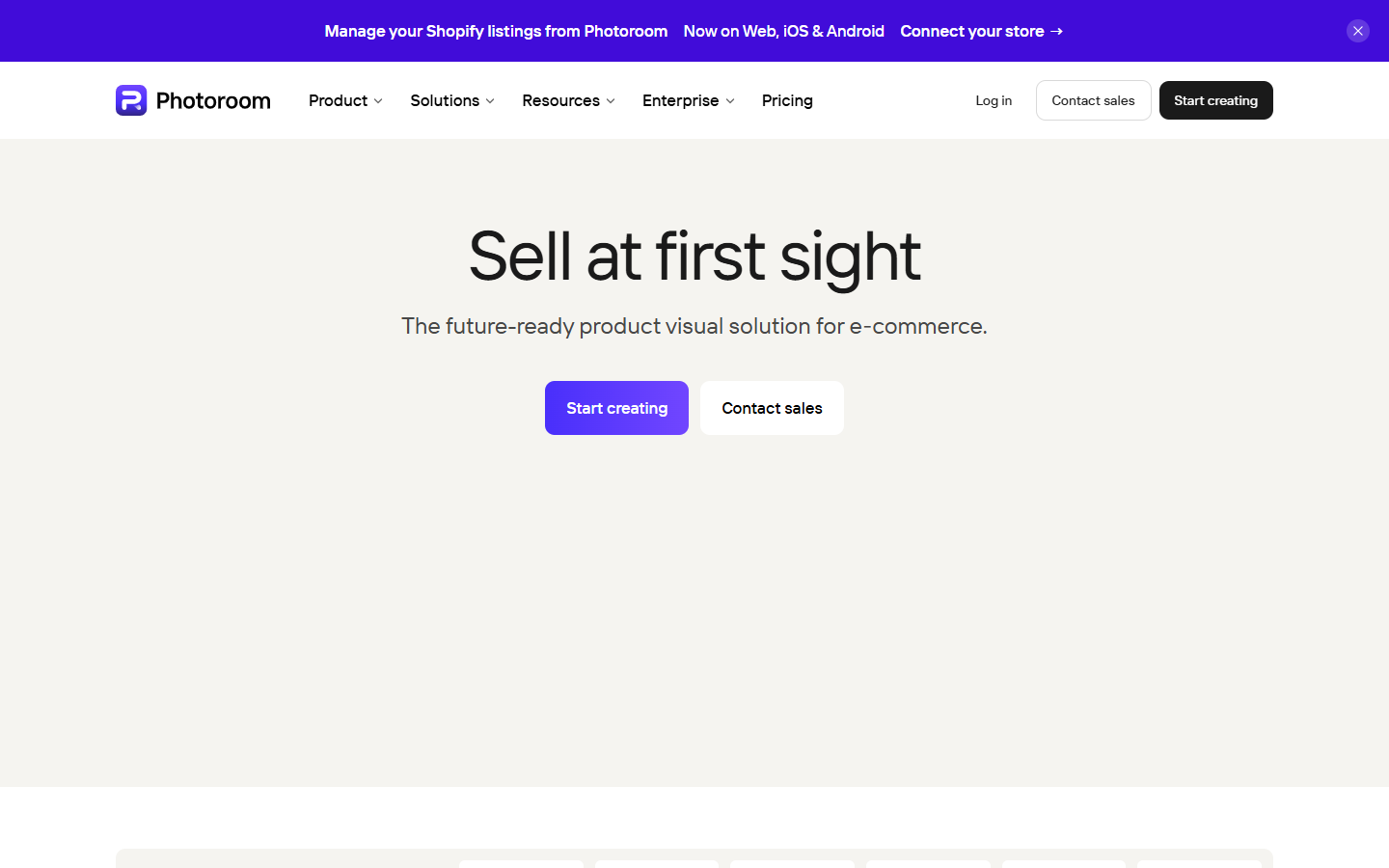
For designers who need clean photo cutouts—transparent PNGs or white backgrounds—before compositing into UI mockups, ads, or listings. remove.bg focuses on automated background removal (plus related AI background and erase/restore tools), with web, plugins, and API options for batch work. Prefer Photoroom when you need a full product-listing studio, not only cutouts.

Photo Editing & Retouching
$Freemium
remove.bg homepage

Use it when

You need a fast, dedicated background-removal step—isolating people or products so you can place them into layouts, presentations, or store assets without opening a full retouch suite.

What it does well

  • One-click automated background removal for ecommerce, marketing, and layout prep
  • AI photo-editor extras on paid plans: AI background, erase & restore, and max-quality exports
  • Flexible credits: pay-as-you-go top-ups or monthly Lite/Pro/Volume+ subscriptions
  • Automation via API and integrations; Pro adds bulk editing for batch cutouts
  • Volume+ adds higher credit buckets and extra API controls (crop, scale, position) for scale workflows

Skip it when

  • You need a full product-listing studio (scenes, fashion models, video)—that's Photoroom
  • Free previews aren't high-res enough for delivery—buy credits before client handoff
  • Hair, glass, or fine edges still look wrong—plan a manual cleanup pass in Photoshop
  • You're upscaling or denoising photos—use Upscayl or Topaz, not a background remover

Fits your workflow

Upload → remove background → download PNG or white-bg → drop into Figma, ads, or shop templates. Use free previews to judge edges, then spend credits for final exports. Choose Lite for light volume, Pro when bulk editing matters, or Volume+ for heavier catalogs and API control. Pair with Photoroom only when you also need staging and listing generation beyond cutouts.
Similar tools

See more