

Skip to content

For ecommerce sellers, marketers, and creators who need fast HD background removal with a simple credit model—not a multi-tool retouch suite. Erase.bg (by Pixelbin) gives three free credits after signup for HD downloads, then one-time packs for more cutouts; batch and scale lean on Pixelbin. Video background removal exists as an adjacent path, but the core job is image cutouts. Skip no-signup megapixel APIs or portrait-only beauty tools.
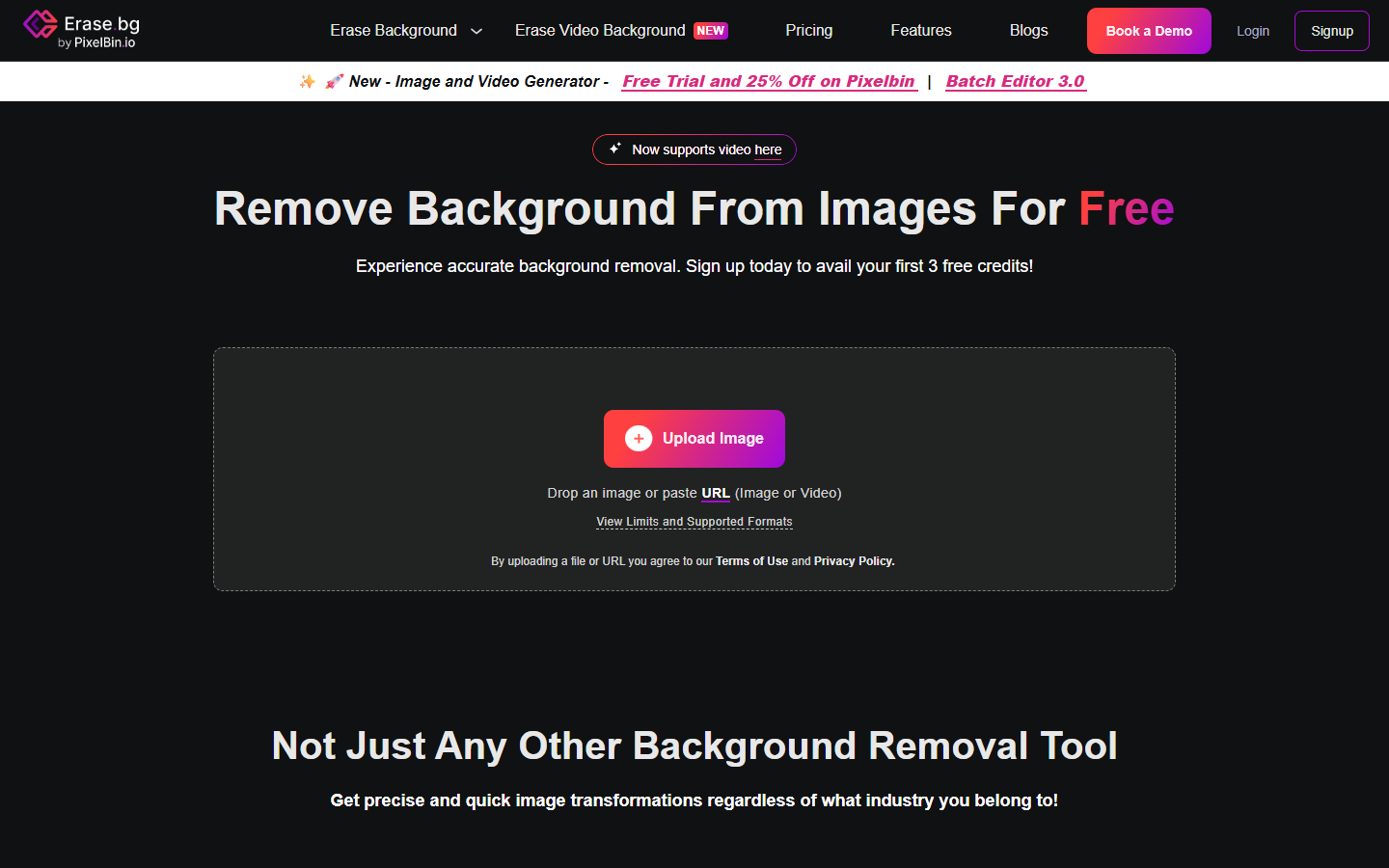
Photo Editing & Retouching
$Freemium
Erase.bg homepage

Use it when

You need quick HD cutouts for product or marketing images, are fine signing up for a small free trial, and may later buy credit packs or move heavy volume to Pixelbin.

What it does well

  • AI image background removal with HD downloads on the free starter credits
  • Simple credit packs for occasional or light production volume after the free allotment
  • Batch-oriented workflow for processing multiple images when you move past single uploads
  • Developer and scale paths via Pixelbin API, SDKs, and enterprise plans
  • Related video background removal is available as an adjacent product line on the same brand

Skip it when

  • You must try without an account—Erase.bg requires signup even for the three free credits
  • Free is only about 3 credits / 3 HD downloads; production needs one-time packs (about 10 / 100 / 1,000 credits) that expire after one year and are non-refundable
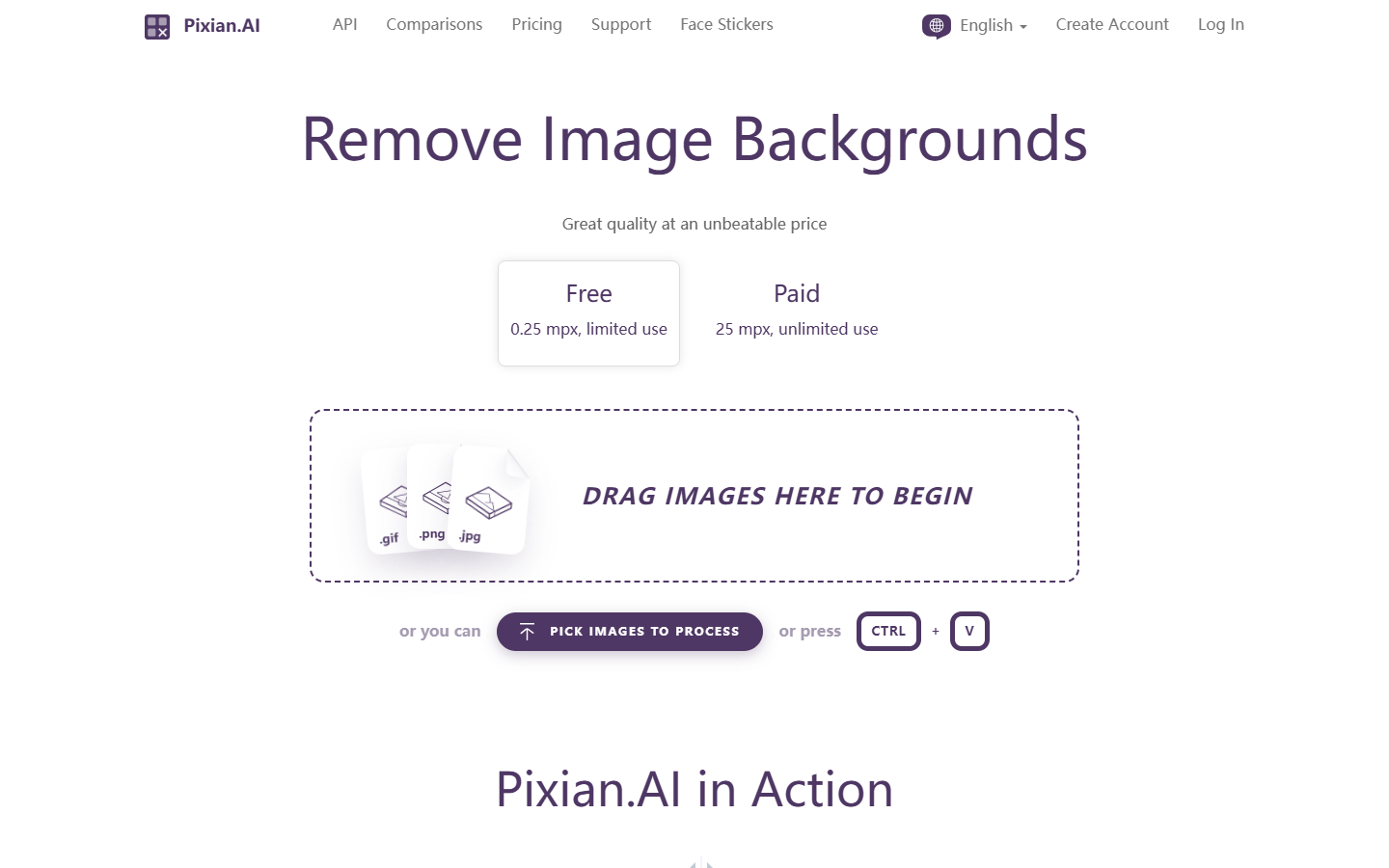
  • You want forever credits and rock-bottom megapixel API pricing—Pixian-style PAYGO fits better
  • You need enhancement, upscaling, and generation in one suite—Cutout.pro covers a wider toolkit
  • Deep portrait beauty or complex manual masking still needs a dedicated retoucher or Photoshop

Fits your workflow

Sign up → upload and remove backgrounds → spend free credits on HD downloads → buy a one-time pack when volume grows → use batch mode or Pixelbin API/enterprise when catalogs get large. Finish edge cases in your usual editor when hair or fine detail still needs a pass.

Similar tools

See more