
Last updated: 2026-10-08
Best AI Tools for Illustrators and Icon Designers
Related pack: View Pack
Most “best AI for illustrators” lists dump Midjourney clones and call it a day. Most “AI for icon designers” lists repeat the same glyph generators and never say when you should pick a library instead of inventing. Real illustration and icon work is a path: explore a direction, lock editable vectors, fill gaps from a customizable kit or catalog, keep an icon system consistent, then export something that survives Figma or Illustrator.
This shortlist is for illustrators and icon designers (and freelancers who wear both hats) who need AI across that path—not another moodboard gallery, and not a redo of our icon generators task list. Seven tools across explore → vector production → kits/libraries → pick-not-generate.
Honest boundary up front: AI accelerates exploration, SVG drafts, kit assembly, and catalog fills. Style system, optical size, path cleanup, and license checks still land with you. None of these replace a brief or a house style.
Living list: AI Image Creator Pack. Deeper icon-only bake-off: Best AI Icon Generators. Selection bar: How we evaluate AI design tools.
How we pick
Same site-wide bar, weighted for illustration and icon delivery:
- Fit — Does it serve illustration production, customizable kits, or icon systems—not campaign posters alone or product UI wireframes?
- Delivery — Path to editable vectors or a license you can check (SVG, style-matched sets, commercial terms)?
- Workflow — Can assets land in Illustrator or Figma without a dead-end gallery?
- Cost — Can a solo illustrator or small studio try before a client review?
- Trust — Free-tier ownership, attribution, and “pick vs generate” ceilings labeled honestly.
We do not rank a #1 overall winner. Pick by stage: explore, vector scene, customize/kit, icon system.
Where to reach first
| If you need to… | Start with | Also consider |
|---|---|---|
| Art direction / mood before you commit vectors | Midjourney | Adobe Firefly if you already live in Illustrator |
| Controllable vectors + icon-style assets with reusable styles | Recraft | Illustroke for prompt→SVG scenes |
| Prompt → editable SVG illustration | Illustroke | Recraft when style reuse across a set matters |
| Mix-and-match artist illustration kits | Blush | Pictographic for catalog + AI fill |
| Browse icons/illustrations, then generate the gap | Pictographic | Icons8 for hand-drawn style families |
| Matched icon + illustration style packs | Icons8 | Pictographic when Combine/Generate is the main loop |
| Open-source UI icons into Figma/code (skip AI) | Iconify | Noun Project for human-made metaphors |
Most briefs need one explore tool + one vector or kit path + one icon source—not all seven. Raster-to-vector cleanup sits next door: Vectorizer.
The shortlist
 Midjourney — Style exploration before you lock vectors
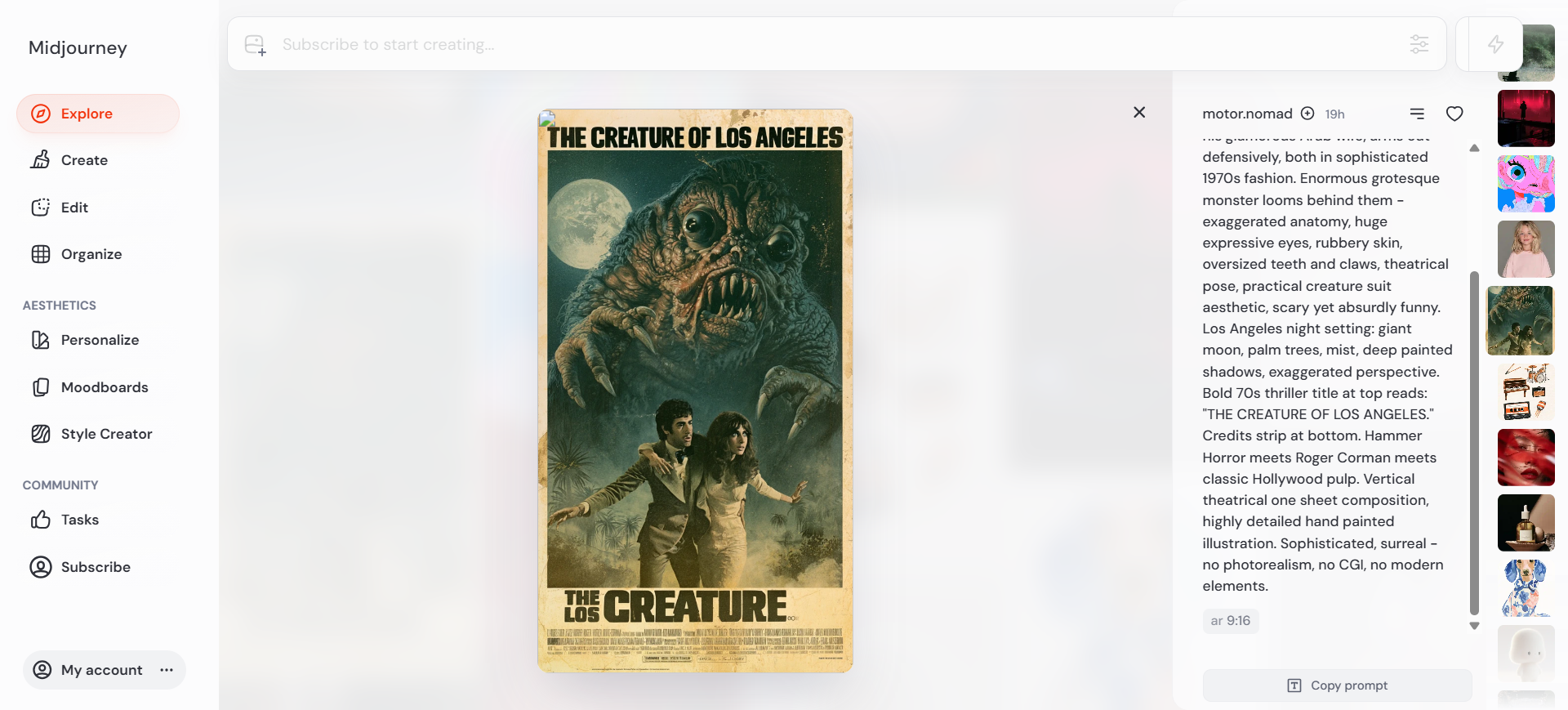
Midjourney is the art-direction seat: high-quality stills (and short image-to-video) for moodboards and visual direction when the job is still finding a look. On this list it sits upstream of SVG work—then rebuild finals as editable vectors in Recraft, Illustroke, Illustrator, or your kit tool.
- Best for: Illustrators and art directors exploring atmosphere, character vibe, and style frames before craft time in a vector tool.
- Strongest use: Web Create (or Discord) → style / image references → shortlist directions → bring a still into a moodboard or as a plate—not as the final SVG.
- Don’t use if / Watch outs: You need editable SVG or icon systems—Recraft / Illustroke / Iconify. No free public sandbox—paid plans only. Client privacy needs Stealth (Pro / Mega). Readable type inside the image—wrong primary job here (Ideogram if that is the brief).
- Pricing snapshot: Paid GPU-time plans (Fast hours; unlimited Relax from Standard up). Confirm Stealth and commercial ceilings on Midjourney for your company size.
 Recraft — Controllable vectors for illustration and icon assets
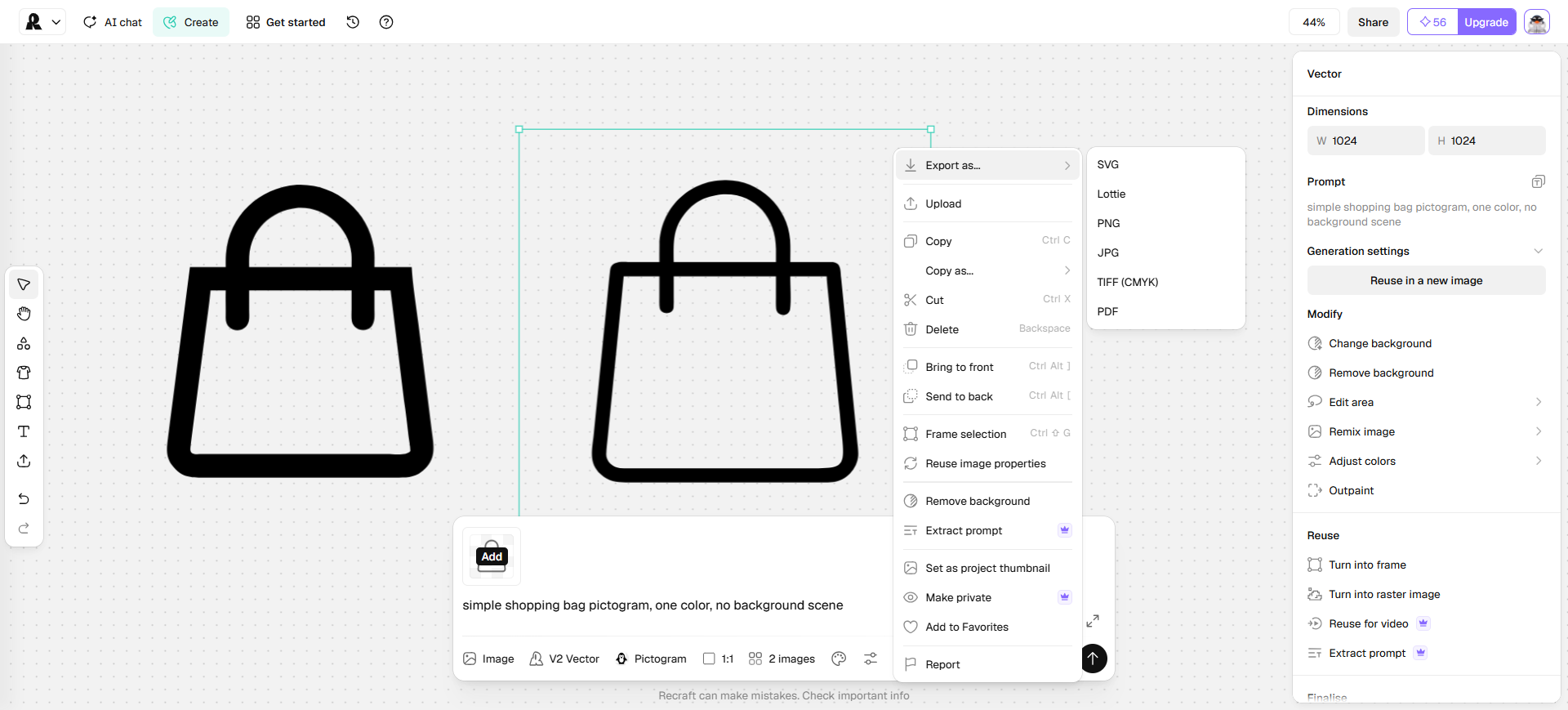
Recraft is the controllable vector seat: design-focused generation for illustration sets, pictograms, and brand-adjacent marks with reusable styles—not a one-time logo download kit. On this occupation list it bridges illustrators and icon designers who need art-directed raster and SVG export into Figma or Illustrator.
- Best for: Custom illustration or glyph-like vectors that must stay consistent across a small set.
- Strongest use: Style or prompt → generate vector → edit in Studio → Export as SVG → finish paths in Illustrator or Figma. For UI-weight icon kits, still prefer a library path (Iconify / Icons8) when the metaphor already exists.
- Don’t use if / Watch outs: You only need a logo + Brand Kit download—see logo generators. Free-plan outputs are public, owned by Recraft, and not licensed for commercial use—generate client or sellable assets on a paid plan (rights attach at generation time). Pure open-source UI inserts—Iconify.
- Pricing snapshot: Freemium — free daily credits to evaluate (limited, public, non-commercial). Paid Basic / Pro add commercial rights, private generations, and higher studio capacity—check Recraft for current plans.
 Illustroke — Prompt to editable SVG illustrations
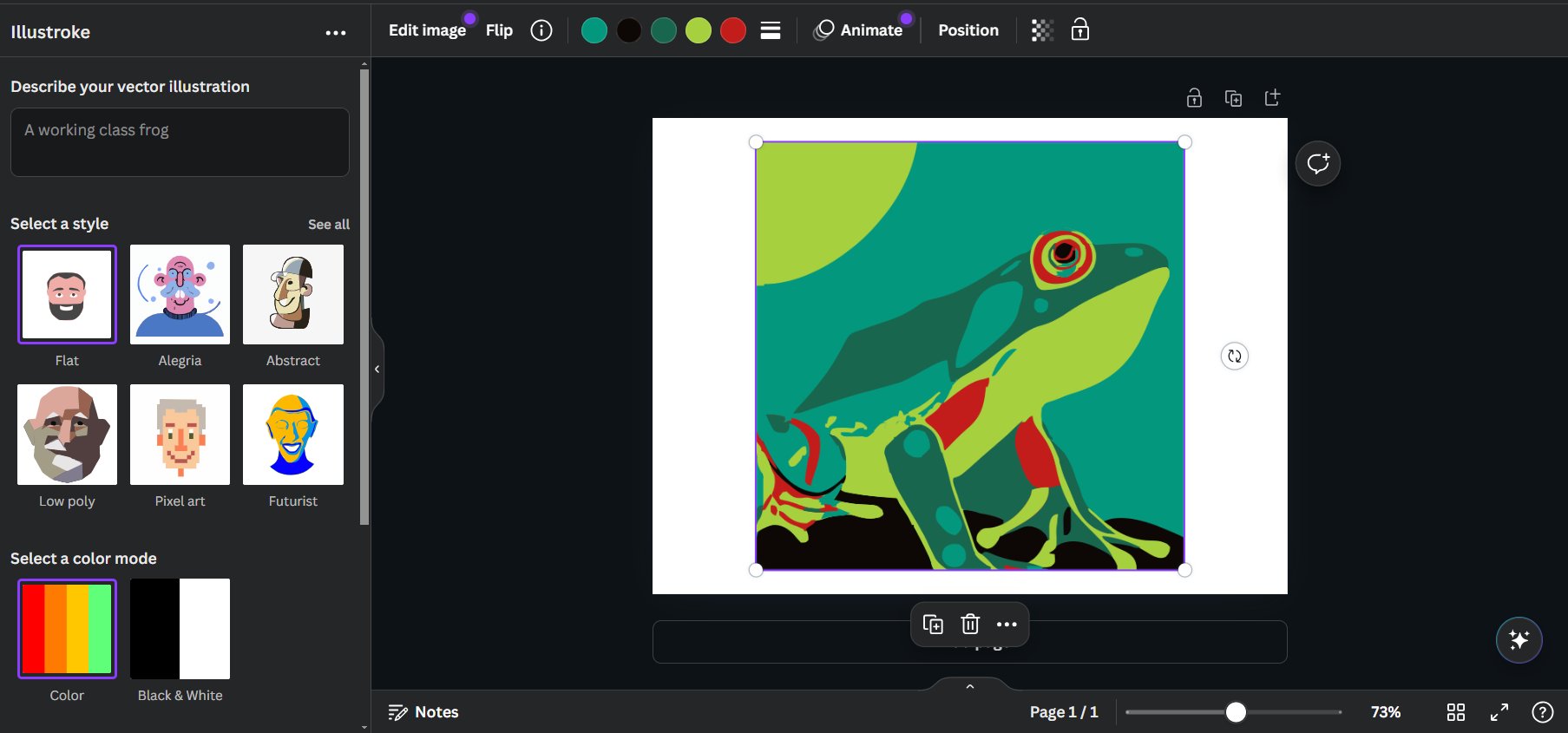
Illustroke is the prompt→SVG illustration seat: text to vector scenes across many style presets, with SVG (and optional PNG) out—not a Midjourney raster workflow and not a stock icon catalog. Use it when the deliverable is an editable illustration, not a 24px UI glyph kit.
- Best for: Web, product, and marketing illustrations that must leave as SVG you can recolor and clean.
- Strongest use: Prompt → choose a style → generate → tweak in the built-in editor or open SVG in Figma/Illustrator. Pair with Iconify or Icons8 when the same project also needs a UI icon set.
- Don’t use if / Watch outs: You need a browsable stock library first—Pictographic / Blush. Photoreal or general T2I art—Midjourney. You need a free forever generation seat—ongoing use is paid token packs. Trademark-ready logo systems—wrong aisle.
- Pricing snapshot: Paid pay-per-use tokens (no subscription). Check Illustroke for current packs and commercial terms.
 Blush — Mix-and-match artist illustration kits
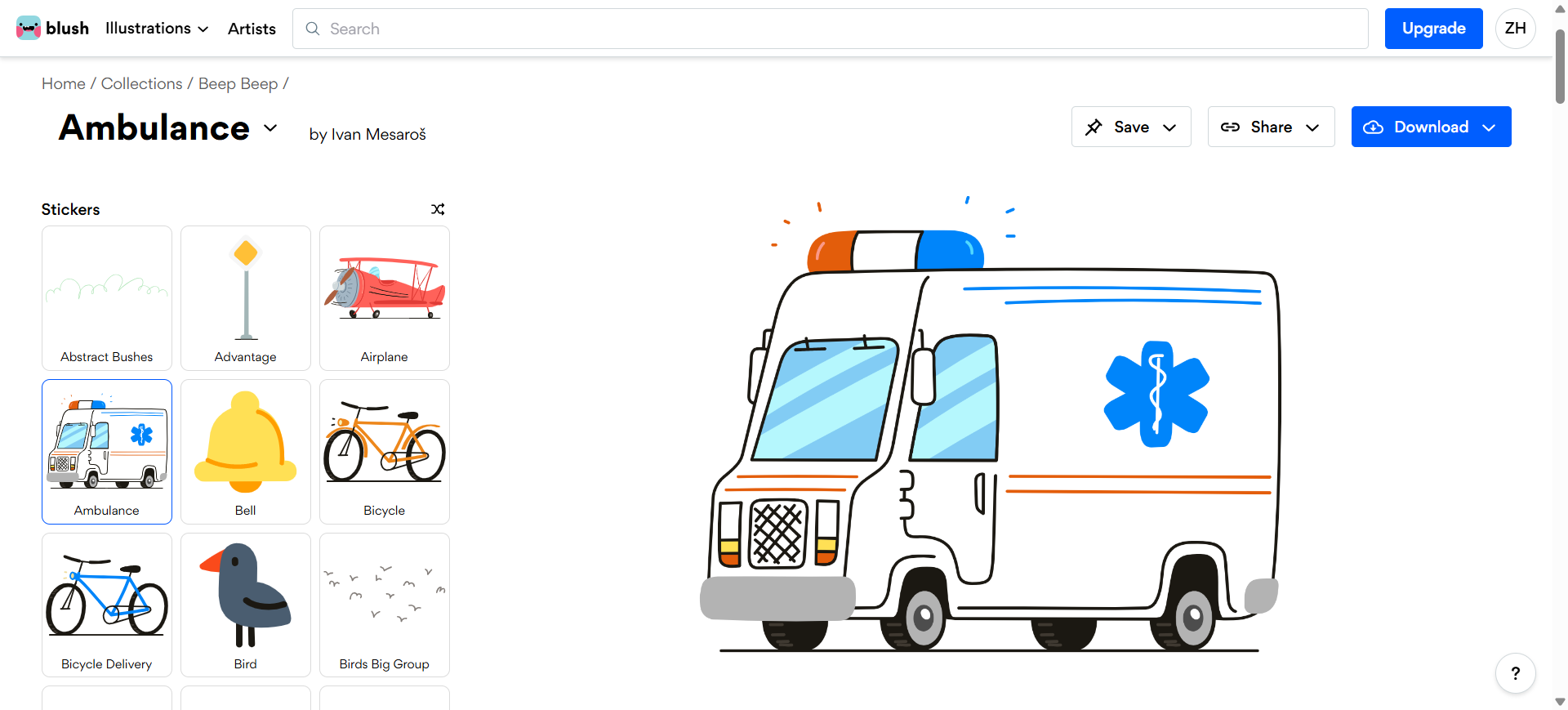
Blush is the customizable kit seat: artist-made collections you mix and match (poses, parts, scenes) instead of prompting a new drawing from scratch. On this list it covers the “I need a finished scene in a known illustration language” job—onboarding, empty states, decks—without commissioning every frame.
- Best for: Product and content designers who want controllable scenes from curated artist systems.
- Strongest use: Pick a collection → swap parts until the story fits → download into Figma or your layout file. Use Pro when you need SVG / hi-res PNG and the full library—not only the free download tier.
- Don’t use if / Watch outs: You need a new drawing from a prompt—Illustroke / Recraft / Midjourney. Reselling the art, printing it straight onto merch for customers to customize, or trademarking it as a logo—outside Blush’s recommended use. Free Doodler caps you at 5 saved designs and keeps SVG / hi-res PNG / the full 10k+ library on Pro—upgrade before client vector handoff.
- Pricing snapshot: Freemium — Doodler (free): unlimited downloads, up to 5 saved designs, no card. Pro: unlimited saves, 1-click color, 10,000+ illustrations, hi-res PNG, SVG, early access; 7-day trial—check Blush for current Pro billing.
 Pictographic — Icon and illustration library plus AI fill
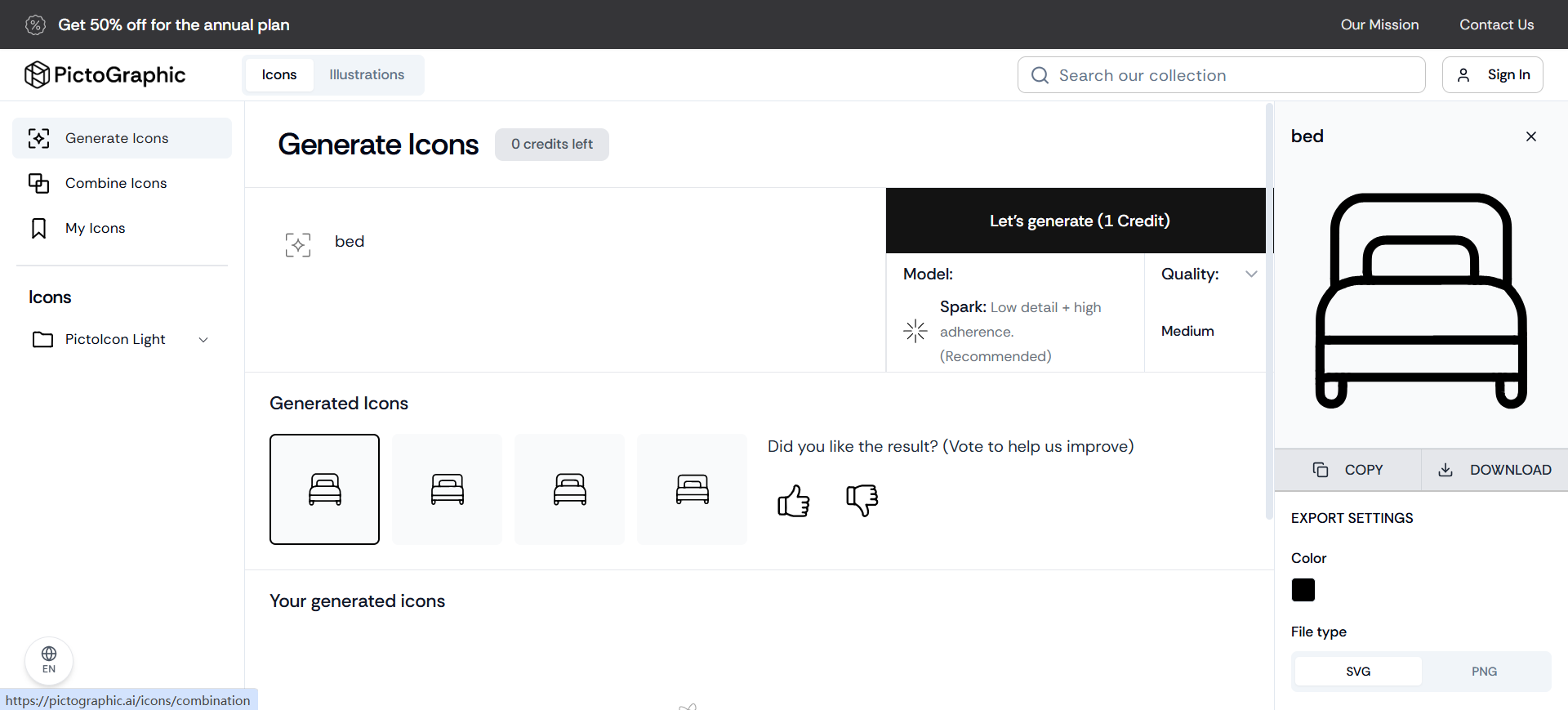
Pictographic is the catalog + generate seat: Icons and Illustrations libraries with Generate and Combine workflows when stock misses the metaphor. It sits between Blush (kit assembly) and Icons8 (style-family marketplace)—reach for it when you want browse first, then AI for the hole, with SVG-oriented export.
- Best for: Product and marketing files that need matching icons/illustrations without commissioning every concept.
- Strongest use: Search the library → Generate or Combine when nothing matches → download SVG on a paid plan → lock stroke weight in Figma. Use Illustrations tab when the frame needs a scene, not only a glyph. Free is fine to evaluate style—not for no-credit SVG client files.
- Don’t use if / Watch outs: Bespoke print art direction in Illustrator is the whole job. Free is PNG-only, attribution required, 10 downloads/mo, and 6 lifetime AI credits—upgrade before SVG or no-attribution delivery. Pure open-source UI framework—Iconify. Generative vector systems as the primary workflow—Recraft.
- Pricing snapshot: Freemium — Free: PNG only, attribution, capped downloads + lifetime AI credits. Starter: unlimited downloads, SVG+PNG, no attribution (no AI credits). Pro: monthly AI credits, SVG+PNG, no attribution, color customization. Higher tiers / API exist—check Pictographic for current annual vs monthly.
 Icons8 — Matched icon and illustration style families
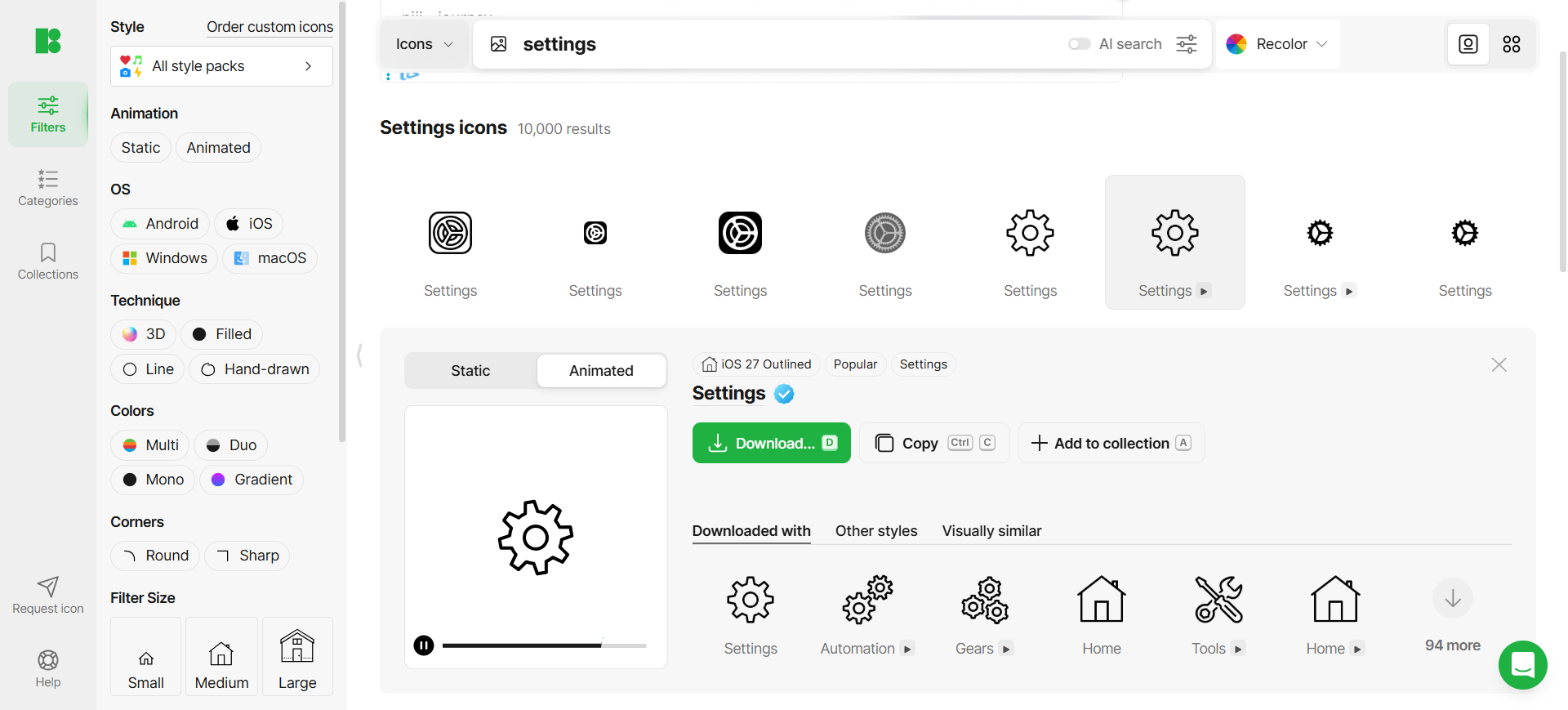
Icons8 is the style-family library seat: curated hand-drawn icons and illustrations in consistent packs, with AI generators and Mega Creator only when the catalog has a hole. On this occupation overview it is the “stay inside one visual language” stop—not the deep generate-vs-library bake-off (that lives in Best AI Icon Generators).
- Best for: UI and marketing work that needs matched icons plus supporting illustrations from one vendor stack.
- Strongest use: Search Icons8 or the Figma / Lunacy plugin → download into the kit → Mega Creator / AI editors only for missing metaphors. Prefer plans that include graphics (not Only AI tools) if you still need the hand-drawn catalog.
- Don’t use if / Watch outs: Free attribution and format limits block a clean client handoff—upgrade before shipping. You only need free OSS inserts—Iconify. Custom generative vector systems as the main job—Recraft.
- Pricing snapshot: Freemium — Free = attribution. Paid split: Only AI tools vs AI and graphics vs Unlimited graphics—check Icons8 for current quotas.
 Iconify — Open-source icon systems (often skip AI)
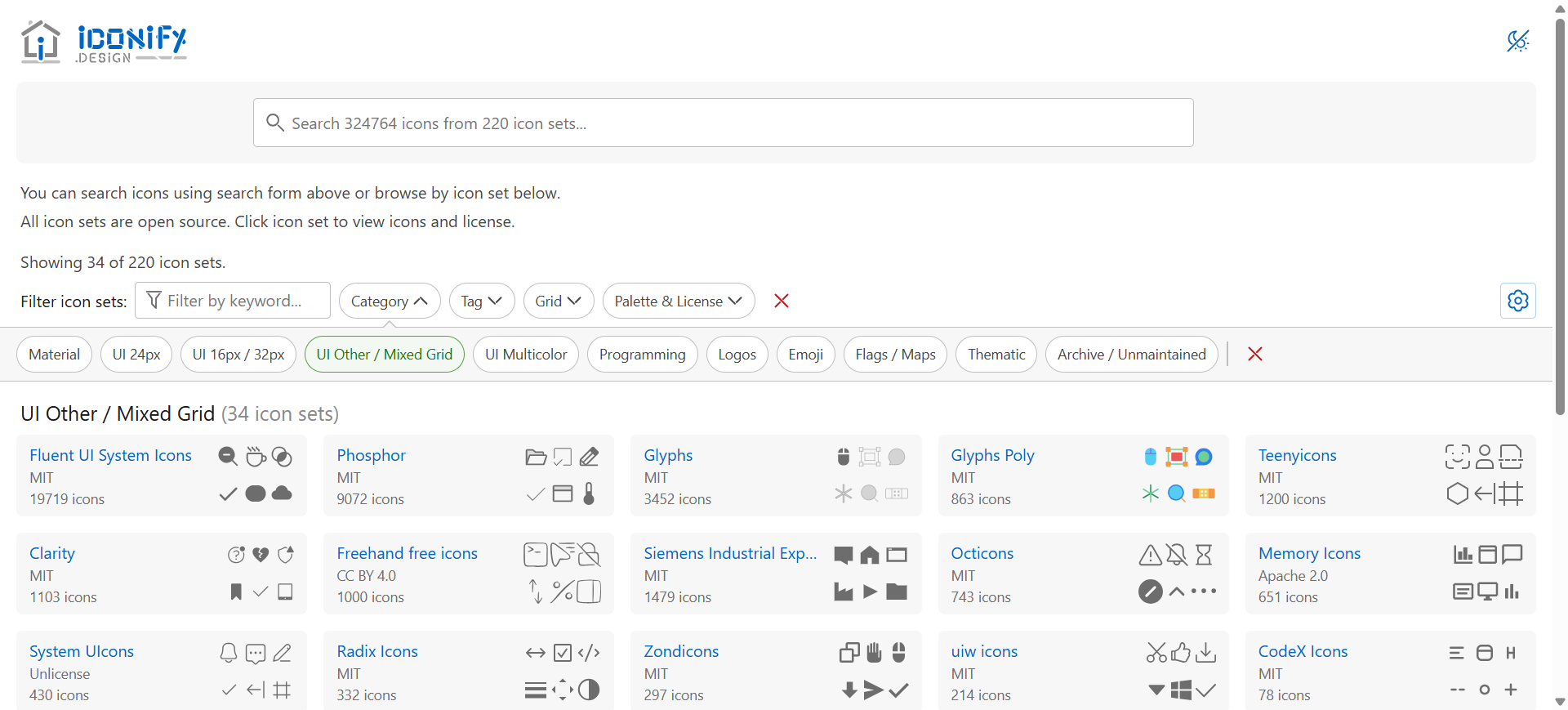
Iconify is not an AI generator. It earns a seat because many icon jobs should stop here: 200+ open-source sets, free Figma/Sketch SVG inserts, and a path that design and engineering can share. On this list it is the honest “pick, don’t invent” exit for icon designers.
- Best for: Product UI kits and design–dev handoff that should not depend on a generative vendor.
- Strongest use: Figma or Sketch plugin → search → insert SVG → hand the same names to engineering via Iconify components or SVG/CSS. Keep a short license checklist per set you ship.
- Don’t use if / Watch outs: You need AI-generated custom icons or illustration sets—Recraft / Illustroke. You want a commercial marketplace certificate—Icons8 or Noun Project. A specific set’s license (attribution, share-alike) doesn’t fit the product—pick another set or commission. Logos and lockups are the logo shortlist, not this framework.
- Pricing snapshot: Free open-source tooling—no paywall to unlock vector export. Per-set licenses still apply—read each set before shipping.
Don’t use this list if…
- You only need a deep icon generate vs library bake-off. Start from Best AI Icon Generators—Recraft, Icons8, and Iconify appear there with icon-task weights.
- Your brief is brand identity (direction → logo → lockup). Start from Best AI Tools for Brand Designers.
- Your brief is campaign graphics (concept → layout → multi-size → export). Start from Best AI Tools for Graphic Designers.
- Your stack is product UI, wireframes, or Figma handoff. Start from Best AI Tools for UI/Product Designers.
- You only need resolution / sharpen. Use Best AI Image Upscalers for Designers.
- You’re shopping for generic AI art, not illustration or icon delivery. Wrong aisle.
Use the Pack as the living list
Names and order drift. We keep a curated image-creation path here:
This article is the occupation overview (illustrators + icon designers). The Pack is the shorter living list by workflow stage. For icon-only depth, use the icon generators guide—do not treat that T article and this P as duplicates.
Neighbors this overview does not repeat as full seats: Adobe (Firefly inside Illustrator), Vectorizer (raster→vector), and animated-icon specialists when motion is the brief.
What’s next
- Best AI Icon Generators — generate a set, fill a catalog gap, or skip AI and pick.
- Best AI Tools for Brand Designers — when marks and lockups are the deliverable.
- Best AI Tools for Graphic Designers — campaign layout path vs illustration systems.
- How we evaluate AI design tools — same selection bar.
Missing an illustration or icon tool that belongs in real delivery workflows? Submit it.