
Last updated: 2026-08-18
Best AI Logo Generators
Related pack: View Pack
If you do brand work for a living, most “AI logo generator” lists are galleries of pretty PNGs. They skip the part that matters on a real job: can this become a mark you can edit, test in one color, and hand off without redrawing from scratch?
This shortlist is for brand and visual designers—and freelancers who own identity briefs—who need AI in the concepts stage. Six tools. Not a dump of every maker on the internet.
Honest boundary up front: AI is fast at directions. Lockup, clear space, mono/reverse variants, and trademark-level cleanup still happen with you—usually in Illustrator (or your vector tool of record). None of these replace that step.
Related living list: Brand Designer Pack. This article is the task drill-down for logo work; the Pack covers a wider identity kickoff set.
How we pick
Same bar we use across the site, weighted for logo jobs:
- Fit — Is this for identity / marks, or generic “AI art”?
- Delivery — Is there a path toward a usable mark (vector, kit, or editable source)? PNG-only = explore only.
- Workflow — Can you continue in Illustrator or Figma, or is the handoff a dead end?
- Cost — Can a solo or small team try without an enterprise deal?
- Trust — Still maintained; commercial terms checkable before you put a client name in it.
We do not rank a #1 overall winner. Pick by stage and export path.
Where to reach first
| If you need to… | Start with | Also consider |
|---|---|---|
| Logo + matching starter kit (social, cards, etc.) | Looka | LogoAI Brand tier |
| Unlimited free concepts → pay once for a kit | Brandmark | LogoAI |
| Design free, then one-time download by tier | LogoAI | Looka / Brandmark |
| Edit logos on a template canvas (merch, labels, posters) | Kittl | — |
| Readable type inside a generated mark / lockup concept | Ideogram | — |
| Controllable vectors / icons for brand assets (not a “logo wizard”) | Recraft | Best AI Icon Generators |
Most projects need one kit-style generator plus, sometimes, Recraft or Ideogram for a specific gap—not all six.
The shortlist
 Looka — Logo concepts plus a Brand Kit path
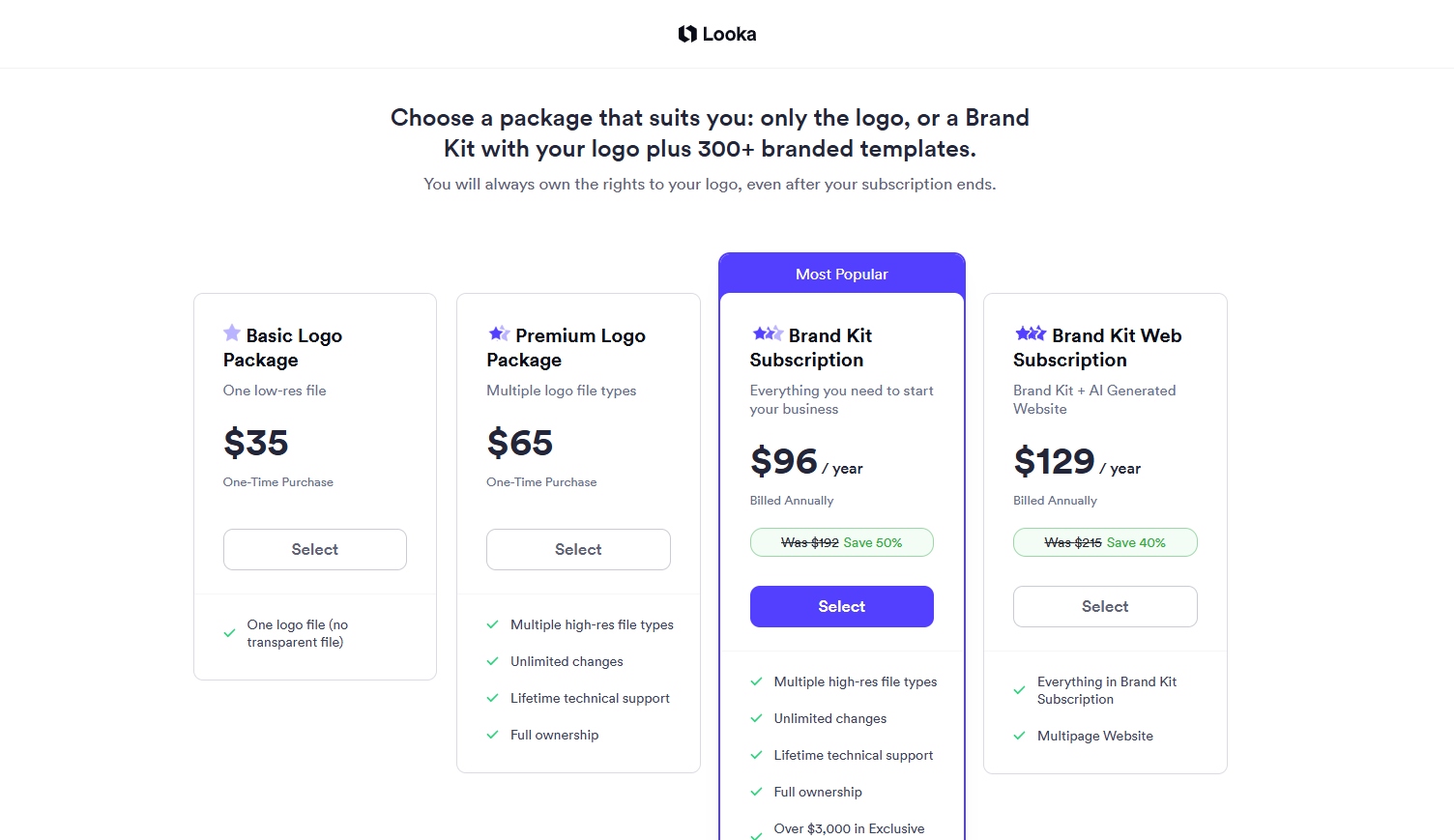
Looka is the kit-first option: explore marks free, then buy either a logo-only package or an annual Brand Kit. Useful when a founder brief wants “logo + something to post tomorrow,” and you still plan to redraw the mark for uniqueness before launch.
- Best for: Early identity shortlists where collateral templates matter as much as the mark.
- Strongest use: Preferences → options → Premium Logo (hi-res PNG + EPS/SVG/PDF, variants, post-purchase edits) or Brand Kit (vectors + 300+ branded assets). Skip Basic Logo for real delivery—it’s one low-res PNG.
- Don’t use if / Watch outs: You need strategy-led custom lettering or proprietary illustration IP. Brand Kit / Brand Kit Web are annual subscriptions (Web adds an AI site); logo-only Basic/Premium are one-time. Brand Kit still grants full logo ownership after the sub ends—check current terms on Looka if that matters to the client.
- Pricing snapshot: Freemium — free to design; paid Basic / Premium (one-time) or Brand Kit / Brand Kit Web (annual). Check current pricing on Looka; we don’t quote dollars here.
 Brandmark — Fast unlimited concepts, pay once for the kit
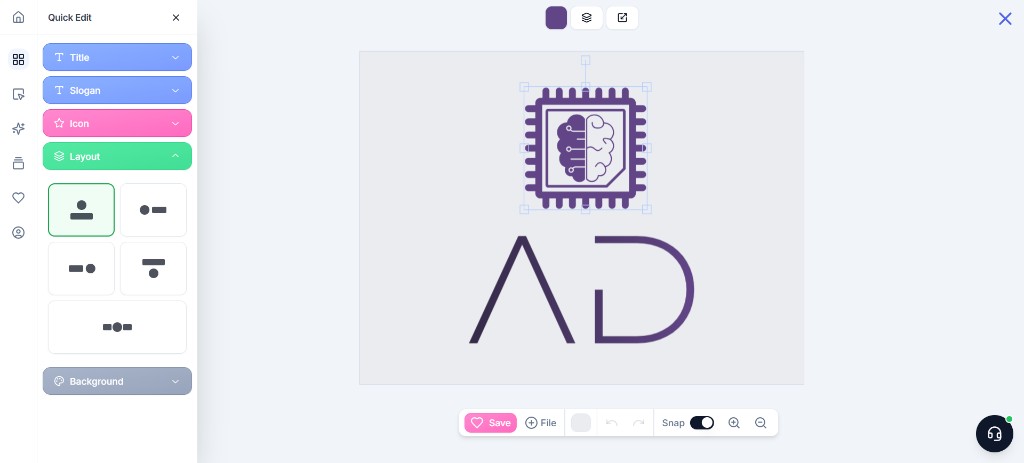
Brandmark leans hard on free generation and in-browser tweaks, then a one-time package instead of a monthly logo subscription. Basic is mark files; Designer adds guidelines and starter collateral. Good when you want volume of directions before anyone opens Illustrator.
- Best for: Freelancer / founder briefs that need a shortlist fast, then a single purchase to download.
- Strongest use: Keywords → generate → customize → buy Basic (mark-only) or Designer (guidelines + collateral) → pull vectors into Illustrator/Figma and refine.
- Don’t use if / Watch outs: You want an ongoing merch/print canvas (that’s Kittl) or an annual asset matrix like Looka’s Brand Kit. Don’t ship Basic files as a full client handoff if the brief needs guidelines.
- Pricing snapshot: Freemium (unlimited free concepts; one-time paid packages—check current package names and what’s included).
 LogoAI — Free design loop, tiered one-time downloads
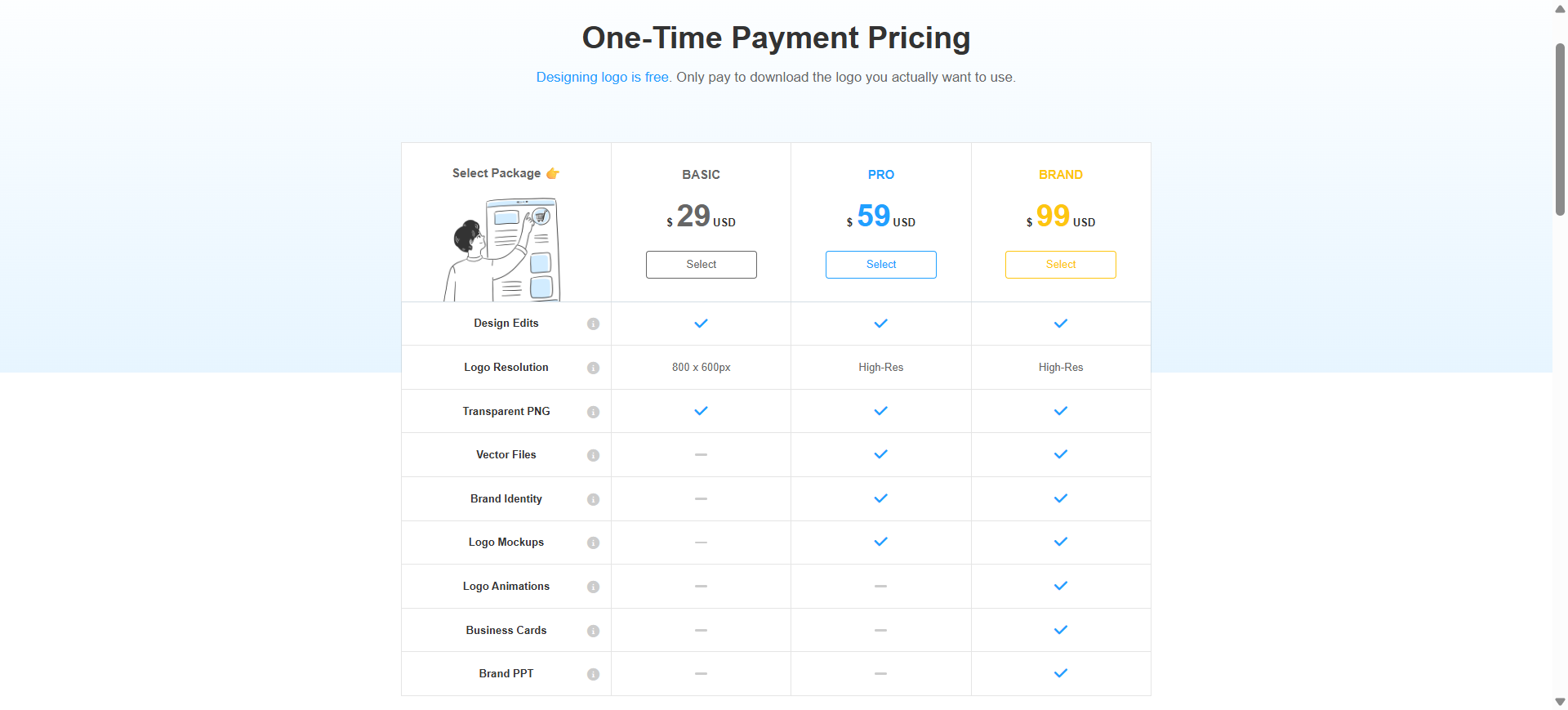
LogoAI keeps design and preview free, then charges when you download. BASIC is draft-resolution PNG territory; PRO/BRAND unlock high-res, vectors, and fuller identity extras. Same family as Looka/Brandmark (kit-oriented), with a clear “pay at download” feel.
- Best for: Exploring many directions without a subscription, then buying the tier that matches delivery (web draft vs print/vector).
- Strongest use: Generate → edit → BASIC for website/social drafts (LogoAI’s own guidance); PRO when you need print-ready delivery; BRAND when you want fuller branding assets in one purchase.
- Don’t use if / Watch outs: Don’t treat BASIC as print/vector handoff—LogoAI steers print work to PRO+. Need a long-running editable canvas → Kittl. Need an annual template matrix → Looka’s Brand Kit model.
- Pricing snapshot: Freemium (free to design; one-time BASIC / PRO / BRAND—no logo subscription; check current file list on LogoAI pricing).
 Kittl — Template canvas for logos, merch, and labels
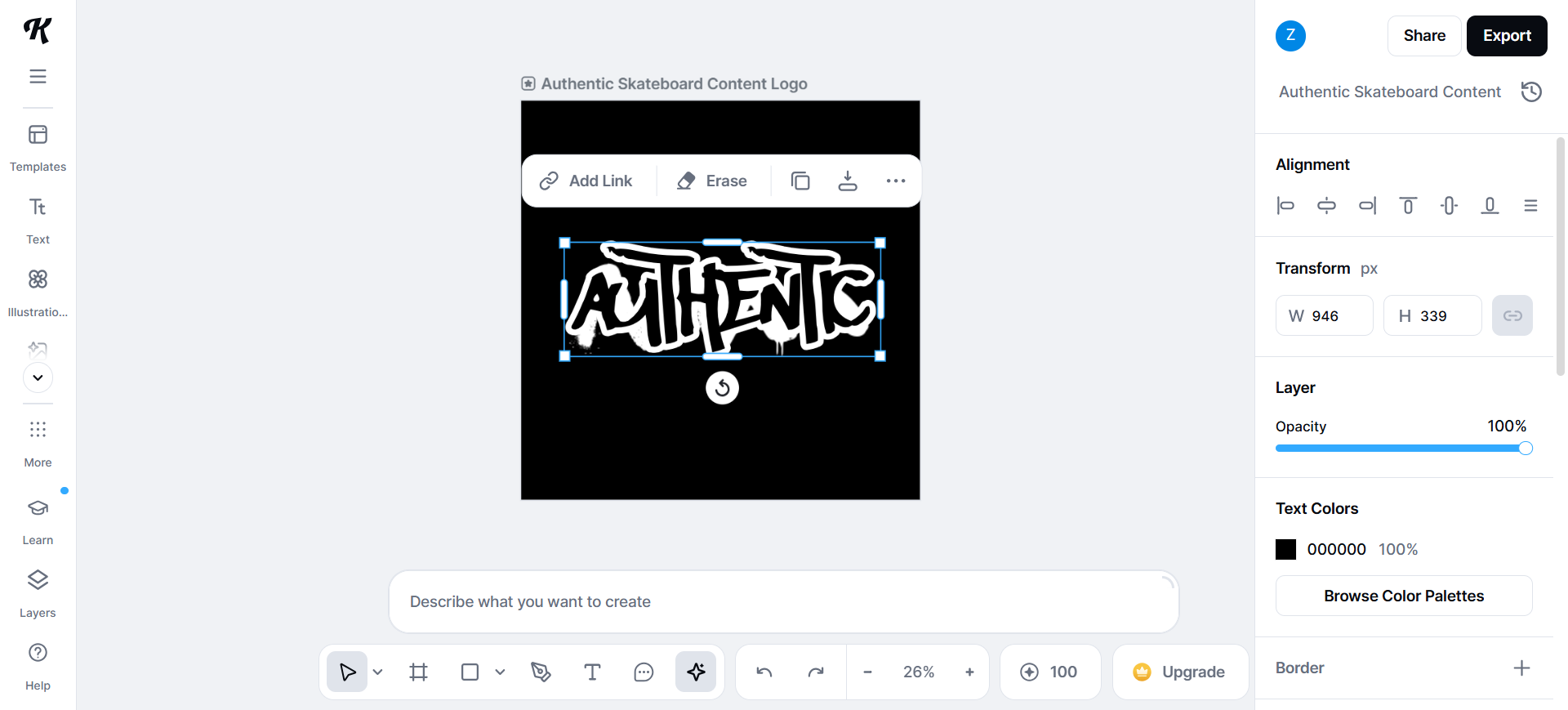
Kittl is not “kit download only.” It’s a browser graphic studio: logos sitting next to posters, labels, apparel art—AI on a template-driven canvas. Reach for it when the job is identity and applied graphics, not a single SVG export.
- Best for: Brand designers and merch/print-adjacent work that needs ongoing layout control on a paid plan.
- Strongest use: Build and iterate marks inside campaigns or product mock contexts; export into your main design tools for final craft after you’re on a plan that unlocks client-ready export.
- Don’t use if / Watch outs: You only need a one-shot logo file pack with no canvas habit—Looka, Brandmark, or LogoAI are simpler. Free is trial-shaped, not a delivery plan: one-time AI tokens (no daily refill), capped projects, no transparent or high-res exports, and personal use only (no commercial license). For client logos or print, upgrade before you treat exports as handoff.
- Pricing snapshot: Freemium — Free forever to explore; usable logo/brand delivery needs a paid plan (check current Pro/Business limits on Kittl).
 Ideogram — When readable type inside the mark matters
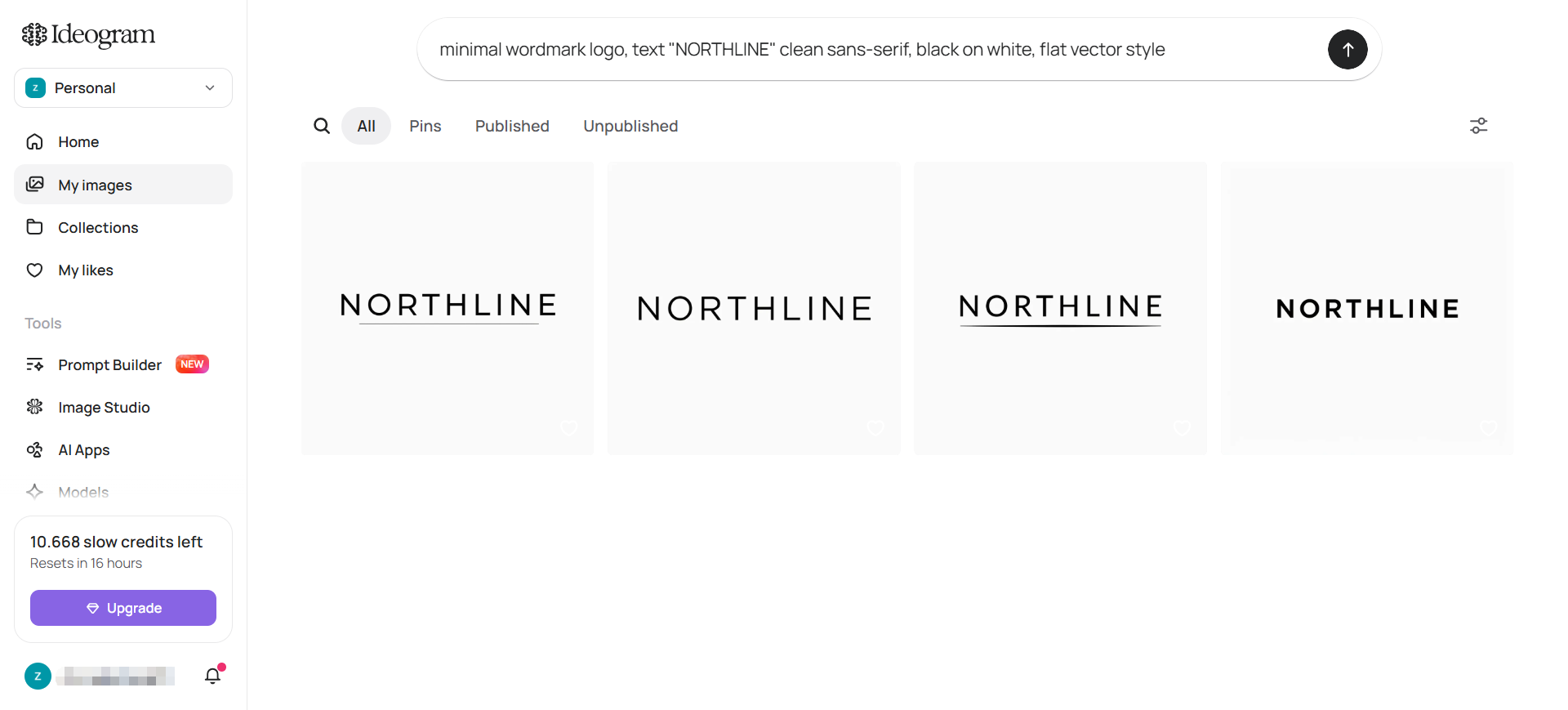
Ideogram is an image generator that handles in-image text better than most “logo makers.” Use it when the concept depends on lettering inside the composition—lockup sketches, wordmarks-as-image, campaign-style tests—not when you need SVG source of truth.
- Best for: Concept passes where typography-in-image is the point of the exploration.
- Strongest use: Prompt → generate → light edit → rebuild the real mark in Illustrator. Private/client work needs a paid tier with private generation—don’t put unreleased names on a public free gallery.
- Don’t use if / Watch outs: You need editable vectors out of the box (you don’t—redraw or use Recraft/vector tools). Product UI / design systems → Figma, not Ideogram.
- Pricing snapshot: Freemium (Free = limited credits, generations public; Plus/Pro unlock private generation and higher volume—check current credits on Ideogram).
 Recraft — Design-controlled vectors and icons (neighbor, not a logo wizard)
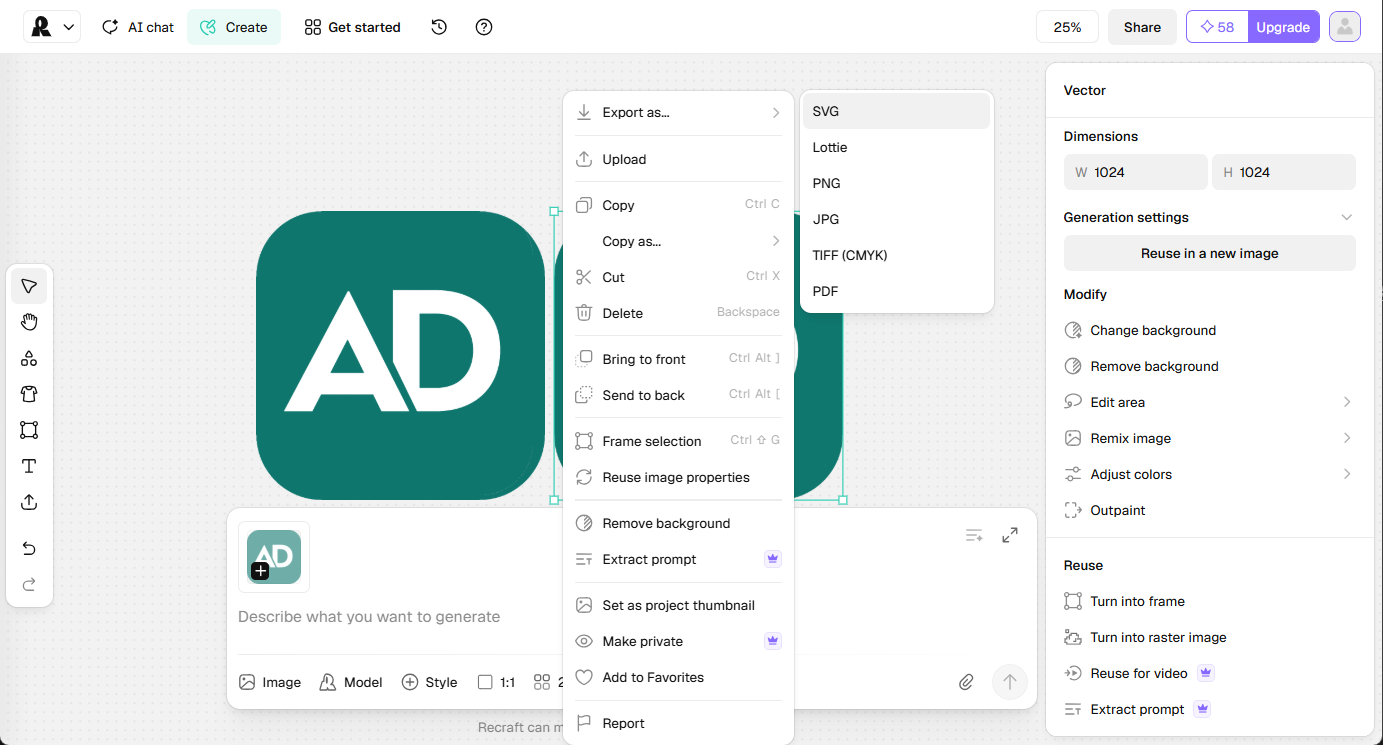
Recraft is on this list as a neighbor, not a sixth “enter company name → logo pack” tool. It’s for design-controlled vectors, icons, and brand-consistent assets when the mark direction is clearer and you need controllable graphics—not a founder logo wizard.
- Best for: Icon sets, illustration-adjacent brand assets, vector exploration with style control.
- Strongest use: Style/prompt → vector or raster → edit → export into Illustrator/Figma. Pair with a kit-style logo tool when you still need the initial mark package.
- Don’t use if / Watch outs: You only want a one-time logo + Brand Kit download—use Looka, Brandmark, or LogoAI. Free-plan outputs are public, owned by Recraft, and not licensed for commercial use—generate client or sellable assets only while on a paid plan (rights attach at generation time; upgrading later doesn’t fix free-tier files). Deeper icon roundups: Best AI Icon Generators.
- Pricing snapshot: Freemium (free exploration with daily caps; paid plans for ownership, privacy, and commercial use—check current credit tiers on Recraft).
Don’t use this list if…
- You need a finished logo system tomorrow (clear space, mono/reverse, forbidden uses, trademark search). AI gets you concepts; craft and legal review still sit with you or counsel.
- You’re shopping for generic AI art, not identity. Wrong aisle.
- You only need icons as the main job → Best AI Icon Generators; Recraft here is a bridge, not that article.
- You want a two-tool duel (e.g. Looka vs Brandmark only). That’s a comparison piece later—this is the occupation-adjacent task overview.
- Your brief is product UI. Start from the UI / Product shortlist and Pack instead.
Start from the Pack
For a maintained kickoff set around brand and identity—not only logo generators—use:
This article is the logo-task narrative. For the full brand kickoff path (direction → refine → applications), see Best AI Tools for Brand Designers. The Pack is the shorter living list by workflow stage.
What’s next
- How we evaluate AI design tools — same selection bar, expanded.
- Best AI Tools for Brand Designers — occupation overview across direction → concepts → refine → applications.
- Later: Looka vs Brandmark when the difference narrative is worth its own URL.
Missing a logo tool that belongs in real brand workflows? Submit it.