
Last updated: 2026-08-18
Best AI Icon Generators
Related pack: View Pack
You need a settings glyph that matches the rest of the set. A metaphor the library doesn’t have. A dozen icons that share one stroke weight before the file goes to engineering. Most “AI icon generator” lists dump logo wizards, sticker mills, and PNG clipart into one page—and never say when you should not generate at all.
This shortlist is for UI, product, and brand designers who need symbols: interface glyphs, small sets, and assets that survive one color, resize, and a Figma or Illustrator pass. Six tools. Not every SVG toy on the internet.
Honest boundary up front: generators are fast at drafts. Optical size, matching weight, and a system still happen with you. Two seats on this list are not generators—Noun Project and Iconify—because the right move is often to pick a metaphor, not invent one.
Related living list: AI Image Creator Pack (Generate & explore / Consistency & export—Recraft). Selection bar: How we evaluate AI design tools. Same week, different job: Best AI Image Upscalers for Designers (resolution, not symbols). Marks and lockups live in Best AI Logo Generators—Recraft there is a neighbor, not the icon main.
How we pick
Same bar we use across the site, weighted for icon jobs:
- Fit — Interface / glyph work, not wordmarks, not poster illustration.
- Delivery — SVG or editable vectors; a set that can stay consistent. PNG-only one-offs are explore only.
- Workflow — Into Figma or Illustrator without a dead end; generate a set vs search a catalog vs insert open-source SVG.
- Cost — Can a solo designer try—and do attribution or credit caps block client handoff?
- Trust — License checkable (per-set OSS, marketplace attribution, Recraft free-tier ownership).
We do not rank a #1 overall winner. Pick by generate a set, fill a catalog gap, or skip AI and insert.
Where to reach first
| If you need to… | Start with | Also consider |
|---|---|---|
| Custom vector glyphs / pictograms with reusable style | Recraft | SVG AI for a one-off SVG |
| Prompt → editable SVG, no stock library | SVG AI | Recraft when style reuse matters |
| Search a large catalog, then generate the missing glyph | IconScout | Icons8 |
| Hand-drawn style families; AI only for holes | Icons8 | IconScout |
| Human-made, readable metaphors (UI, decks) | Noun Project | Iconify |
| Open-source UI icons into Figma and code | Iconify | Noun Project |
Most projects need one generate path or one library path—not all six.
The shortlist
 Recraft — Custom vector glyphs (not a UI icon kit)
Recraft is the custom vector seat: pictograms and brand-adjacent glyphs with reusable styles—not a founder logo wizard, and not a 24px UI icon library. What it generates well is simplified graphic marks you still clean in Figma or Illustrator.
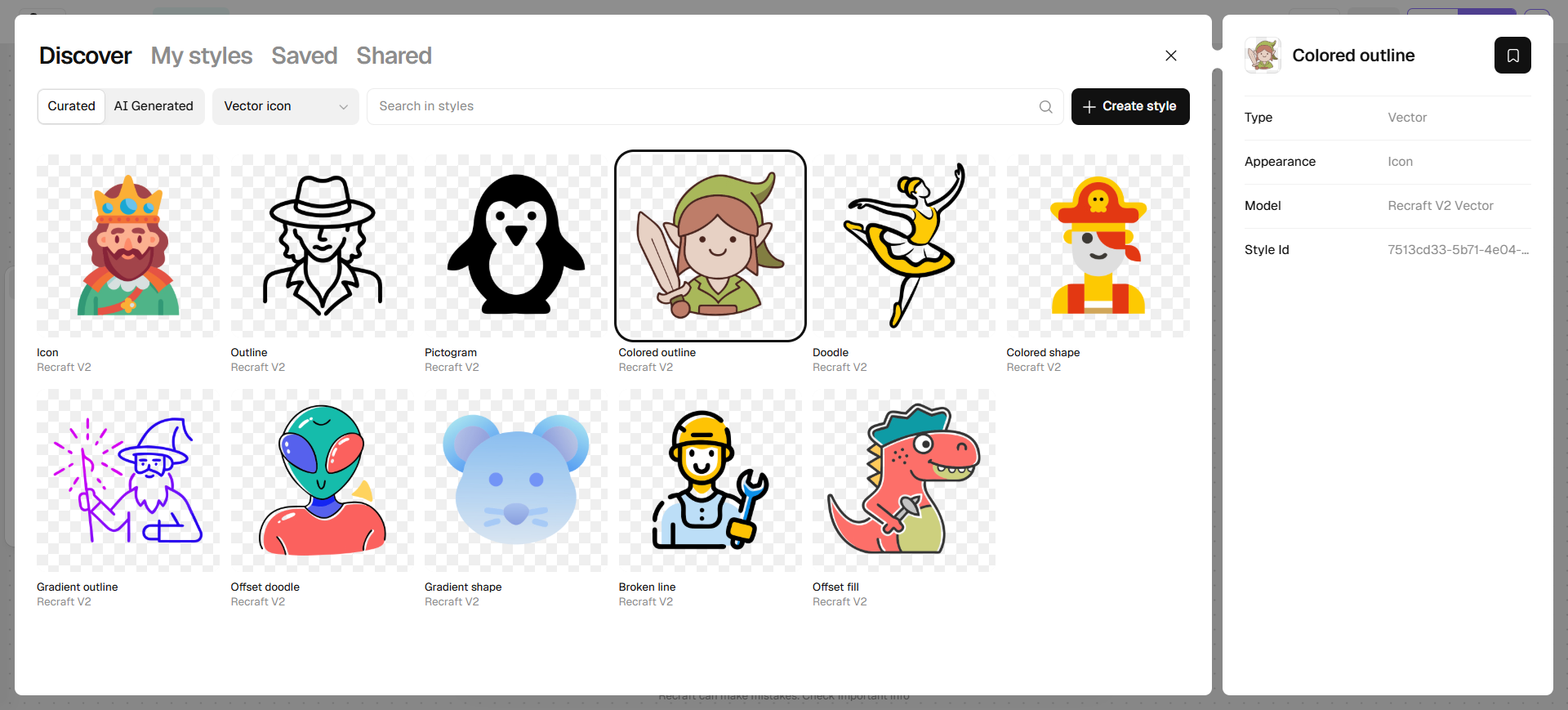
The Icon look is easy to miss. Get started does not list an Icon category. Open a project (or generate into the canvas), click + Style under the prompt, set the filter to Vector icon, then pick Icon, Pictogram, or Colored shape and Apply. Skip Modern minimal logo on the home grid if the job is symbols, not a wordmark.
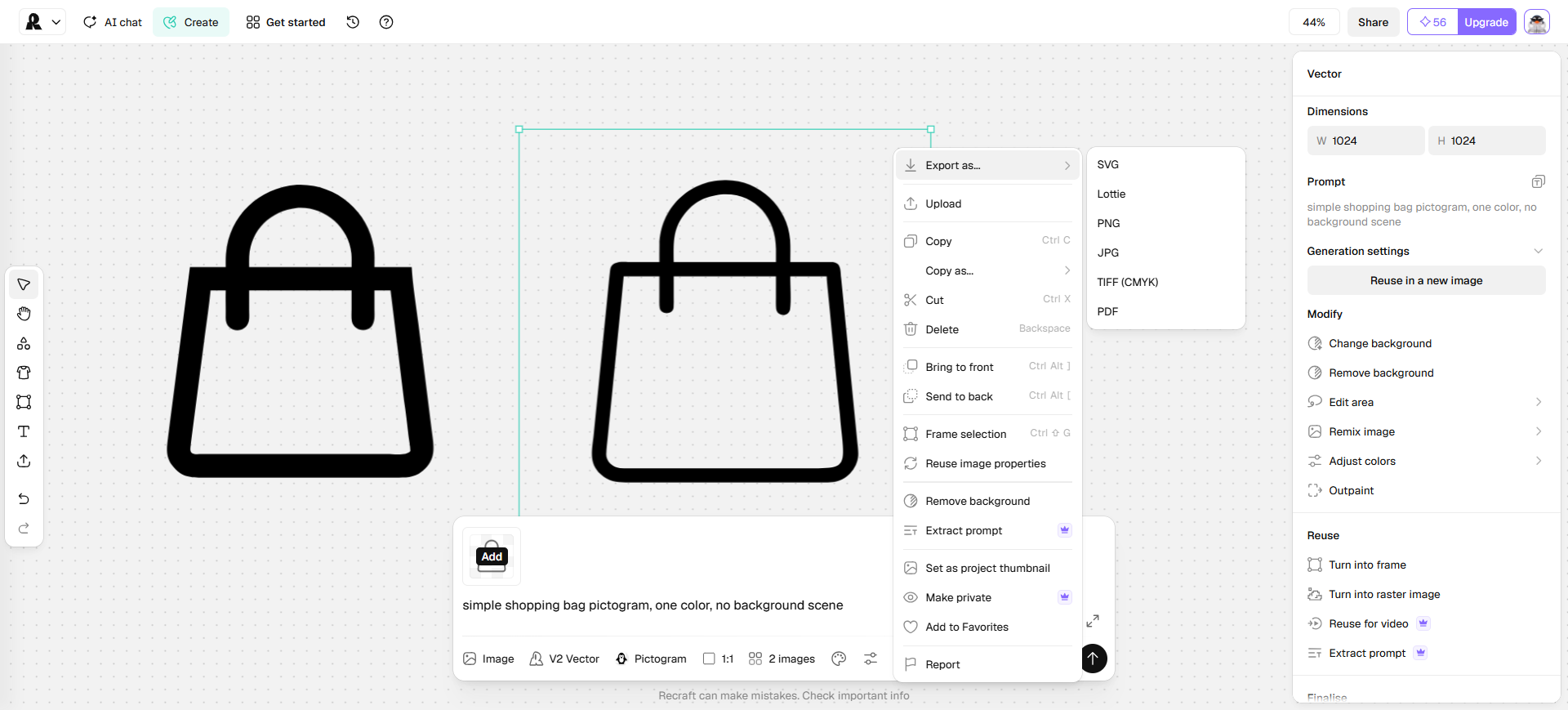
Prompt a simple object, generate, then export SVG from the asset (right-click Export as…). A Set of up to six in one style is the other path if you want a small matching row.
- Best for: Custom pictograms / glyph-like vectors with style control—landing-page marks, brand-adjacent symbols—not a 24px product icon set.
- Strongest use: + Style → Vector icon → apply Icon/Pictogram → generate → Export as SVG → finish paths in Figma or Illustrator. Pair with a logo pack tool when the mark is already decided.
- Don’t use if / Watch outs: You need interface icons in a product kit—start with Iconify or Noun Project. You only want a one-time logo + Brand Kit—Looka / Brandmark / LogoAI in the logo shortlist. Free-plan outputs are public, owned by Recraft, and not licensed for commercial use—generate client or sellable assets on a paid plan (rights attach at generation time).
- Pricing snapshot: Freemium — free daily credits to evaluate (limited, public, non-commercial). Paid Basic / Pro add commercial rights, private generations, and higher studio capacity. Check current plans on Recraft.
 SVG AI — Prompt-to-editable SVG drafts
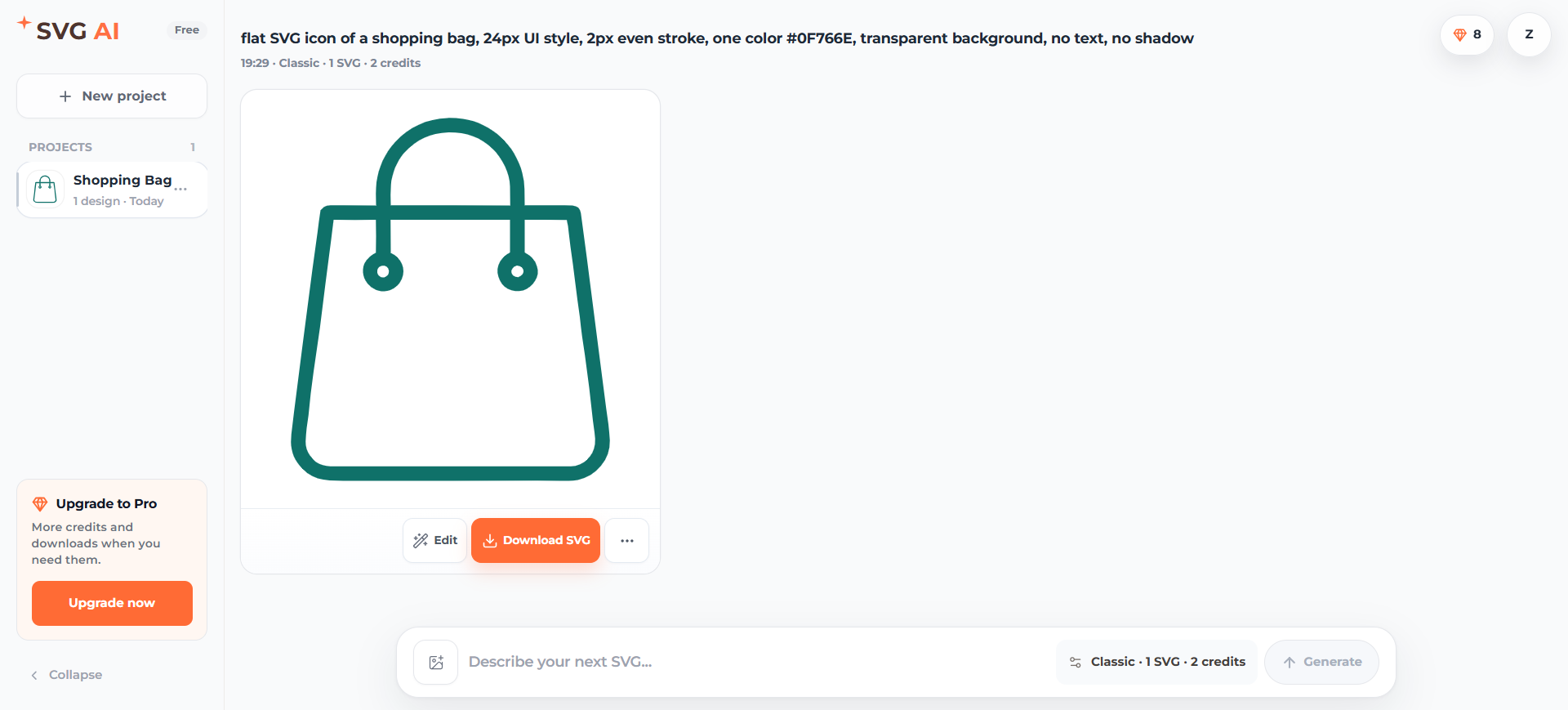
SVG AI is the prompt-only generator: it writes real SVG paths (not a traced bitmap) so you can download and finish in Figma. Treat it as a draft for a custom glyph or a small set—not Recraft’s reusable style studio, and not a stock library.
- Best for: One-off or small-set SVG icons from a prompt (optional reference image), then path cleanup in your editor.
- Strongest use: Describe the icon (hex colors if you have them) → Classic (faster) or Ultra (more detail) → 1–4 variations → follow-up prompt edits → download SVG → rebuild consistency in Figma. The homepage also markets logos, stickers, and cut files; this article only uses the icon/SVG-draft job.
- Don’t use if / Watch outs: You need Recraft’s style library and vector studio. You need existing glyphs (Iconify, Noun Project, Icons8) rather than generating. You need a logo lockup or Brand Kit, or a raster-to-vector tracer (Vectorizer). Signup grant is 10 credits on the live account toast (enough for a few tries, not a production pool).
- Pricing snapshot: Freemium — no Free plan card; 10 starting credits. Starter 100 credits/mo (7-day history); Pro 350 (30-day). Classic 2 credits per SVG, Ultra 4. Monthly credits do not roll over. Commercial use per current terms. Check SVG AI for prices.
 IconScout — Catalog first, generate the gap
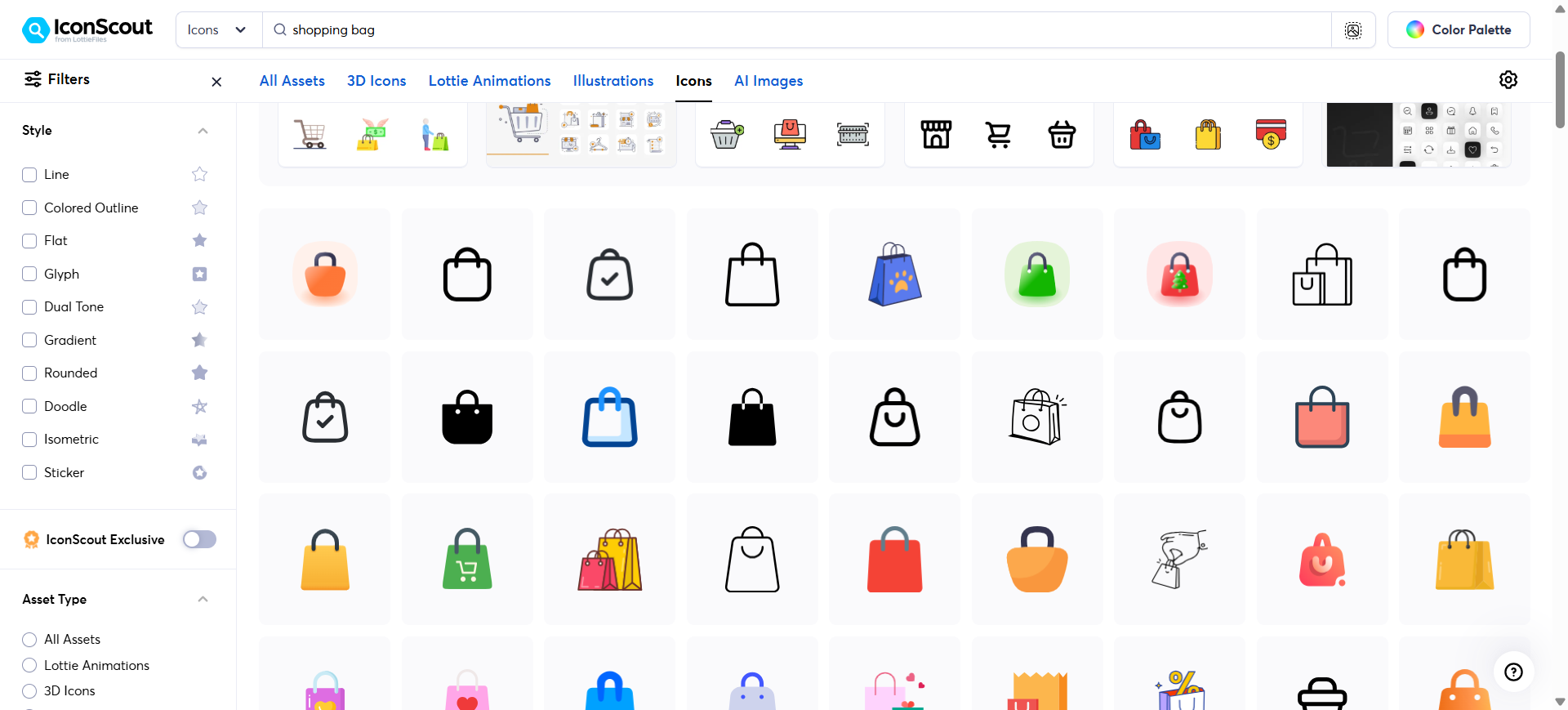
IconScout is a marketplace with an AI add-on: search icons (and illustrations, Lottie, 3D) first, then prompt a custom glyph when the catalog misses. It is not Recraft, and it is not Icons8’s hand-drawn style-family library.
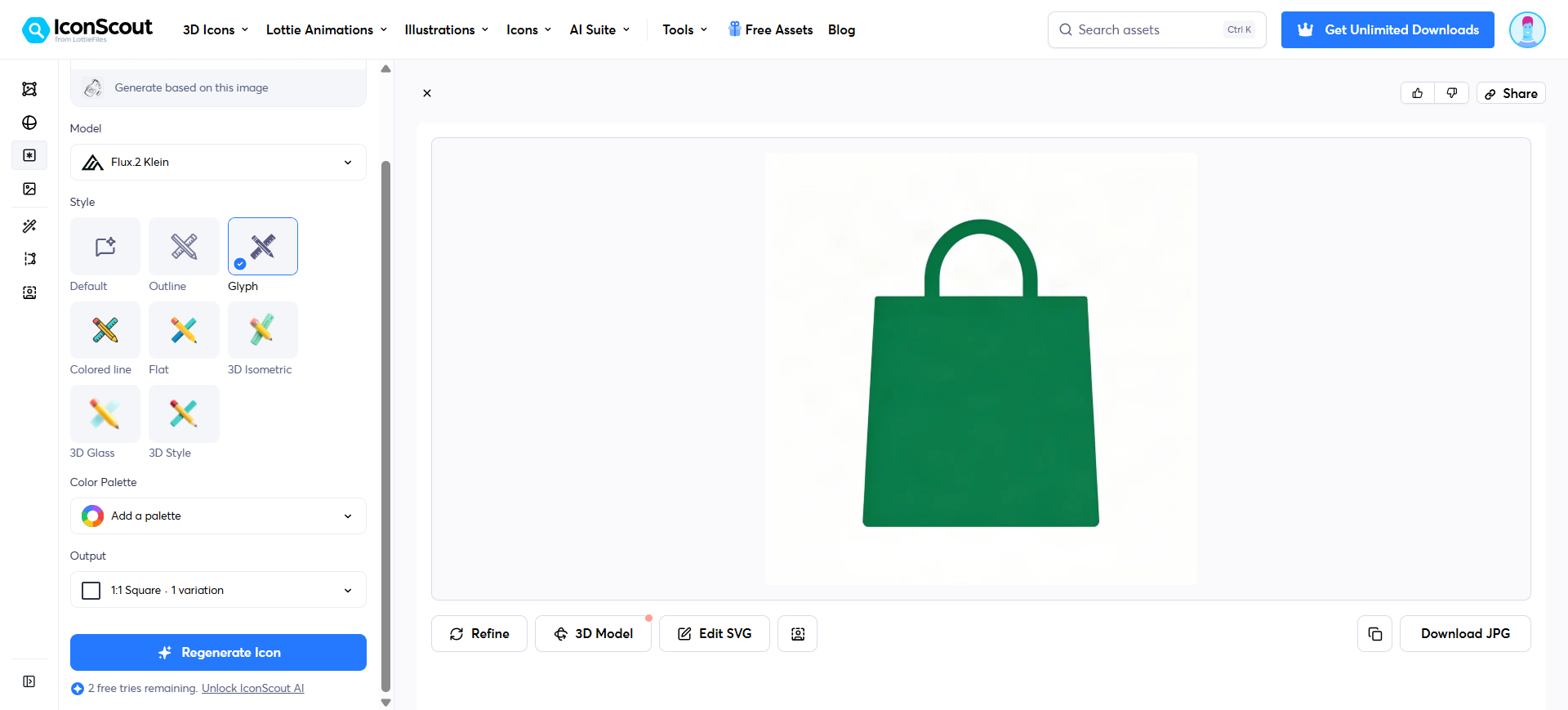
If the grid has no match, open the AI generator (Glyph / Outline, not 3D character tools). Prefer Edit SVG over the JPG download when the file is going into Figma.
- Best for: Teams already shopping a large stock catalog who occasionally need a generated SVG to fill one hole.
- Strongest use: Search the library or Figma plugin → generate only if nothing matches → download SVG/source → lock the style in your UI kit. Unicons and illustration kits sit on the same subscription. Use Team when physical/print licensing and shared collections matter.
- Don’t use if / Watch outs: Generative vector systems are the job—Recraft. Prompt-only SVG with no catalog—SVG AI. Open-source inserts only—Iconify. Ignore 3D character / avatar generators for this decision. AI shows 3 free tries, then credits on a base Individual / Team / Team+ plan (credits are not sold standalone). Do not read “unlimited AI” marketing as uncapped generation.
- Pricing snapshot: Freemium — some Free Assets exist (check each license); 3 AI tries. Paid: Individual 500 AI credits/mo (digital license); Team 1,000 credits per member (physical/print license + admin); Team+ 5,000. Unused AI credits do not roll over. Check current prices on IconScout.
 Icons8 — Hand-drawn style families; AI fills holes
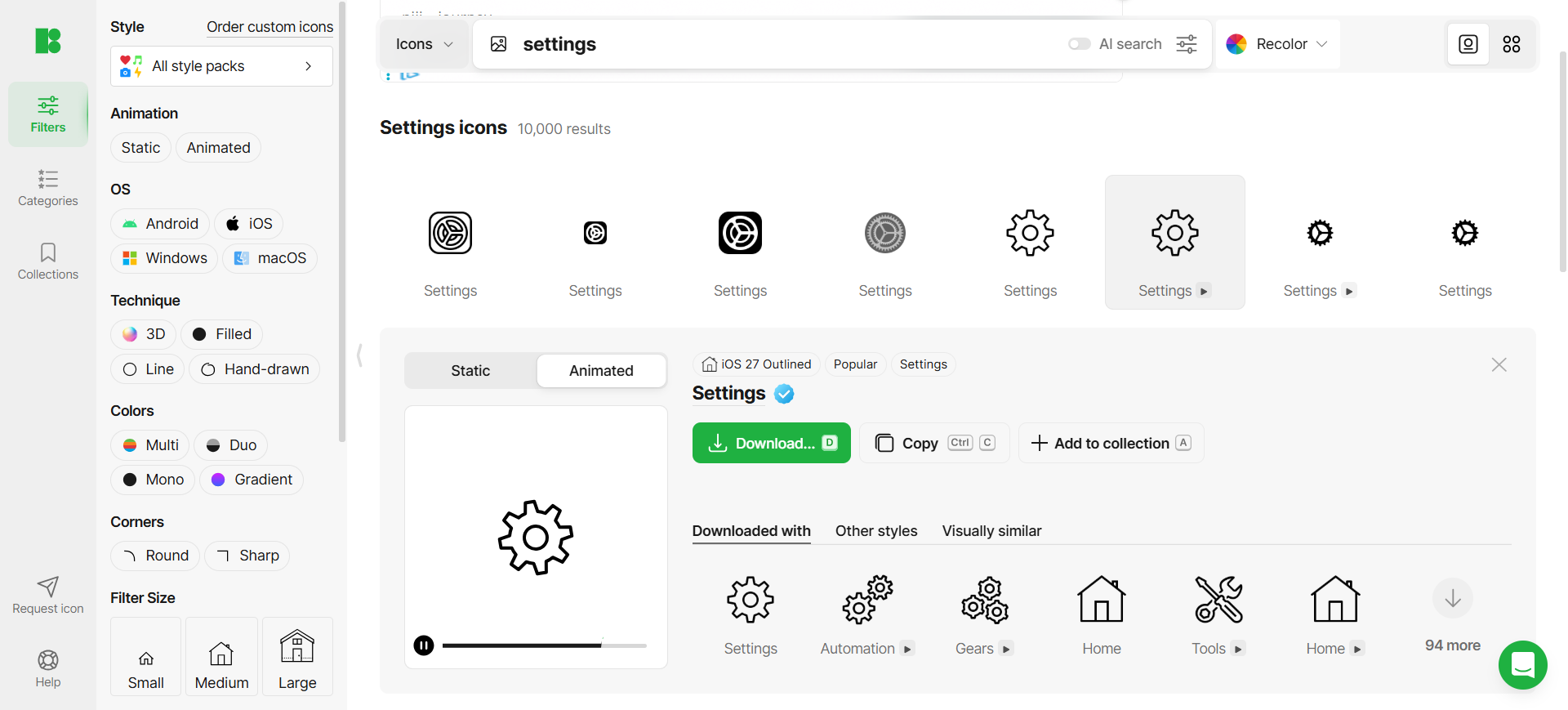
Icons8 is the curated library seat: consistent hand-drawn icon and illustration families for UI and marketing, with AI generators and Mega Creator when stock doesn’t have the metaphor. If IconScout is “search a huge mixed catalog, then generate,” Icons8 is “stay inside a style pack, then AI only for gaps.”
- Best for: Product or marketing files that need a matched visual language more than a one-off generated glyph.
- Strongest use: Search Icons8 or the Figma (or Lunacy) plugin → download into the kit → Mega Creator / AI editors only for the missing icon. Prefer AI and graphics when you need both library downloads and AI credits—not Only AI tools if you still want the hand-drawn catalog.
- Don’t use if / Watch outs: You only need an open-source framework with free SVG inserts—Iconify. Free attribution and format limits block a clean client handoff—upgrade before shipping. Custom generative systems as the main workflow—Recraft.
- Pricing snapshot: Freemium — Free = attribution. Paid split: Only AI tools vs AI and graphics vs Unlimited graphics. Check current quotas on Icons8.
 Noun Project — Human-made symbols (not a generator)
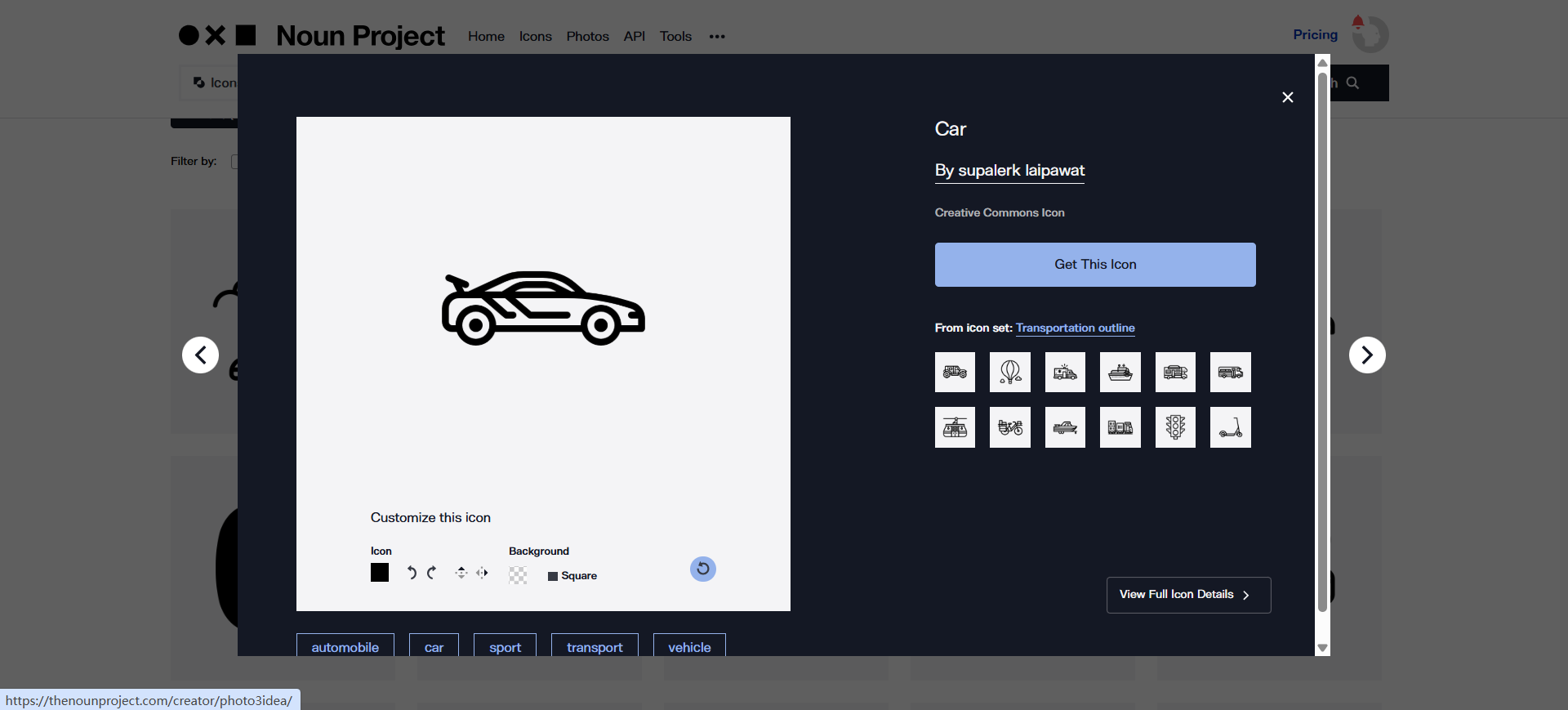
Noun Project is on this list as a neighbor: human-moderated, readable metaphors for UI, decks, and wayfinding-style graphics. AI here is search assistance, not “make me a custom set.” Use it when clarity beats novelty.
- Best for: Communication-first icons from a human-made catalog—readable metaphors, not generated novelty.
- Strongest use: Search on the site or via Figma / Adobe / Office plugins → PNG or SVG into the kit → recolor in the Pro icon editor when needed.
- Don’t use if / Watch outs: You want custom AI vectors as the main job—Recraft. You want OSS infrastructure and free Figma SVG as the default—Iconify. Free requires attribution and is tighter on editor/color—Icon Pro (or a single-icon license) for no-credit commercial UI.
- Pricing snapshot: Freemium — Free = attributed PNG/SVG. Paid Icon Pro (unlimited icons/sets, editor, kits, plugins) or Creator Pro (adds standard photos). Check current prices on Noun Project.
 Iconify — Open-source UI icons into Figma and code (not AI)
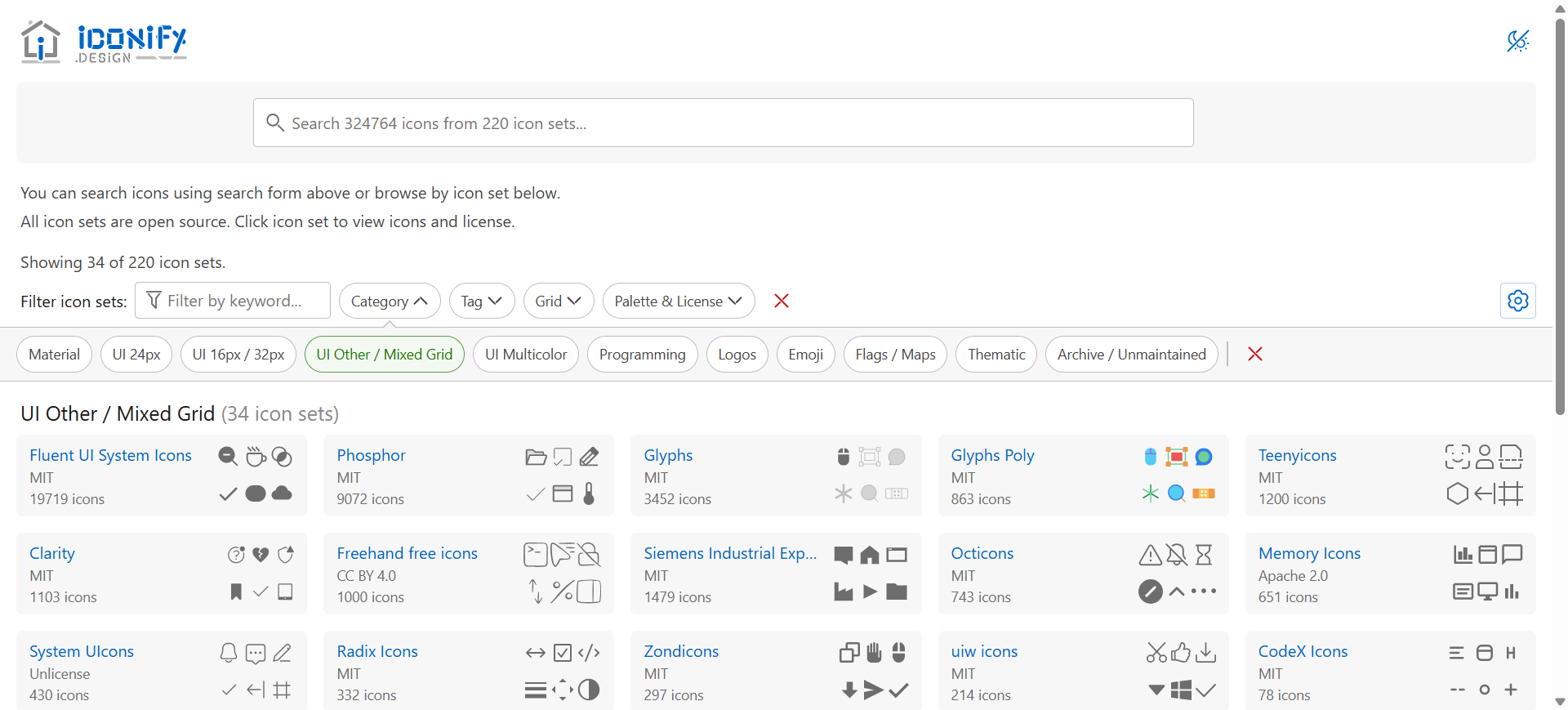
Iconify is not an AI generator. It unifies 200+ open-source sets (300k+ cleaned vectors) so design and engineering can share names and SVG. It earns the last seat because many “I need an icon” jobs should stop here.
- Best for: Product UI kits and design–dev handoff that should not depend on a generative vendor.
- Strongest use: Figma or Sketch plugin → search → insert SVG. Copy SVG or use Iconify components in code so the same icon names ship.
- Don’t use if / Watch outs: You need AI-generated custom icons—Recraft (or SVG AI for a one-off path). You want a commercial marketplace certificate—Icons8 or Noun Project. A specific set’s license (attribution, share-alike) doesn’t fit the product—pick another set or commission. Logos and lockups are the logo shortlist, not this framework.
- Pricing snapshot: Free open-source tooling—no paywall to unlock vector export. License is per icon set, not a single Iconify commercial blanket.
Don’t use this list if…
- You need a logo, wordmark, or Brand Kit. That’s Best AI Logo Generators—same Recraft, different job.
- You need to enlarge a raster. That’s Best AI Image Upscalers for Designers—not symbols.
- You want illustration or campaign art, not glyphs. Wrong aisle—see the Pack’s generate neighbors such as Midjourney, not this icon task.
- You only need background removal or mockups. Use Pack
Refine & cleanupneighbors like remove.bg—or the background-removal T when it ships. Not this icon shortlist. - You expect a generator to ship a design-system icon font with optical sizes. Draft here; finish in Figma (or commission).
Start from the Pack
For generate → consistent export on the image-creator path:
This article is the icon / symbol task narrative. The Pack’s living shortlist is wider (Midjourney, Leonardo, Ideogram, Recraft, Krea). Recraft is the overlap; IconScout, SVG AI, Icons8, Noun Project, and Iconify sit on this task page even when they are not Pack nodes.
What’s next
- Best AI Logo Generators — identity marks, not UI glyphs.
- Best AI Image Upscalers for Designers — resolution, not symbols.
- How we evaluate AI design tools — same selection bar, expanded.
Missing an icon tool that belongs in real design delivery workflows? Submit it.