
Freemium

For brand and graphic designers (plus freelancers and POD sellers) who need editable logos, badges, posters, labels, and merch graphics—not product UI. Kittl combines templates, vector editing, and AI generation/cleanup in one browser canvas, then exports files suited to print and apparel workflows. Prefer Figma for product UI; treat Free as a personal sandbox—commercial high-res and vector export sit on paid plans.
You need a browser canvas for brand-led graphics—logo and badge exploration, posters, packaging-style labels, or apparel/merch art—and want AI assists plus templates without leaving that editor.
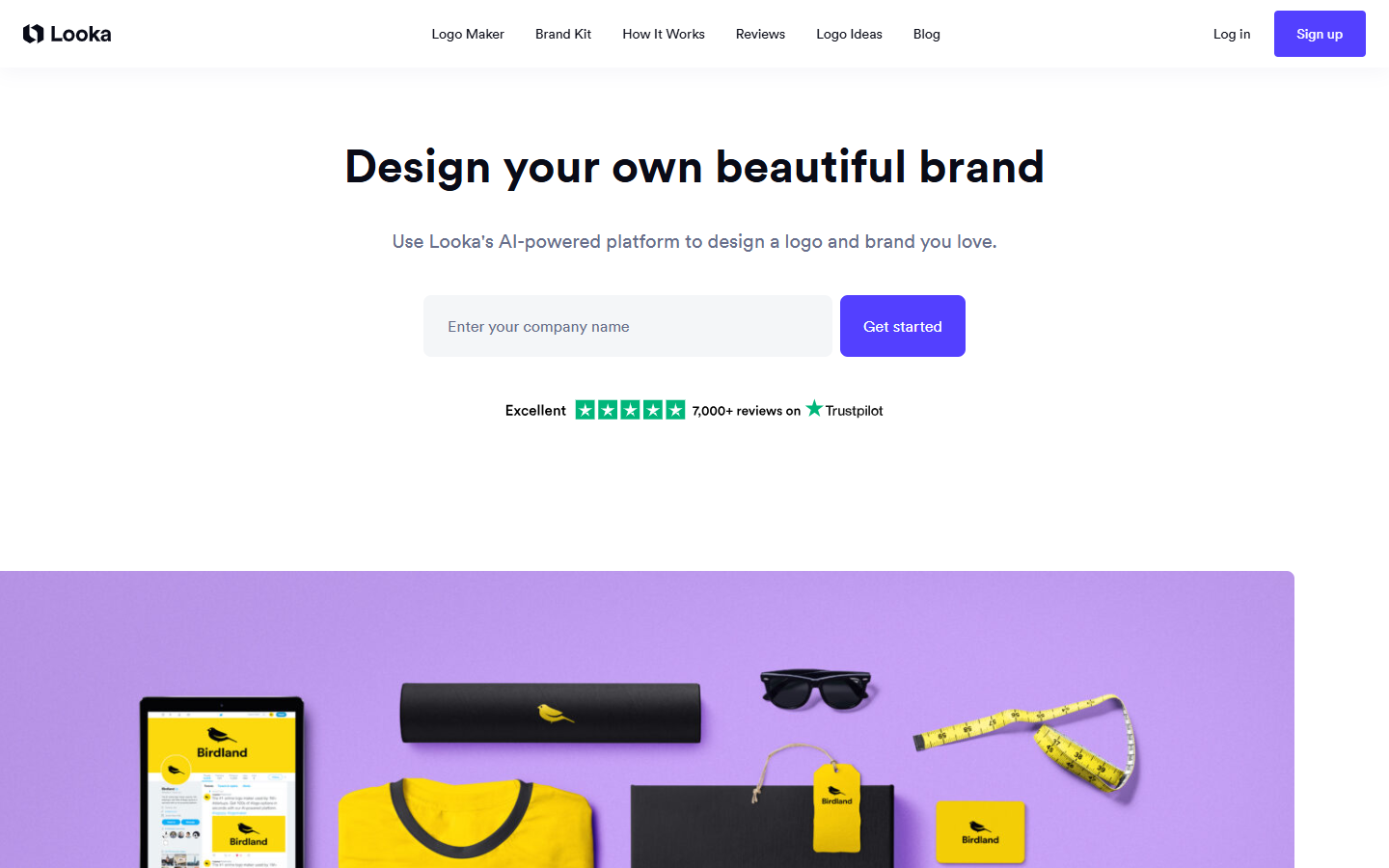
Primary loop stays in Kittl: brief → template or AI start → vector/type polish → export. Ship PNG/JPG for digital drafts; use SVG/PDF from a paid plan for print, packaging, and POD. Pull finals into Figma or brand docs only for systemization—not as a two-way sync. Pair with Looka when you need a fast logo shortlist first, then finish graphics here.