
Freemium

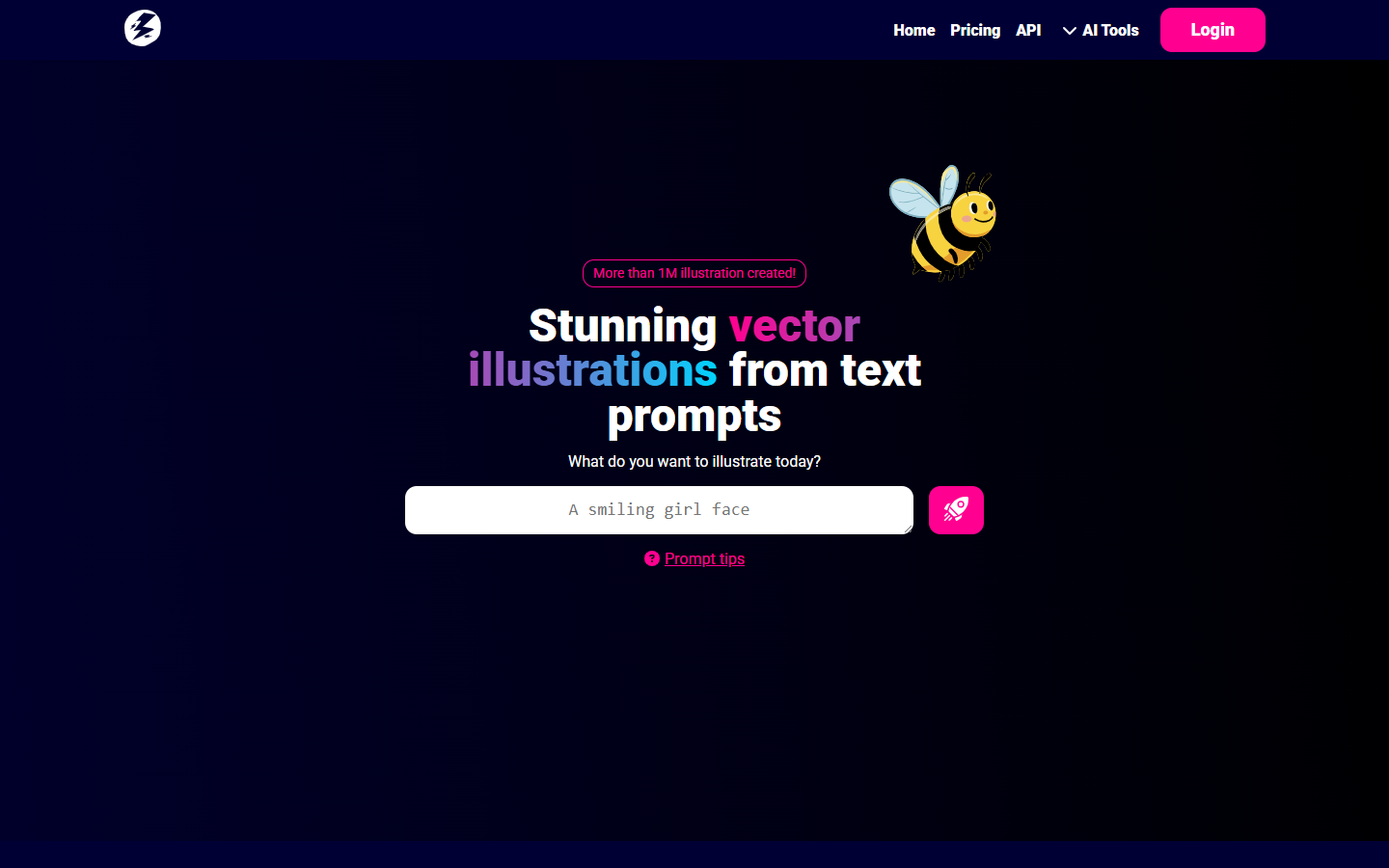
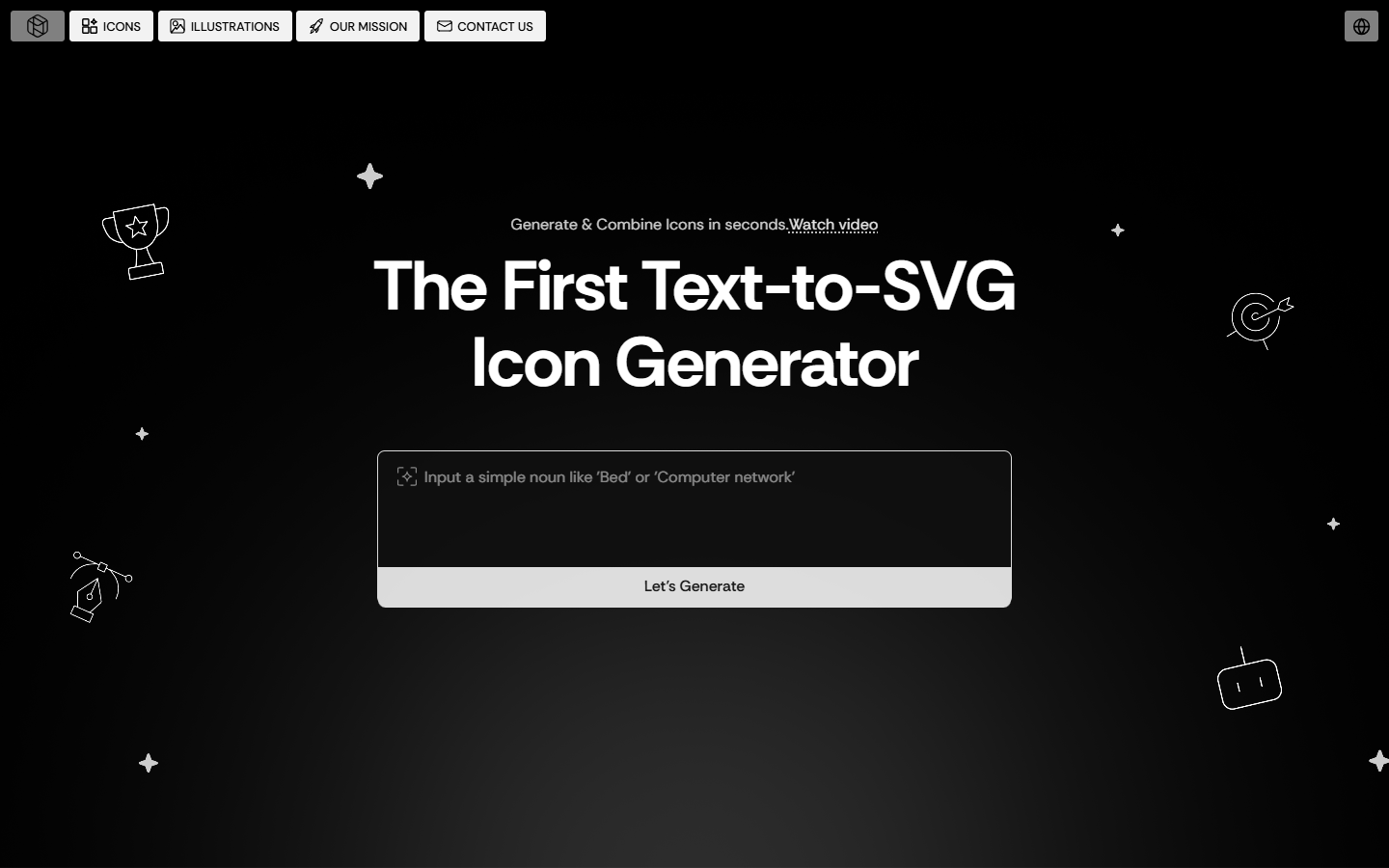
For UI, brand, and graphic designers who need a real SVG from a prompt—icons, small sets, or vector sketches—not a PNG to auto-trace later. SVG AI writes vector paths, then lets you restyle with follow-up prompts before you download into Figma or Illustrator. Skip it when you need Recraft’s reusable styles, a stock icon library, or a logo-kit wizard. New accounts get 10 credits to try it.
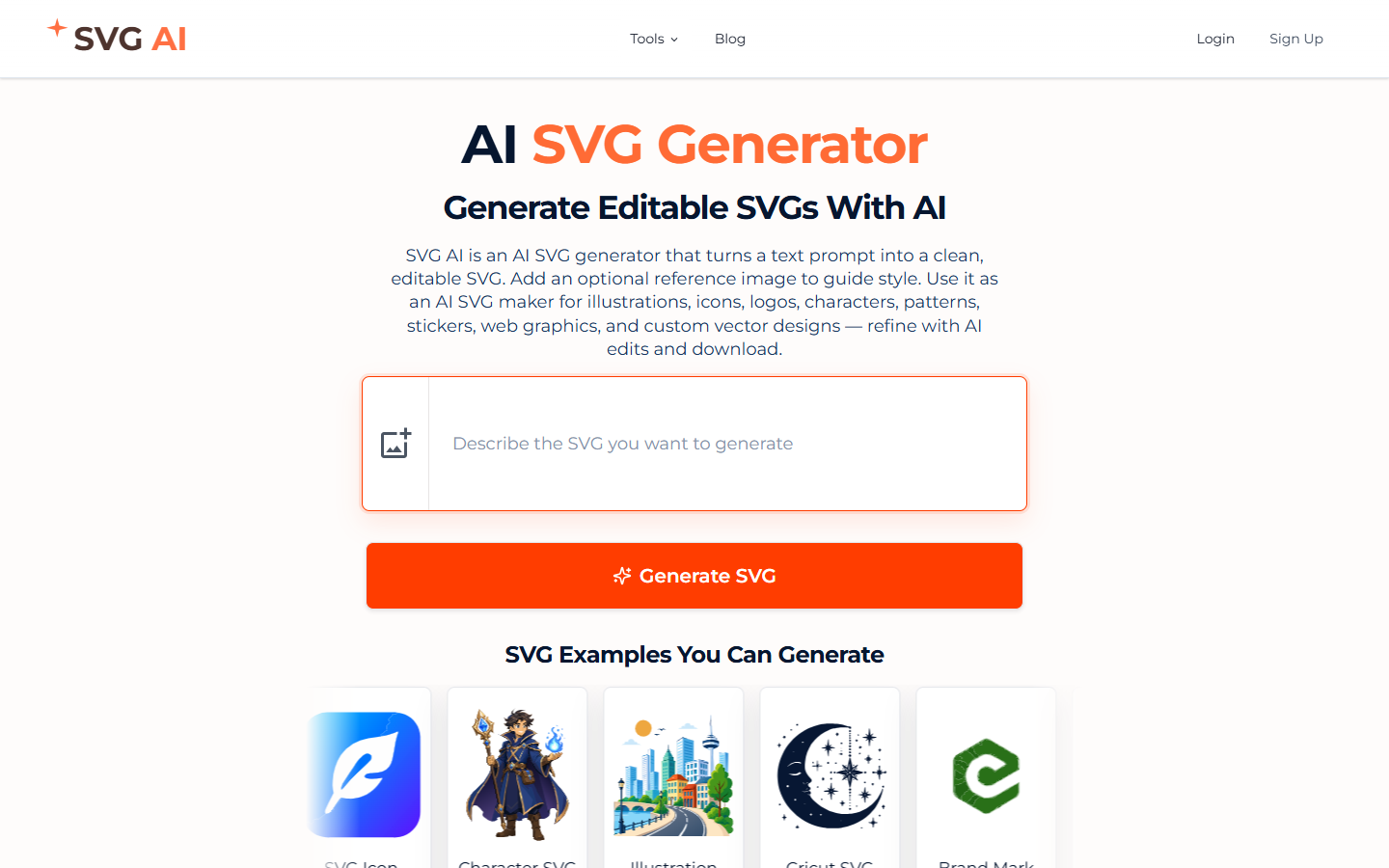
You need a custom icon or small glyph set as actual SVG from a prompt (optional reference image), and you will finish paths in Figma or Illustrator rather than treat the first hit as a design system.
Describe the icon (hex colors if you have them) → pick Classic or Ultra → generate 1–4 variations → prompt-edit → download SVG → rebuild consistency in Figma. Homepage also markets logos, stickers, and Cricut cuts; for this listing the job is icon/SVG drafts. Browser converters and a separate image-to-SVG path are utilities, not the generator.