

Whimsical
For UI and product designers who need shared clarity on flows and structure before opening a polished Figma file. Whimsical is a product whiteboard: flowcharts, diagrams, mind maps, and lightweight wireframes—plus AI to draft diagrams and generate lo-fi wireframes. Prefer Stitch or Uizard/Visily for generative hi-fi UI, or Figma AI when your only gap is light AI inside an existing Figma source of truth.
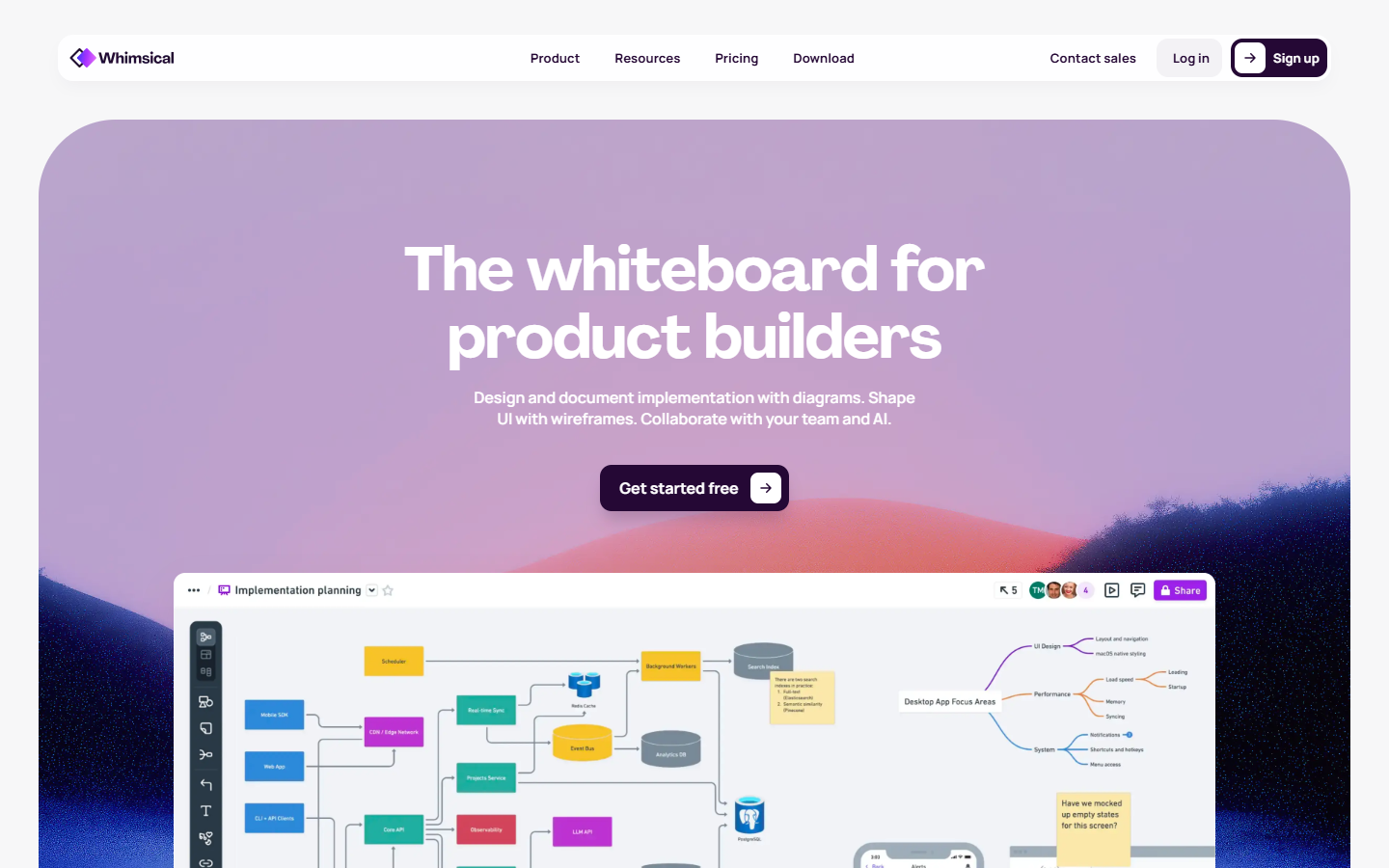
Use it when
You’re untangling a feature—login paths, edge cases, IA—and need flows, diagrams, or light wireframes the team can edit together before investing in high-fidelity screens.
What it does well
- Fast diagrams, flowcharts, and mind maps for shared product understanding
- Lightweight UI wireframes with drag-and-drop components
- Whimsical AI to generate diagrams, brainstorm, organize information, and produce lightweight/lo-fi wireframes (not hi-fi screens)
- Realtime multiplayer editing, comments, templates, embeds, and version history
- Viewers stay free; Pro/Business add unlimited boards (vs Free limits), watermark removal, and stronger admin/security options
Skip it when
- You need AI to paint hi-fi screens or marketing-site systems—look at Stitch, Uizard/Visily, or Relume instead
- Your only gap is AI inside an existing Figma source of truth—Figma AI may be enough
- You’ll burn through Free AI quickly (10 AI credits for free per Whimsical)—check current credit and board limits before committing a team workflow
- You need a Webflow/React marketing-site pipeline or a code-first prompt→app tool—that’s Relume or v0/Bolt territory
Fits your workflow
Primary loop is on Whimsical boards: map the flow (± AI), optionally sketch or AI-generate light/lo-fi wireframes, align with comments/share links, then move to Figma for high-fidelity UI. Slack embeds help; GitHub integration sits on paid plans. Treat Whimsical as the thinking layer upstream of visual design—not the final design system.

Similar tools
See more