


Visily
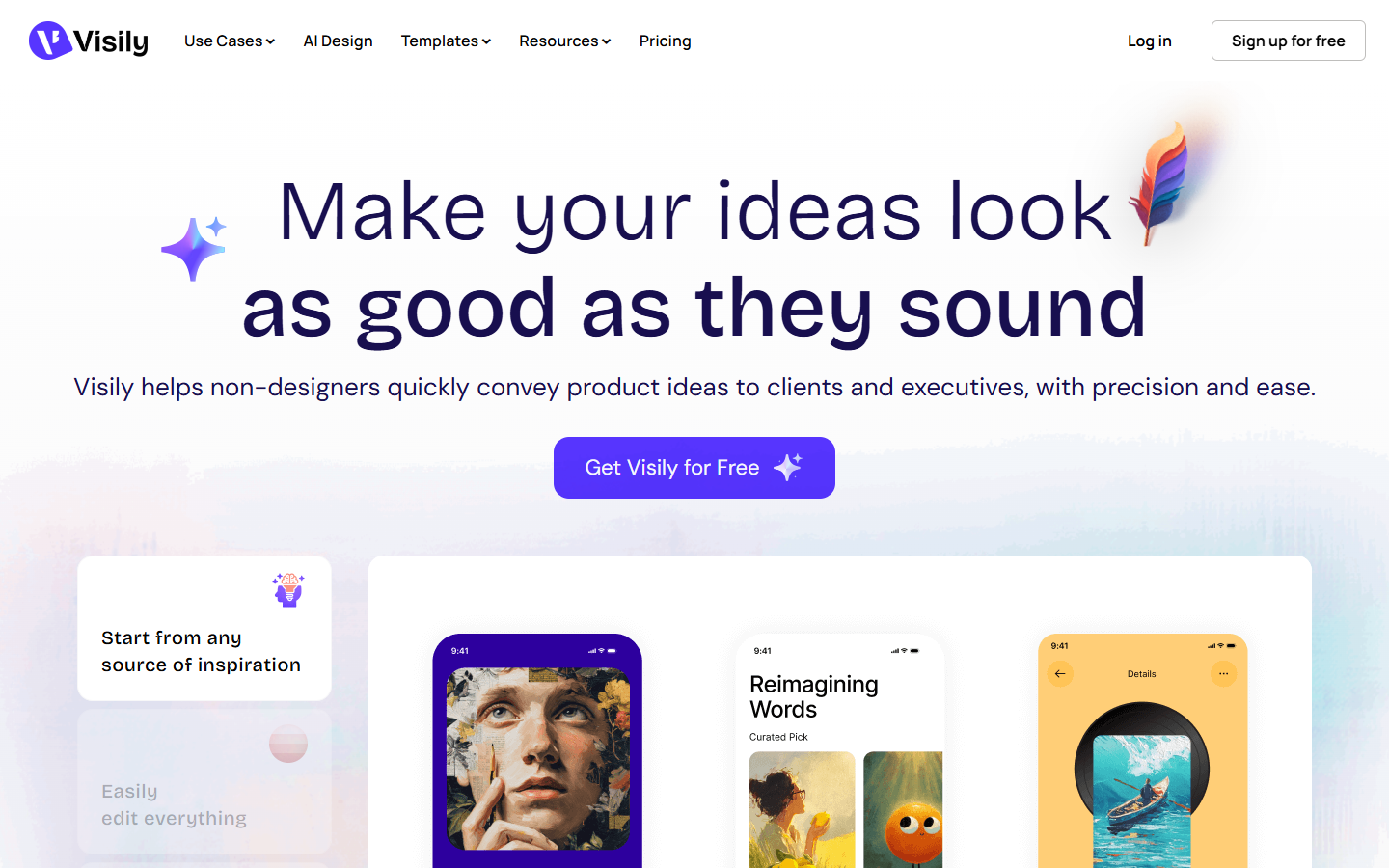
For PMs, founders, freelancers, and mixed product teams who need hi-fi wireframes or screens that look real enough to react to in a workshop—without a Figma-level learning curve. Visily starts from text, screenshots, diagrams, or templates, then lets the room edit and prototype on a shared board. Prefer Figma AI when Figma is already your only source of truth and you only need light in-file AI.
Use it when
You need stakeholder-ready hi-fi wireframes or product screens in the room—especially with non-designers—before you invest in a full Figma design-system pass.
What it does well
- Generate and edit from text prompts, screenshots, diagrams, and templates on an easy drag-and-drop canvas
- Hi-fi ↔ lo-fi switching, Smart Components, and auto-prototyping for reviewable flows
- Built-in collaboration: comments, cursor chat, follower mode, and shared libraries
- Wireframing plus diagramming and interactive prototyping in one workspace
- Paid plans add Figma export/import, code export, and Visily MCP—Starter stays for trying the basics
Skip it when
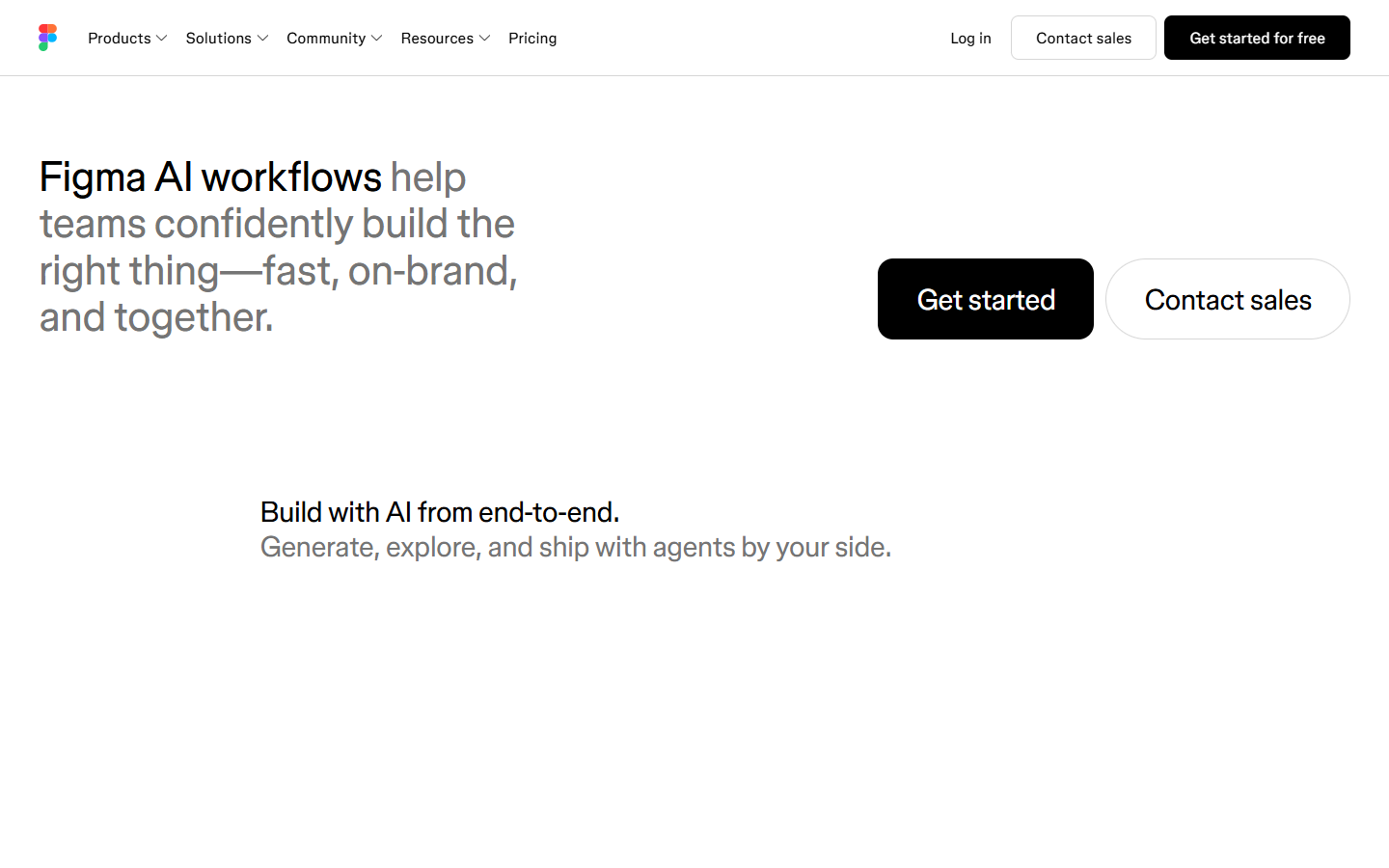
- Your team already lives in Figma and only needs AI inside that file—prefer Figma AI
- You need clean Figma or code handoff on day one: Export/Import to Figma, code export, and MCP are on Pro/Business, not Starter
- Starter constraints will block you: about 2 editable boards, monthly AI/template credits, and watermarked 1x image/PDF exports
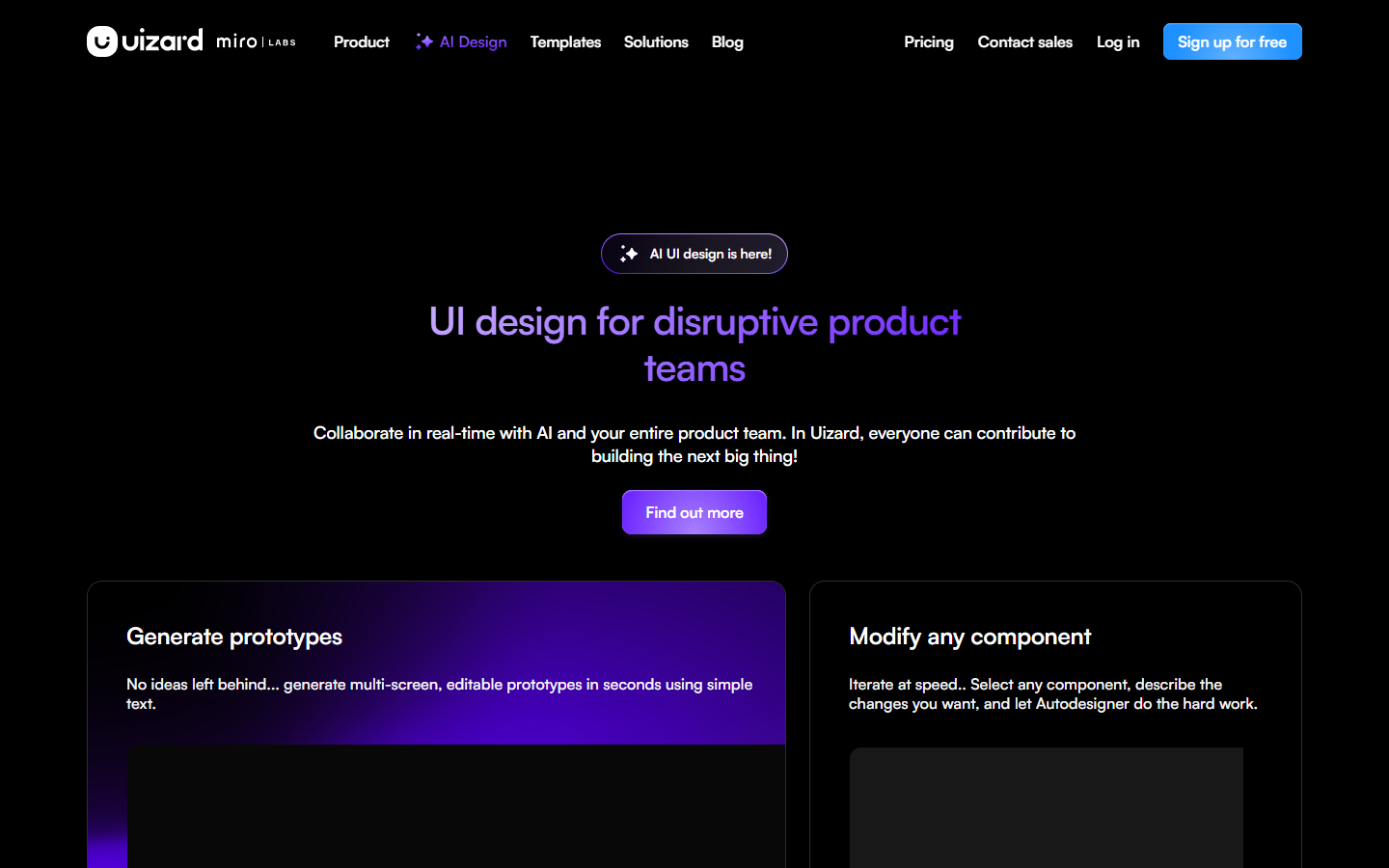
- You want a Google Labs streaming design canvas (Stitch) or Autodesigner-style scanner product (Uizard)—compare on fit, don’t treat them as identical
Fits your workflow
Primary loop is on Visily boards. Upstream: prompt, screenshot, diagram, or template; Pro+ can import from Figma. Downstream: share and co-edit; Starter can export JPG/PNG/PDF with limits; Pro+ can push to Figma, export code, or use MCP. Finalize design systems in Figma once direction is agreed—Visily is for workshop alignment and early prototypes.
Similar tools
See more