

Stark
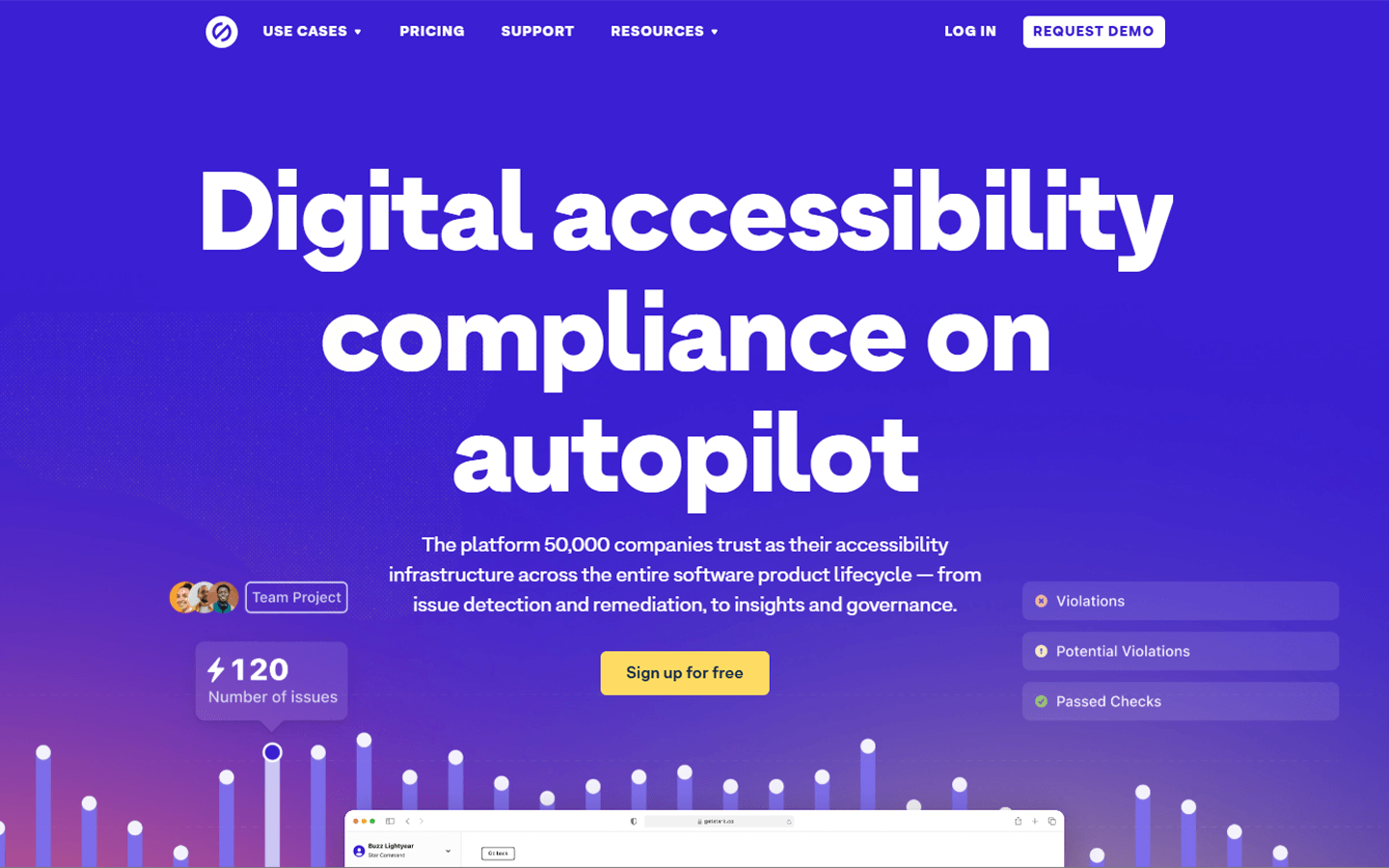
For designers, developers, and compliance leads who need accessibility checks from Figma through code to live product—not a UI generator and not a one-off contrast calculator. Stark plugs into Figma/Sketch/browser/GitHub with manual and automated tooling, plus a web platform for projects and reports. Free covers getting started; paid plans add automation, monitoring, and governance.
Use it when
You need accessibility checks and fixes inside Figma (and across code/live sites) so issues are caught before expensive remediation—and you want shared reports for PMs and compliance.
What it does well
- Design plugins: contrast checker, vision simulator, focus order, alt-text annotations, and AI-assisted detection/remediation (Sidekick) on paid tooling
- Integrations across Figma, Sketch, browsers, GitHub, and related workflows so teams stay in existing tools
- Web platform: projects, reports, and insights from design to code to live product
- Free team account to start; upgrade for automated detection/remediation and continuous monitoring
- Premium Pack: Figma automated detection/remediation, browser WCAG scans/reports, live code highlighting; compare table: 10-page limit, manual scans, private projects
- Launch / Grow / Scale: team editors/viewers, rising page limits (100 / 1,000 / 4,000), weekly to real-time scans, broader assets (CI/CD, private URLs, iOS/Android on Grow+), Compliance Center and SSO on Grow/Scale
Skip it when
- You need UI generation or mockup creation—wrong category
- Free/manual checks are enough and you do not need Sidekick automation or org reporting
- You need CI/CD, private URL, or mobile app scanning on Premium Pack/Launch—those expand on Grow/Scale
- You need Compliance Center, VPAT drafts, or SSO—Grow/Scale territory
- You expect Stark to replace legal accessibility counsel or a full agency remediation engagement
Fits your workflow
Install the Figma/Sketch plugin → check designs early → connect repos/URLs on platform plans → monitor reports with PMs/compliance. Stay on free tools while evaluating; Premium Pack for individual automation; Launch+ when the team needs shared monitoring and governance.
Similar tools
See more