

Flowstep
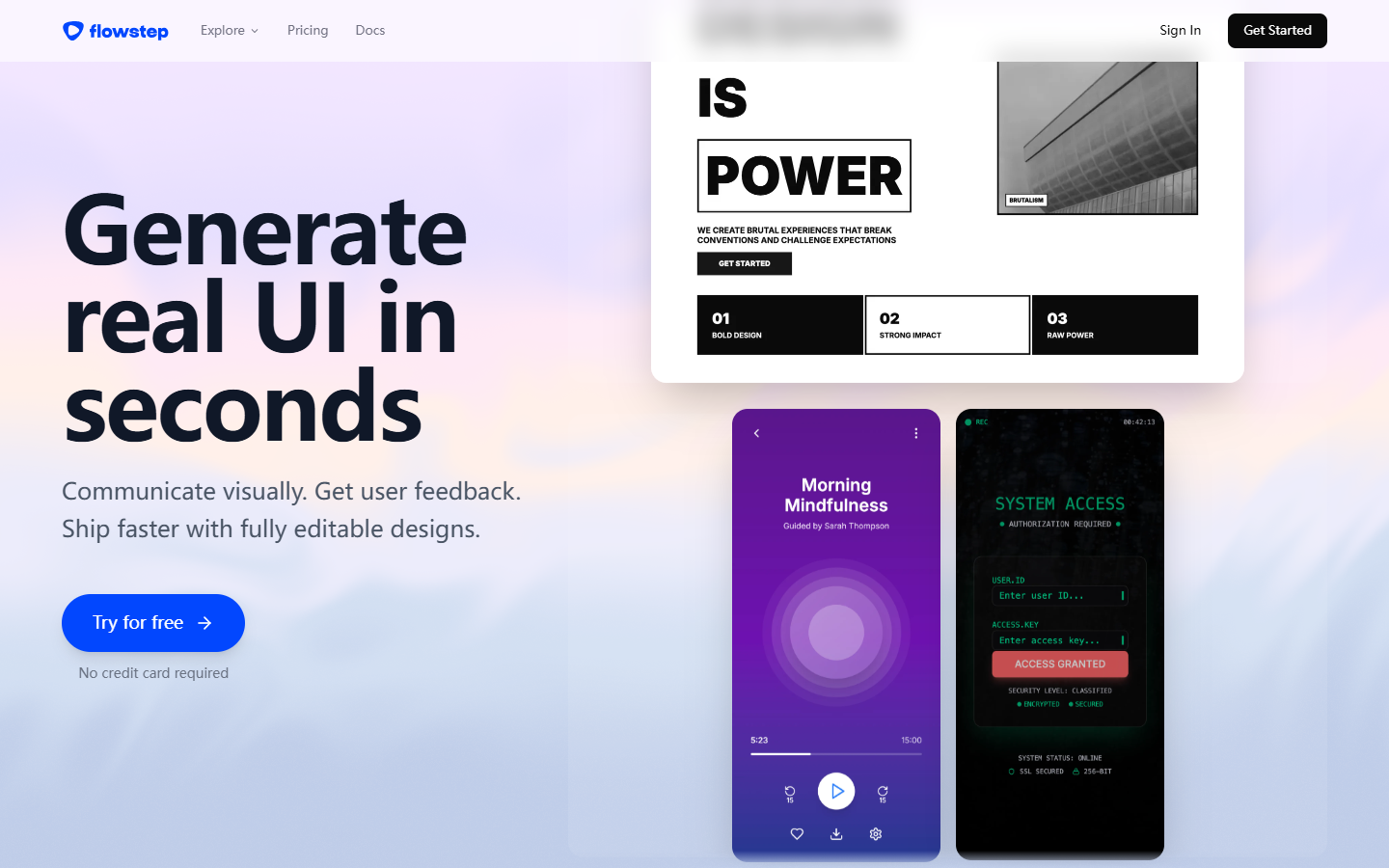
For product and UI designers who need connected screens from a prompt—not a single mockup toy and not a Figma-only Make workflow. Flowstep generates multi-screen product UI you can edit on a canvas, then hand off via Copy to Figma on paid plans or export toward React/Tailwind-style code. Prefer UX Pilot for wireframe/hi-fi exploration, Magic Patterns for design-system + MCP loops, or Locofy/Anima when Figma is already the source of truth.
Use it when
You need a first multi-screen product UI flow from natural language—and you’ll refine on a canvas before pasting into Figma or continuing in code.
What it does well
- Prompt-to multi-screen product UI with canvas refinement after generation
- Message-based metering: generation spends messages; manual edits are positioned as not consuming the pool
- Paid plans unlock unlimited multi-screen, projects, exports, and Copy to Figma (no plugin required on their stated path)
- Clear capacity steps: Free is limited; Starter/Pro/Max raise monthly messages (about 80 / 240 / 1,000 on current tiers)
- Code-oriented export narrative (React/TypeScript/Tailwind/shadcn-style stacks) alongside Figma handoff
Skip it when
- Free’s limited messages and project caps cannot support ongoing product exploration
- Your source of truth is already polished Figma and you only need Locofy/Anima conversion
- You mainly want UX Pilot’s wireframe/hi-fi + credit canvas rather than message-based multi-screen generation
- You need Magic Patterns’ design-system import plus MCP/GitHub as the primary loop
- Heavy prompt iteration would burn through Starter’s ~80 messages/mo without stepping up tiers
Fits your workflow
Prompt the flow → generate multi-screen UI → refine on the canvas → Copy to Figma or export code → finish tokens and edge cases in your main file/repo. Stay Free to test message burn; move to Starter/Pro/Max when you need unlimited projects/exports and a larger monthly message pool.
Similar tools
See more