
Skip to content

VistaCreate

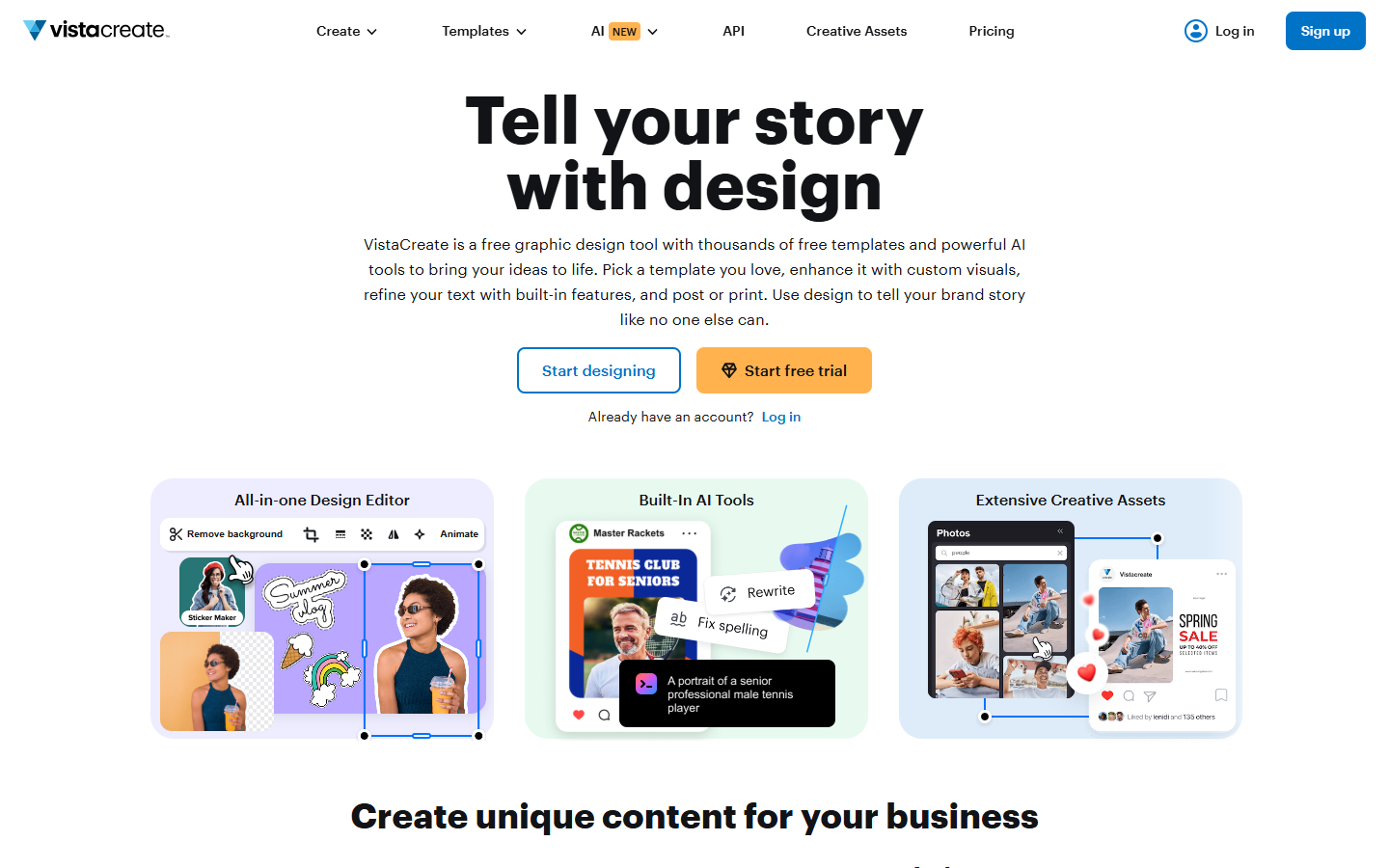
For social and marketing teams that need fast multi-size posts and ads—not Figma-level product UI work. VistaCreate (formerly Crello) is a browser template editor with free Starter access: about 100K templates, 1M stock assets, one Brand Kit, 10 GB storage, and social scheduling on one seat. Pro unlocks 200K+ templates, 170M+ assets, infinite Brand Kits, up to 10 seats, HD download, resizer, sticker maker, version history, and AI image/writer/remover tools, with a 14-day Pro trial.
Social & Marketing Graphics
$Freemium
VistaCreate homepage

Use it when

You need quick social posts, ads, or animated marketing graphics from templates, and Canva-level breadth isn’t required—or you want a cheaper Pro lane with a short trial.

What it does well

  • Browser template-driven editor for social, blog, and marketing creatives (static and animated templates)
  • Starter (free): ~100K design templates, 1M photos/videos/vectors, 1 Brand Kit, 10 GB storage, social media scheduling, 1 seat
  • Pro: ~200K+ templates, 170M+ assets, infinite Brand Kits, up to 10 seats, unlimited storage, version history, HD download, sticker maker, one-click resizer
  • Pro AI toolkit on the live plans page: Image Generator, AI Writer, Object Remover, Background Remover; 14-day free trial, cancel anytime

Skip it when

  • You need product UI/design-system work in Figma rather than social template production
  • You need HD downloads, AI generators/removers, or multi-seat Brand Kits on day one without Pro—the compare table puts those on Pro
  • You need Canva’s broader docs/whiteboard ecosystem and don’t mind paying for that stack instead
  • Free stock depth isn’t enough—Starter’s 1M assets vs Pro’s 170M+ is the main library jump

Fits your workflow

Pick a template → brand with Kit colors/fonts → resize for channels → schedule or download. Stay on Starter for light posting; start the 14-day Pro trial when you need HD, AI tools, or team seats. Confirm export quality on Free before a campaign handoff.
Similar tools

See more