
Skip to content

BrandBird

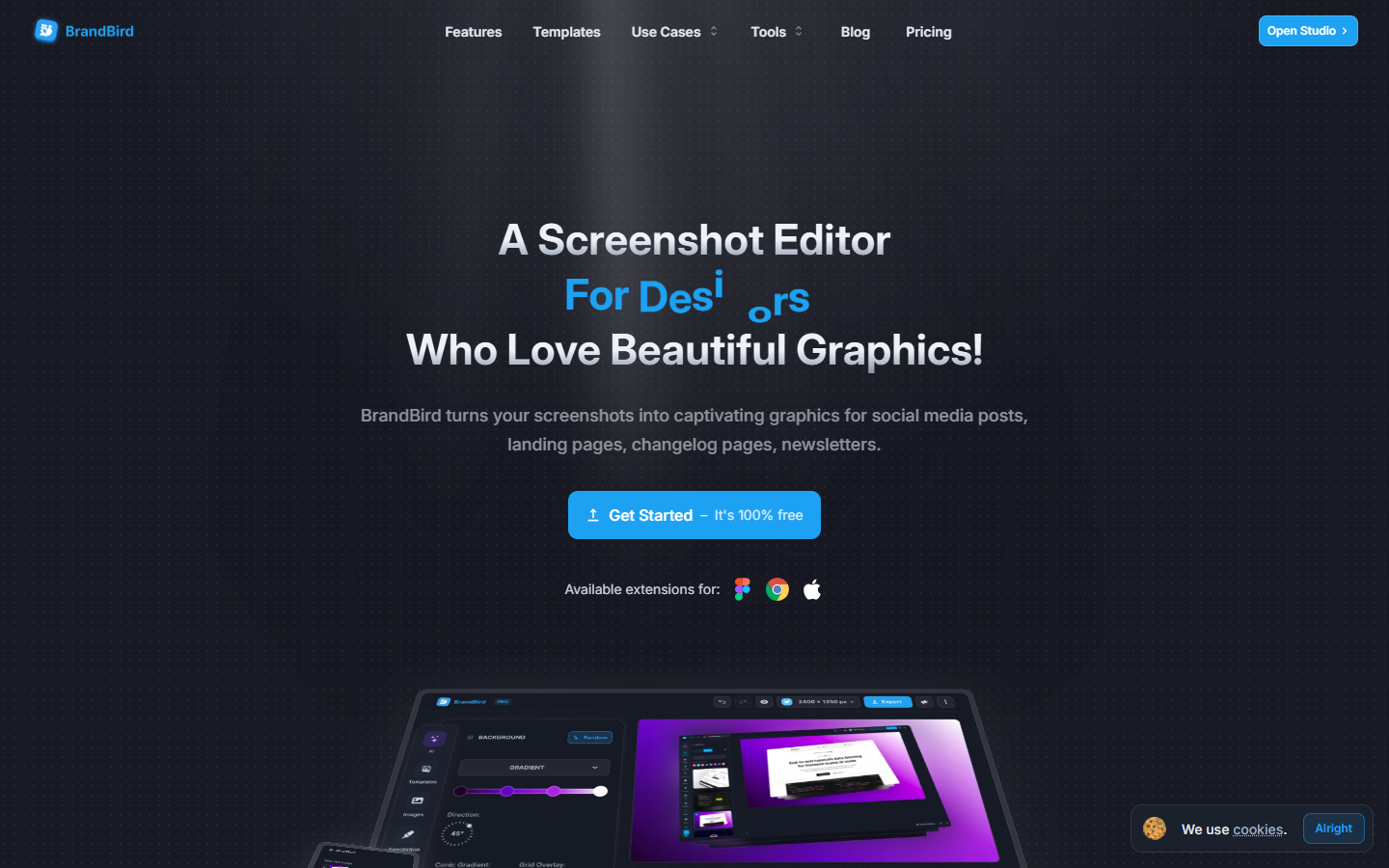
For founders, marketers, and creators who need polished social graphics from screenshots—not a Canva session every post. BrandBird Studio adds backgrounds, 3D tilt, annotations, device frames, and platform size presets in a few clicks, with Chrome and Figma import paths. Free includes core editing and unlimited exports but keeps watermarks and locks premium mockups, brand kits, and AI tools behind Pro. Skip logo generation or design-to-code.
Social & Marketing Graphics
$Freemium
BrandBird homepage

Use it when

You ship product updates, tweets, newsletters, or landing pages and need screenshot-first graphics that look intentional—without rebuilding layouts in a general design tool every time.

What it does well

  • One-click backgrounds: gradients, solids, patterns, or images plus 3D perspective and shadow presets
  • Annotate screenshots with arrows, emojis, labels, numbered steps, and feature highlights
  • Wrap captures in iPhone, MacBook, iPad, and browser device frames for product marketing
  • Built-in social size presets for X, LinkedIn, Instagram, Facebook, Product Hunt, and custom dimensions
  • Import tweets by URL, capture websites in mobile or desktop view, or send Figma frames and Chrome captures into the editor
  • Blur or redact sensitive UI data before sharing; export PNG, JPEG, or WebP including optimized WebP for web
  • Pro adds watermark removal, premium mockups, saved templates, brand kits, and AI tools

Skip it when

  • You need a logo or full brand-kit generator—Brand Kits store watermarks, colors, and fonts for reuse, not identity creation from scratch
  • Free tier keeps watermarks and excludes premium mockups, saved templates, brand kits, and AI tools—plan on Pro for client-facing polish
  • Capacity snapshot: Free for core editing with unlimited exports; Pro monthly unlocks the full premium toolkit; a limited-time lifetime option covers Pro features with no recurring fees
  • You need multi-page editorial layout, hi-fi product UI design, or design-to-code—BrandBird is screenshot beautification, not a Figma replacement
  • Full editing is desktop-browser first; tablets and phones are not the primary experience

Fits your workflow

Capture a screenshot, Figma frame, tweet, or webpage → apply background, 3D, and annotations in BrandBird Studio → pick a social or custom export size → copy to clipboard or download. Upgrade to Pro when you need brand kits, premium mockups, AI tools, and watermark-free exports for recurring content.
Similar tools

See more