


Picsart
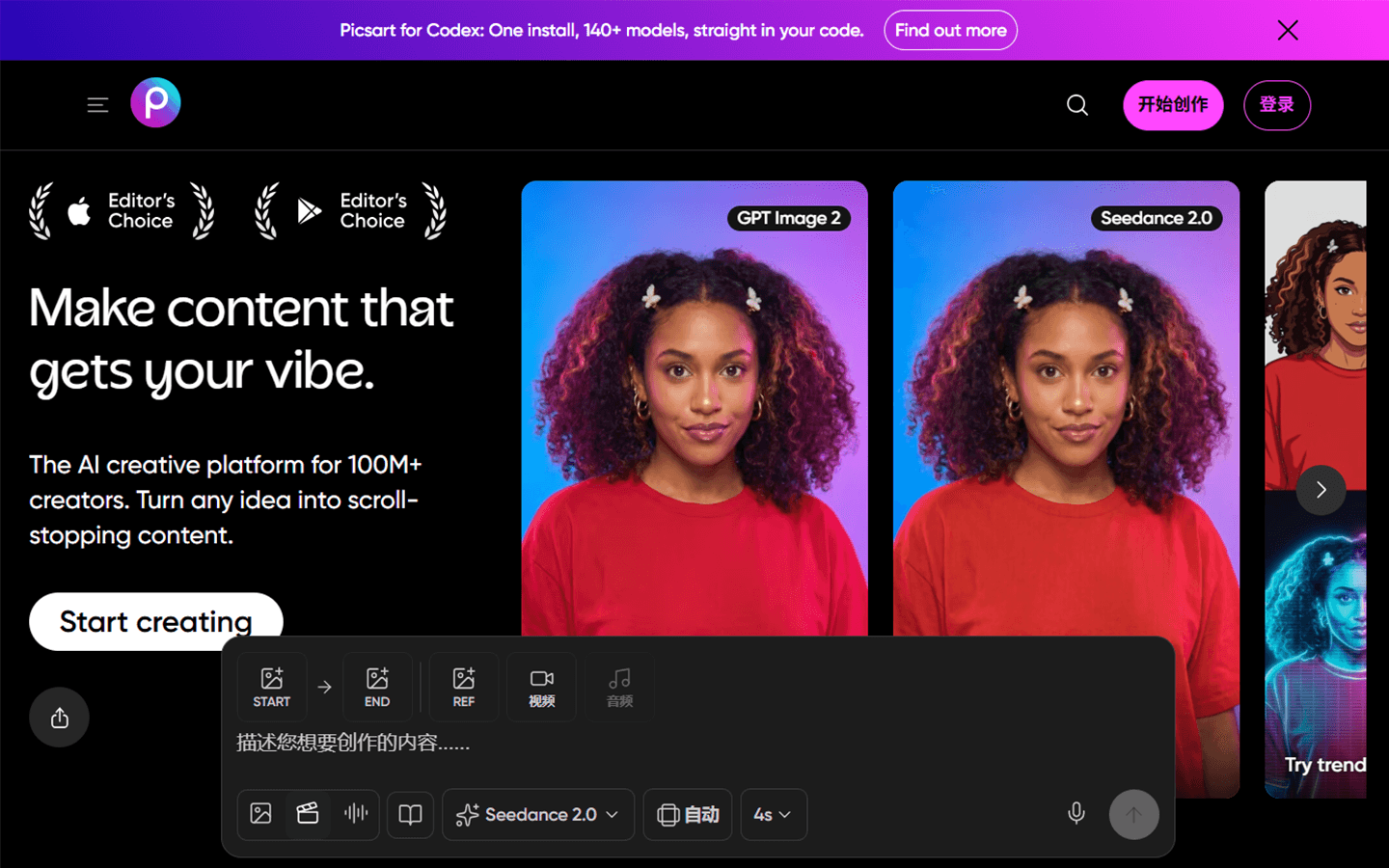
For creators and marketers who need fast social graphics and photo/video edits across phone and web—not a Figma product-design workspace and not a single-purpose upscaler. Picsart combines standard editing (templates, stickers, retouch, background/object removal) with credit-based generative AI for images, video, stickers, and more. Prefer Canva for template-first brand kits, or Leonardo when image generation is the only job.
Use it when
You need on-the-go photo/video edits and social-ready graphics, with optional AI generation, without opening a full desktop design suite.
What it does well
- Photo and video editing plus templates, fonts, stickers, and social-sized exports on mobile and web
- Built-in AI remove/replace/enhance tools alongside credit-based image and video generation
- Pro: monthly credit pool for everyday AI (e.g. ~250 credits/mo), 3+ brand kits, bulk edit up to 50, 100 GB storage
- Ultra: larger credit tiers, 140+ AI models, non-expiring add-on credits, team seats, 10+ brand kits, 300 GB/seat
- Secondary hooks (AI agents, CLI, MCP) if you want Picsart inside agent/dev workflows
Skip it when
- You need ongoing generative volume—trial credits run out; budget Pro/Ultra credit pools (and note subscription credits don’t roll over)
- You need product UI, design systems, or component libraries—use Figma
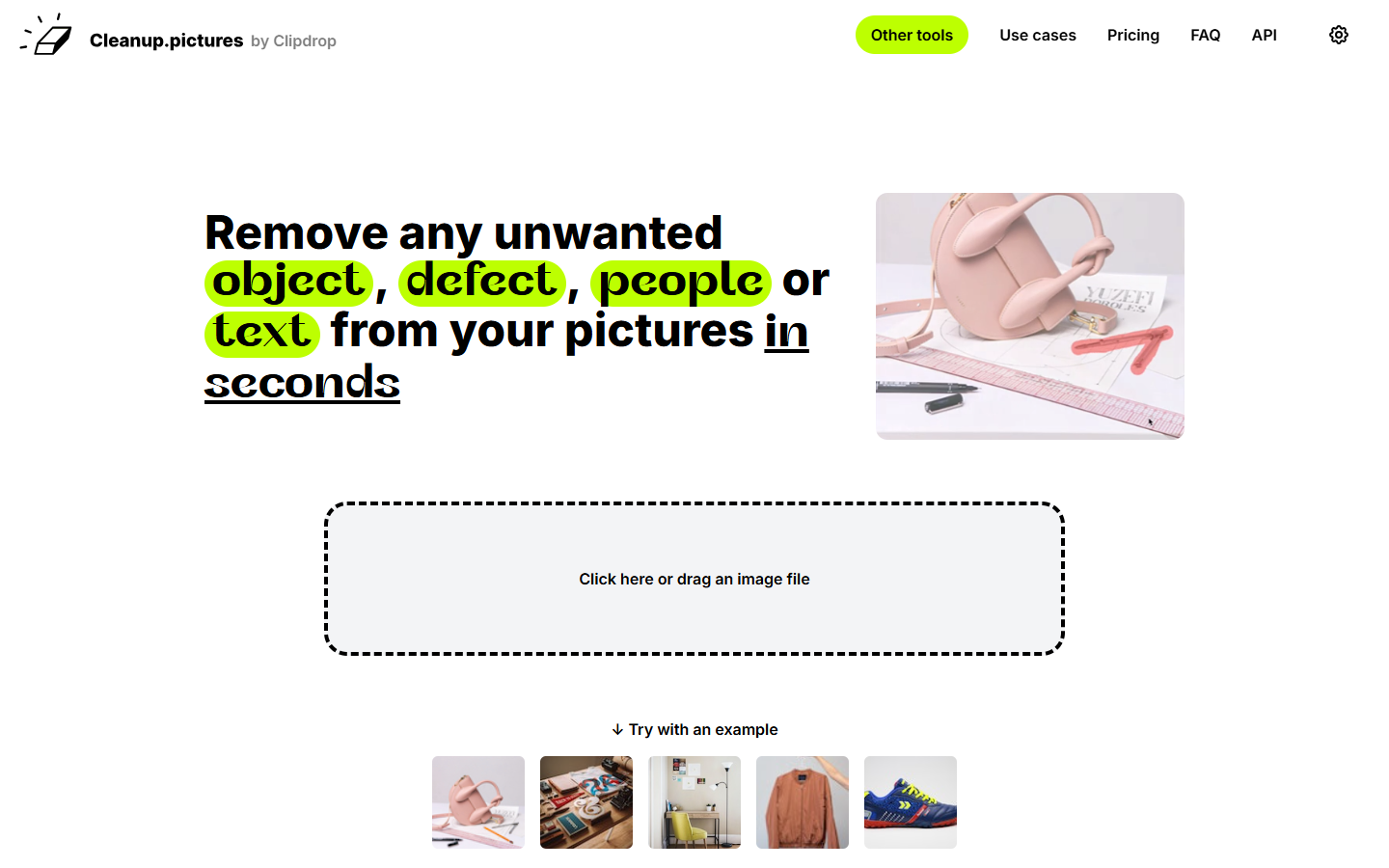
- You only need specialist object removal or upscaling—Cleanup.pictures, VanceAI, or Magnific may be cleaner
- You want a template-first brand kit without a consumer photo-app surface—try Canva or Adobe Express
- You need team billing and seats on day one—team creation sits on Ultra, not Pro
Fits your workflow
Capture or upload on mobile → edit or generate → resize for channels → export. Use Brand Kit on paid for repeat social. Keep product design in Figma; treat Picsart as the social/creative production layer and watch monthly credit burn on video-heavy models.
Similar tools
See more