
Skip to content

For designers and marketers who need fast retouch and social graphics—not Photoshop for print, not Figma, and not a dedicated upscaler. Fotor is a browser editor: enhance, unblur, remove backgrounds or objects, then drop results into templates. Basic includes limited credits, but exports stay watermarked and ads stay on. Skip it when you need HD, transparent PNG, or brand kits.
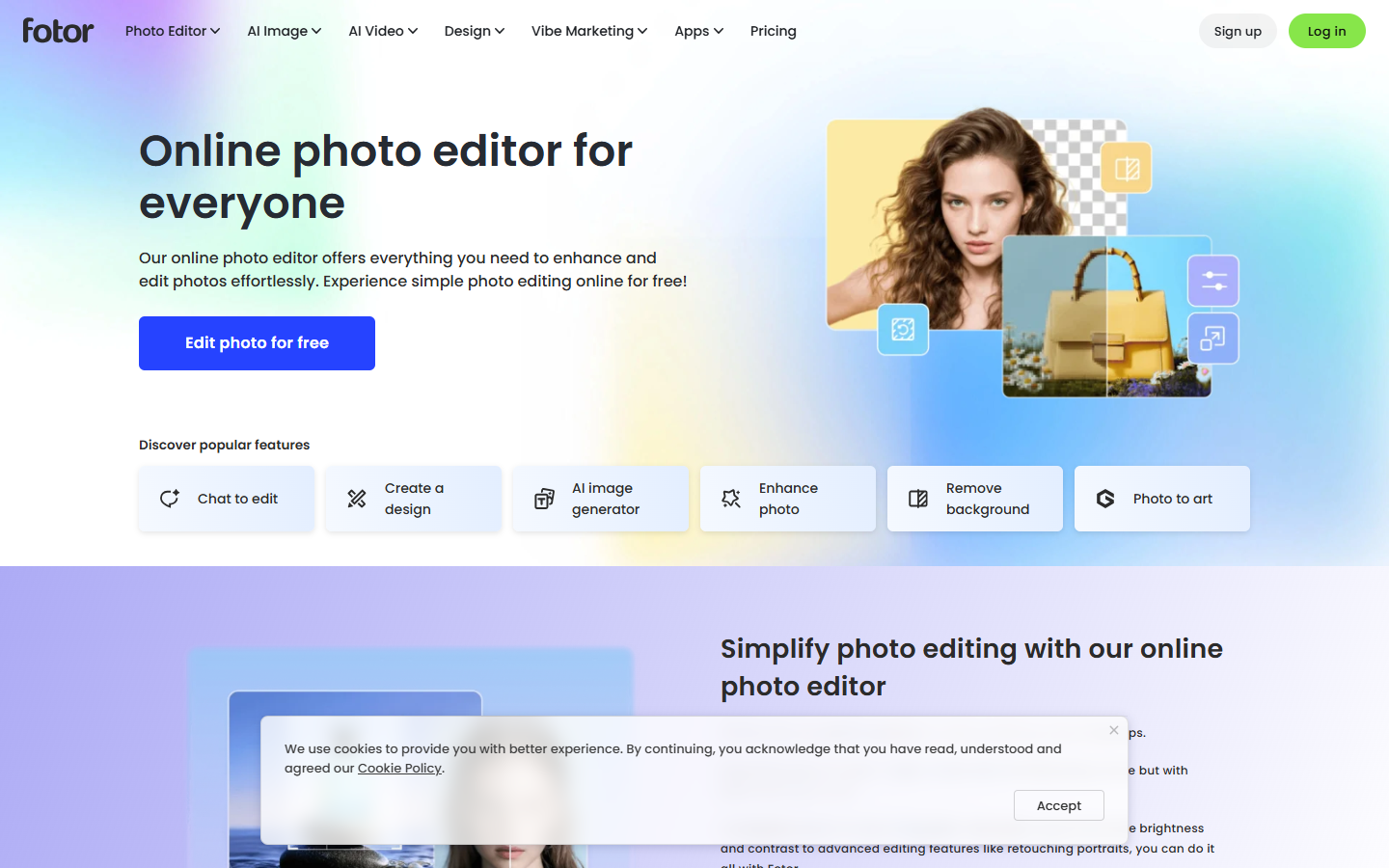
Photo Editing & RetouchingSocial & Marketing Graphics
$Freemium
Fotor homepage

Use it when

You need to clean up a photo and produce a social or marketing graphic without opening Photoshop—and you will export a raster into Figma or post it as-is.

What it does well

  • One-click enhance, unblur, background remove, and object remove in the browser
  • Template-based social and marketing layouts plus collage
  • Apps and device sync alongside the web editor
  • Pro and up unlock watermark-free HD and transparent PNG

Skip it when

  • You need print-grade Photoshop work, a Figma design system, or SVG/icons as the main job
  • You only need a dedicated 4×–8× upscaler—use Magnific, Topaz, or Remini instead
  • Basic keeps watermarks and ads, limited credits, 512MB cloud, and 30-day storage—no full editing suite
  • Pro is 1,200 credits/year and 2GB; batch background remove/replace, brand kits, and AI slides start at Pro+ (3,600 credits/year, 100GB)
  • Max is 12,000 credits/year and 500GB if you need the highest concurrency (50 jobs)—still not a model-aggregator studio like getimg

Fits your workflow

Retouch or cut out in Fotor → export HD PNG on Pro or higher → finish in Figma or Photoshop, or publish the social layout. Use Pro+ when you need brand kits or batch cutouts. Treat 4× upscale as a side tool. Unused credits can roll for up to 5 months while subscribed.

Similar tools

See more