
Freemium

For UI, web, and brand designers who need to judge colors in context—not as isolated swatches. Realtime Colors applies text, background, primary, secondary, and accent choices (plus font pairing) to a live website mockup so you can see buttons, cards, and hero sections update as you tweak. Prefer Color Hunt for curated palettes, Khroma for taste-trained combos, or Colormind for one-click neural schemes without a full page preview.
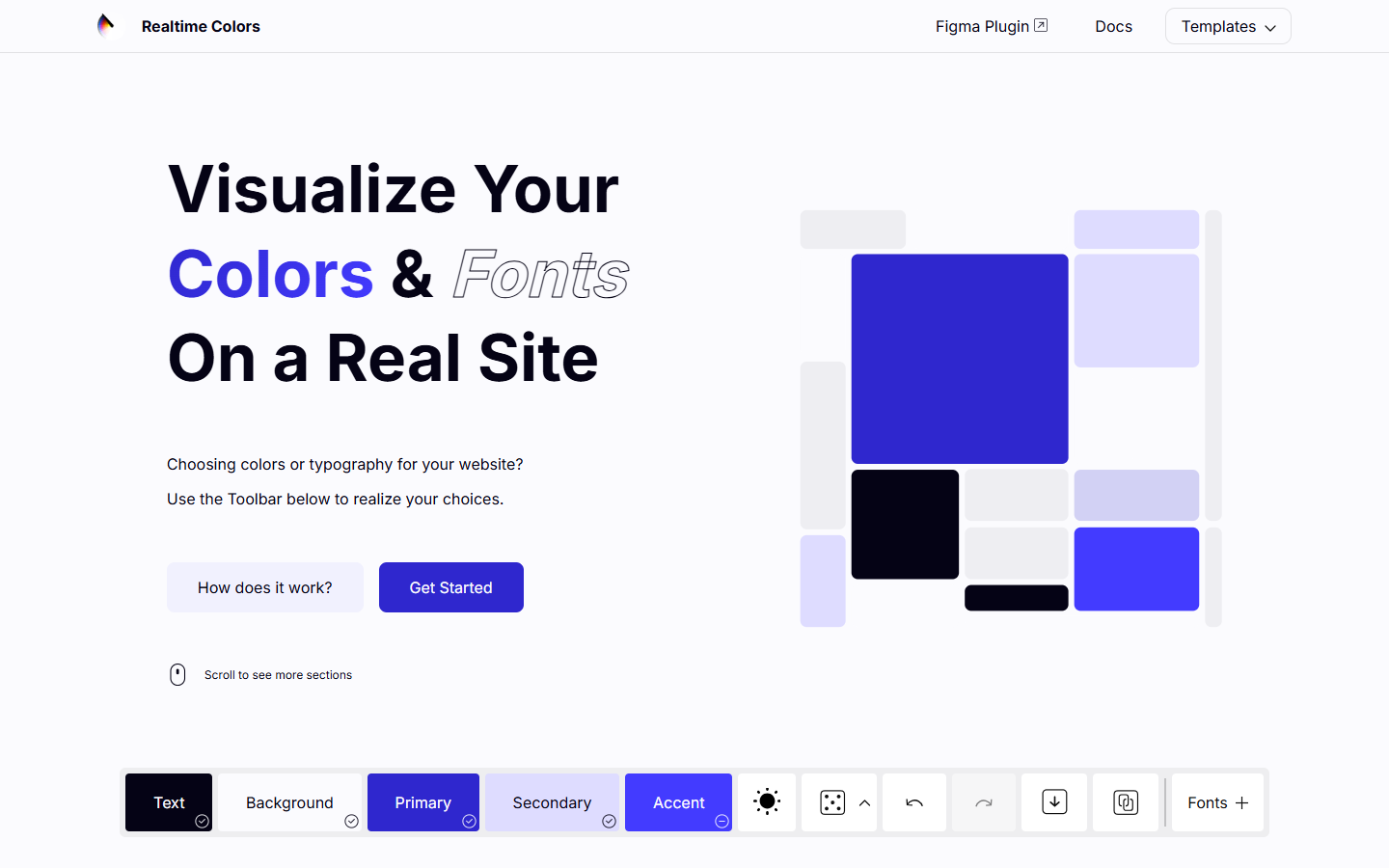
You’re choosing a UI or site palette and need to see colors and type working together on a realistic layout before locking tokens in Figma or code.
Open the site → set text/background/primary/secondary/accent and fonts → check contrast on the live mockup → export CSS/variables or push into Figma → apply tokens in your main design file or codebase. Use it early in visual direction; don’t treat the mockup as the production layout.