


Penpot
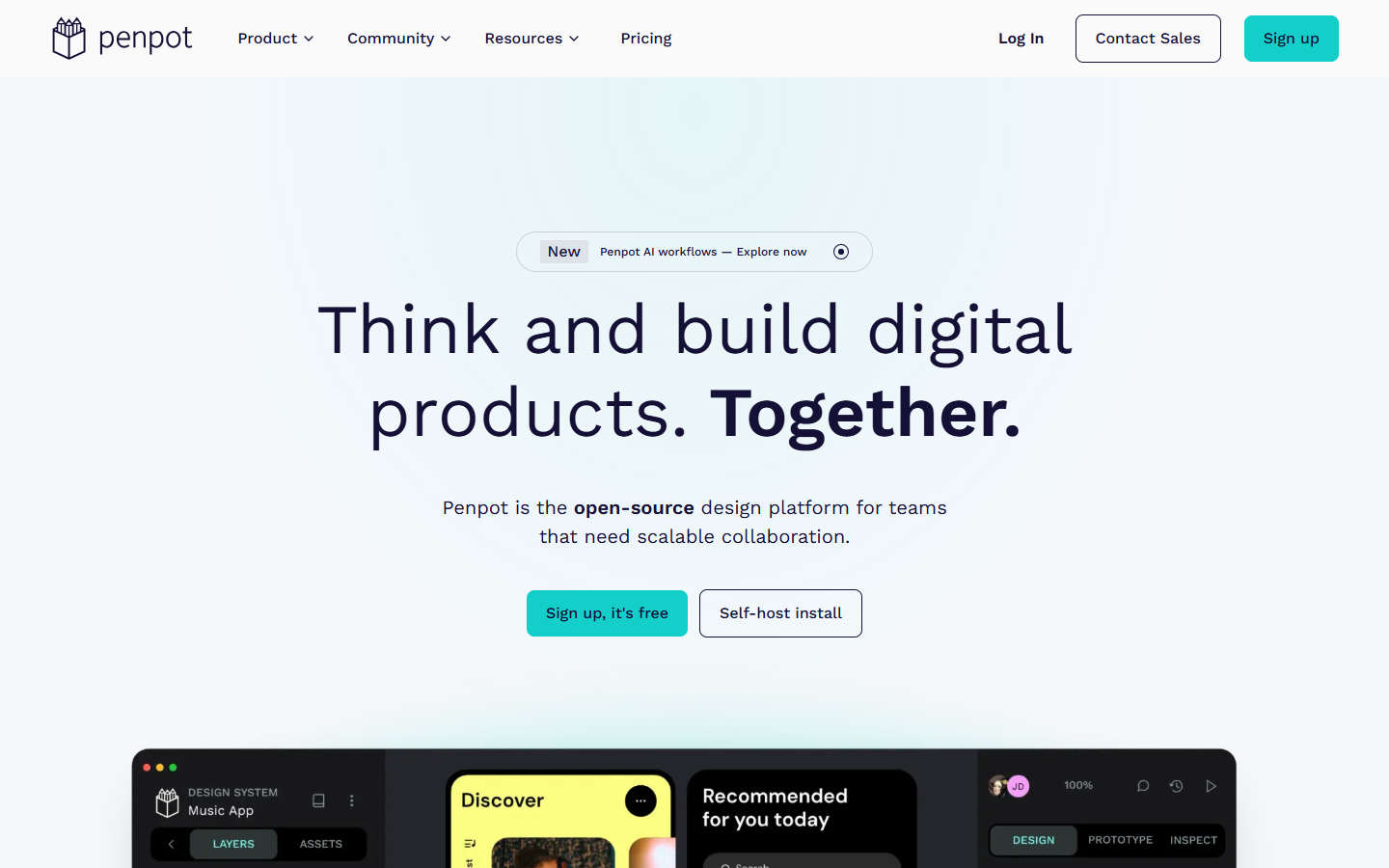
For product and UI teams that want collaborative design without vendor lock-in. Penpot covers UI, prototyping, and design systems with CSS Grid/Flex-minded layouts, tokens, and inspect that maps to real web standards—plus optional self-hosting and bring-your-own AI via MCP. Prefer Figma when your stack depends on its plugin ecosystem, or Framer when the job is shipping a hosted marketing site.
Use it when
You need a team UI tool for wireframes, prototypes, and design systems—and care about open formats, CSS-native layout mental models, self-host options, or plugging your own AI agents into the canvas.
What it does well
- Open-source design platform: UI, prototypes, components, native design tokens, and shared libraries
- Layouts and inspect aligned with web standards (Flex/Grid, CSS/HTML/SVG/JSON) for cleaner design–dev handoff
- AI workflows via MCP—connect Cursor, Claude, or other agents for design-to-code and code-to-design loops
- Cloud Professional at $0/user with full core tools (up to 8 editors, unlimited viewers, 10GB)
- Self-host path for data control; Enterprise/Private Server for SSO, allowlists (incl. Agentic AI), and dedicated infra
Skip it when
- You need built-in generative UI fireworks with no MCP client—Penpot AI is BYO agent, not a proprietary model suite
- Your team is deep in the Figma plugin/FigJam/Dev Mode stack and migration cost outweighs openness
- You want a hosted marketing-site builder—that's Framer or Webflow, not a design-file tool
- Cloud free tier caps hurt you: more than 8 editors, >10GB, or longer than 7-day version history without upgrading
Fits your workflow
Design and prototype in Penpot → share libraries/tokens → inspect for CSS-true handoff. Add MCP when you want agents to read/write the file. Stay on Cloud Professional for small teams; Unlimited (~$7/user, capped monthly) for space and history; Enterprise or Private Server for governance and dedicated hosting. Self-host when compliance needs your infra.
Similar tools
See more