
Freemium

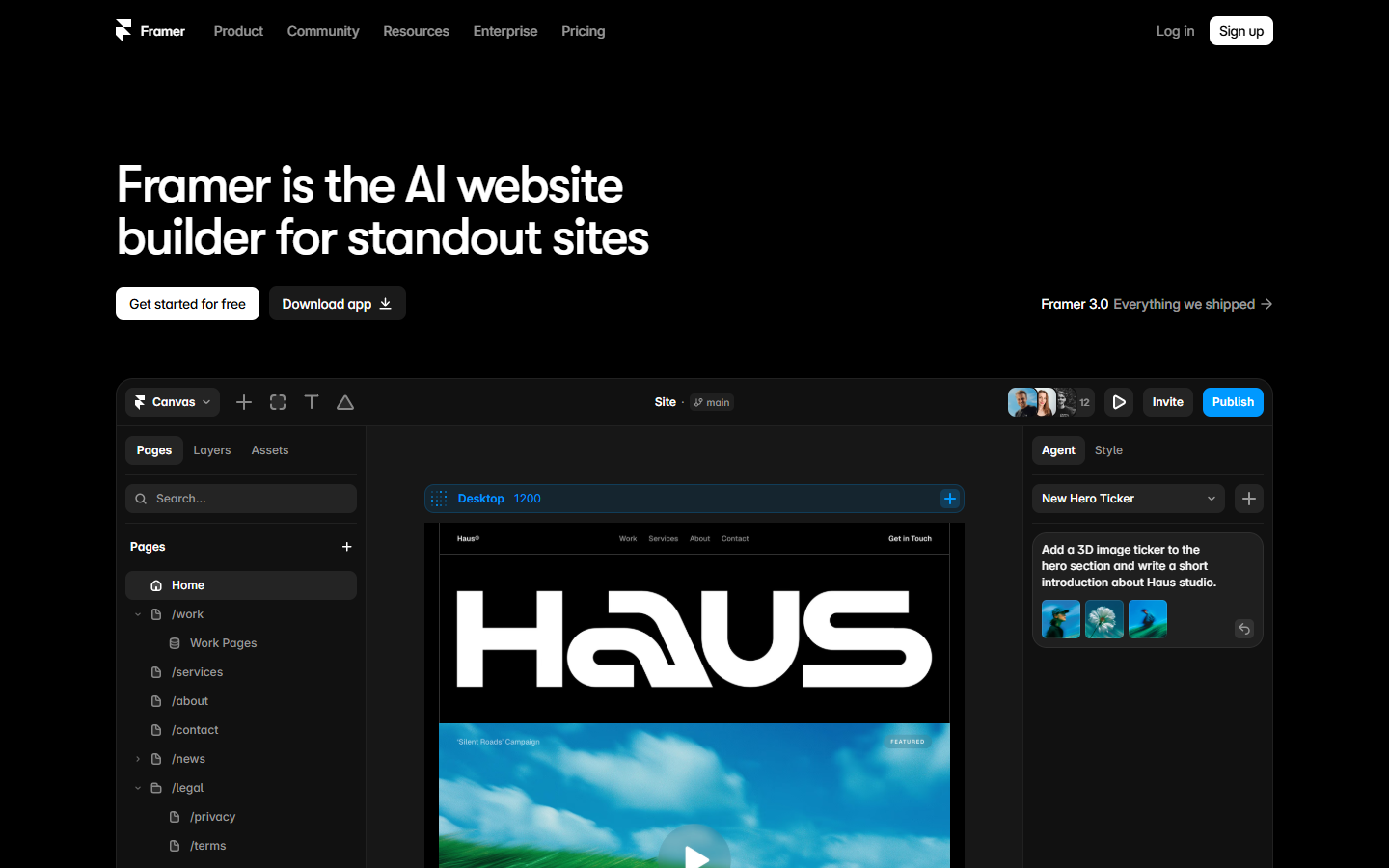
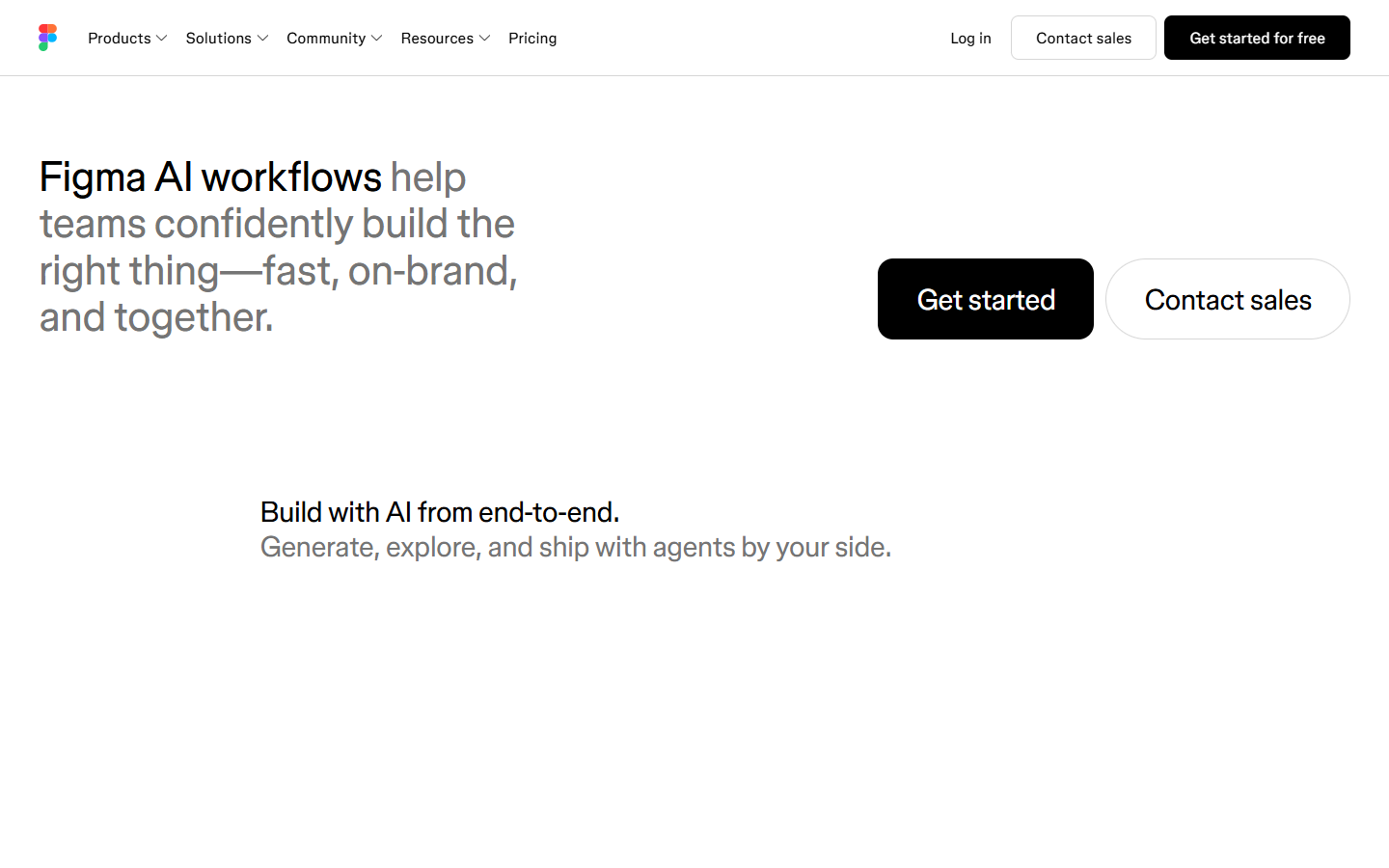
For marketing designers, freelancers, and teams who need the deliverable to be a live site with real CMS and hosting—not only a Figma file or Canva graphics. Webflow’s Designer covers layout, interactions, and design systems; Premium unlocks full CMS; AI assists with pages and copy, with MCP for external agents. Prefer Figma for product UI systems, Framer for canvas-first marketing sites, or Relume when you only need IA/wireframes first.
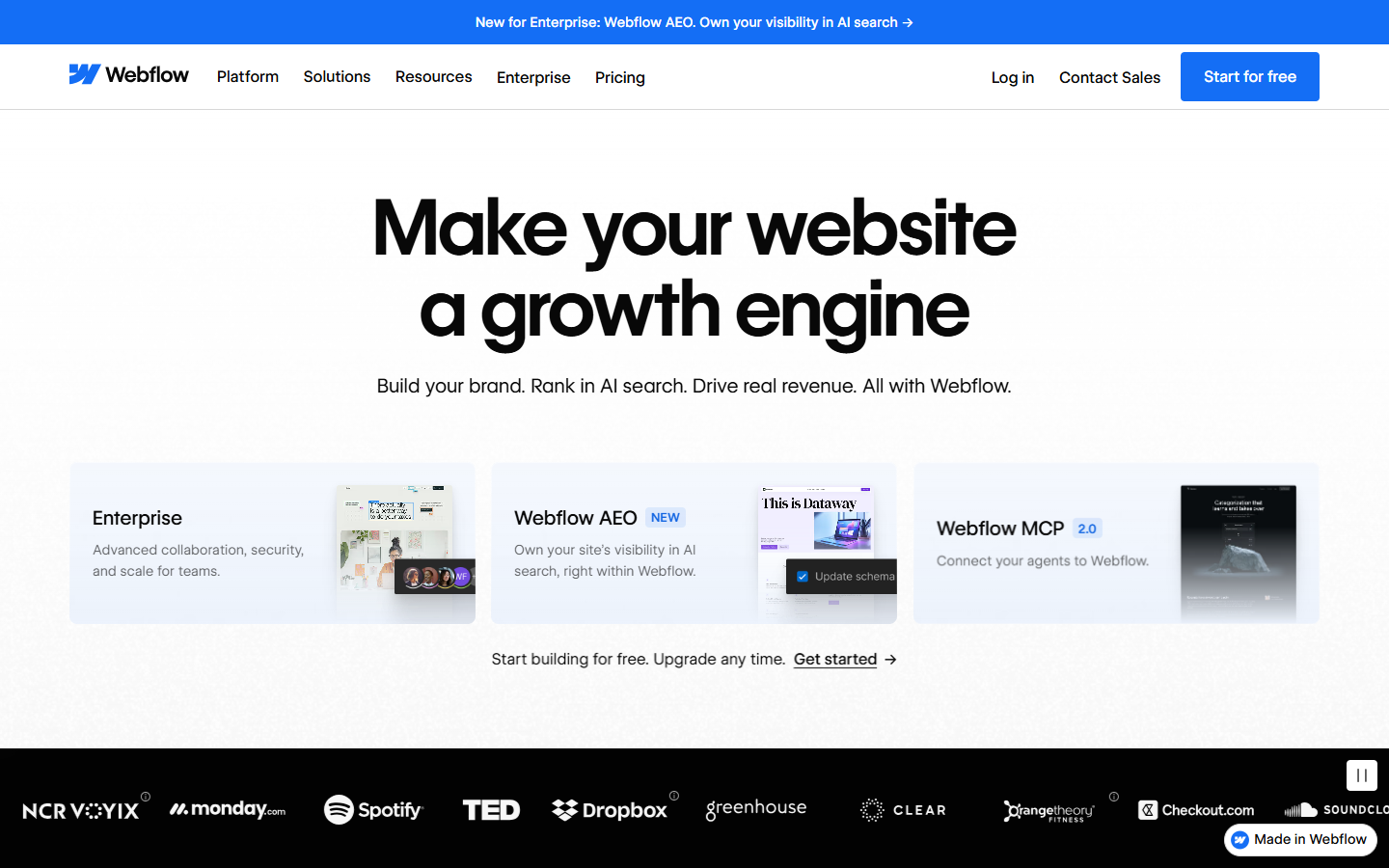
You own marketing or brand websites end-to-end—visual build, CMS content, SEO/AEO, and publish—without filing a ticket for every page change.
Prototype on Starter → refine in Designer → pick Basic for static/custom-domain sites or Premium when CMS matters → publish. Add Workspace Core/Growth for staging, libraries, and AI credits (200–400 included on those seats; larger credit packs available as add-ons). Keep product UI in Figma; use Relume upstream for sitemap/wireframes if helpful; compare Framer when you want a more canvas/Agent-led site builder.