Skip to content

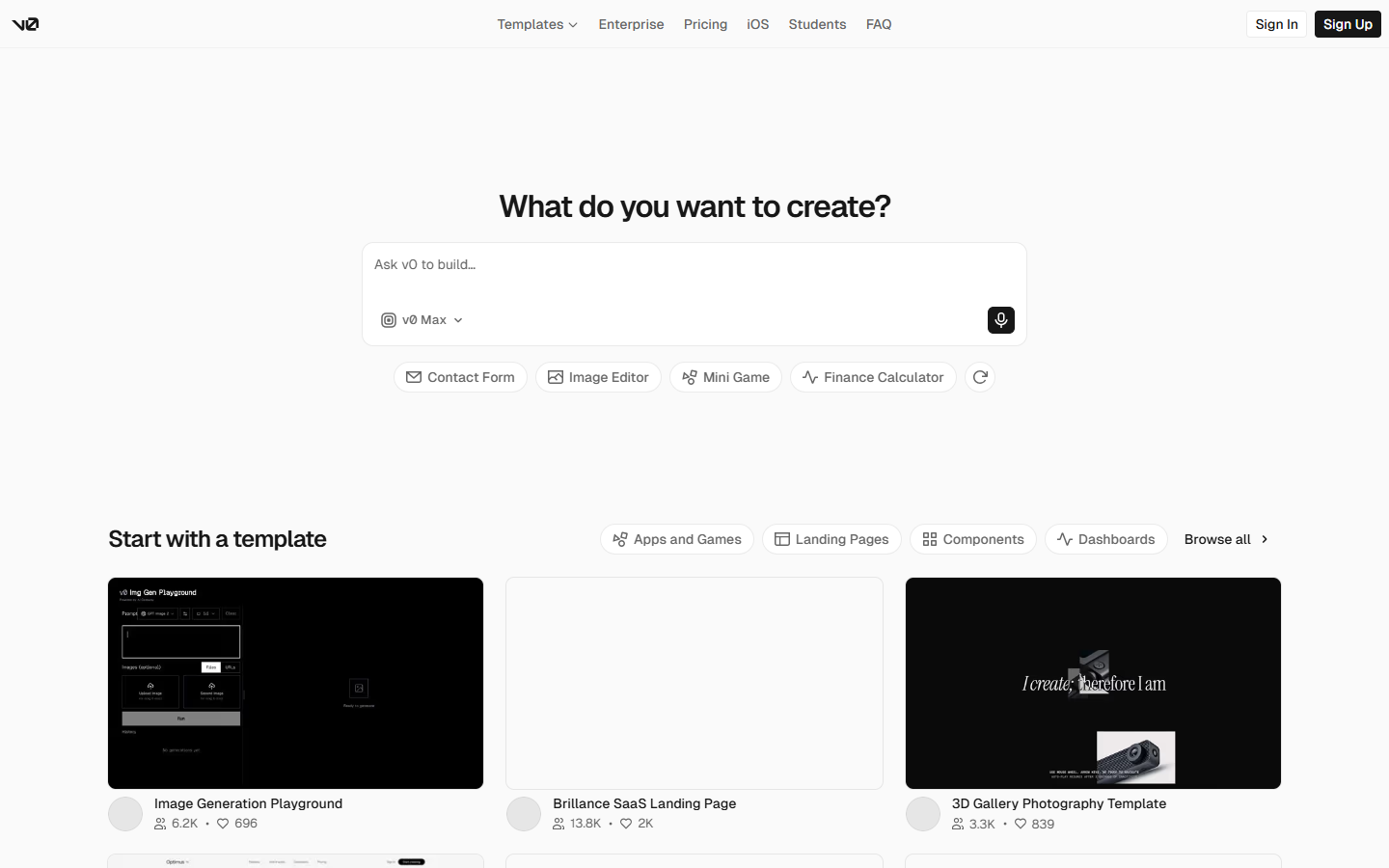
For product designers and front-end teammates who need to feel interaction—not only stare at static frames. v0 (by Vercel) turns prompts into working UI you can preview, refine in Design Mode, sync to GitHub, and deploy to Vercel. Skip it if you only want in-Figma visuals or marketing-site IA.
Design-to-Code
$Freemium
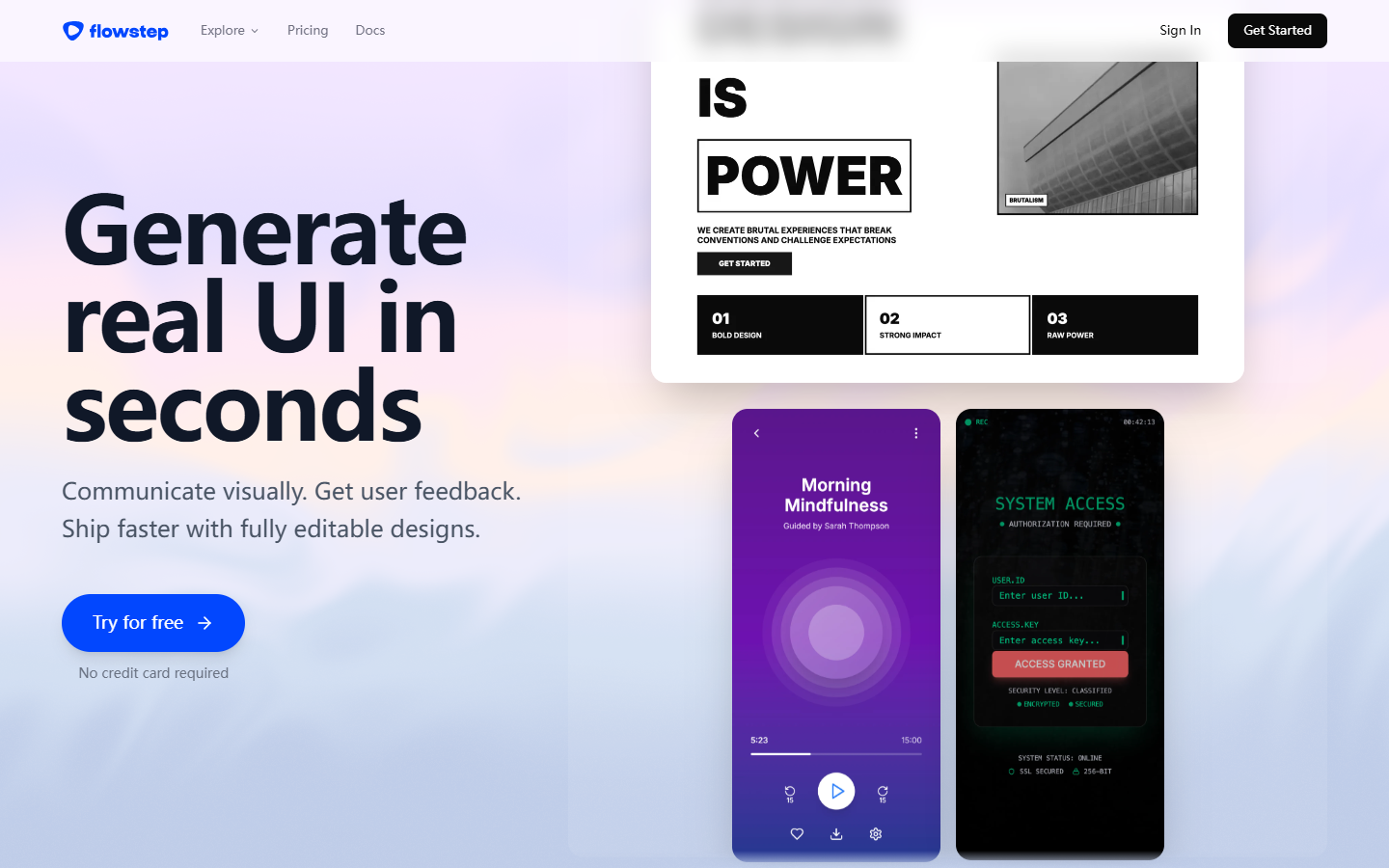
v0 homepage

Use it when

Static mocks stop answering the question—you need clickable product UI, real components, and a path toward front-end code you can share with engineering.

What it does well

  • Prompt to working UI/apps with live preview, then iterate in chat
  • Design Mode for visual tweaks alongside the generated front-end
  • GitHub sync and one-click deploy to Vercel for shareable spikes
  • Templates plus project-level design system tokens (colors, type, styles)
  • Agentic building narrative: plan/tasks and app integrations as you go (verify current connectors in-product)

Skip it when

  • You only need AI inside Figma or a design canvas without touching code—prefer Figma AI or Stitch
  • You’re doing marketing-site sitemap → Webflow structure—that’s Relume territory
  • Free limits will block you: about $5 in monthly credits and a 7 messages/day cap on Free—Plus/Business add more credits and team collaboration
  • You want a pure no-code visual system of record; v0 is strongest when someone can read and ship React/front-end output

Fits your workflow

Primary loop is in v0 (prompt → preview → Design Mode), not on the Figma canvas. Typical designer path: align flows in Figma/Whimsical, spike interaction in v0, then hand code to eng via GitHub or a Vercel deploy. Compare with Bolt if you want another prompt→app option; pick based on stack fit (Vercel/React) and team preference.
Similar tools

See more