
Skip to content

Screenshot to Code

For designers and front-end builders who need a fast HTML/React/Vue-style starting point from a visual—not a full product design system and not Locofy/Anima’s Figma-native handoff. Screenshot to Code converts screenshots, mockups, or URLs into editable front-end drafts; use hosted credits or self-host with your own API keys. Prefer Anima/Locofy when Figma is the source of truth, or Magic Patterns for design-system prototyping with MCP sync.
Design-to-Code
$Freemium
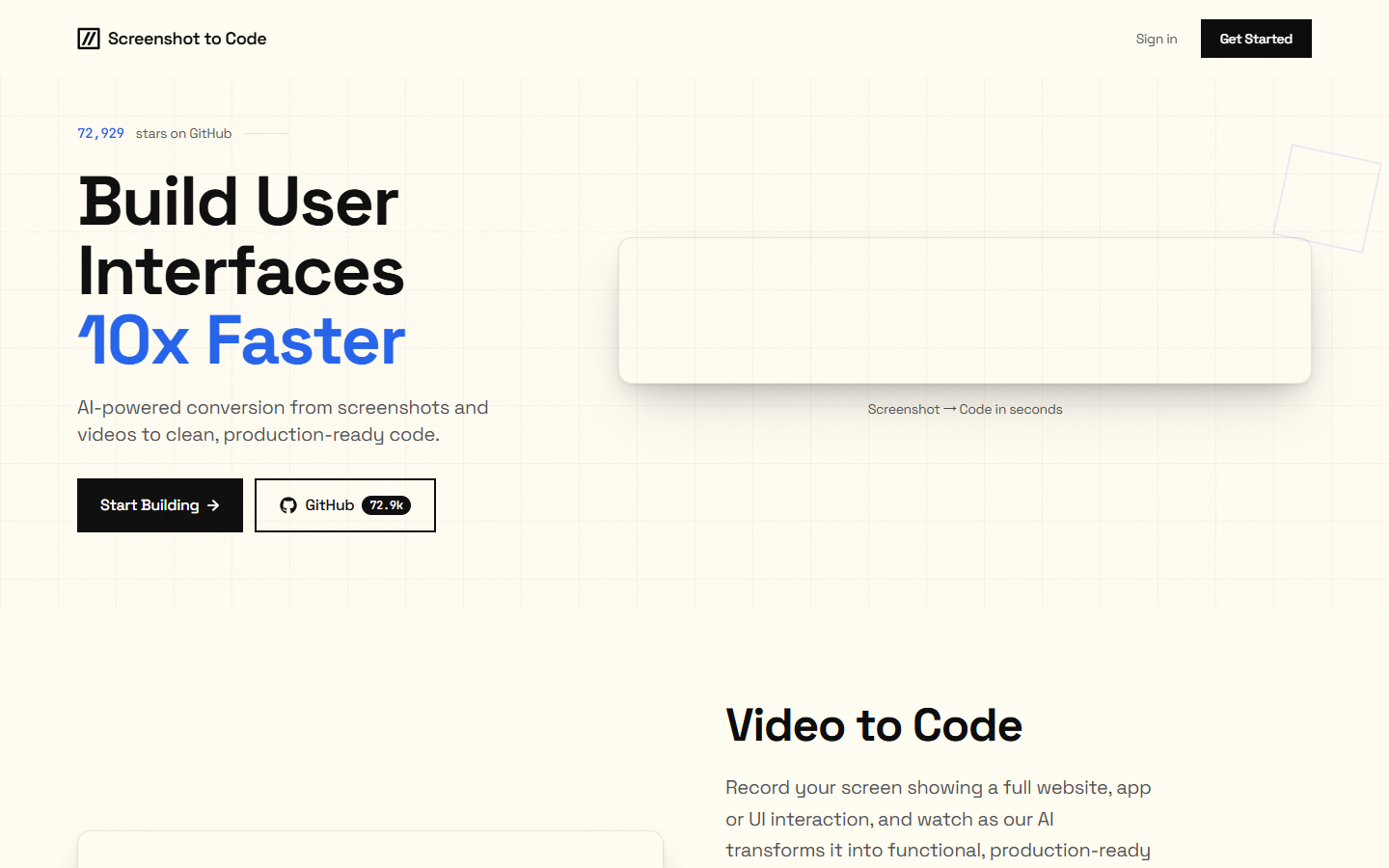
Screenshot to Code homepage

Use it when

You have a UI screenshot, mockup, or URL and need a clean front-end code draft quickly—before polishing structure, state, and design tokens in your own stack.

What it does well

  • Converts screenshots, mockups, and URLs into front-end starting code (HTML/Tailwind, React, Vue, and related stacks in the project)
  • Hosted app avoids local setup; open-source MIT repo lets you self-host with your own model API keys
  • Simple credit metering on hosted plans: 1 credit per generation or edit
  • Hosted Hobby pools about 100 credits/mo for light trials; Pro about 500 for heavier generate/edit weeks
  • Yearly billing is discounted versus monthly if you already know you’ll keep generating

Skip it when

  • Your handoff starts from structured Figma and you want Locofy/Anima-style design-to-code
  • You need production-ready apps with auth, data, and design-system governance out of the box
  • Hobby’s 100 credits/mo cannot cover iterative generate/edit loops without upgrading
  • You refuse hosted billing but also won’t manage API keys and local/Docker setup for self-hosting
  • You want Magic Patterns’ design-system prototyping plus MCP/GitHub workspace features as the primary loop

Fits your workflow

Drop a screenshot/mock/URL → generate code → spend credits on edits → copy into your repo and finish real components. Use Hobby to validate quality; Pro when edits stack up; or run the open-source app locally and budget OpenAI/Anthropic/Gemini (and optional Replicate) usage yourself. Treat output as a bootstrap—not the final UI system.
Similar tools

See more