

Skip to content

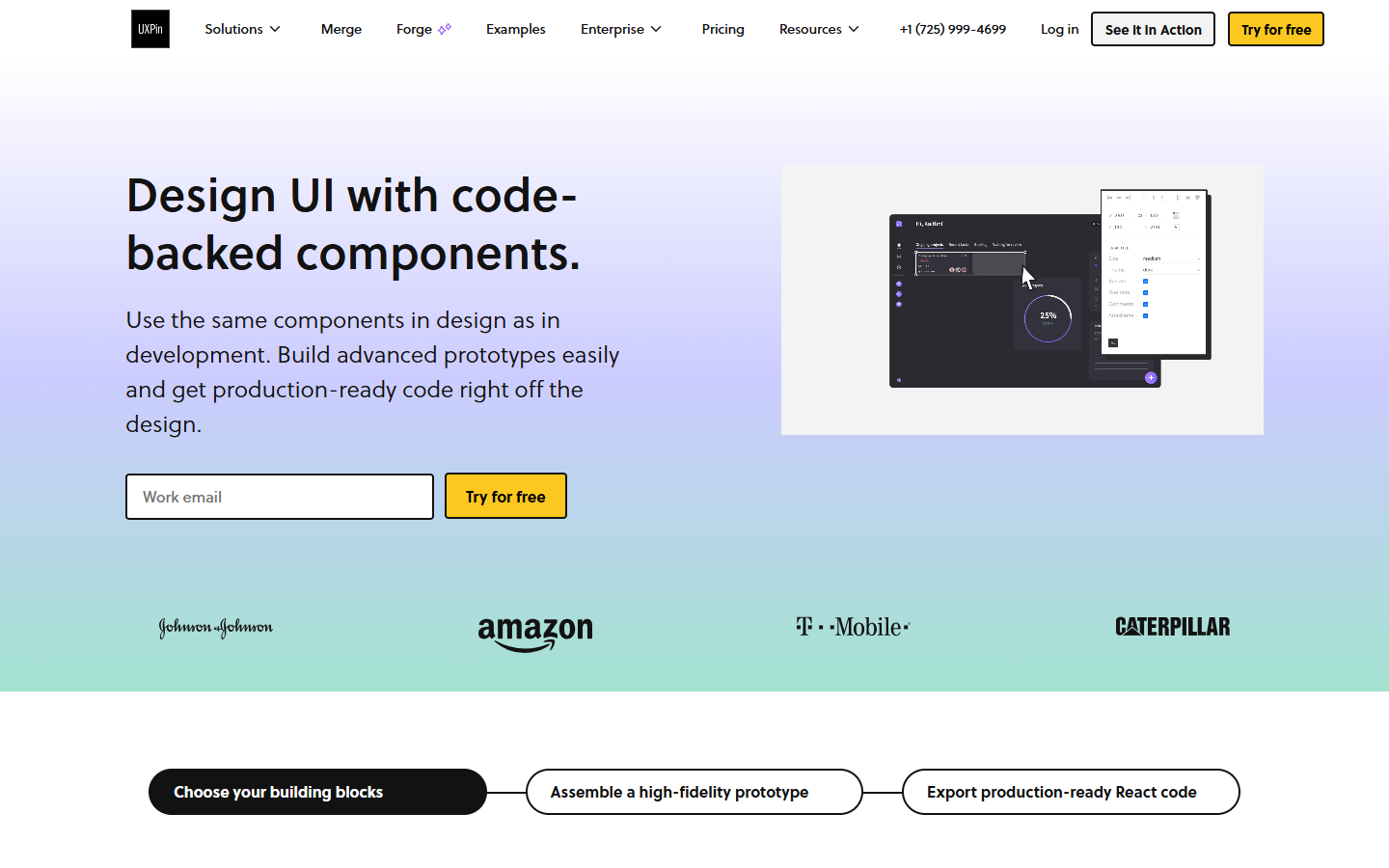
For product and UX teams who need prototypes that behave like real UI—not static screen decks and not prompt-only multi-screen generators. UXPin combines a design editor with coded-component libraries (Merge), conditional logic/variables on paid plans, and an AI prototyping assistant that spends monthly AI credits. Prefer Figma when the file is the org source of truth, or Flowstep/UX Pilot when you mainly want AI-generated screen sets first.
Wireframing & PrototypingUI/UX Design
$Freemium
UXPin homepage

Use it when

You need high-fidelity interactive prototypes—especially with real coded components—and you’ll validate logic, states, and stakeholder flows before engineering builds.

What it does well

  • Interactive prototyping with states, interactions, and (on paid plans) conditional logic, variables, and expressions
  • Merge-oriented coded libraries (MUI/Bootstrap/Tailwind/Ant Design and more by tier) so prototypes can track production components
  • AI Prototyping Assistant and UI templates metered by AI credits
  • Clear Free caps you can plan around: about 50 AI credits and 2 prototypes
  • Growth adds design systems, patterns, Storybook, roles, and SSO/2FA; Enterprise adds Git and custom library AI

Skip it when

  • Free’s 2 prototypes and ~50 AI credits cannot support ongoing product work
  • Your org already standardizes on Figma as the only design source of truth and won’t adopt another editor
  • You mainly want Flowstep/UX Pilot-style prompt-to-multi-screen generation without Merge/code-component prototyping
  • You need Git-backed custom design-system AI without an Enterprise conversation
  • You only need static wireframes—lighter tools will be simpler

Fits your workflow

Start from coded libraries, templates, or AI → add interactions and logic → share password-protected previews → hand specs/assets to eng. Use the 14-day trial to test Merge fit; stay Free only for tiny experiments; Core for unlimited prototypes; Growth when Storybook/design systems and SSO matter. Keep marketing visuals elsewhere; keep UXPin for product interaction truth.
Similar tools

See more