Freemium

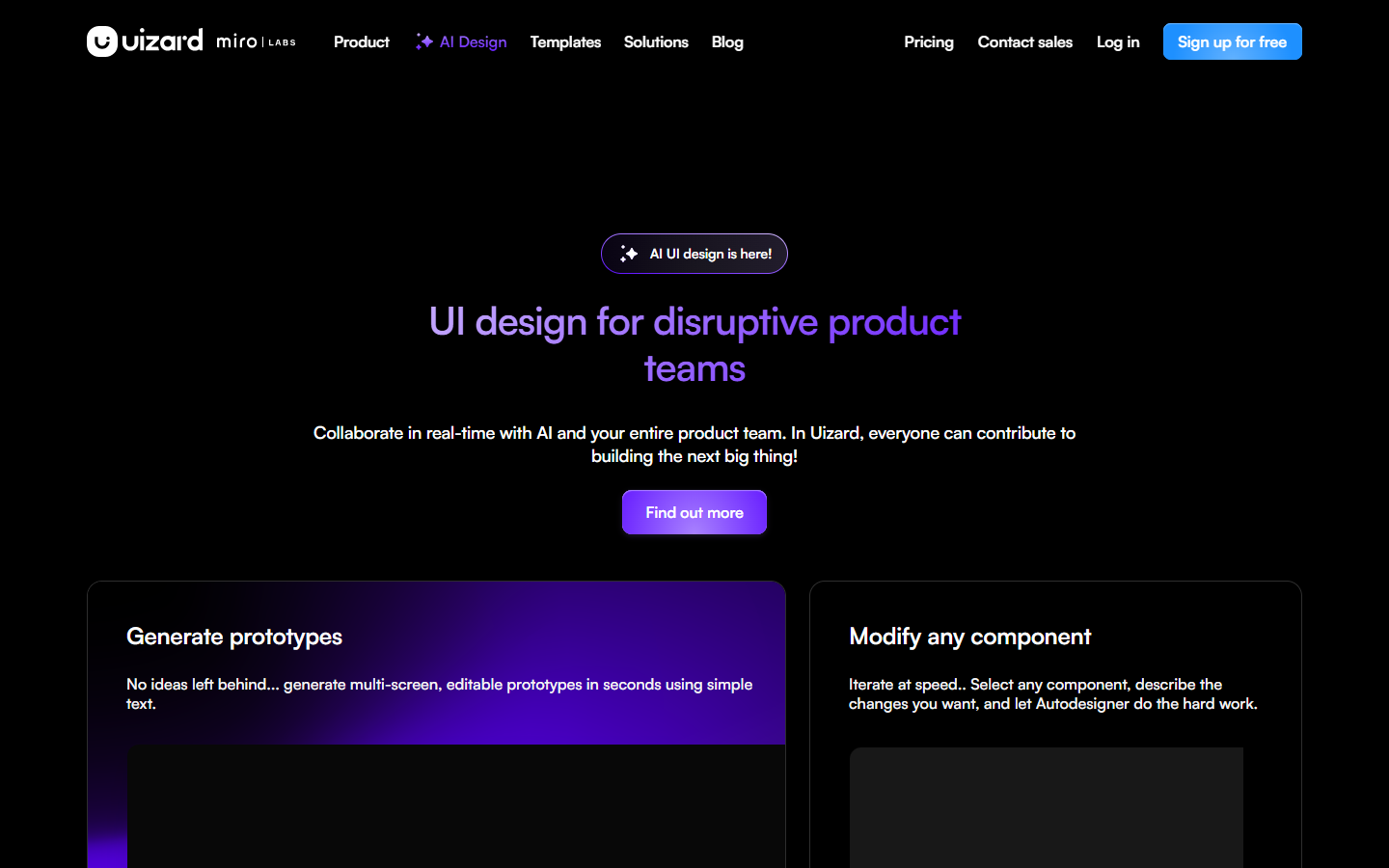
For designers and PMs who need structured wireframes and hi-fi screens fast—not a blank coding sandbox and not a long-lived design-system file. UX Pilot generates UI from prompts, sketches, documents, or reference images, including multi-screen flows and section edits, then exports to Figma or code. Prefer Anima or Locofy when the job is design-to-code handoff, or stay in Figma when you already have a finished system to polish.
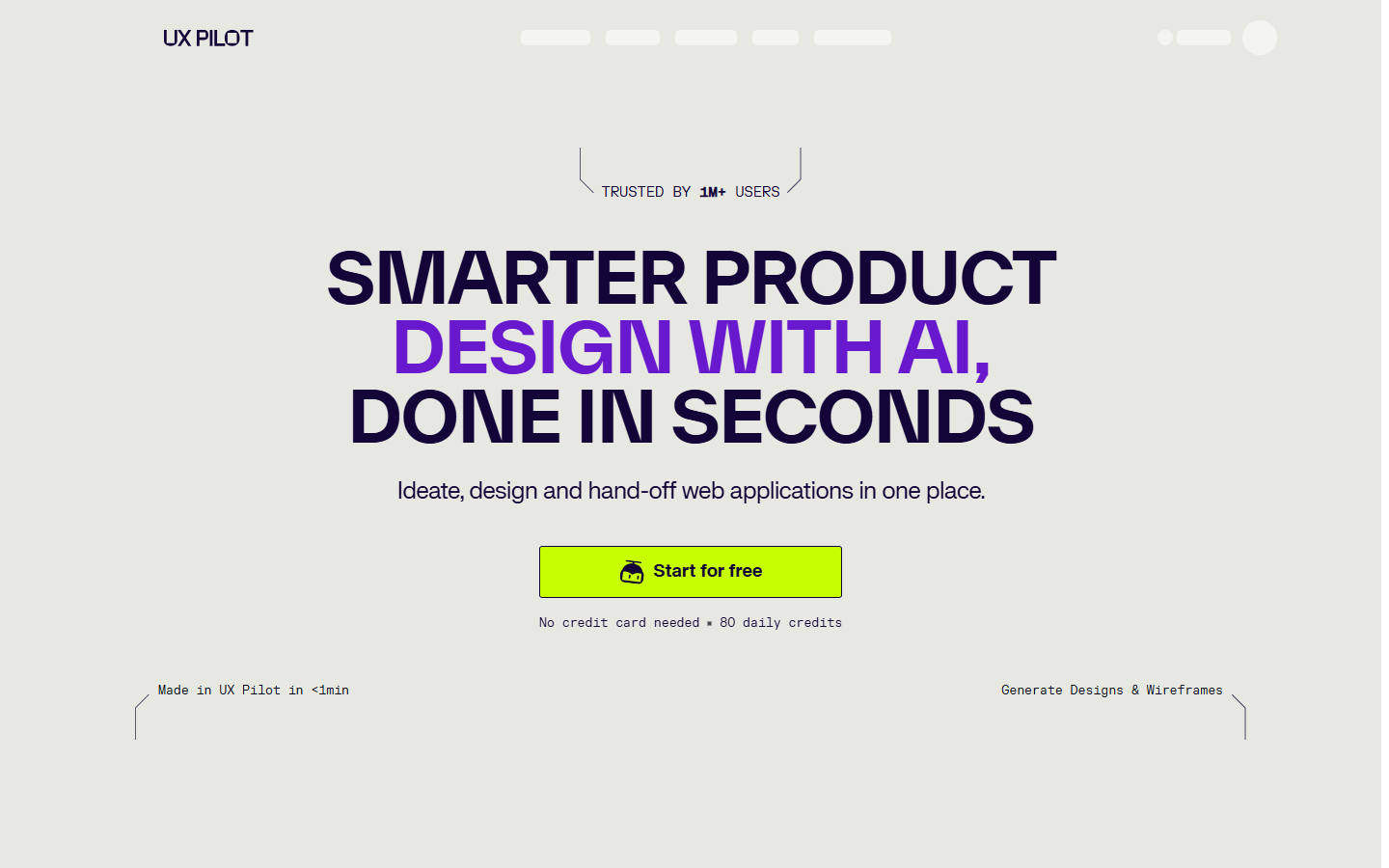
You need early wireframes or hi-fi screen sets from a brief, PRD, sketch, or reference—and you’ll export to Figma (or code) before treating anything as production UI.
Start from a prompt, PRD, sketch, or reference → generate wireframes/hi-fi and flows → refine with section edit/review → export to Figma or code. Stay on Free for light daily experiments; move to Pro when you need monthly credits, more projects, and website cloner; use Teams when seats and shared pools matter. Finish visual systems and edge cases in Figma or your repo—treat UX Pilot as the fast first pass.