


Uizard
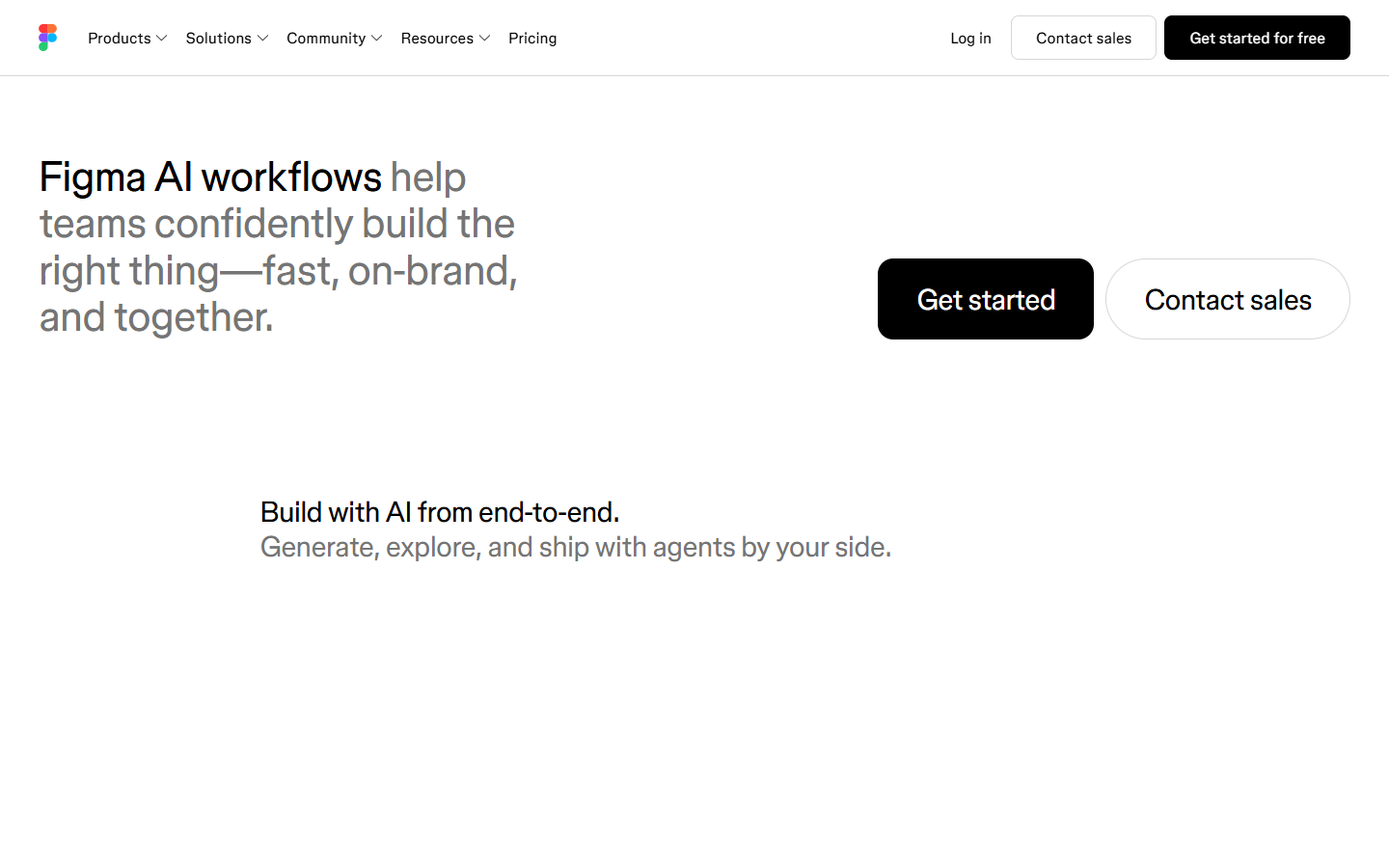
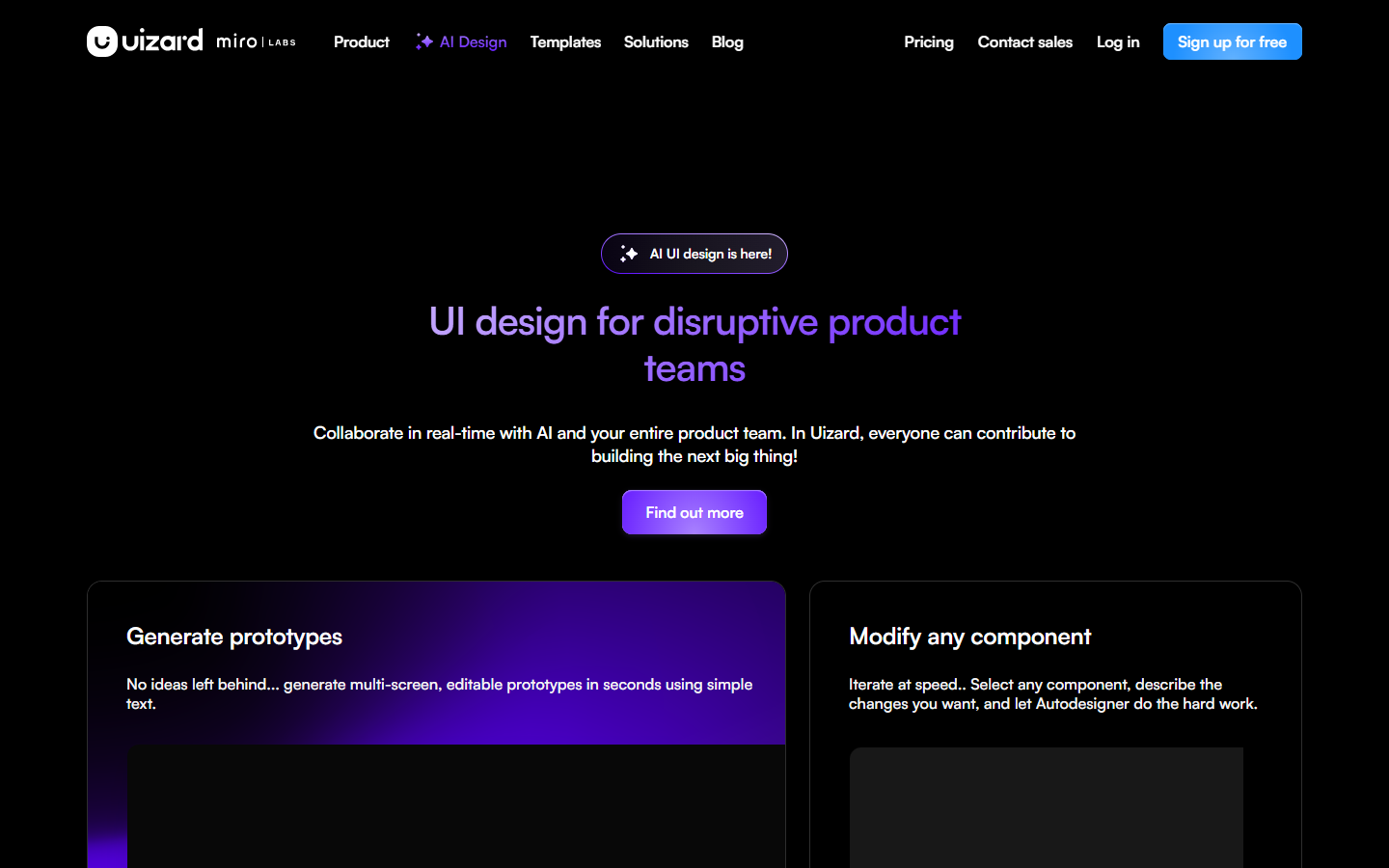
For product designers, PMs, and mixed teams who need editable hi-fi screens for apps or websites without a steep design-tool ramp. Uizard turns text, screenshots, or hand-drawn wireframes into mockups you can share and tweak with stakeholders before anyone argues about tokens. Prefer Figma AI when your source of truth is already a mature Figma system and you only need light AI inside that file.
Use it when
You need app or website screens up quickly for stakeholder reaction—especially in PM–designer groups where not everyone lives in Figma—and you’re still aligning on direction, not locking a design system.
What it does well
- Autodesigner generates projects, screens, and themes from text (Autodesigner 2.0 on paid plans; Free uses Autodesigner 1.5)
- Screenshot Scanner turns website/app screenshots into editable mockups (JPG/PNG/HEIC; one at a time)
- Wireframe Scanner digitizes hand-drawn wireframes into editable UI
- Browser editor with clickable prototypes plus unlimited free viewers/commenters for review
- Paid plans add higher AI generation caps and developer handoff options (e.g. React/CSS)—check current plan details
Skip it when
- Your team already treats Figma as the only source of truth and only needs in-file AI—prefer Figma AI
- You expect a generous free runway: Free is about 2 projects, ~5 screens per project, and 3 AI generations per month
- You need native two-way Figma sync as the system of record—Uizard supports Figma→Uizard (plugin copy/paste or screenshot import), not a clean native export back as your design system
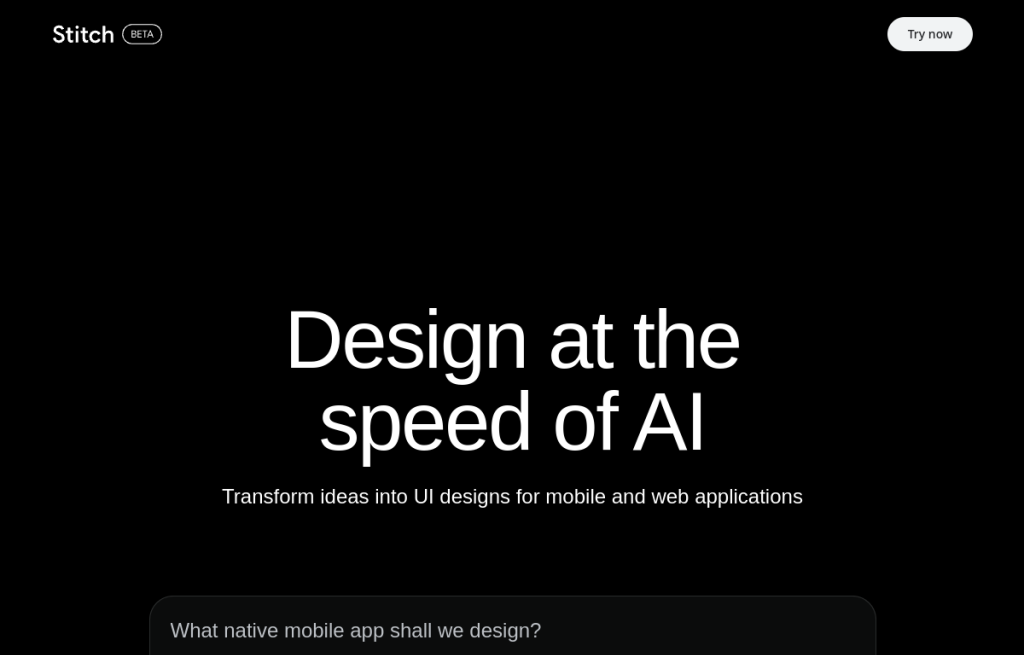
- You’re choosing a Google Labs streaming canvas / DESIGN.md bridge (that’s Stitch territory) or a code-first prompt→app path (v0/Bolt)
Fits your workflow
Primary loop is inside Uizard’s own editor. Upstream: text via Autodesigner, Screenshot Scanner, Wireframe Scanner, or import from Figma/Sketch/XD (plugin or image). Downstream: share with viewers/commenters, download/export per plan, and optionally hand off code-oriented assets on paid tiers. Finalize components and systems in Figma (or your main design tool) once direction is agreed.
Similar tools
See more