

Superdesign
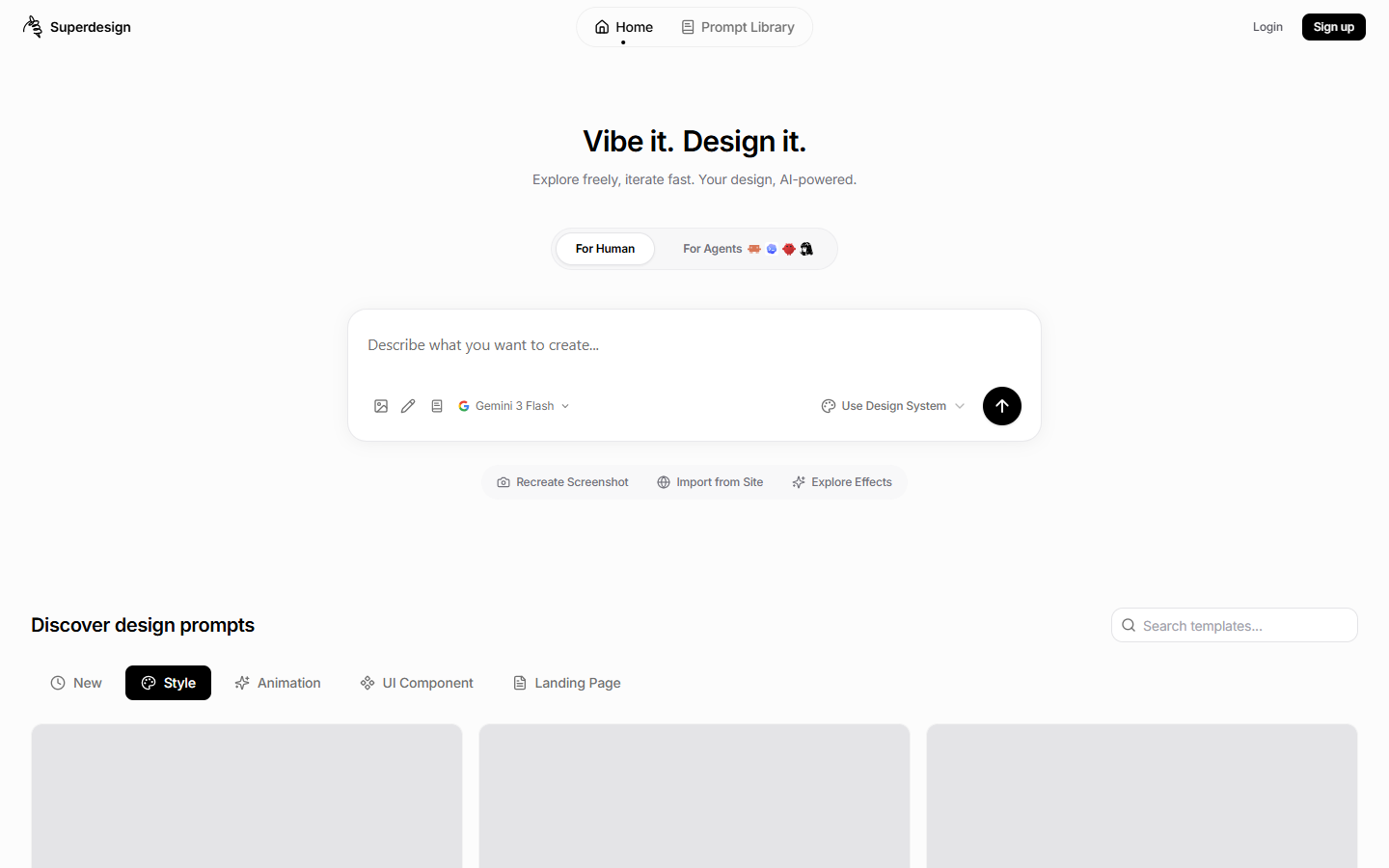
For developers and product designers who want prompt-to-UI on an infinite canvas—and can drive the same agent from Cursor, Claude Code, or Codex—without treating Lovable as a full-stack MVP host. Superdesign generates mockups, multi-screen flows, and variants, then exports toward HTML/CSS or React+Tailwind. Prefer Banani for Figma-first AI UI, v0 for Vercel scaffolding, or Lovable when you need an app with backend—not just the design layer.
Use it when
You want AI UI exploration on a canvas (or as a skill inside Cursor / Claude Code / Codex) and can budget credits—upgrading when HTML/CSS or React+Tailwind export and premium models become the deliverable.
What it does well
- Prompt-to-UI on an infinite canvas with multi-screen flows and branched variants
- Free: about 100 credits/day (~15–20 generations or edits) to try the product
- Pro unlocks code export: HTML/CSS and React + Tailwind (not Figma export)
- Pro unlocks premium models; image generation and premium models share the same credit pool—check current tiers on Superdesign
- Runs as a design skill from coding agents so you can drive the canvas from the terminal into the repo
Skip it when
- You need Figma export—Superdesign’s Pro path is code (HTML/CSS, React+Tailwind), not Figma
- You need code export or premium models on Free—those sit behind Pro
- You want hosting or a full-stack MVP with auth/DB—Superdesign generates UI and exports code; use Lovable, Bolt, or similar for that job
- Figma design-system craft is the daily driver—stay in Figma or a Figma-first AI UI tool for that loop
- You only need a static marketing-site builder with hosting—pick a site platform instead
Fits your workflow
Prompt on the Superdesign canvas (or from your coding-agent skill) → branch variants → spend daily Free credits on keepers → export HTML/CSS or React+Tailwind on Pro into the repo. Upgrade when Free’s export and model gates block handoff.
Similar tools
See more