Skip to content

Google Stitch

For UI and product designers (and founders/PMs in the mix) when the brief is still mushy—or when you already have a Figma file, site, or codebase to start from. Google Stitch is a Google Labs AI design canvas: stream generations onto an HTML-native board, steer mid-flight, do in-place edits, and stitch screens into clickable flows. Prefer Figma when it is already your only source of truth and you only need light in-file AI.
UI/UX DesignDesign-to-Code
$Free
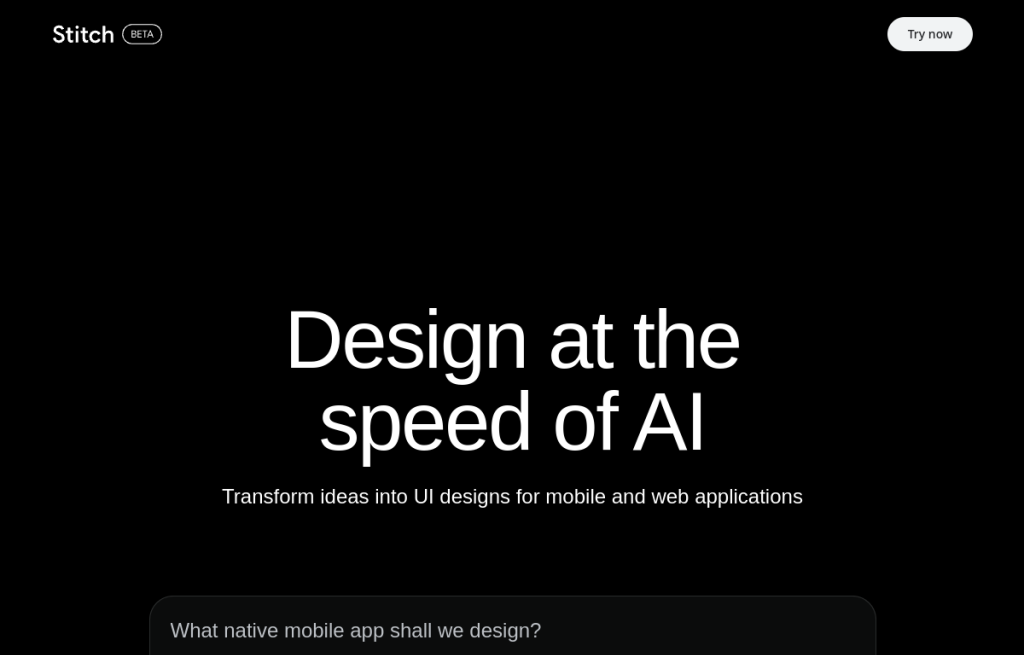
Google Stitch homepage

Use it when

You need hi-fi UI concepts fast: a vague brief, a rough screenshot, or an existing .fig / live site / codebase you want to remix—before you invest in full design-system craft inside Figma.

What it does well

  • AI-native infinite canvas with a design agent you can steer while generations stream onto the board
  • Start from prompts, images, voice, code context—or extract DESIGN.md from a .fig, website, or codebase
  • In-place AI edits for local changes without regenerating the whole screen
  • HTML-native canvas with motion (scripts, SVGs, shaders) and stitch screens into playable flows
  • Hand off via .fig / DESIGN.md paths, Netlify publish, Bolt or Lovable export, plus MCP skills toward coding agents (e.g. Antigravity)

Skip it when

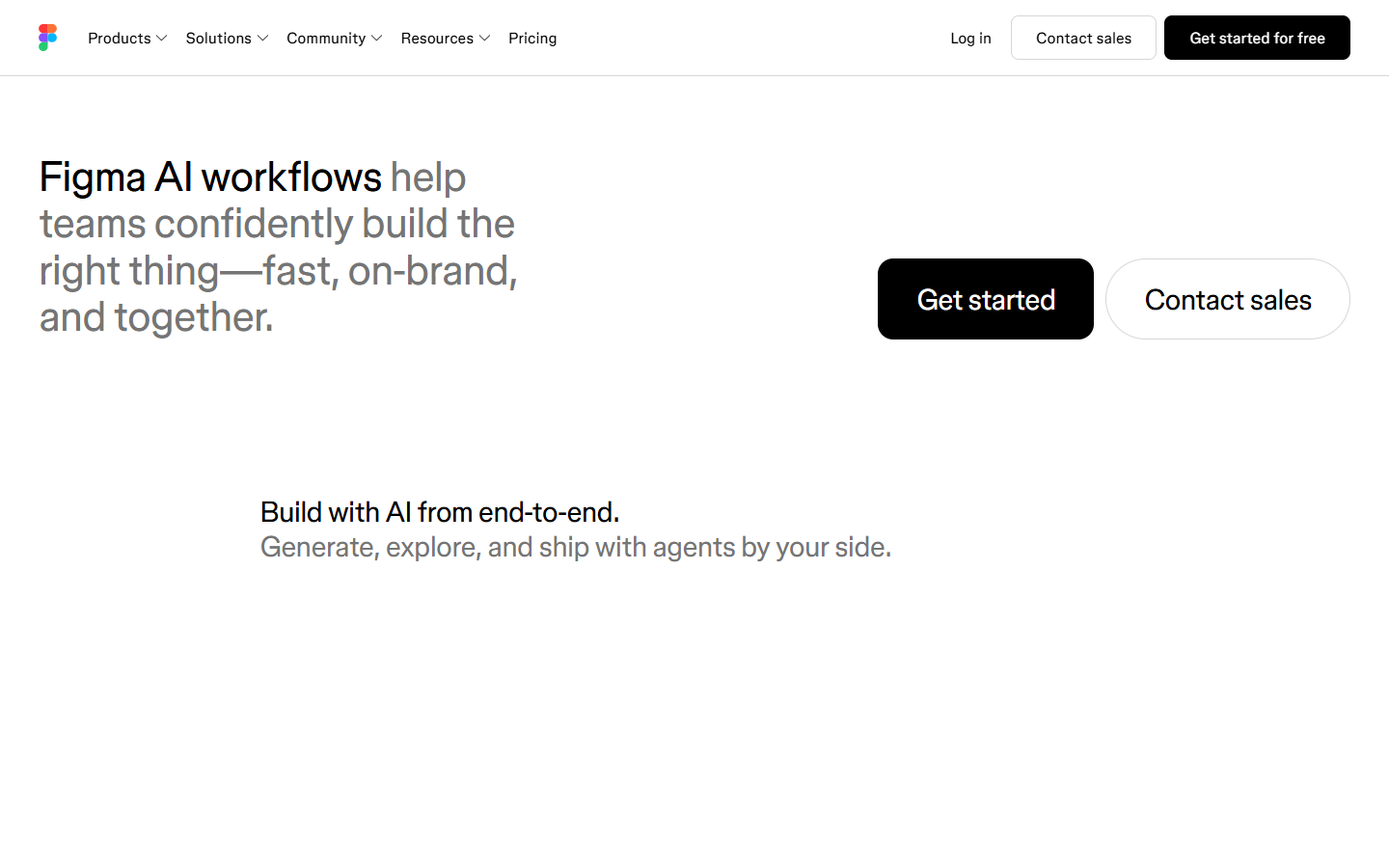
  • Your team already treats Figma as the only source of truth and only needs light AI inside that file—prefer Figma AI
  • You need a permanent component library / token system as the long-term home (Stitch is Labs exploration + bridging, not a Figma replacement)
  • You expect unlimited free generations; Stitch uses daily credits—check Settings for your current cap
  • You only want prompt→production app logic with no design-canvas step—Bolt/Lovable may be a more direct path (Stitch can export there, but it is still a design-first loop)

Fits your workflow

Primary loop is on the Stitch canvas (not inside Figma). Upstream: blank prompt, voice, screenshots, or existing .fig / site / code → DESIGN.md. Downstream: continue in Figma, publish a claimable Netlify URL, export to Bolt or Lovable, or use MCP skills to sync with a coding agent. Treat outputs as fast direction—finalize systems in your main design tool.
Similar tools

See more