

Skip to content

For marketers and non-designers who need static social, ad, or blog graphics fast—not Canva’s full suite, not Recraft, and not an AI image studio. Snappa starts from platform-sized presets and templates, with a stock library you can use commercially. Starter allows 3 downloads per month. Pro unlocks unlimited downloads, Buffer/social posting, custom fonts, and one-click background remove. Skip it if you need video, presentations, or prompt-to-image.
Social & Marketing Graphics
$Freemium
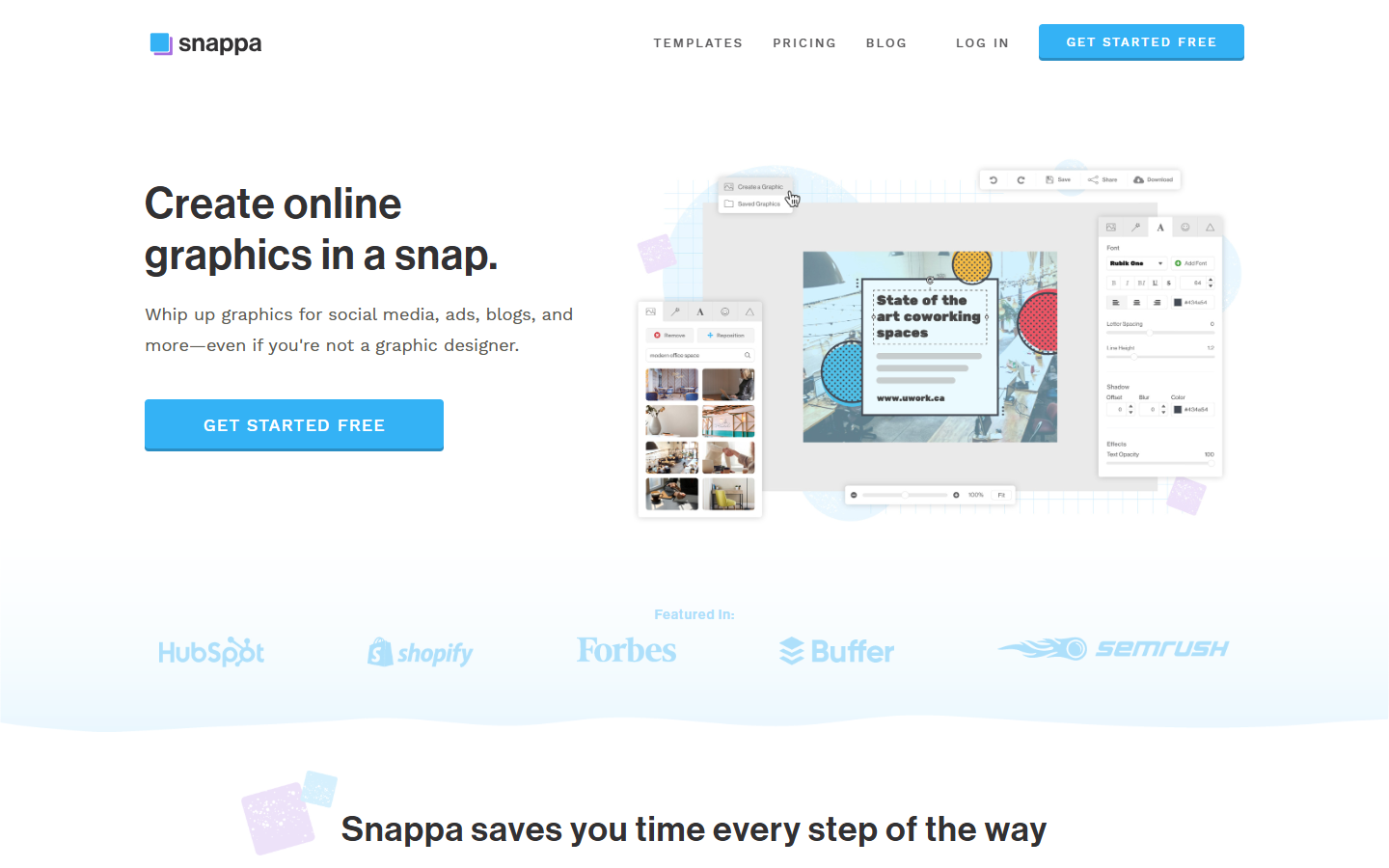
Snappa homepage

Use it when

You need a social post, ad, thumbnail, or blog header at the right pixel size, will start from a template plus stock, and will download or schedule it—without opening Photoshop or a generative canvas.

What it does well

  • Clickable size presets for social, display ads, blogs, email, and infographics, plus one-click resize across formats
  • 6,000+ templates and 5,000,000+ HD photos/graphics; FAQ: royalty-free, commercial use, no attribution
  • 200+ fonts and 100,000+ vectors/shapes in the editor; upload your own logos and photos; custom canvas sizes
  • Pro: unlimited downloads, Buffer and social integrations, custom font uploads, background remove. Team adds 5 seats and collaboration

Skip it when

  • You need Recraft/SVG AI for icons, Logomaster for a logo pack, or SeaArt/Playground for prompt-to-image—Snappa is a template editor
  • You need Canva-style video, presentations, or a full brand-kit OS
  • Starter is 1 seat and 3 downloads per month. Background remove, custom fonts, and Buffer sit on Pro, not Starter
  • Team is 5 users; more seats is contact-us. It is not a Figma plugin

Fits your workflow

Pick a preset size → template → swap photo/type → download. Stay on Starter only for rare exports. Move to Pro when you hit 3/month or need background remove and brand fonts. Use Team when several people share templates. Schedule via Buffer if that is already your queue.
Similar tools

See more