


Relume
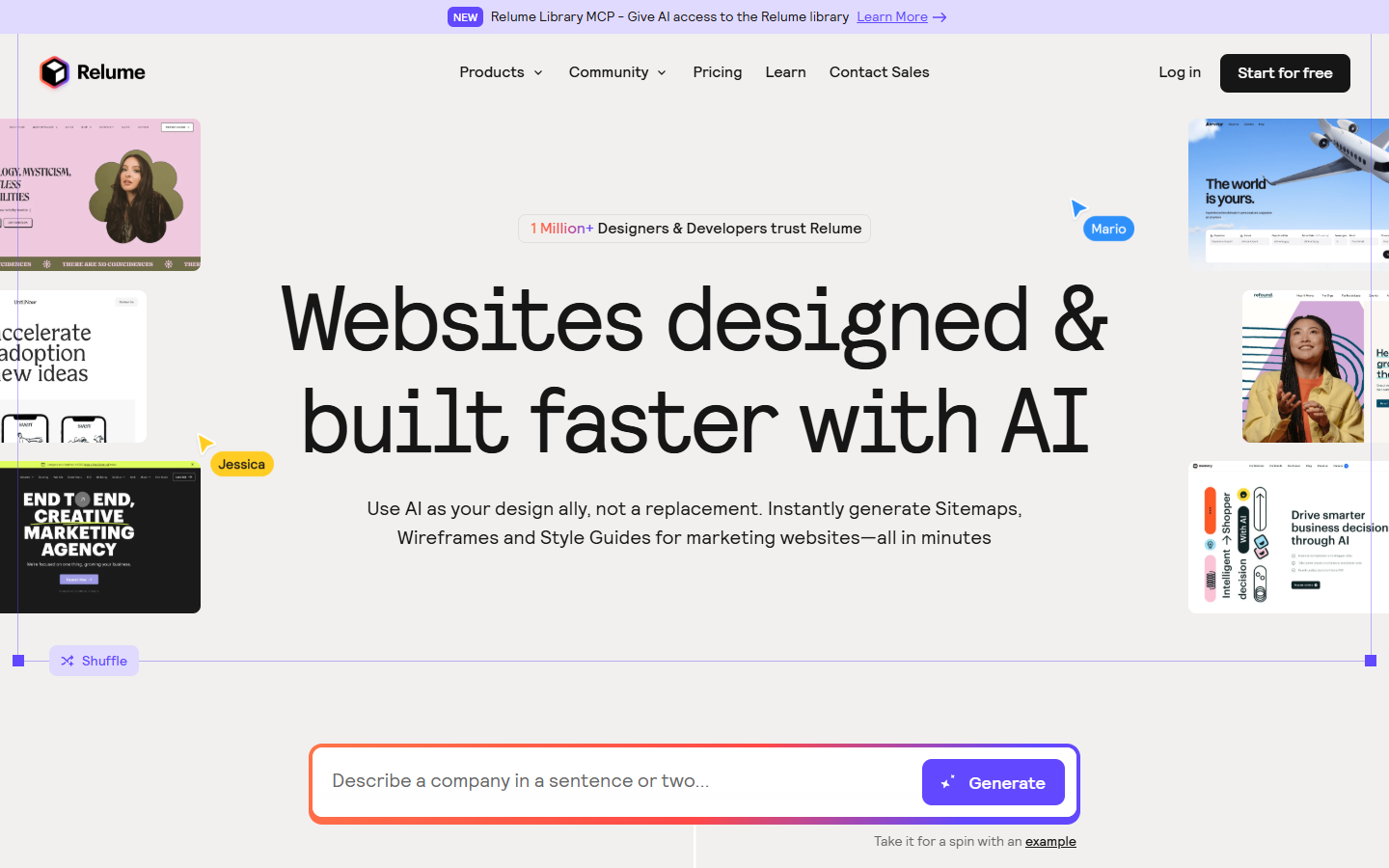
For website and marketing designers (and Webflow-oriented freelancers) who need information architecture fast: describe the company, get a sitemap, turn it into component-based wireframes with draft copy, then shape a style guide before polish. Prefer product-UI stacks for dense app chrome; Relume is strongest for marketing sites.
Use it when
You’re scoping or pitching a marketing website and need sitemap → wireframes → draft copy quickly, then want a clean path into Figma or a Webflow/React build—not a full product design system.
What it does well
- AI Site Builder flow: prompt → sitemap → wireframes (real unstyled components + AI copy) → style guide
- Sitemap import from an existing site URL, plus sitemap export for sharing structure early
- Component libraries aimed at Figma, Webflow (Client-First), and React (Tailwind/Shadcn)—size depends on plan
- Hand off via copy/export to Figma (all plans for wireframes); Webflow, React, and Claude Design system export on paid plans
- Relume Library MCP on paid plans so coding agents can tap the component library
Skip it when
- You’re designing dense product UI or a long-lived app design system—use a product UI stack instead
- Free will block real delivery: 1 project, 1 wireframe page, limited AI, read-only share, Figma-only wireframe export, and only ~30 Webflow/React components
- You need Webflow or React export, commenting, MCP, or 5+ pages in one project—that starts at Starter; unlimited projects/pages need Pro or Team
- You wanted a general workshop wireframer (Uizard/Visily) or a Labs AI canvas (Stitch)—Relume is a marketing-site IA + component pipeline
Fits your workflow
Primary loop is Relume Site Builder. Upstream: company brief or imported sitemap URL. Downstream: Figma (wireframes + Relume Figma Kit), Webflow copy/paste or import on paid plans, React/HTML, or Claude Design for the design system. Finish visual polish and production build in Figma/Webflow/code—Relume accelerates structure and first-pass components.
Similar tools
See more