


pen.dev
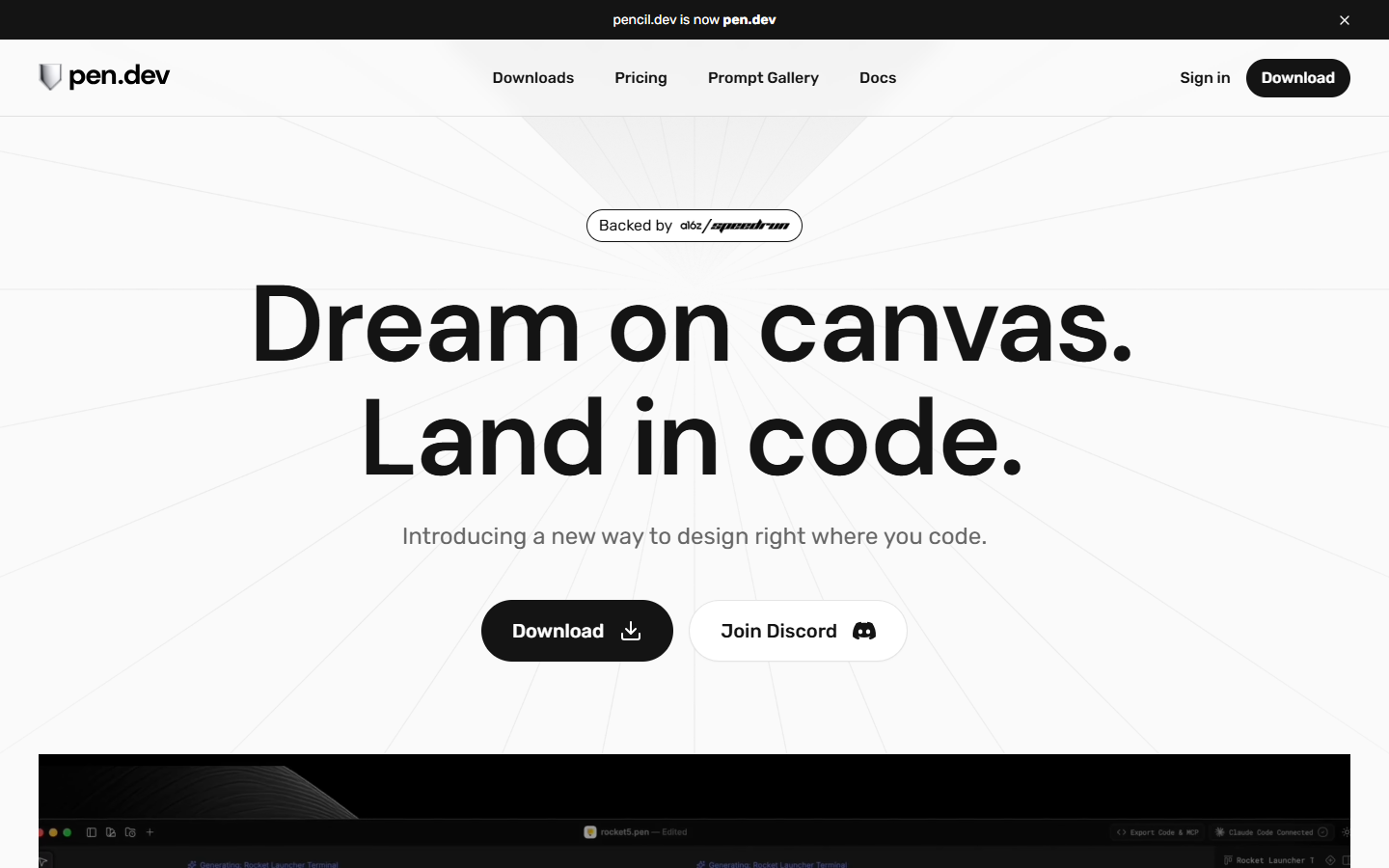
For frontend and design-engineer teams who want UI design beside the codebase—not another Figma handoff loop. pen.dev is an agent-driven MCP canvas: vector .pen files live in your repo, you iterate via Cursor, VS Code, Claude Code, OpenAI Codex, or another MCP agent, and land HTML/CSS/React in the same project. Currently free with a download; you bring your own IDE agent. Skip it if you need a no-IDE design workflow or a full-stack app generator.
Use it when
You work in Cursor, VS Code, Claude Code, OpenAI Codex, or another MCP-capable IDE and want hi-fi UI design files versioned next to React/HTML—without exporting from a separate design tool.
What it does well
- Agent-driven MCP canvas with .pen open format stored in your codebase (Git-friendly)
- Works across Cursor, VS Code, Claude Code, OpenAI Codex, and other IDE or agent setups
- Bidirectional MCP: read and write the canvas; connect DB/API/Playwright MCPs for richer flows
- Figma paste import (vectors, text, styles); curated design kits or hook your repo design system
- Export HTML, CSS, and React; agents can generate parallel screens and flows on canvas
- Desktop download plus IDE extension; pencil.dev redirects to pen.dev
Skip it when
- You need fully open self-serve signup without Request Access or early-access gating
- Your team does not use an IDE or MCP coding agent—pen.dev assumes you bring Cursor, Claude Code, Codex, or similar
- You want hosted monthly credits instead of BYO agent or API subscriptions
- You need a full-stack app builder (Softgen/Lovable) rather than design-in-repo plus export
- Do not confuse with trypencil.com—unrelated marketing GenAI platform
Fits your workflow
Download Desktop or install the IDE extension → Request Access or sign in → add .pen files beside your code → design on canvas or prompt your agent via MCP → commit to Git → export HTML/CSS/React or keep iterating in-repo. pen.dev is free today; Terms note future paid plans may appear with notice before charge.
Similar tools
See more