
Skip to content

For product and UX designers who need to explain how screens connect—critiques, stakeholder walkthroughs, and journey docs—not a replacement for Figma as the UI editor. Overflow imports frames from Figma, Sketch, Adobe XD, or Photoshop into annotated user flows, then presents in Flow or Prototype mode. Prefer FigJam or Miro for occasional whiteboard flows, or Figma Prototype when click-through alone covers the review.
Wireframing & Prototyping
$Free trial
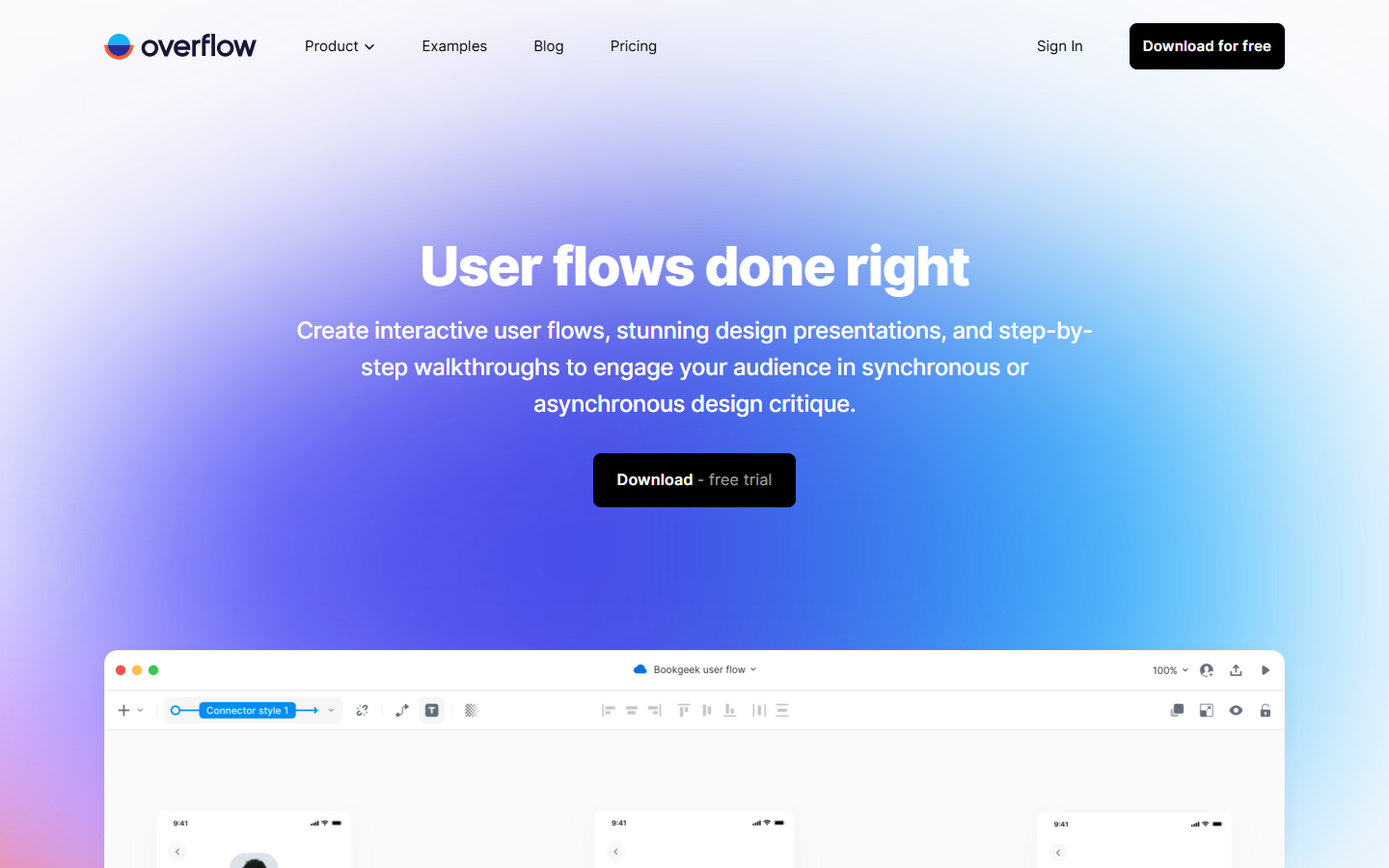
Overflow homepage

Use it when

You already have screens in Figma (or Sketch/XD) and need a clean, presentation-ready user-flow diagram—or a guided walkthrough—for reviews, pitches, or handoff conversations.

What it does well

  • Syncs design screens from Figma, Sketch, Adobe XD, and Photoshop into a dedicated flow canvas
  • User-flow diagramming with connectors, hotspots, device skins, styles, and multiple boards
  • Presentation modes: Flow (bird’s-eye journeys) and Prototype (screen-by-screen walkthroughs)
  • Export to PNG and PDF; Pro removes watermarks and unlocks cloud share, embed, and comments
  • Collaboration via Overflow Cloud—folders, share links, free external reviewers, version history

Skip it when

  • You only need occasional flows—FigJam, Miro, or Lucid may be enough without a dedicated seat
  • You still need to design UI—Overflow imports screens; it does not replace Figma
  • You need complex interaction prototyping (micro-interactions, advanced logic)—use Figma Prototype or ProtoPie
  • You won’t author on macOS/Windows desktop—the editor is desktop-first; cloud is for viewing/sharing
  • You need a permanent free plan—access is a 14-day trial, then Pro or Enterprise

Fits your workflow

Design in Figma → sync frames into Overflow → connect and annotate → present in Flow/Prototype mode or share a cloud link for comments. Keep the design file as source of truth; use Overflow for the journey narrative. Start the 14-day trial to validate the seat before committing to Pro.
Similar tools

See more