

Skip to content

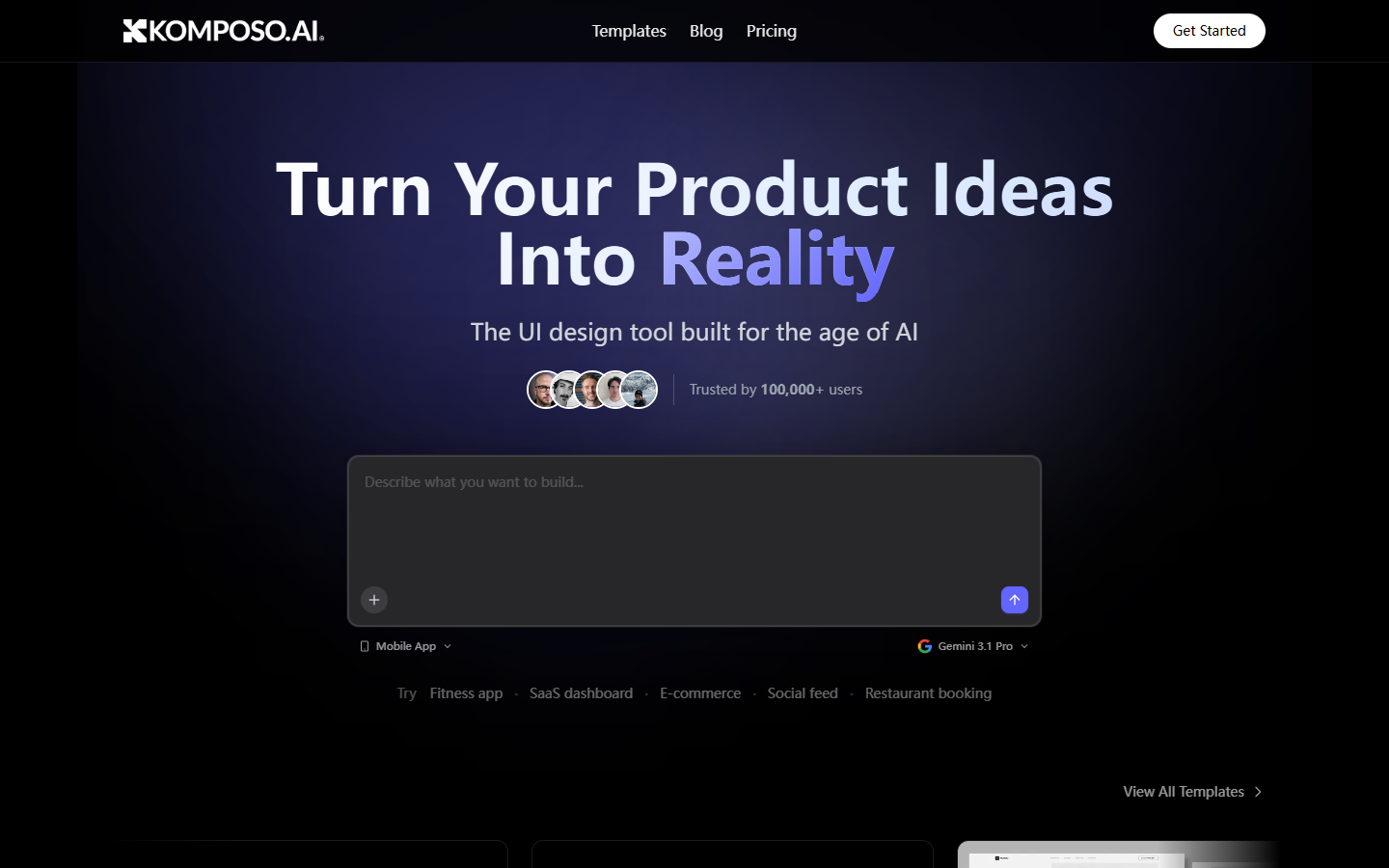
For designers and builders who want chat-driven UI drafts and multi-screen exploration before polishing in Figma—not a full design system and not a production codegen handoff alone. Komposo generates UI concepts and wireframe-style screens from prompts, then lets you iterate in the same loop. Prefer UX Pilot or Magic Patterns for adjacent UI gens, Locofy/Anima when design-to-code from existing files is the main job.
UI/UX DesignWireframing & PrototypingDesign-to-Code
$Freemium
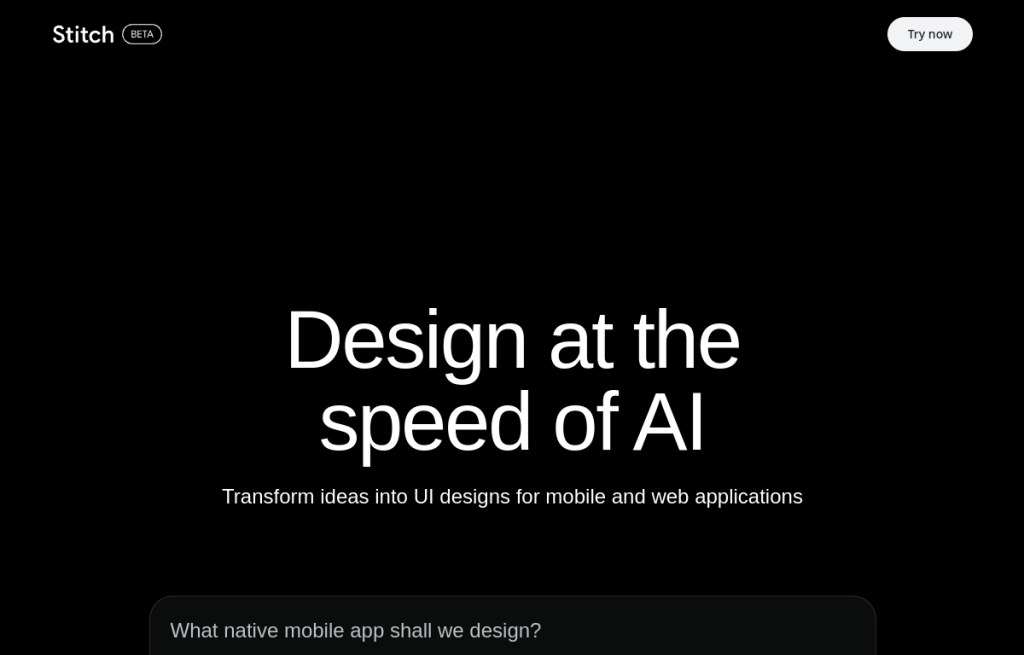
Komposo homepage

Use it when

You want to turn a product brief into editable UI screen drafts quickly, iterate in conversation, and—on paid tiers—export toward Figma or code for real polish.

What it does well

  • Conversational generation of UI layouts and screen directions from a brief
  • Credit model mapped roughly to screens (~1 credit per screen gen/edit)
  • Starter+: export to Figma and code for handoff into your main tools
  • Pro: unlimited projects, custom themes, project sharing, higher monthly credit pool
  • Team: per-seat credits plus shared projects, branding, billing—and commercial use called out on pricing

Skip it when

  • You need ongoing volume—Free’s 10 one-time credits and 1 project will not last
  • You need a production design system or component library maintained in Figma
  • Design-to-code from existing high-fidelity files is the job—use Locofy or Anima
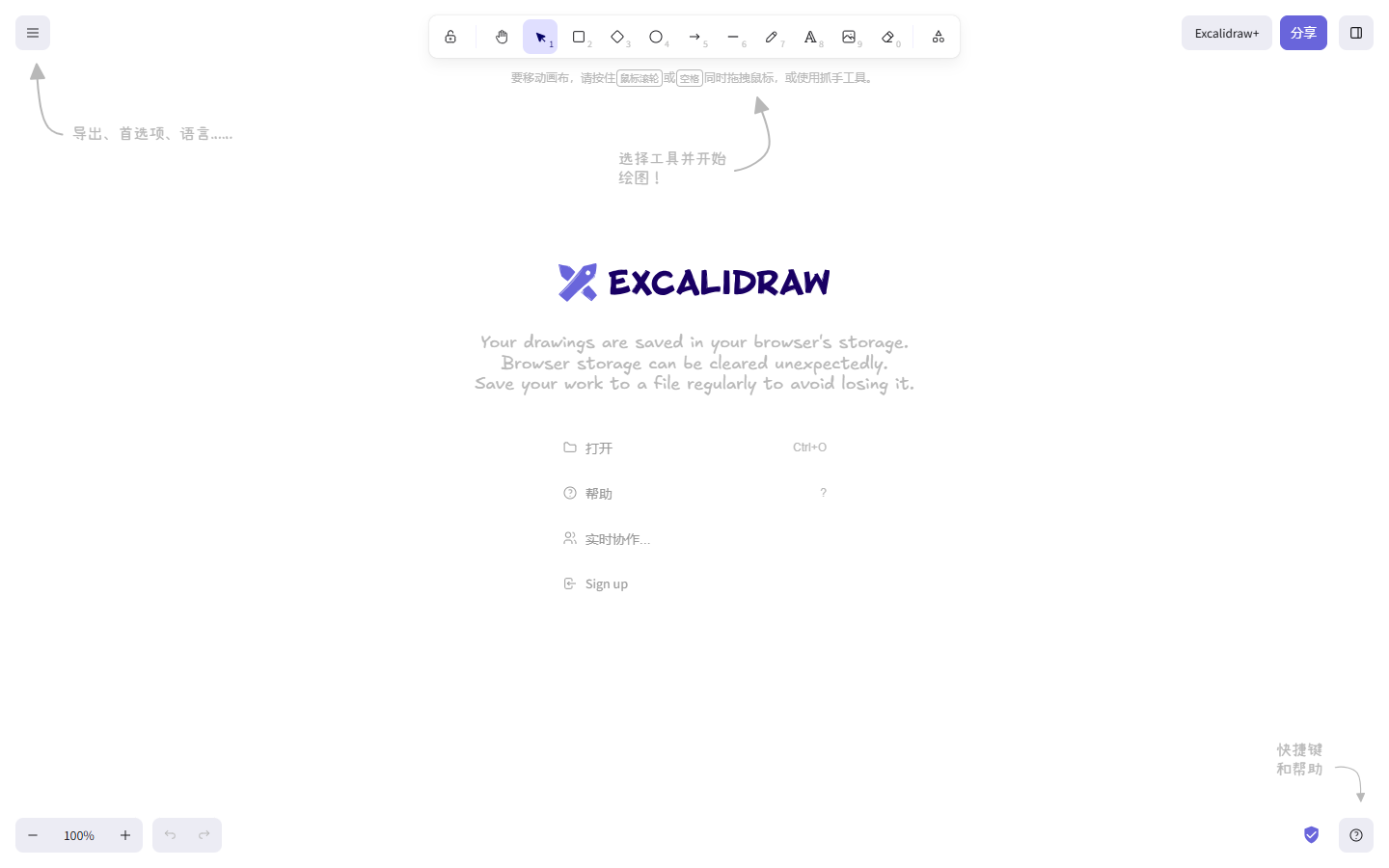
  • You need workshop whiteboarding or freehand diagramming—use Miro or Excalidraw
  • You need commercial terms clarified for your client work—confirm Team (or current plan terms) before shipping client deliverables

Fits your workflow

Prompt the screens → refine in chat → export to Figma or code on Starter+ → polish components, spacing, and states in Figma / ship in the repo. Budget credits against how many screens you expect to generate and edit each month.
Similar tools

See more