
Skip to content

For product designers, PMs, and cross-functional teams who need workshops, journey maps, research synthesis, and early planning on a shared canvas—not a Figma-level UI system. Miro’s Intelligent Canvas mixes boards with Docs, Tables, Slides, and diagrams, plus AI helpers and MCP links to tools like Cursor or Claude. Prefer Excalidraw for lightweight hand-drawn sketches, or Figma when the job is production UI.
Design Productivity & WorkflowWireframing & Prototyping
$Freemium
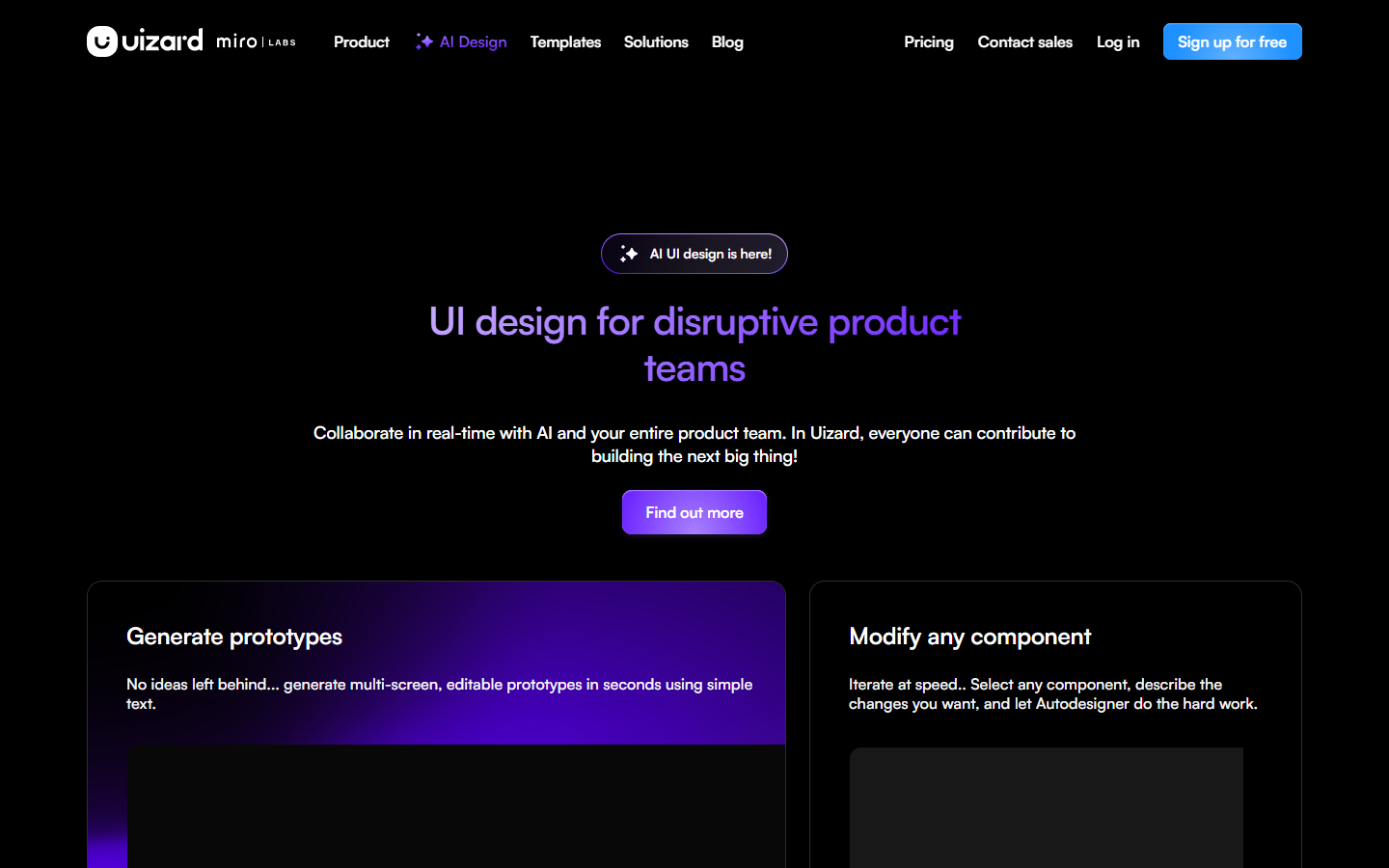
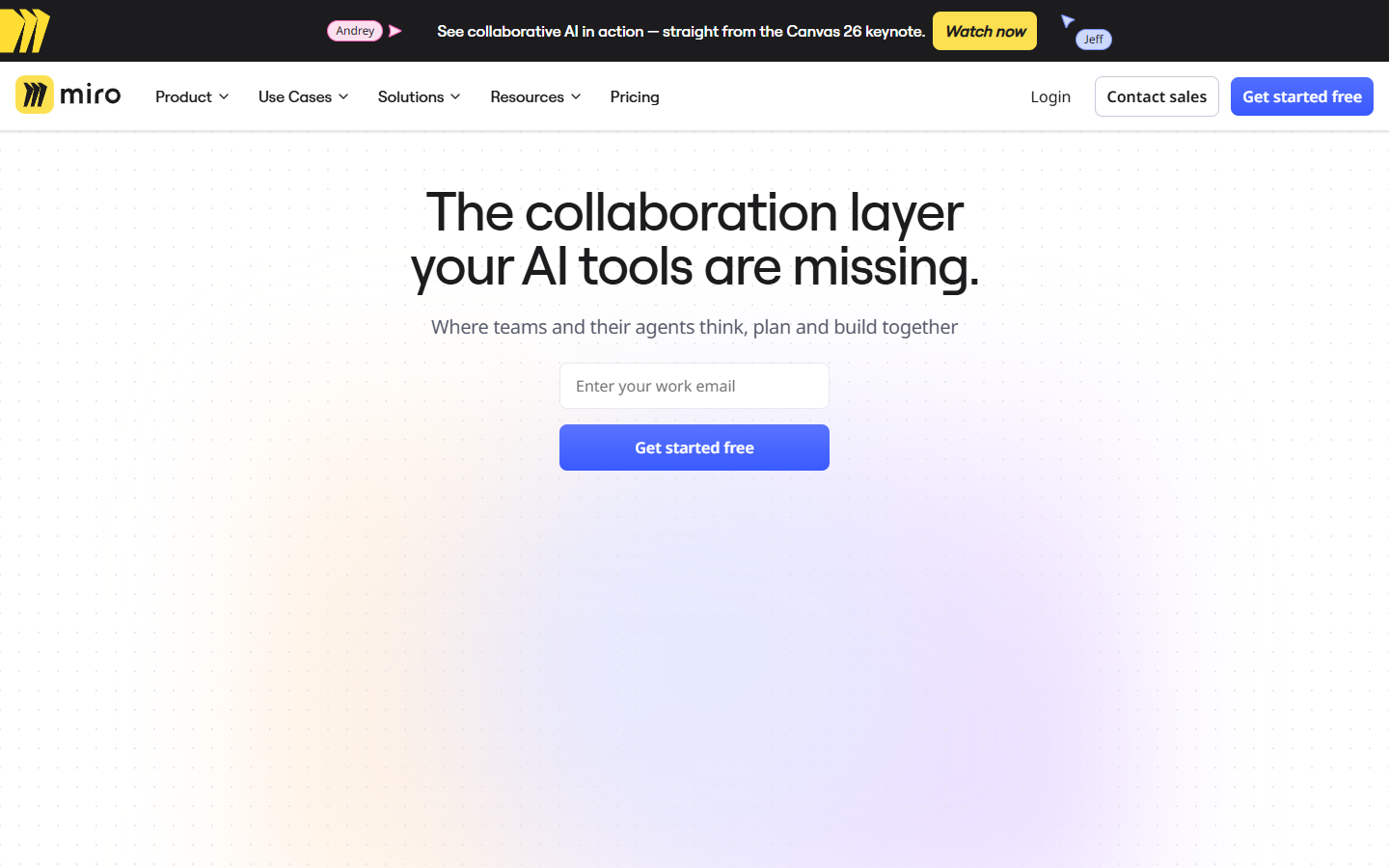
Miro homepage

Use it when

You run design workshops, journey maps, research alignment, or early wireframe discussions with a mixed team—and need one place that holds sticky thinking before anyone opens a hi-fi file.

What it does well

  • Infinite multiplayer canvas with templates for workshops, journeys, diagrams, and planning
  • Structured formats—Docs, Tables, Slides, Kanban—alongside classic whiteboard work
  • Facilitation tools on Starter+: timer, voting, private mode; Engage activities on Business+
  • AI explore on Free; fuller AI workflows/agents and higher credits on Business
  • MCP daily call tiers so board context can flow to Cursor, Claude, Copilot, and similar agents

Skip it when

  • Your source of truth is a product UI design system in Figma—not a workshop board
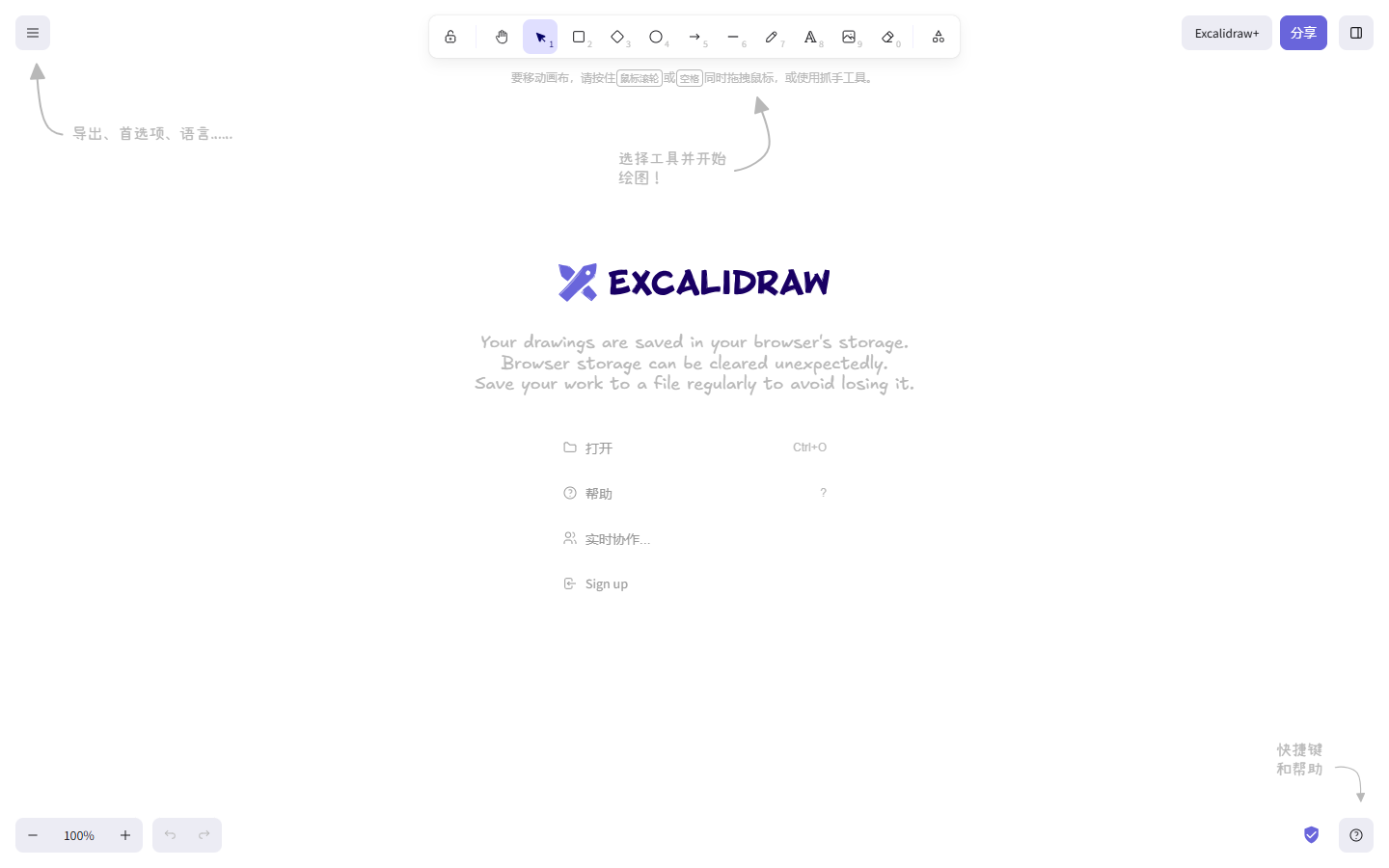
  • You only need a fast open-source hand-drawn sketch pad—Excalidraw is lighter
  • Free’s three editable boards, low-res exports, and limited AI trial block real team use
  • You need unlimited guests, SSO, interactive prototypes, or AI agents without Business+
  • You expect unlimited AI—credits and MCP calls are capped per plan and reset monthly

Fits your workflow

Workshop or map in Miro → synthesize with AI if needed → hand off decisions into Figma, tickets, or MCP-connected coding agents. Stay Free to try; Starter for unlimited boards and facilitation; Business when guests, prototypes, and AI workflows matter. Keep production UI elsewhere.
Similar tools

See more