


Kapwing
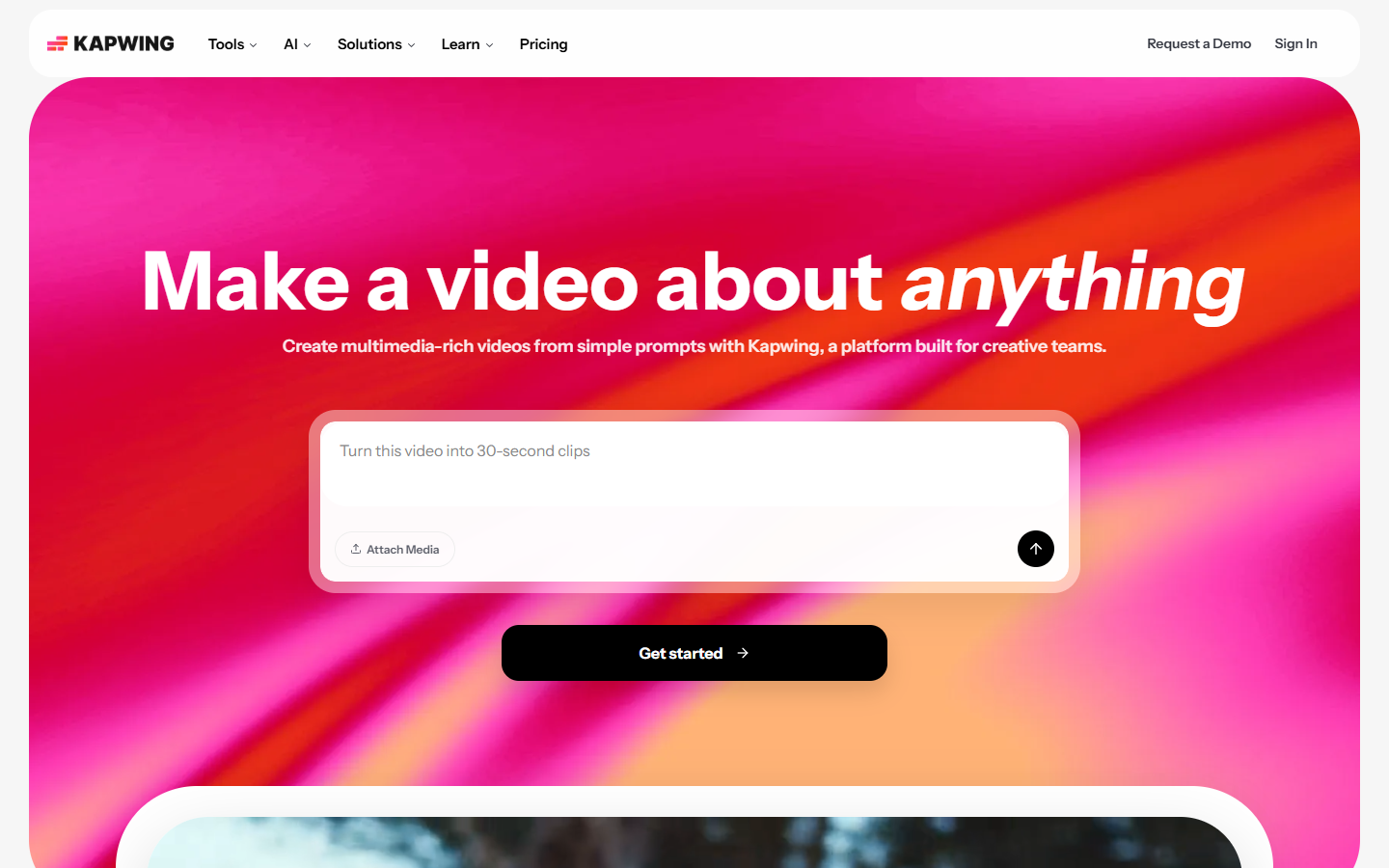
For social and marketing creators who need a browser editor for short video and graphics—not Premiere or After Effects as the daily driver. Kapwing covers cut/trim, templates, auto-subtitles, TTS, background remove, resize, and team workspaces, with AI features metered in credits. Prefer CapCut for mobile-first editing, VEED/InVideo for adjacent browser suites, or a traditional NLE for grade-heavy deliverables.
Use it when
You need to turn raw clips into social-ready videos in the browser—subtitles, resize, light AI cleanup—without installing a desktop NLE.
What it does well
- All-in-one browser editor for video, images, GIFs, and audio with templates and collaboration
- AI assists (auto-subtitles, TTS, clean audio, background remove, smart cut) on a credit meter
- Free: try the workflow with limited credits—exports carry a Kapwing watermark at 720p
- Pro: watermark-free exports, up to 4K, longer projects, Brand Kit, ~100 GB storage, ~1,000 credits/mo
- Business: ~4,000 credits/mo plus voice clone, lip sync, larger storage, and purchasable credit packs
Skip it when
- You need watermark-free brand delivery—upgrade past Free
- Free export caps (length, monthly minutes, 3-day project retention) block real campaigns
- You need color-grade and compositing depth—use Premiere, After Effects, or DaVinci
- Mobile-first editing is your habit—CapCut may fit better
- You only need AI clip generation without an editor—Runway, Kling, or Pika may be enough
Fits your workflow
Upload or paste a link → edit/subtitle/resize in Kapwing → export for each channel. Stay on Free for drafts; move to Pro when watermarks and resolution matter. Finish complex grade or VFX in a desktop NLE if needed.
Similar tools
See more