


Justinmind
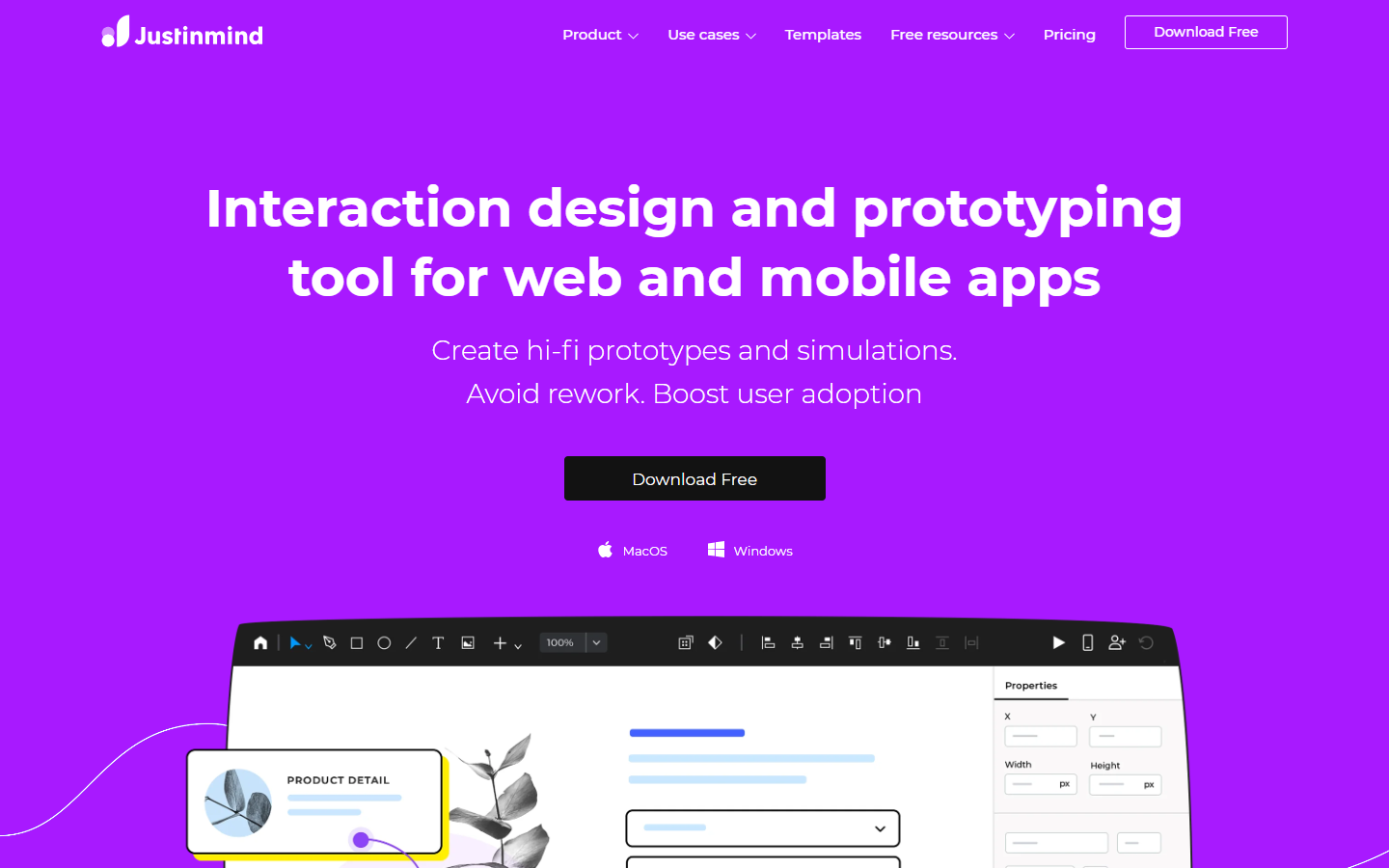
For UX/UI designers and product teams who need structured wireframes and clickable prototypes—not Figma as the default design-system hub, and not Banani-style AI screen generation as the core loop. Justinmind is a desktop app for UI design, forms, interactions, and stakeholder review, with imports from Sketch, Adobe XD, and Figma. Prefer Figma for daily multiplayer UI, Axure for heavy conditional logic, or Banani when prompt-to-UI is the job.
Use it when
You prototype web or mobile flows with real interactions and need a dedicated wireframe/prototype app—especially if HTML handoff or requirements tooling matters later.
What it does well
- Free: UI wireframing, forms, vector tools, png/jpg/svg export, unlimited screens/viewers, 1 project, import from Sketch/XD/Figma
- Standard: unlimited projects, advanced interactions, collaboration/roles, mobile testing, variables, shared UI libraries
- Professional: Masters, smart templates, data/forms simulation, user flows, fully interactive HTML export, custom branding
- Enterprise: SSO, requirements management, Jira/Azure DevOps, document generation, priority support
- Device emulator on all tiers; pay per editor with optional perpetual licensing paths on the pricing page
Skip it when
- You need more than one active project on Free—upgrade to Standard for unlimited projects
- Advanced interactions, collaboration, or responsive prototyping are required—those start at Standard
- HTML export, Masters, or user flows are must-haves—plan for Professional
- Your team lives in Figma for design systems and multiplayer editing as the daily driver
- You mainly want AI prompt-to-multi-screen UI—Banani or similar fits better
Fits your workflow
Wireframe screens in Justinmind → add interactions and (on higher tiers) data/flows → share for review or mobile test → export images or interactive HTML (Pro+) → hand off to engineering. Import existing Sketch/XD/Figma work when starting from other tools.
Similar tools
See more