

Skip to content

For UI and product designers who already live in shared Figma files. Figma AI helps you explore interface directions, edit images, find assets, and refine with teammates without jumping to a separate AI canvas—then push closer to a clickable prototype or code handoff when you need it. Skip it if your source of truth isn’t Figma.
UI/UX DesignWireframing & Prototyping
$Freemium
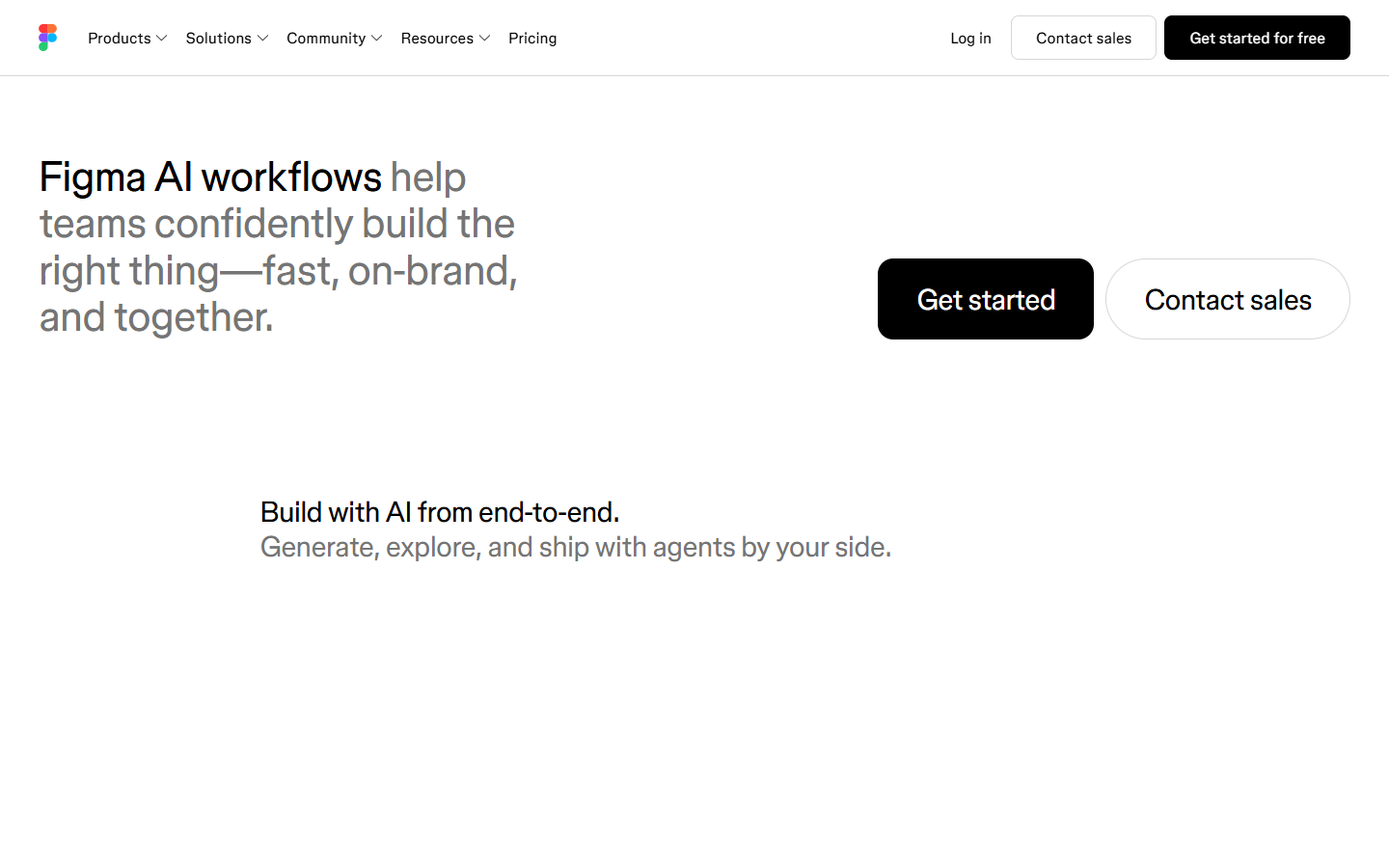
Figma AI homepage

Use it when

You’re a UI/product designer (or a design team) whose source of truth is already a shared Figma file, and you want AI for early screen exploration, asset/search help, and in-file iteration—not a brand-new tool outside the file.

What it does well

  • Generate and remix design directions, diagrams, and image edits with the Figma agent on the canvas
  • Stay next to components and your design system while you explore and polish with teammates
  • Move from ideas or existing frames toward prototypes or web apps with Figma Make
  • Connect Figma to external agent workflows via MCP (e.g. coding tools listed on Figma’s AI page)
  • Speed up busywork: visual search, layer renaming, interactions, and text rewrites (capabilities vary; many are marked Beta)

Skip it when

  • Your team doesn’t use Figma—or won’t treat Figma as the source file
  • You want unlimited free AI; Figma AI uses shared AI credits (pay-as-you-go or subscription)—check current plan limits
  • You need a fully stable, non-Beta stack as your only production path; agent, Weave, generative plugins, shaders, and Make-on-codebase are still evolving
  • You mainly need illustration/image generation, or prompt→maintainable front-end without a Figma-centered workflow (consider image tools or code-first options like v0/Bolt instead)

Fits your workflow

Primary loop is inside Figma Design (explore → polish with the agent). Shipping path can go through Make and/or MCP toward code-backed prototypes or PRs; Code to canvas can bring live UI back into Figma for review. Integrations with external agents depend on what Figma currently lists—verify before you promise a stack to your team.
Similar tools

See more