
Skip to content

Excalidraw

For product designers, PMs, and engineers who need fast hand-drawn diagrams, flows, and lo-fi wireframe sketches—not hi-fi UI systems. Excalidraw gives an infinite canvas with full editor tools, link-based collaboration, and limited generative AI on the free forever tier. Prefer Figma for production UI, or Miro when you need full workshop facilitation—not a lightweight sketch board.
Wireframing & PrototypingDesign Productivity & Workflow
$Freemium
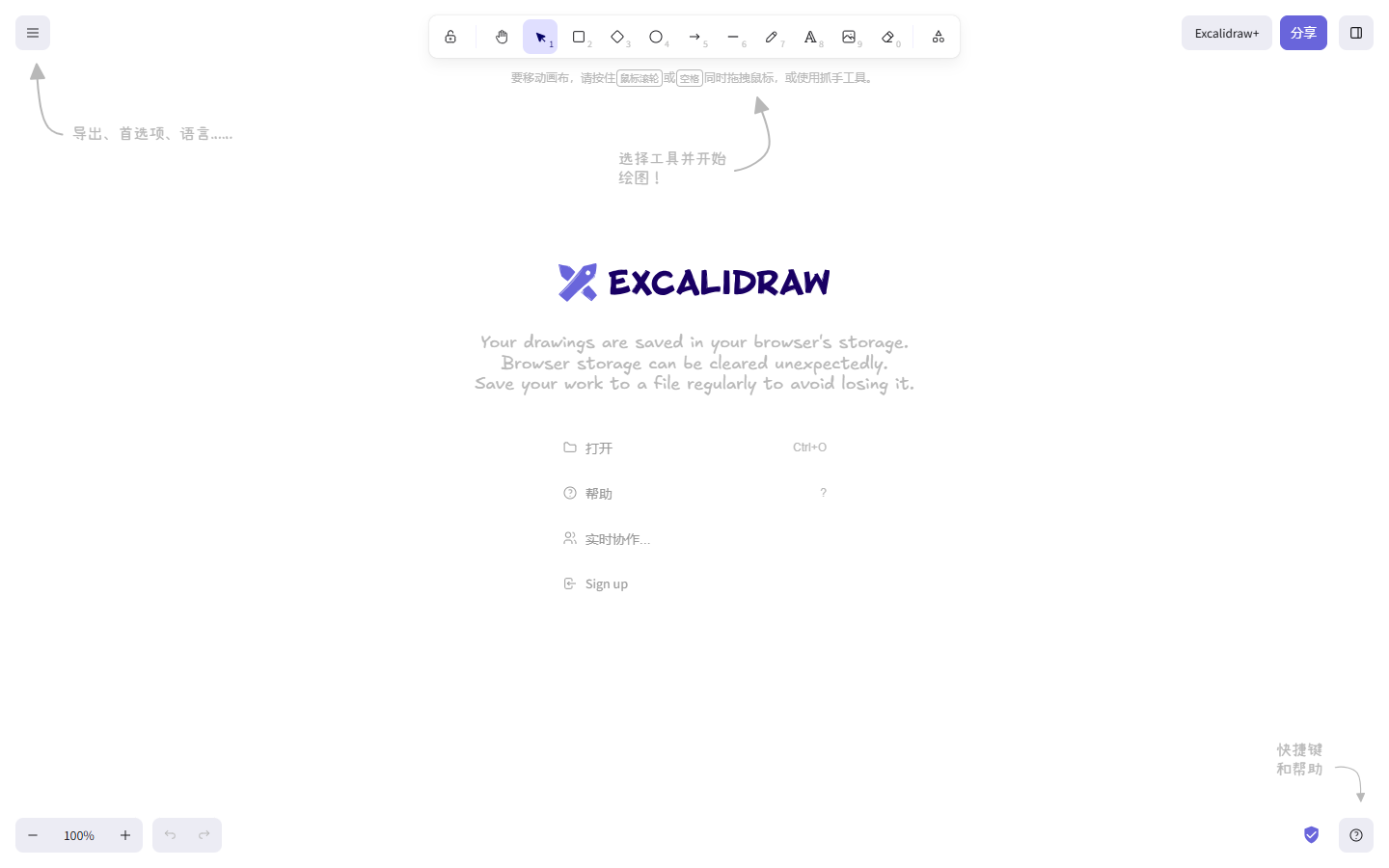
Excalidraw homepage

Use it when

You want low-friction architecture, UX flow, or workshop sketches in a hand-drawn style—share a link and iterate without spinning up a heavy whiteboard suite.

What it does well

  • Open-source hand-drawn editor with infinite canvas and full drawing tools on Free
  • Invite collaborators by link with unlimited guests; E2EE locally in the browser
  • Generative AI to turn text into diagram starting points (Limited on Free, Extended on Plus)
  • Export PNG, SVG, or JSON; Notion/Obsidian-style integrations on the free path
  • Plus: unlimited scenes/folders, cloud sync, teams, comments, presentations, PDF/PPTX
  • Plus MCP (public beta): connect AI agents to read, search, and edit Excalidraw diagrams

Skip it when

  • You need hi-fi UI components and a design-system source of truth—that's Figma
  • You need voting, timers, and enterprise workshop templates—reach for Miro instead
  • Free's single scene and browser-only library block multi-project team work
  • You need view-only links, embeds, live presentations, or voice/screenshare without Plus
  • You expect unlimited Extended AI on Free—AI depth is a Plus differentiator

Fits your workflow

Open the web app → sketch flows or frames → share a collab link → export PNG/SVG into docs or tickets. Stay Free for one-off scenes; upgrade to Plus when you need cloud libraries, team folders, Extended AI, or MCP for agent workflows. Keep production UI in Figma; use Excalidraw for the messy thinking layer.

Similar tools

See more