
Skip to content

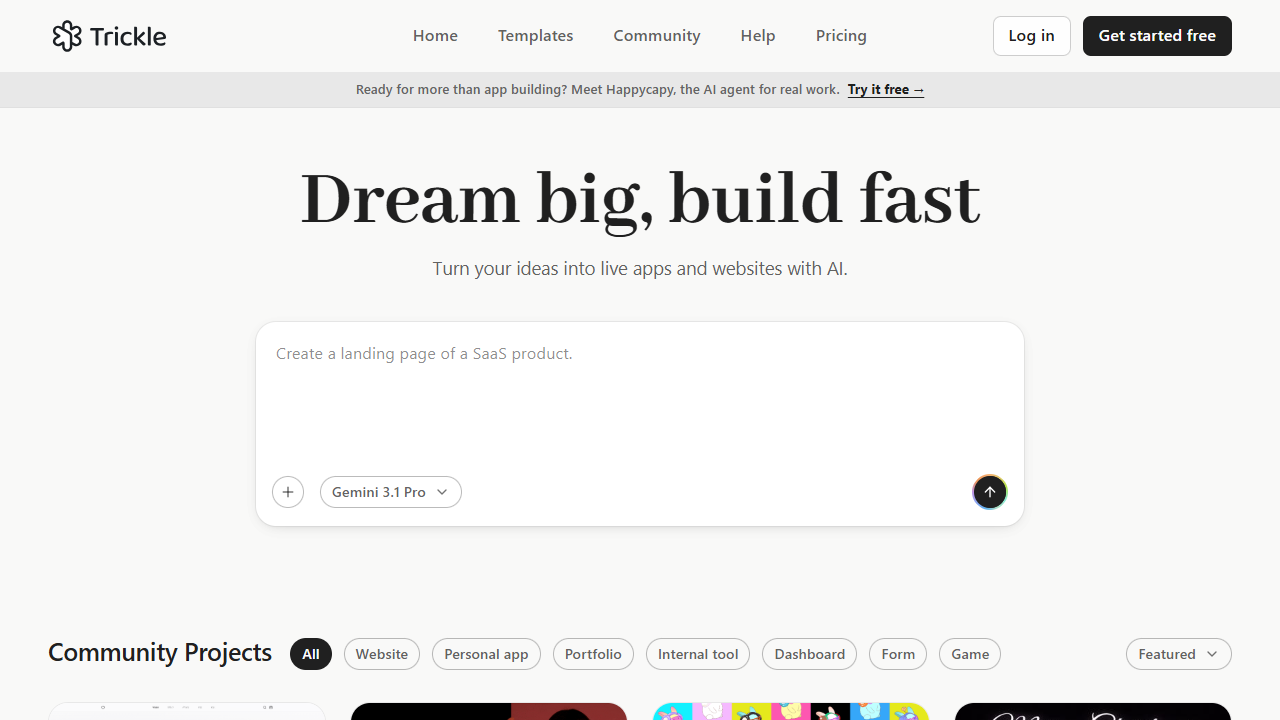
For founders, marketers, and teams who need publishable websites and web apps—not design mockups or a React-repo IDE. Trickle turns prompts into multi-page products on Magic Canvas with built-in database, forms, workflows, and one-click hosting. Free includes daily credits and up to three projects; Pro adds monthly credits, custom domains, and more rows. Skip it if you need Figma handoff or full code export with live backend data.
Design-to-Code
$Freemium
Trickle homepage

Use it when

You want to ship landing pages, waitlists, internal tools, or multi-page web apps from plain-language prompts—without managing backend infrastructure, and you are fine co-editing with AI on a visual Magic Canvas.

What it does well

  • Magic Canvas: visual, agentic workspace where layout, content, rules, and assets stay in context—edits sync to production-grade code
  • Built-in database with relationships, forms, validation, row-level permissions, and plain-language workflows/triggers
  • Publish to Trickle hosting with trickle.host subdomains; Pro and Premium add custom domains and remove badge
  • Outputs: websites, AI forms, landing pages, internal tools, quizzes, surveys, and multi-page apps—not throwaway prototypes
  • Code tab export: download HTML/CSS/JS zip for self-hosting (static files only—no database data or AI features in export)
  • Data export as JSON, CSV, or SQL; credit usage shown per prompt in chat—Fix error actions do not consume extra credits

Skip it when

  • Free’s daily credit cap, three projects, and 100 database rows cannot cover a real production app
  • You need exported code to include live database logic—export is static front-end only
  • You want to edit an existing React repo or agent-driven PR factory (Tempo/Onlook)—Trickle is greenfield no-code hosting
  • You need design-first Figma-ready UI (UXMagic/AIDesigner) without shipping on Trickle infrastructure
  • Heavy external DB/API integration details vary by plan—verify current limits before betting an enterprise workflow on it

Fits your workflow

Start free → describe the app or pick a template → iterate on Magic Canvas with chat → enable database if needed → publish live or download static code → export data when migrating. Credits apply free monthly allowance first, then plan credits, then add-ons. Move to Pro when you need more monthly credits, a custom domain, 1,000 rows, and unlimited private projects; Premium for higher credit and row limits.
Similar tools

See more