

Skip to content

For designers and sellers who need catalog-ready product stills—not Photoshop, not Figma, and not a dedicated upscaler. Pixelcut removes backgrounds, erases clutter, and stages product scenes, then you download into Figma or a store listing. Free exports have no watermark, but background removal and upscale stay limited. Skip it when you need unlimited cutouts, batch exports, or a commercial license.
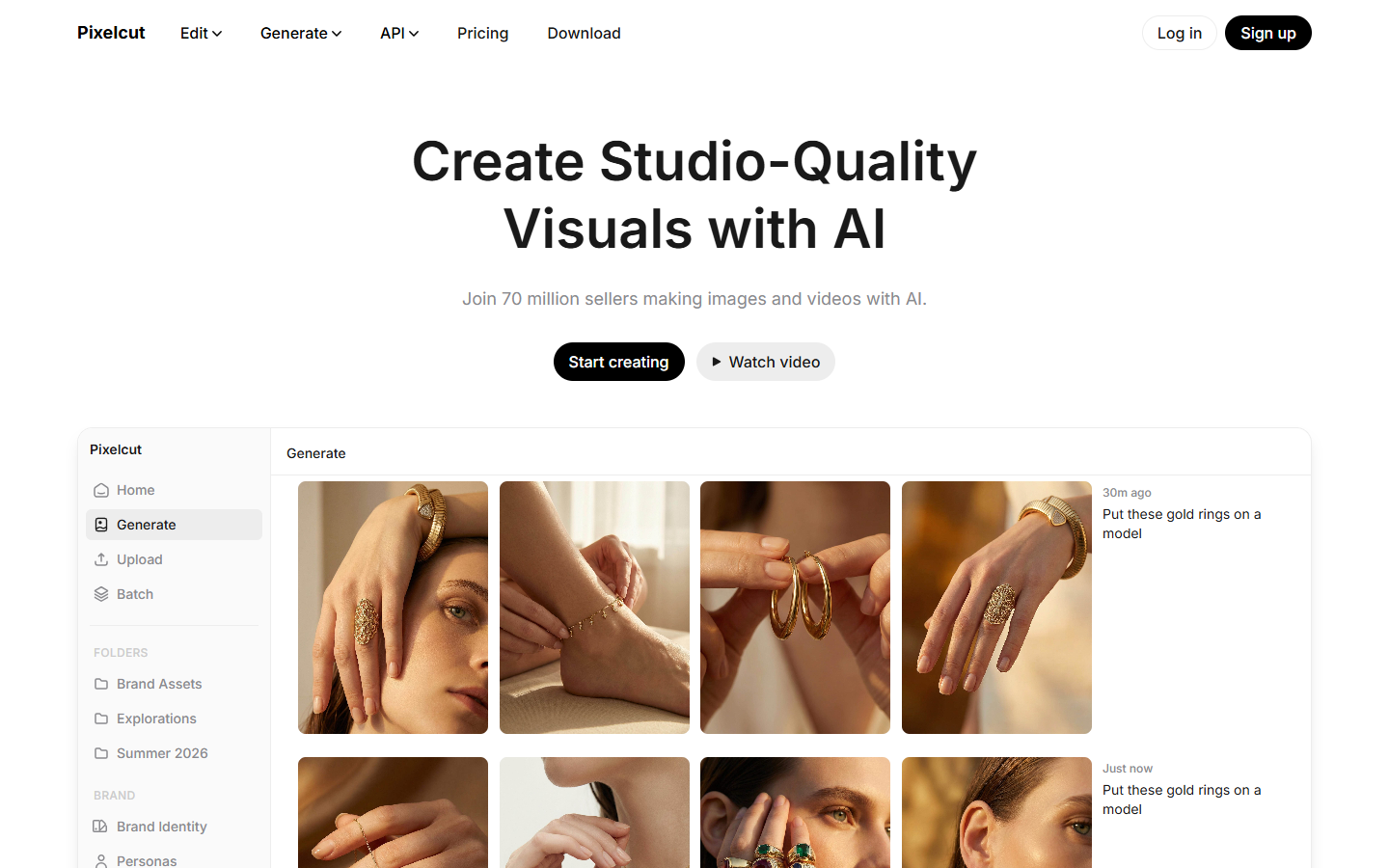
Photo Editing & RetouchingMockups & Product Visualization
$Freemium
Pixelcut homepage

Use it when

You have a product shot that needs a clean cutout, scene, or catalog batch—and you will download a raster into Figma or a marketplace listing.

What it does well

  • Background removal aimed at product and catalog stills, including video cutouts
  • Object erase, expand, and shadow tools for listing-ready photos
  • Batch exports on paid plans for store catalogs
  • Free downloads without a watermark

Skip it when

  • You need Photoshop layers, a Figma design system, or SVG/icons
  • You only need 4×–8× print upscaling—use Magnific or Topaz instead; Pixelcut’s upscale is a side pass
  • This is not Placeit or Smartmockups—a device/apparel mockup library
  • Free is limited background removal and limited upscale—no monthly AI credits, no commercial license
  • Pro adds 600 AI credits/month, unlimited cutout and upscale, a 3-person team, 1,000 batch exports/month, and a commercial license; Business is 3,600 credits, 10 seats, and 2,000 batch exports

Fits your workflow

Cut out or stage in Pixelcut → download → drop into Figma or the store listing. Use Pro when the catalog needs unlimited cutouts and a commercial license; keep upscale as a last step, not the reason to subscribe.
Similar tools

See more