
Skip to content

For designers who need to rescue blurry portraits or old photos—not a 4×–8× print upscaler and not a concept generator. Remini is a face-first web enhancer: Face Enhance, background cleanup, and auto color, then you download a raster into Photoshop or Figma. Unpaid downloads keep a Remini watermark; enlargement tops out around 2×. Skip it when you need SVG, icons, or Magnific-class upscaling.
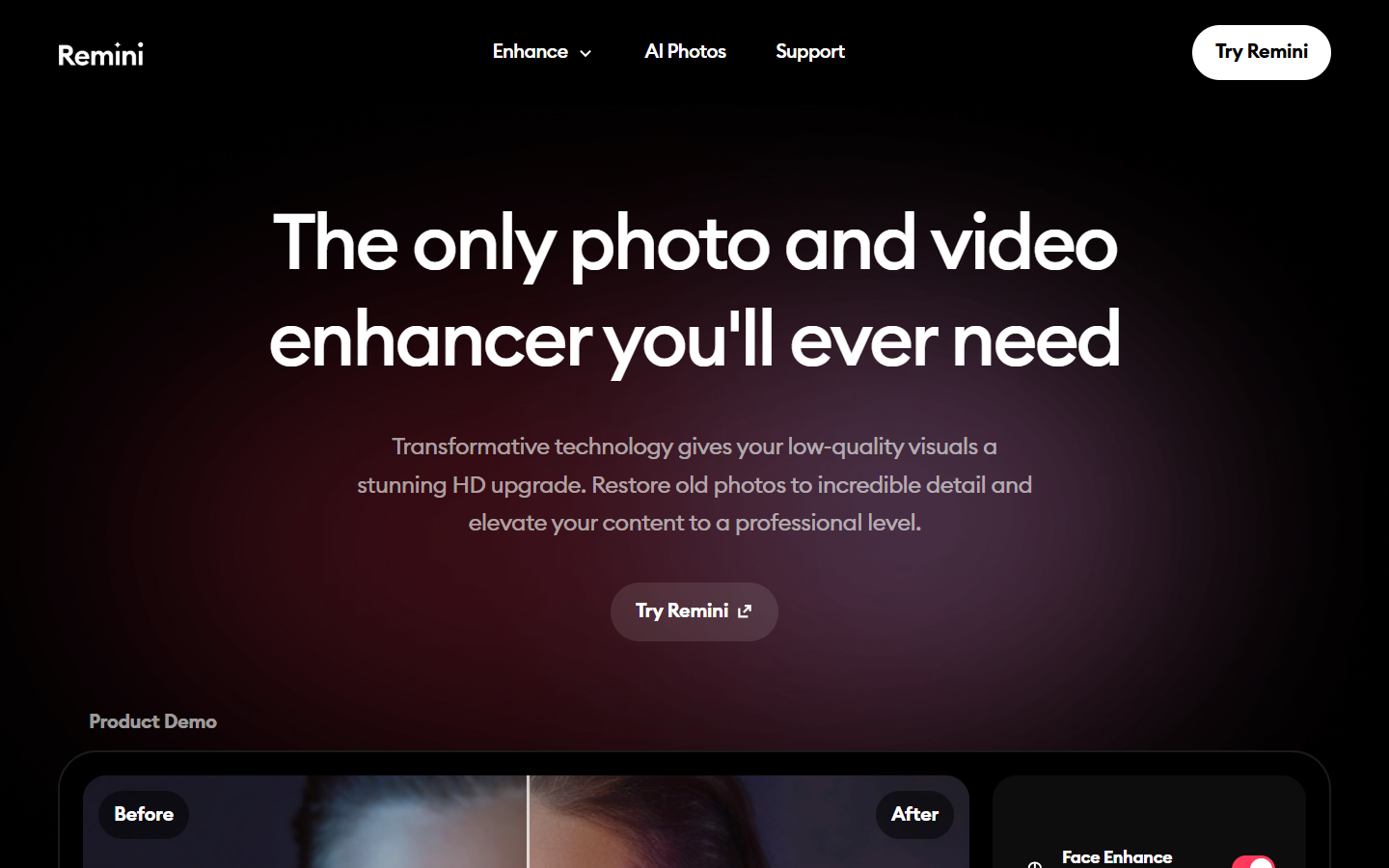
Image Enhancement & UpscalingPhoto Editing & Retouching
$Freemium
Remini homepage

Use it when

You have a soft portrait, selfie, or old photo that needs face-first clarity before it goes into a layout—and you will finish in Photoshop or Figma.

What it does well

  • Face Enhance aimed at portraits and old photos, with optional Beautify
  • Background Enhance, background blur, and auto color in one web editor
  • Before/after compare on the canvas, then download a raster

Skip it when

  • You need 4×–8× or product-shot upscaling—use Magnific, Topaz, or Let’s Enhance instead
  • You need icons, SVG, or a design system
  • Unpaid downloads keep a Remini watermark (web does not trade ads for a clean file)
  • Personal is private use: ~20 photos/week, JPG only—no commercial use, bulk upload, or Photoshop plugin
  • Client delivery, PNG/TIFF, bulk, commercial use, or the PS plugin need Business
  • A Remini Web plan does not unlock the mobile app, and the reverse is also true

Fits your workflow

Enhance on Remini Web → download JPG (Personal) or PNG/TIFF (Business) → finish in Photoshop or Figma. Use Business when the file must ship without a watermark and with commercial use. Treat the output as a restore pass, not a print master.

Similar tools

See more