
Skip to content

For creators who need phone-side portrait polish and stylized avatars—not a browser Photoshop, not Figma, and not a dedicated upscaler. Lensa (by Prisma Labs) retouches faces, erases objects, and generates Magic Avatars from selfies; finish in the camera roll, then into Figma if needed. Free saves 1 photo/day with limited Enhancer; a 7-day trial unlocks unlimited saves and 100 Magic AI Tokens. Skip it when you need a desktop editor or SVG/icons.
Avatar & Character Design
$Freemium
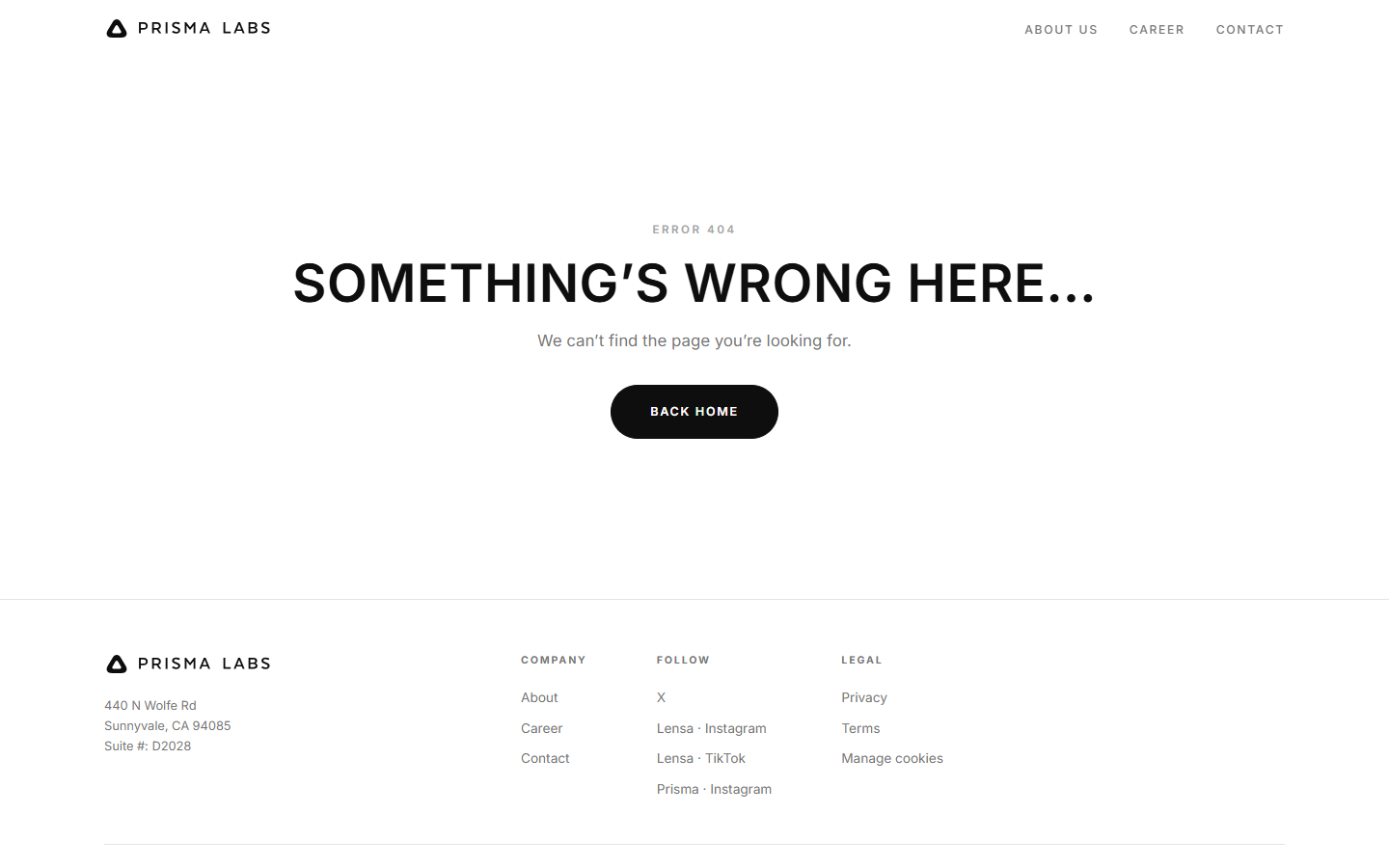
Lensa homepage

Use it when

You need a selfie, profile still, or stylized avatar from your phone—then save to camera roll and, if required, drop the raster into Figma.

What it does well

  • One-tap portrait beauty (Hollywood, hair, makeup) aimed at social stills
  • Object eraser and preset looks without a desktop suite
  • Magic Avatars / Magic AI Tokens for stylized headshots from selfies
  • Enhancer for soft or dark portraits as a side pass—not a print upscaler

Skip it when

  • You need a browser or Photoshop editor (Fotor, Pixlr) or a Figma design system
  • You only need 4×–8× upscaling—use Magnific, Topaz, or Remini instead
  • You need icons, SVG, or the Prisma art-filter sister app—this listing is Lensa, not Prisma
  • Free is 1 saved photo/day, limited Enhancer, and no Magic AI Tokens
  • Yearly Pro shows 1,200 Magic AI Tokens (100 during the 7-day trial); extra packs exist after that—do not expect unlimited avatars

Fits your workflow

Shoot or import in the Lensa app → retouch or generate avatars → save to camera roll → place in Figma or a social template if the job leaves the phone. Treat the web checkout as subscribe-then-get-the-app, not a full desktop editor.
Similar tools