

Skip to content

For designers who want Photoshop-like cleanup in the browser—not a print suite, not Figma, and not a dedicated upscaler. Pixlr combines an online editor (cutout, object remove, generative fill/expand) with optional text-to-image in the same account. The free editor runs with ads; AI credits start at Plus (80/month, 1 job at a time). Skip it when you need all models, private generations, or a Magnific-class enlarge.
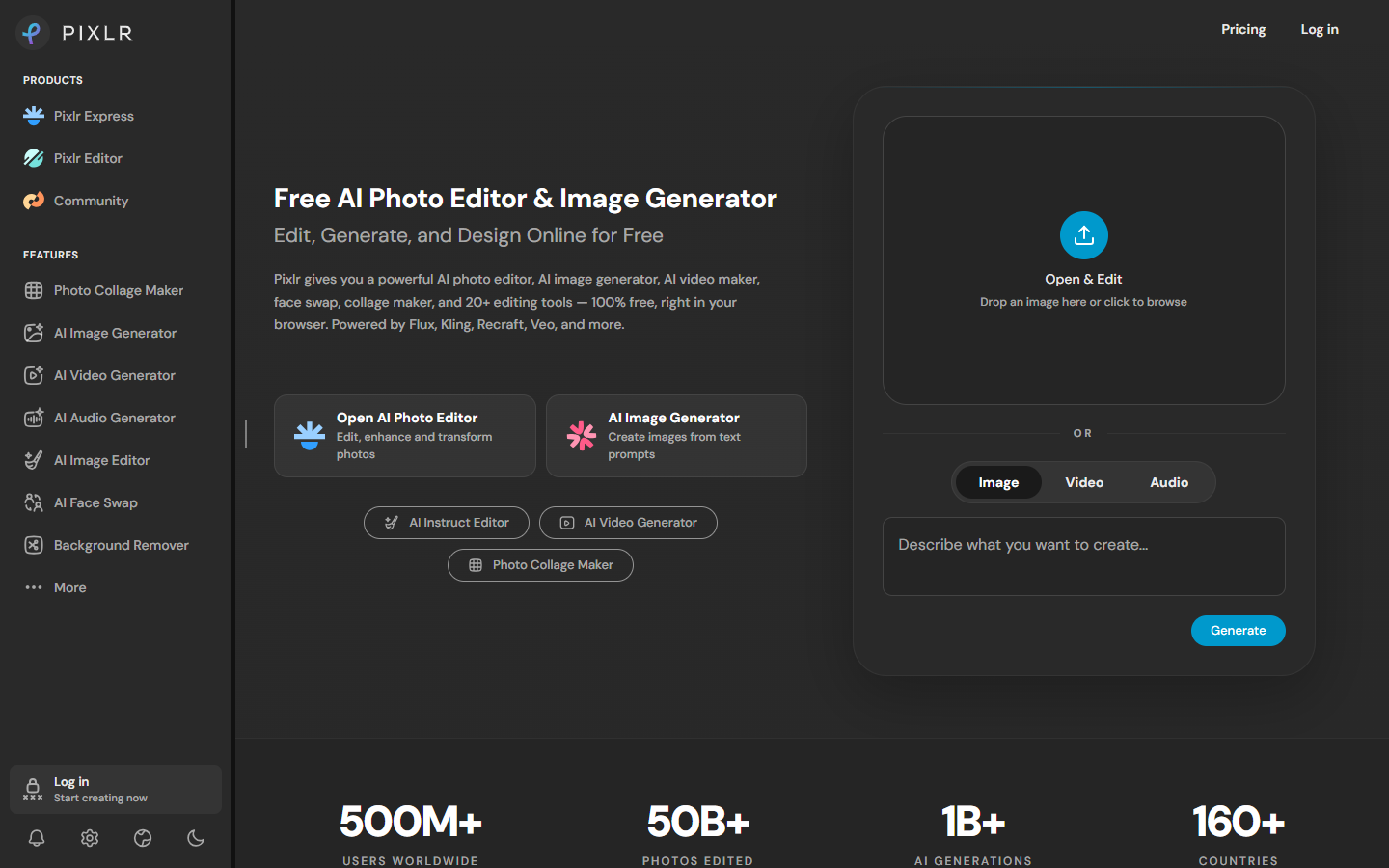
Photo Editing & Retouching
$Freemium
Pixlr homepage

Use it when

You need to retouch, cut out, or generative-fill a still in the browser—then download a raster into Figma or Photoshop—without installing a desktop suite.

What it does well

  • Browser photo editing: background remove, object remove, generative fill and expand
  • Instruct-style edits plus Express and Editor entry points in one account
  • Optional text-to-image in the same workspace, then continue editing
  • Plus and up remove ads and add unlimited saves

Skip it when

  • You need print-grade Photoshop work, a Figma design system, or SVG/icons as the main job
  • You only need a dedicated upscaler—use Magnific, Topaz, or Remini instead
  • Free editing includes ads; AI credits are a paid pool that resets monthly (they do not roll over)
  • Plus is 80 credits/month and 1 concurrent job (~80 fast stills or ~16 pro stills)—not all models
  • All image/video/audio models, private mode, and 1,000 credits/month start at Premium; Ultra adds fair-use unlimited fast stills, up to 10,000 credits, priority queue, and extended high-res export

Fits your workflow

Open the still in Pixlr Editor or Express → cut out or fill → export → finish in Figma or Photoshop. Generate a draft in-app only when you have credits left; treat Super Scale as a side pass, not the reason to subscribe.

Similar tools

See more