
Freemium

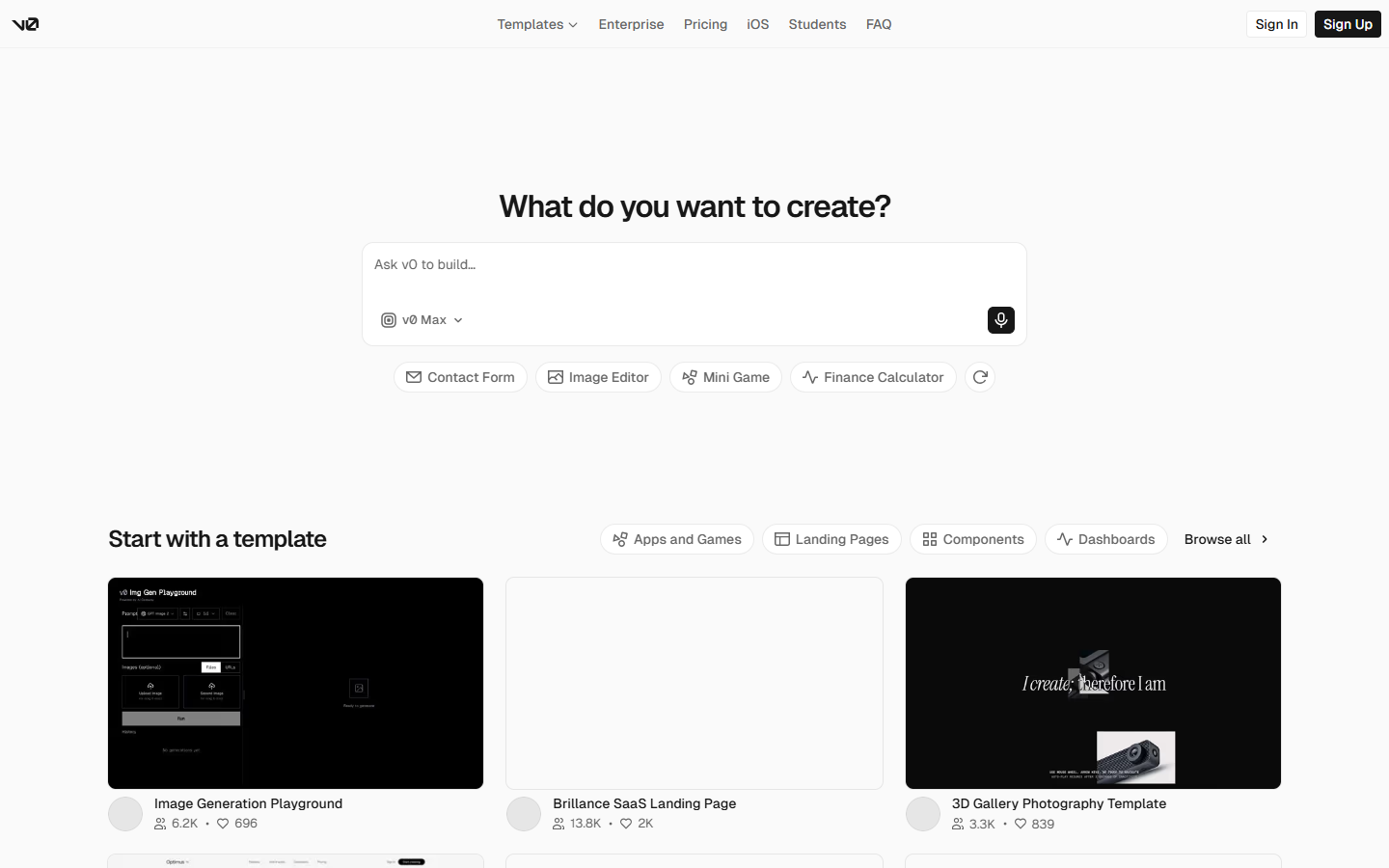
For product designers and front-end teams who already work in Figma (or Penpot) and want faster design→code handoff—not a hosted site builder. Locofy’s Lightning flow turns frames into previewable front-end code for React, Next.js, Vue, Angular, React Native, and Flutter; Agent Mode iterates with natural language on that output. Prefer v0/Bolt for prompt-first apps, or Framer/Webflow when the deliverable is a published site—not exported UI code.
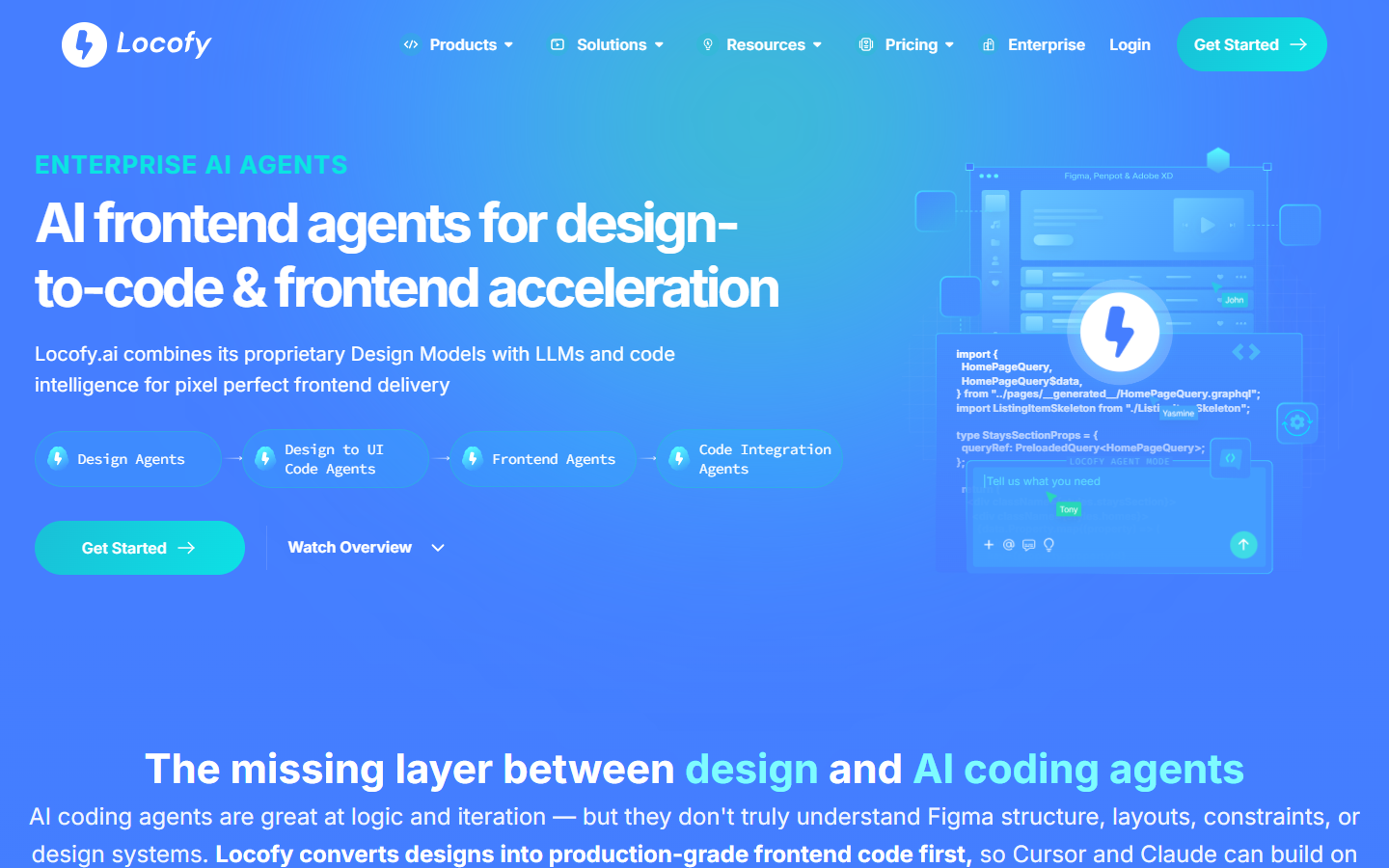
Your UI already lives in Figma and you need a faster path to real front-end code and live previews—especially when developers will still refine the export in their repo.
Install the plugin → select frames → Lightning convert → Agent refine → export developer-friendly code (and GitHub on Enterprise). Budget LDMtokens for conversions and prompts. Use Hobby for light individual work; Pro when you need higher limits and a no-training privacy stance; Enterprise for teams and private deployment. Keep Figma as the design source of truth.