
Khroma
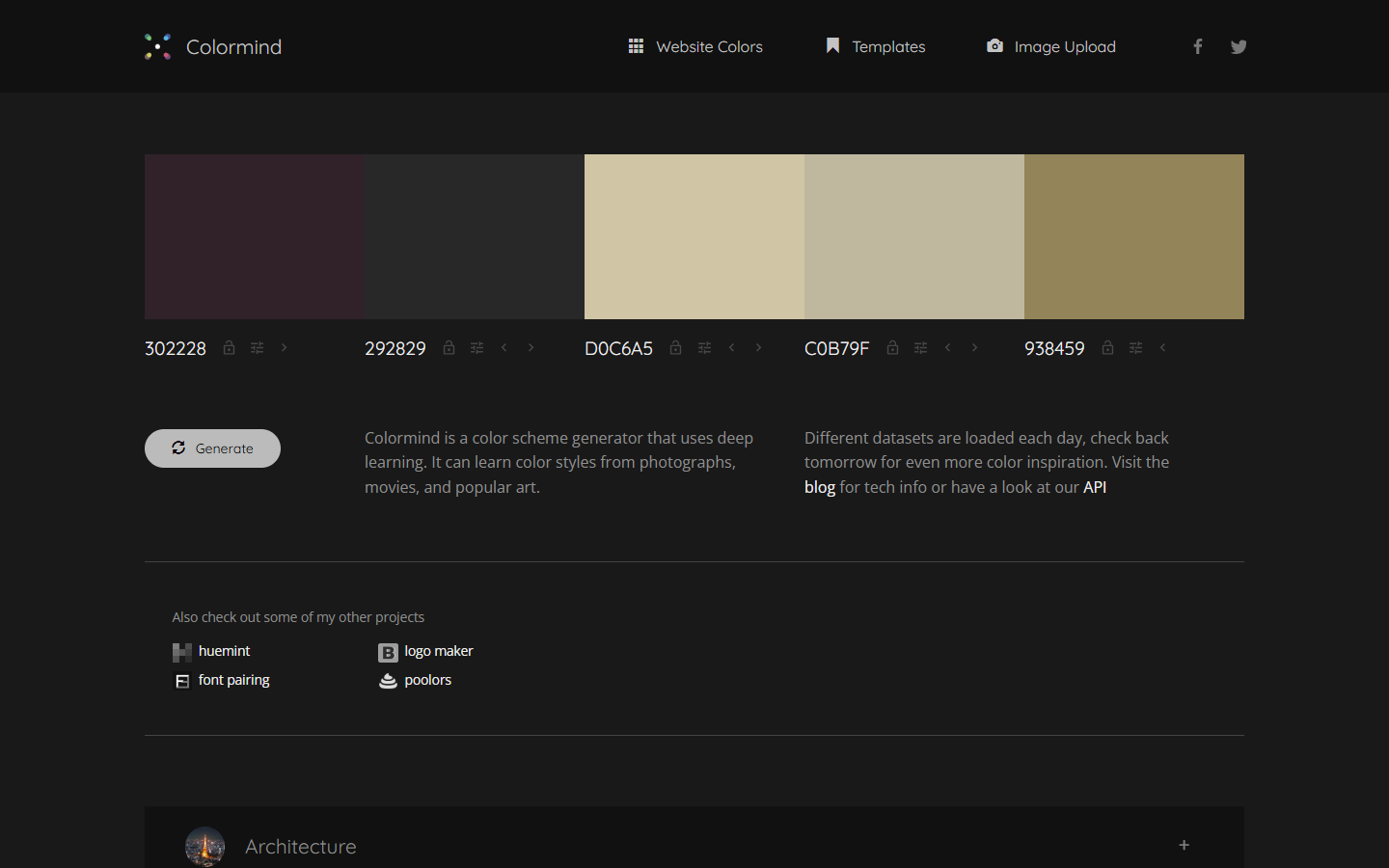
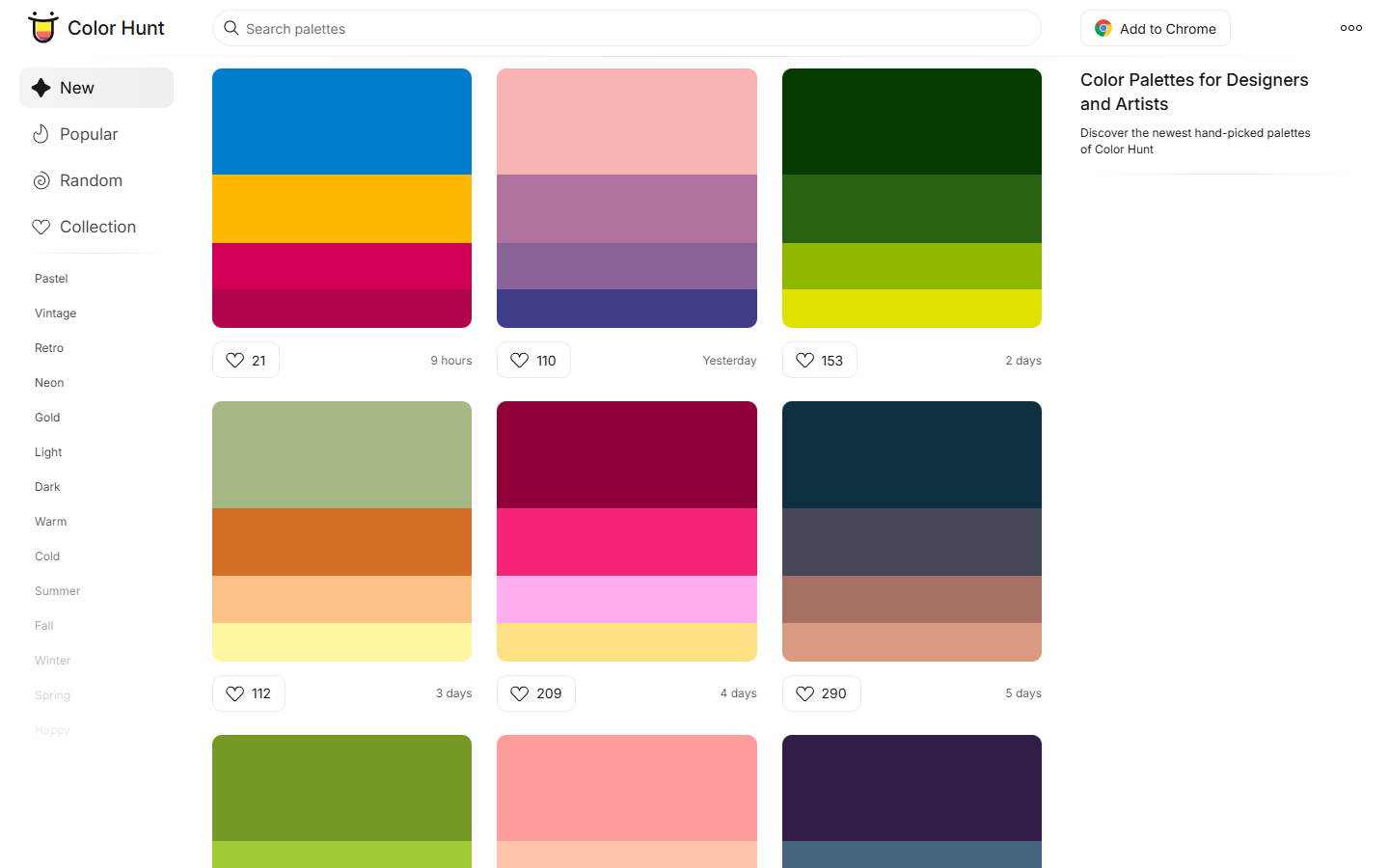
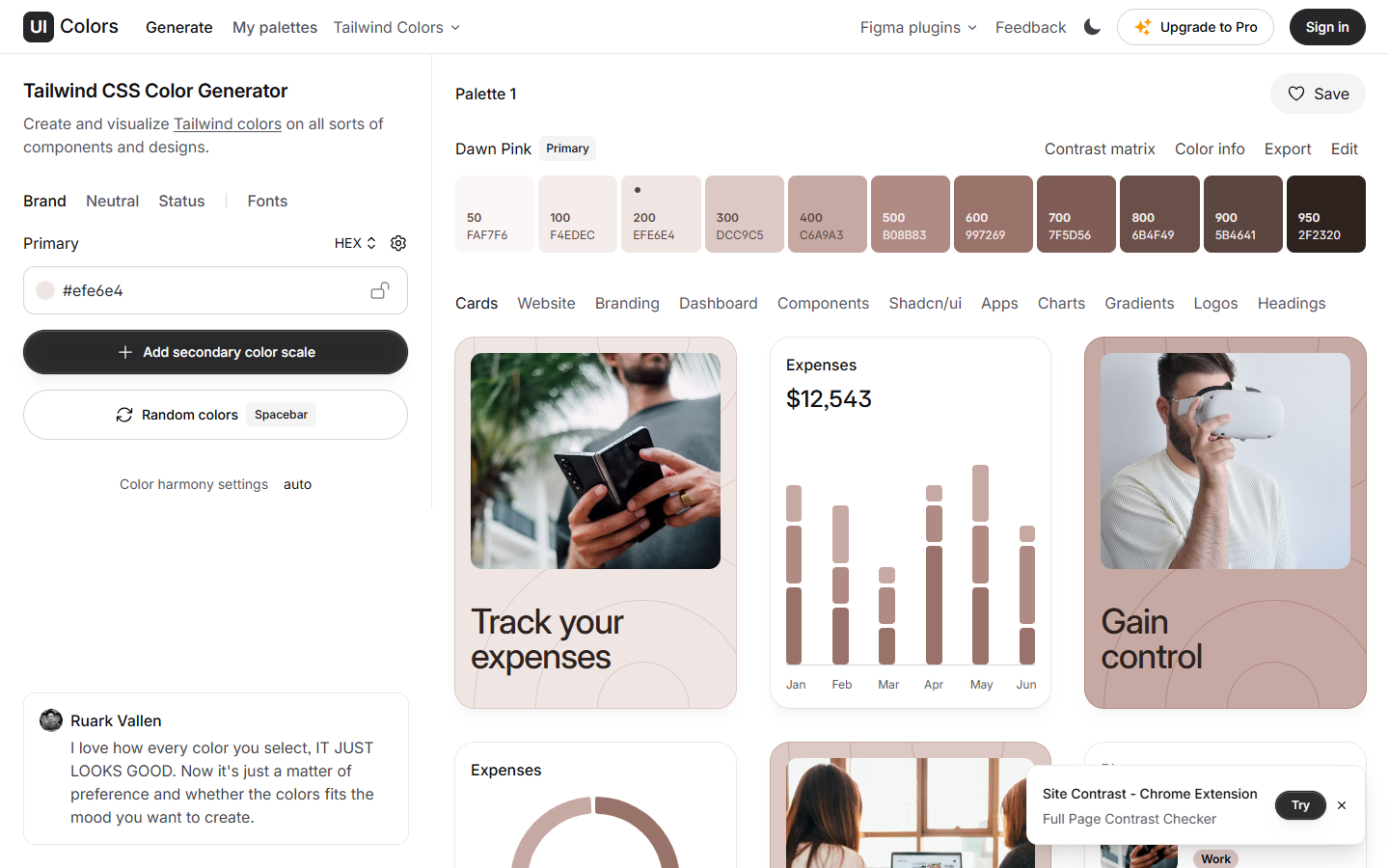
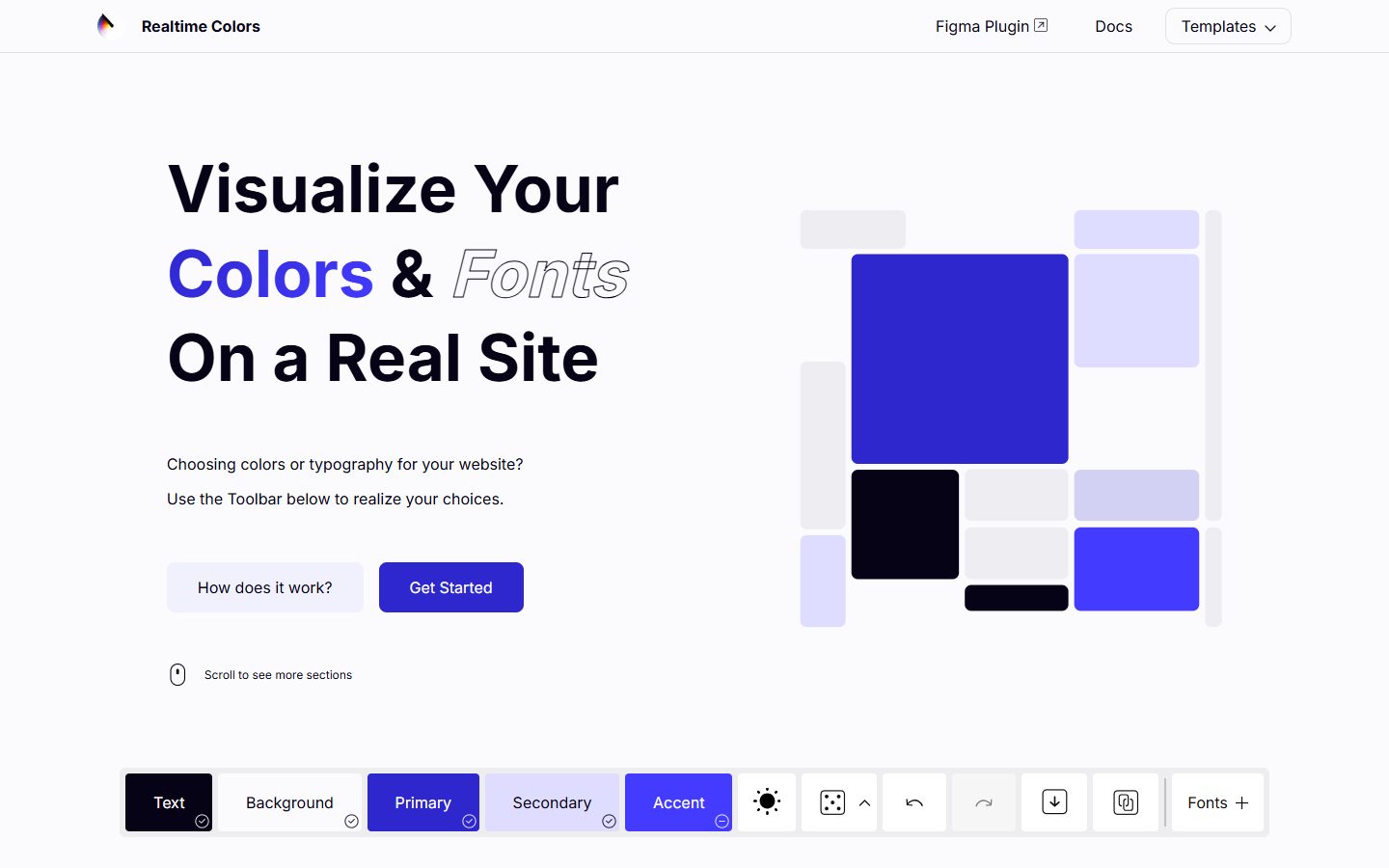
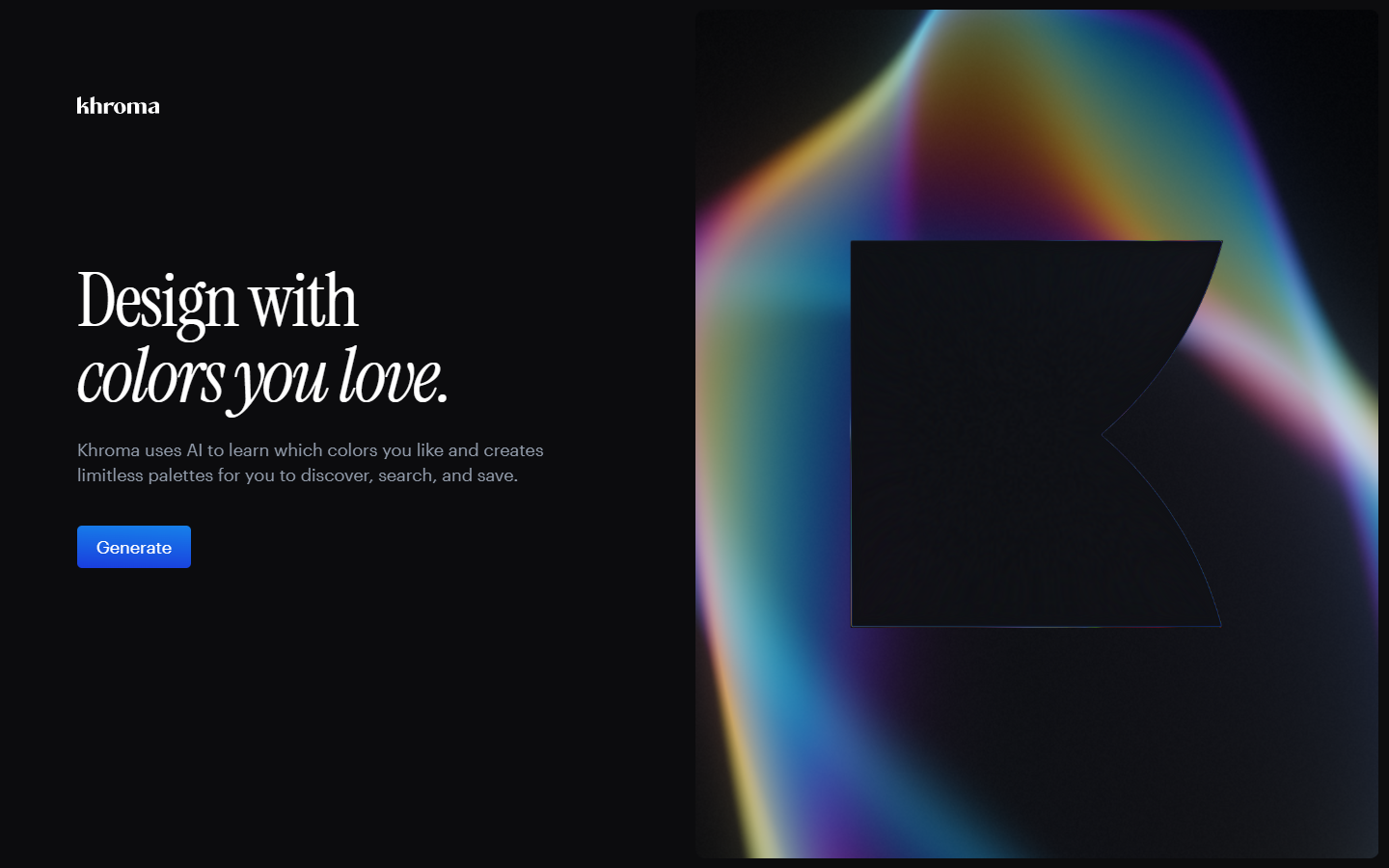
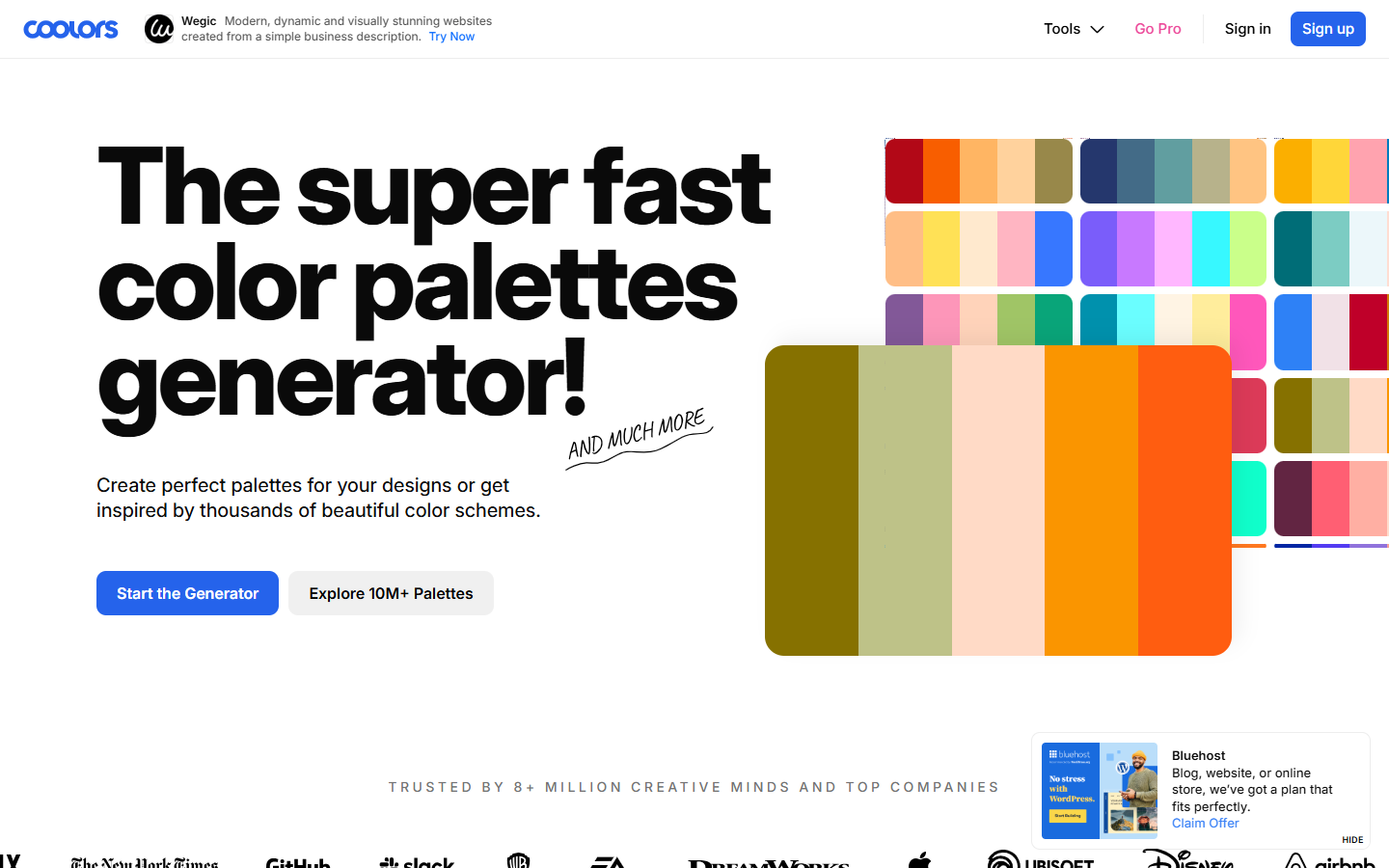
For brand and UI designers who want palettes matched to their eye—not a curated gallery browse and not a full live-site mockup. Khroma trains a browser-side algorithm on colors you pick, then generates combinations it predicts you’ll prefer, with search, save, and WCAG pair ratings. Prefer Realtime Colors for fonts and roles on a live page, Color Hunt for curated schemes, or Colormind/Huemint for one-click generators without personal training.
Use it when
You know the vibe you like but need help finding workable combos—and you’re willing to spend a few minutes training the generator on colors you actually pick.
What it does well
- Personal training loop: pick colors you like, train in the browser, regenerate whenever your taste shifts
- Infinite combo generation filtered toward your preferences rather than random harmony math alone
- Multiple views (palette, type, gradient, image-style) so you can judge pairs in more than a swatch strip
- Search and filter by hue, tint, value, hex, or RGB when you already have a target in mind
- Save favorites with hex/RGB/CSS and WCAG accessibility ratings for each pair—fully free, no credit meter
Skip it when
- You only want to browse curated ready-made palettes—use Color Hunt
- You need to judge colors on a full website mockup with fonts—use Realtime Colors
- You want a one-click scheme without training—try Colormind or Huemint
- Your training set is too narrow and you refuse to retrain—results will stay stuck in that range
- You need a cloud design-system host or team shared brand kits—Khroma is exploration, not a DS
Fits your workflow
Train on colors you like → generate and search combos → check WCAG on pairs you save → copy hex/CSS into Figma or code. Retrain when the project vibe changes. Validate final UI roles on a live layout in Realtime Colors if the page context still feels uncertain.
Similar tools