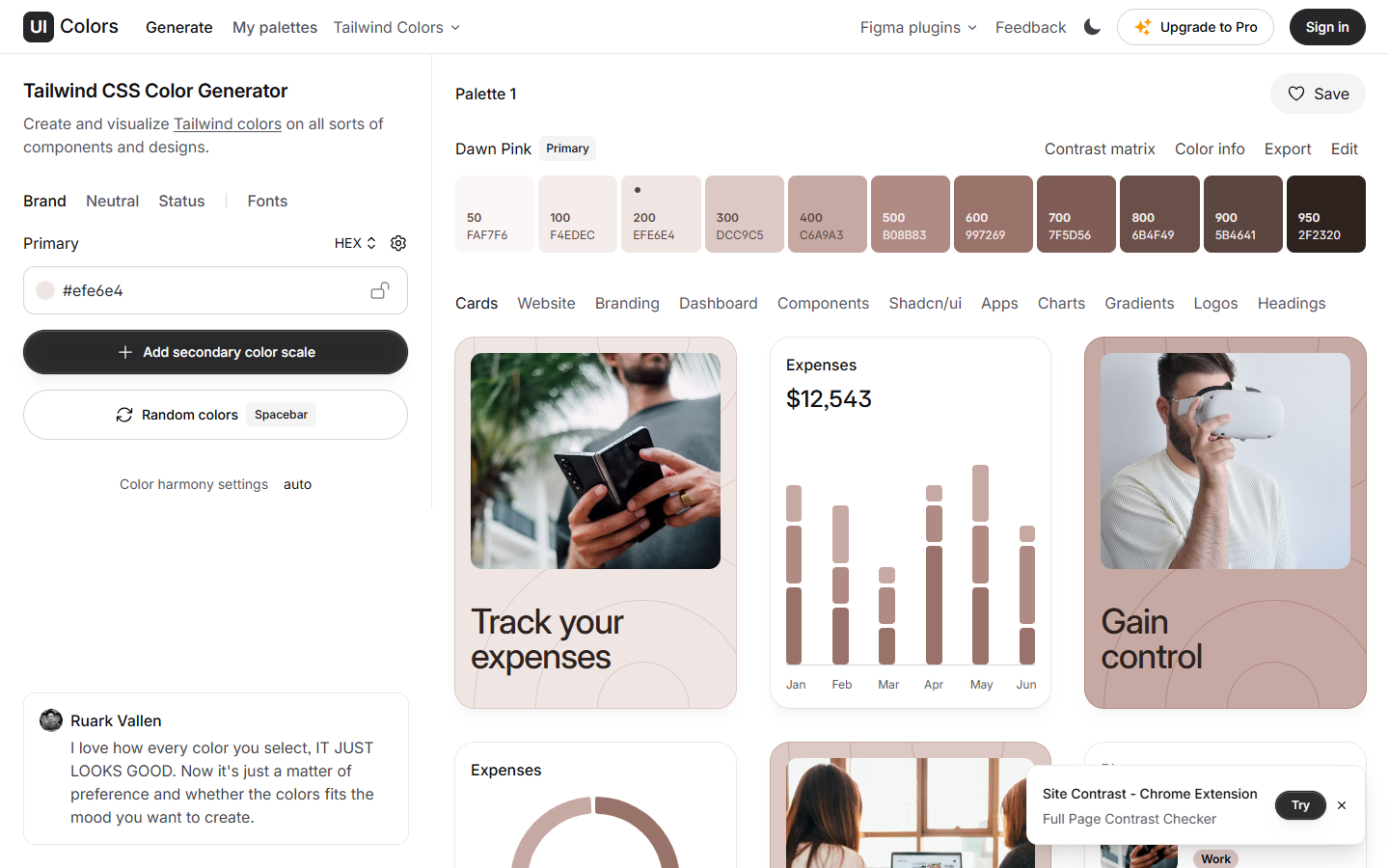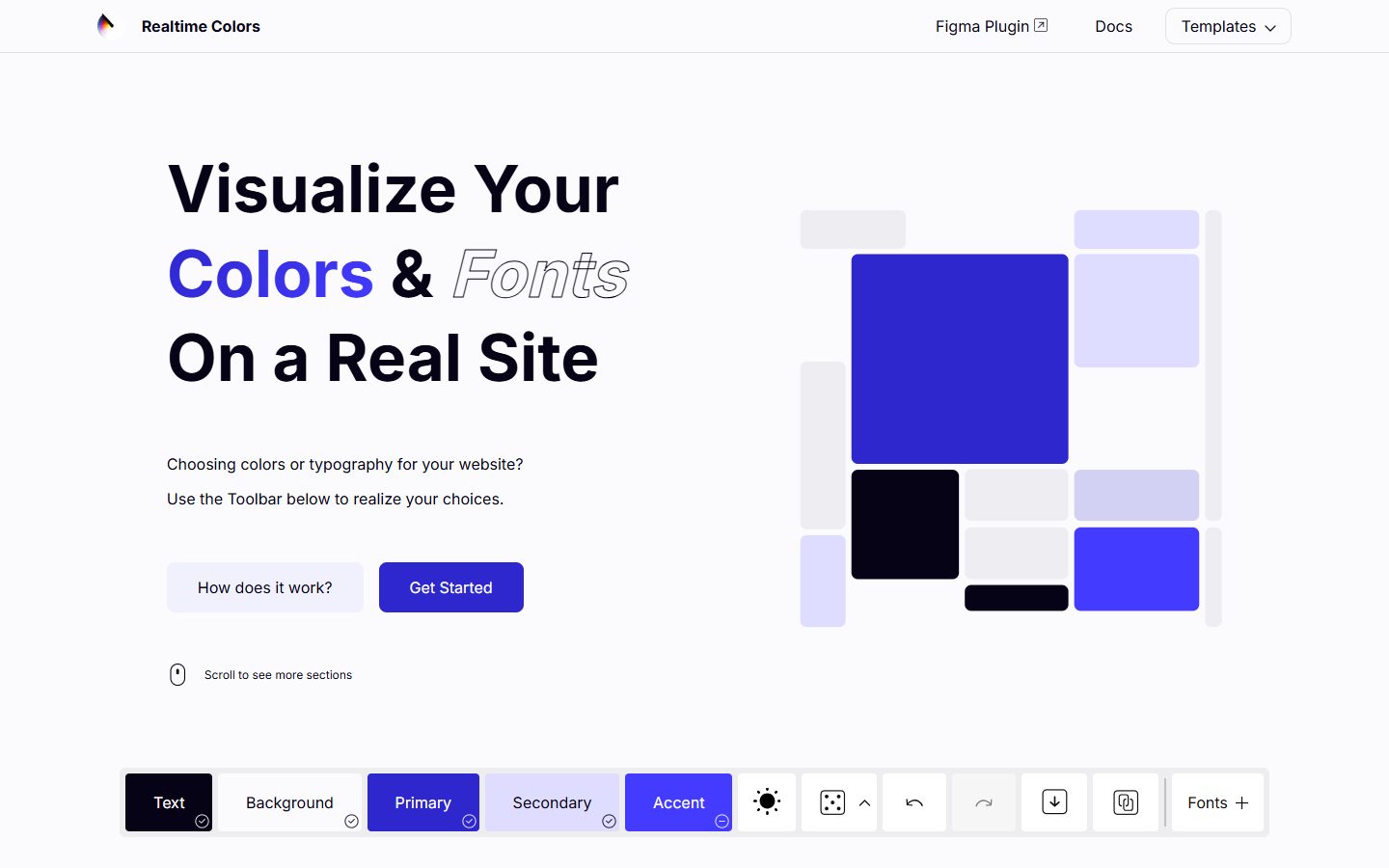

Free

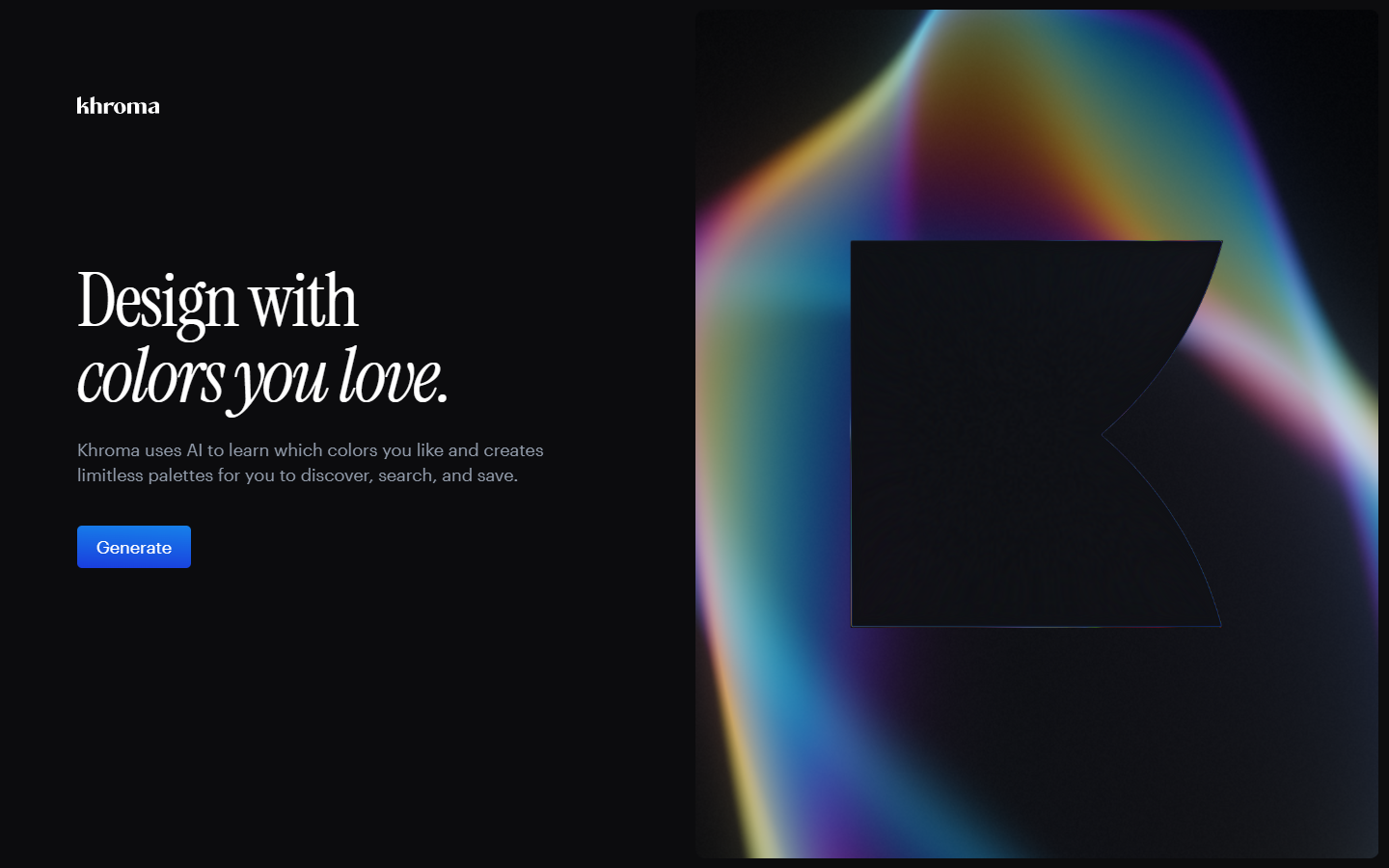
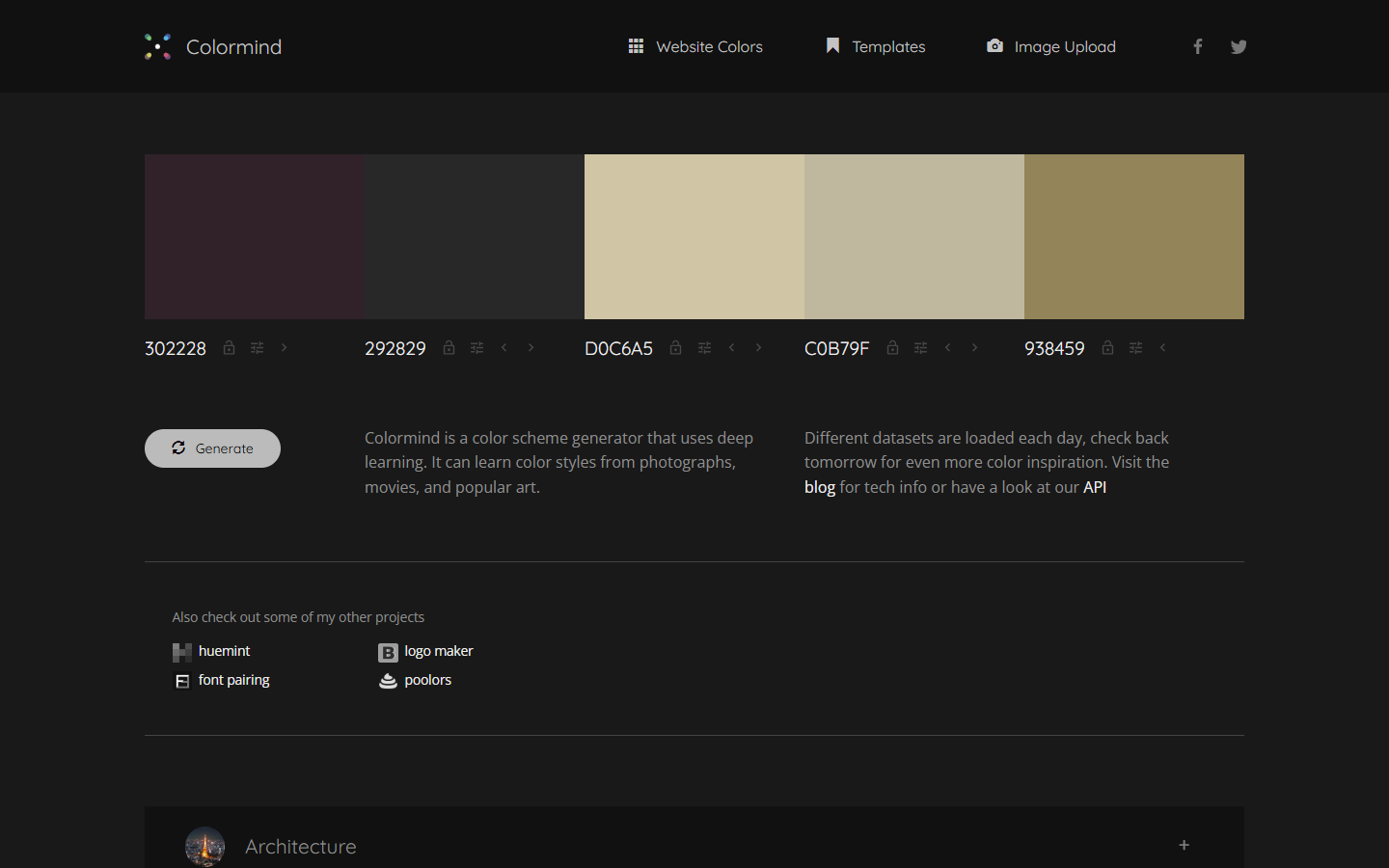
For UI and brand designers who want tasteful, ready-made palettes to sample—not a neural generator and not a live website preview. Color Hunt is a community-curated gallery of four-color schemes you browse by tags, popularity, or random discovery, then copy hex codes in one click. Prefer Colormind for AI fill-from-seeds, Khroma for taste-trained palettes, or Realtime Colors when you need to judge type and layout on a page mock.
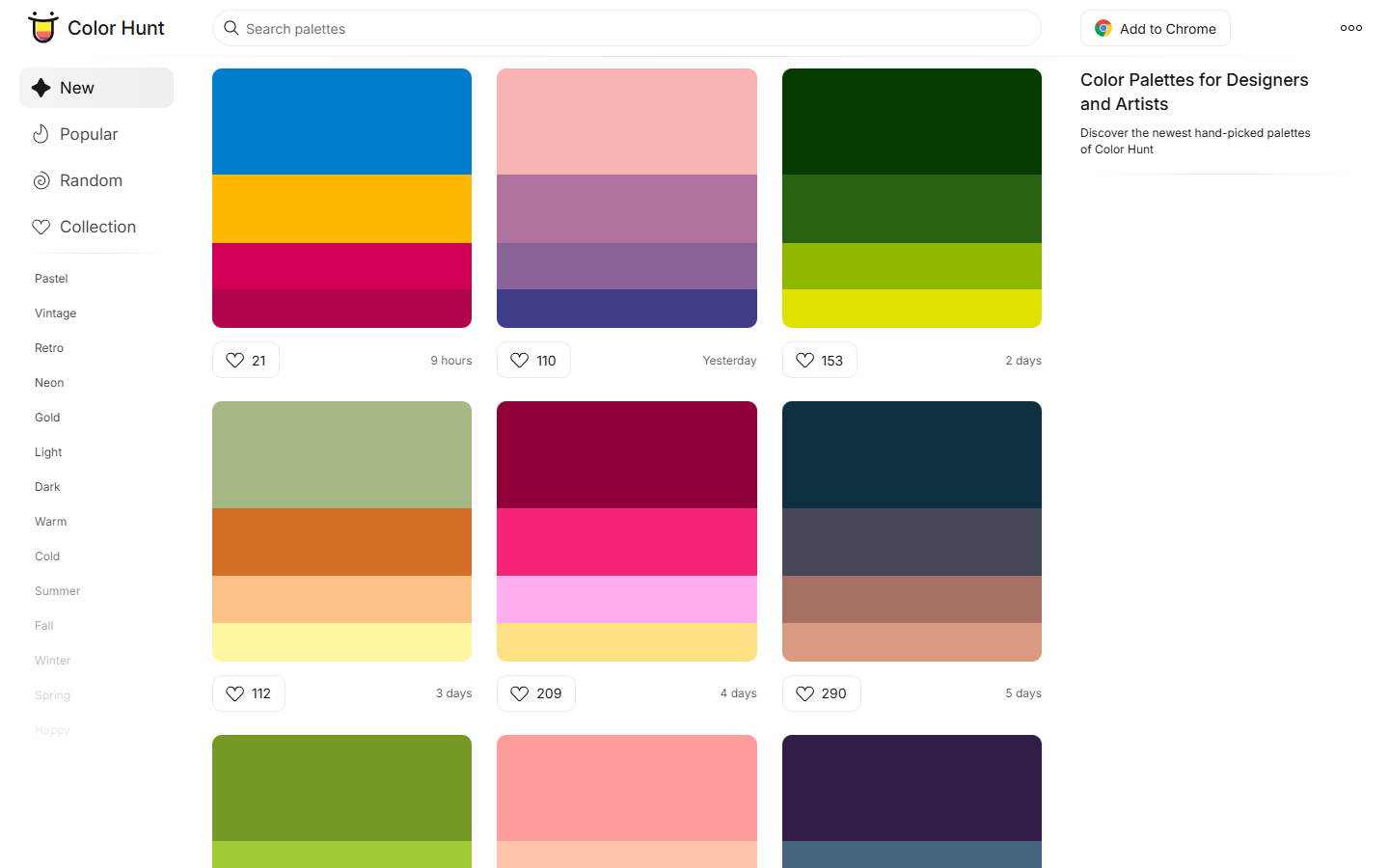
You need quick palette inspiration for UI, branding, or a moodboard and want to browse curated combinations rather than generate from a model.
Browse or filter → open a palette → copy hex → paste into Figma color styles or CSS variables. Validate contrast and hierarchy in the real UI (or Realtime Colors) before shipping. Keep Color Hunt as the inspiration shelf, not the accessibility checker.