
Skip to content

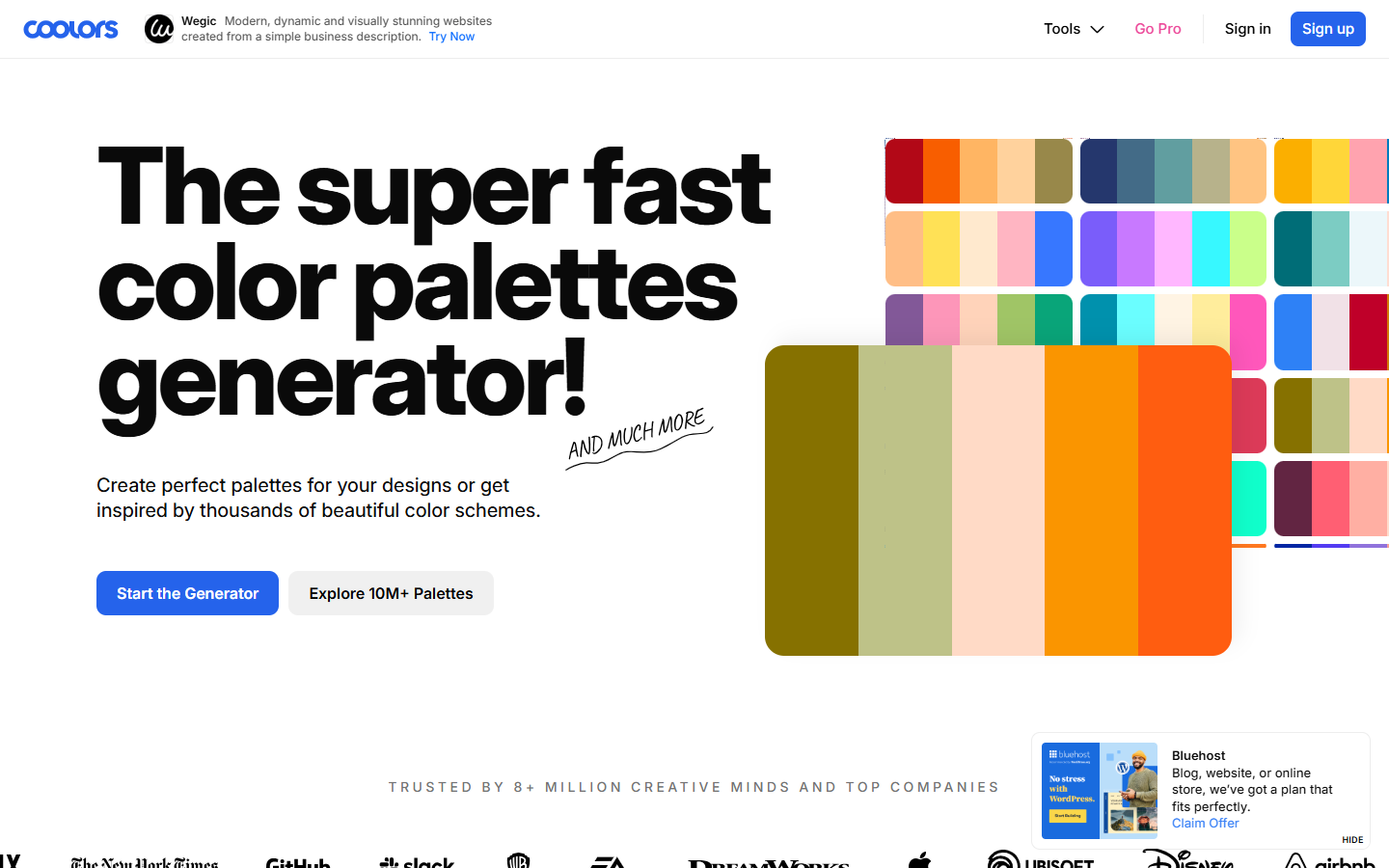
For UI and brand designers who need quick, shareable color schemes—not a full design-system token manager. Coolors generates palettes (hit spacebar), extracts colors from images, browses millions of ready schemes, and previews colors on real layouts via plugins and visualizer tools. Prefer Huemint for algorithmic UI color models, or finish by moving hex values into Figma variables as the source of truth.
Color & Style Exploration
$Freemium
Coolors homepage

Use it when

You need fast palette exploration for a brand or UI study—generate, tweak, and share schemes before locking colors into your design system.

What it does well

  • Spacebar palette generator plus explore library, image color picker, and visualizer/preview workflows
  • Free forever essentials: generate up to 5 colors, browse ready schemes, image pick, with limited saves
  • Pro: up to 10 colors, unlimited palettes/projects/collections, ad-free, and Coolors AI monthly credits
  • Pro extras: contrast checks, palette variations, color libraries, advanced export, private profile, PDF branding
  • Figma plugin, Adobe extension, and other apps so palettes move into real design tools

Skip it when

  • Free save caps block multi-client libraries—upgrade to Pro or export elsewhere before you hit the limit
  • You need algorithmic UI color models with heavier constraints—compare Huemint
  • You're defining production tokens, themes, and accessibility gates inside the product—do that in Figma/code after Coolors
  • You want a full Creative Cloud color workflow tied to Adobe apps—Adobe Color may fit better if you're already there

Fits your workflow

Generate or extract a shortlist in Coolors → check contrast/visualizer on Pro when needed → export or copy into Figma variables and brand docs. Use Free for one-off studies; use Pro when you manage many palettes without ads. Treat Coolors as the exploration layer, not the source of truth for shipped design tokens.
Similar tools