

Fronty
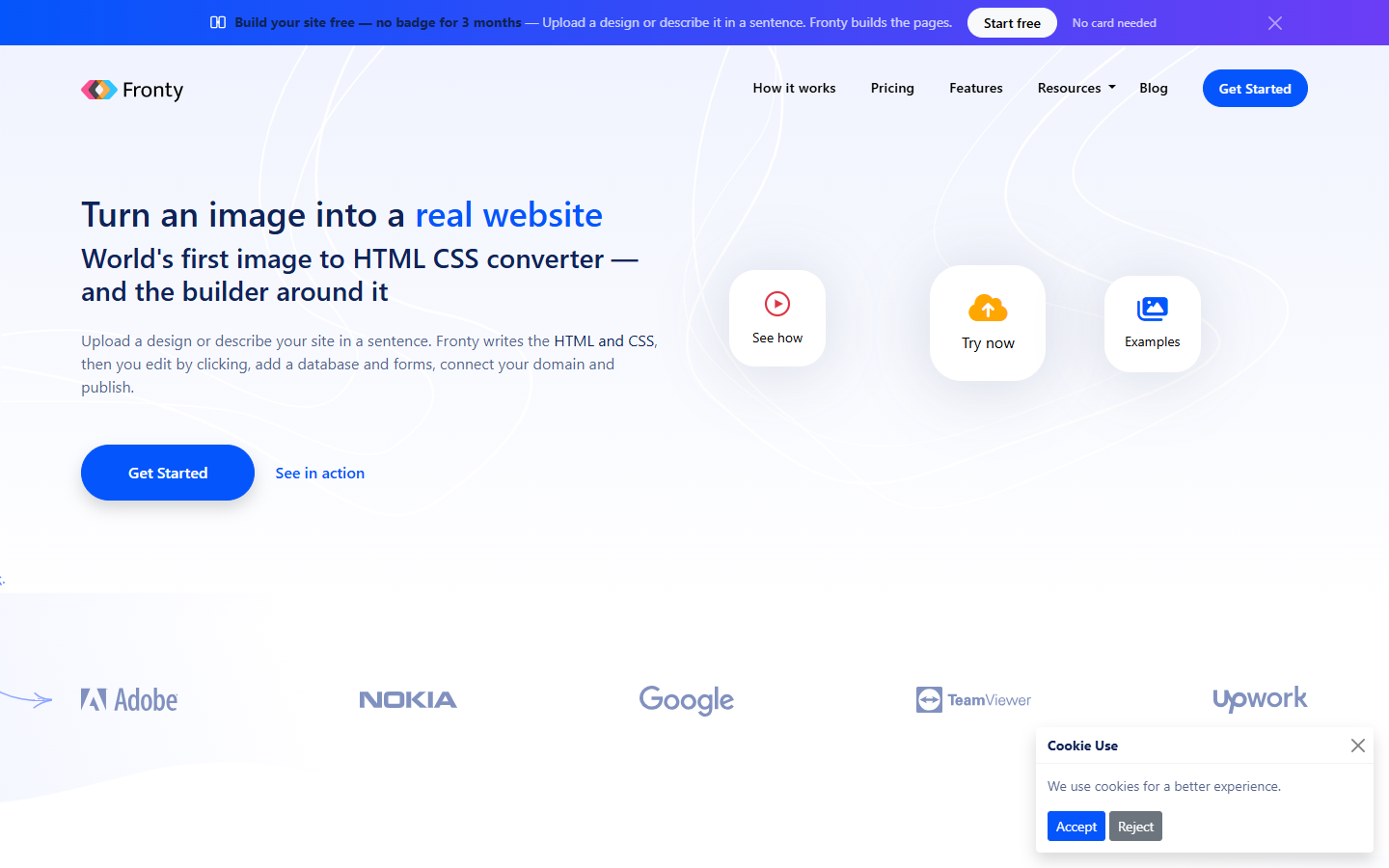
For designers, freelancers, and small teams with a screenshot, Figma export, or one-line brief who need a live site—not another static mockup. Fronty converts images or text into HTML and CSS, then lets you click to edit, attach a database and forms, connect a domain, and publish on Fronty hosting. Free has tight AI and page limits with no custom domain or code export; Pro unlocks HTML/CSS export. Skip Figma-to-React or large app builds.
Use it when
You want to go from a design image or short site description to editable pages you can publish on your own domain—or export as HTML and CSS—without hand-coding the first pass.
What it does well
- AI image-to-HTML/CSS conversion from JPEG/PNG screenshots or uploaded designs
- Prompt-to-site generation when you describe the website in plain language
- Click-to-edit no-code editor plus an AI agent that edits the real page in front of you
- Built-in website database, forms, and managed hosting with HTTPS and custom domains on paid tiers
- HTML and CSS code export on Pro and Business so you can host elsewhere
- Figma-friendly workflow: export a frame as an image and turn it into pages inside Fronty
Skip it when
- Free is explore-only: about 3 AI page generations and 50 editor messages per month, 2 live pages, no custom domain, Fronty badge rules apply, and no code export
- Starter adds a custom domain and removes the badge but still excludes code export—plan on Pro when you need downloadable HTML/CSS
- Capacity snapshot (per website plan; account-wide AI allowance rises with your highest tier and resets monthly): Starter ~20 page gens and 10 pages; Pro ~60 gens, 50 pages, and code export; Business ~200 gens and 200 pages with higher database and storage limits
- Complex product apps, deep backend logic, or Figma-to-React handoff are outside the core image-to-site path
- Design-to-code quality varies with the source image—expect cleanup for production-grade markup
Fits your workflow
Export a Figma frame or screenshot → Fronty generates pages → tweak content and layout by clicking or with the AI editor → connect database rows or forms → upgrade to Starter for a custom domain or Pro to export code → publish on Fronty or move the HTML/CSS to your own host.
Similar tools
See more