

Codia AI
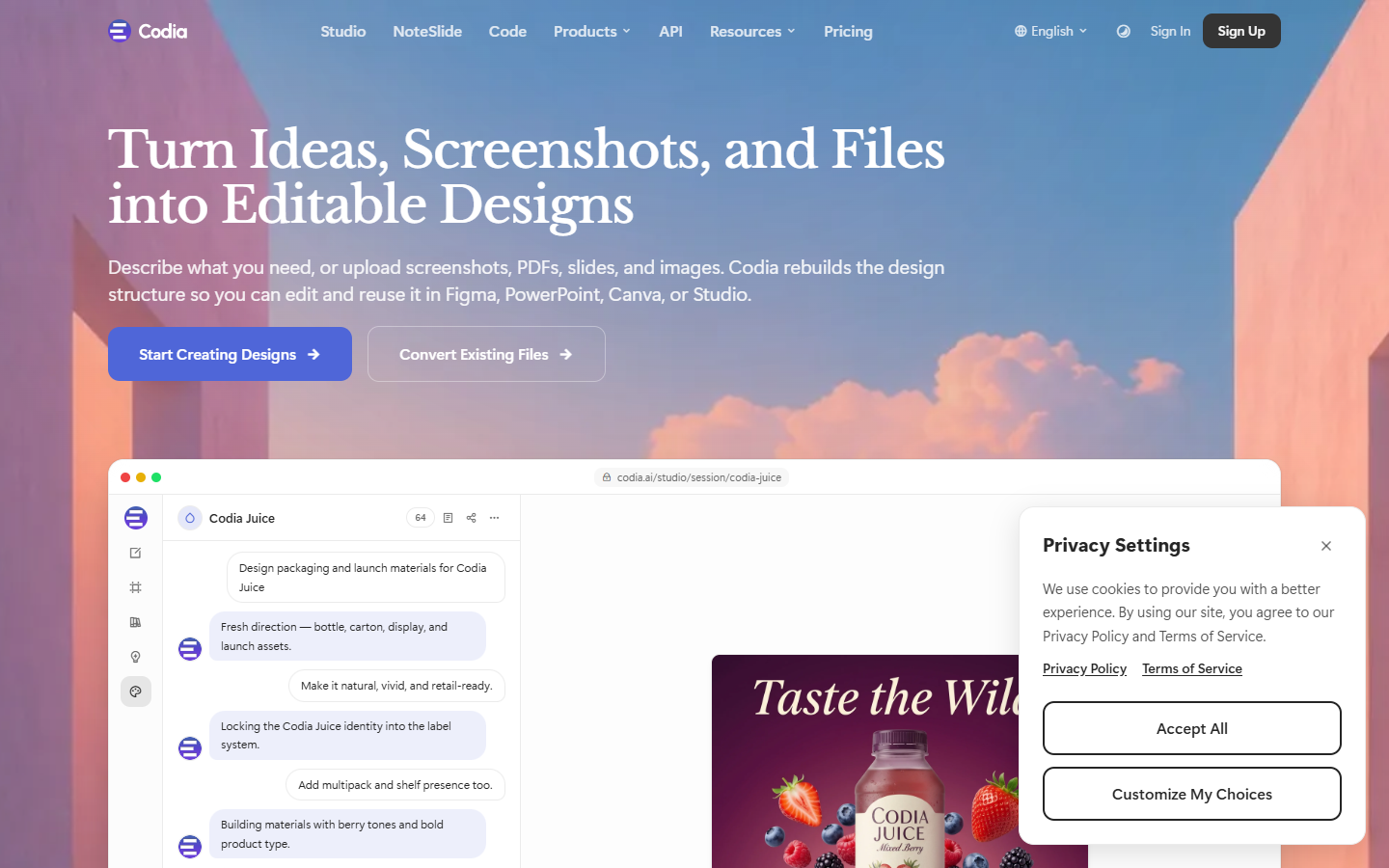
For designers and developers who need Figma frames or UI screenshots to become maintainable front-end or mobile code—not locked flat images. Codia rebuilds layouts and layers, then Figma to Code outputs React, Vue, HTML/Tailwind, TypeScript, and mobile stacks. Free offers a small monthly transform allowance with file-size limits; paid tiers raise credits and speed. Other plugins like NoteSlide bill separately. Skip logo tools or hosted site builders.
Use it when
You have Figma UI ready for engineering, or a screenshot/PDF/slide trapped in a flat file, and need editable structure plus clean code export—not a manual rebuild from pixels.
What it does well
- Figma to Code plugin: responsive React, Vue, HTML/CSS, Tailwind, TypeScript, plus Swift, Kotlin, Flutter, and related mobile outputs
- Codia AI Vision reconstructs text, shapes, layout grids, and hierarchy instead of only preserving appearance
- Screenshot, PDF, PSD, web, and prompt workflows into editable Figma, Canva, SVG, or JSON via plugins and Studio
- NoteSlide converts NotebookLM PDFs and image slides into editable PowerPoint or Keynote decks
- Visual Struct API and enterprise options for team-scale conversion and custom formats
- Uploads are private, encrypted, and not used to train models per Codia policy
Skip it when
- You need one simple hosted website from an image—Fronty-style publishing is a different path
- Free tier is tight: about 5 AI transform credits per month and a 50MB file cap on Code/conversion plans—enough to test, not for heavy production volume
- Capacity snapshot (Code/conversion credits; 1 credit ≈ 1 page/image): Starter ~200/mo; Pro ~600/mo with faster processing; Ultra ~3,000/mo. Other Codia products bill separately
- Large pages should be generated section by section; OCR and reconstruction quality depends on the source file
- Expect developer review—handoff code still needs cleanup for production architecture and accessibility
Fits your workflow
Optional: screenshot or PDF → Screenshot to Design in Figma → refine layers → run Figma to Code for your target framework → edit locally and ship. Or start directly from Auto Layout Figma files with meaningful layer names and styles so tokens map cleanly into code.
Similar tools
See more